Expand your business reach with high-performance flutter desktop app development. vorza360 builds powerful, native-feeling applications for Windows, macOS, and Linux from a single codebase.
The Challenge Guntis needed a powerhouse tool to manage logistics data. Because his team uses massive 32-inch 4K monitors, a simple mobile-style layout wouldn’t work. He needed an interface that could show multiple complex tables at once and remain rock-solid even if the warehouse Wi-Fi went down.
The vorza360 Solution We used our expertise in Window Management to build a split-screen interface designed specifically for large displays. We ensured the app works perfectly offline by storing data locally on the computer. We focused on making the heavy-duty tables easy to read and scroll, no matter how much data was added.
The Result: The team stays productive 100% of the time. The app looks incredible on their high-resolution screens and never slows down. Guntis now has an enterprise tool that is as reliable as the hardware it runs on.
Vesela Stoyanova (Bulgaria)
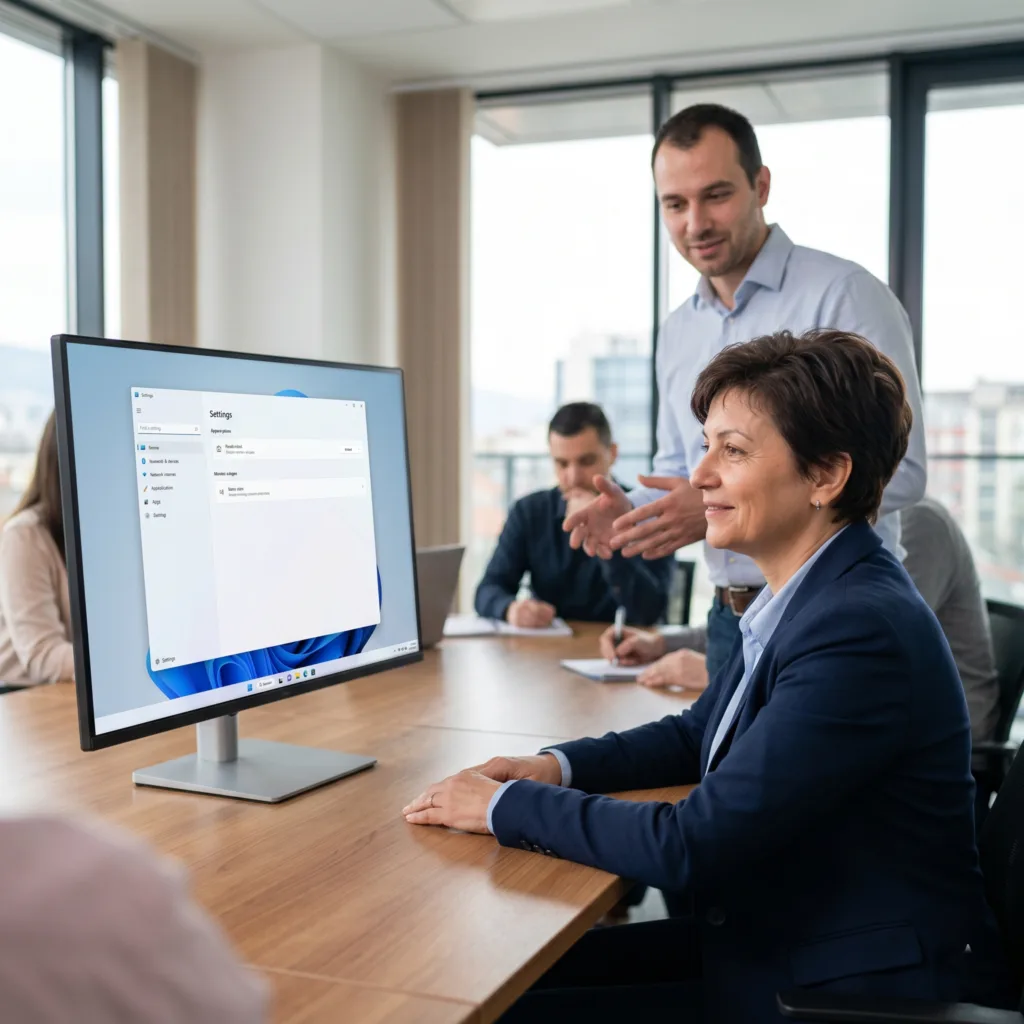
The Challenge: Vesela was using old, slow Windows software that her staff found frustrating. She wanted to modernize the business logic for 2026 speeds but was worried that a brand-new design would confuse her employees and require weeks of expensive training.
The vorza360 Solution We handled the cross-platform desktop migration by updating her old logic to run at lightning speeds. To make it feel familiar, we used the fluent_ui library, which makes the app look and act exactly like a native Windows 11 program.
The Result: The staff didn’t even need training! Because the app felt like a natural part of their computers, they started using it instantly. The old lag is gone, and Vesela has a modern system that her team actually enjoys using.
Radosław Kowalczyk (Poland)
The Challenge: Radosław’s firm uses Ubuntu (Linux) workstations for their high-end tech work. He struggled to find an agency that actually understood the Linux ecosystem. He needed an app that wasn’t just functional but integrated deeply with his system’s files and notifications.
The vorza360 Solution vorza360 is one of the few teams with deep Linux knowledge. We handled the deb package management perfectly, making the software very easy to install on his workstations. We optimized the performance to take full advantage of his high-end hardware and connected the app directly to his system directories.
The Result The installation was a breeze, and the app runs with extreme precision. Radosław finally found a partner who treats Linux as a first-class priority, providing his team with a high-performance tool that fits their workflow perfectly.
Niamh Fitzpatrick (Ireland)
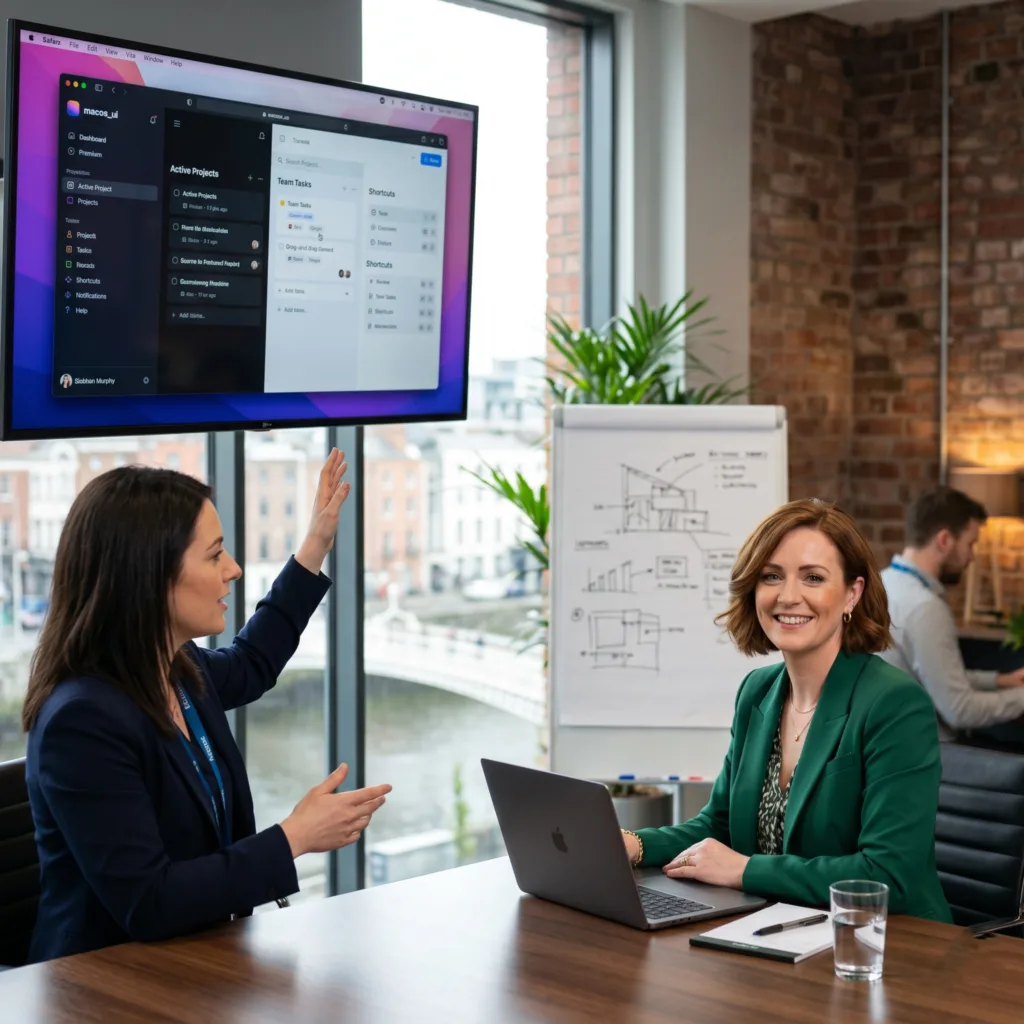
The Challenge Niamh needed a productivity tool for her design team in Ireland. For creative pros, speed is everything they need: fluid movement, complex drag-and-drop features, and keyboard shortcuts to work fast. She also needed it to look like a premium Apple product for her Mac users.
The vorza360 Solution We implemented advanced keyboard shortcuts and a smooth drag-and-drop system. We used the “macos_ui” library to give the app that clean, high-end Apple aesthetic. Most importantly, we optimized the code so it uses very little RAM, keeping the designers’ Macs fast even with other big apps open.
The Result: The designers love the fluid feel of the tool. It looks beautiful, works fast, and doesn’t slow down their computers. Niamh has a professional-grade creative tool that has significantly boosted her team’s daily output.
Derek Langford (USA)
The Challenge Derek needed a way for his users to manage very large project files directly on their hard drives. In modern computing, permissions can be a headache. He also needed a partner who wouldn’t disappear after the launch, especially when Apple or Microsoft releases new system updates.
The vorza360 Solution We built a secure File System Access system using a tool called file_picker. This allows users to pick and manage large files easily without permission errors. We also stayed on as a long-term partner, releasing patches the moment new macOS versions were announced to ensure the app never broke.
The Result: The app is highly reliable and handles large files with ease. Derek appreciates that we are proactive with updates, ensuring his users always have a working tool. He no longer worries about tech surprises from system updates.
Spencer Holloway (UK)
The Challenge Spencer wanted to reach Windows, Mac, and Linux users, but he didn’t want to pay three times for development and maintenance. He also didn’t want a lazy mobile app that was just stretched out to fit a computer screen; he wanted a real desktop experience.
The vorza360 Solution We used our One Code, Three Systemsapproach. We built a true desktop experience designed for mouse and keyboard users, ensuring the buttons and menus made sense for a computer. We then used professional Desktop App Packaging to make global distribution easy.
The Result Spencer cut his maintenance costs by over 60%! He reaches all his users from one project, and the software feels like a professional, high-end desktop tool on every system. It was the most cost-effective way to launch a global software product.
vorza360’s Tech Edge
Flutter Desktop (Windows, macOS, Linux)
Native Desktop APIs
Window Management
+ 2
More
File System Access
Desktop App Packaging
vorza360’s Tech Edge
Flutter Desktop (Windows, macOS, Linux)
The core framework vorza360 uses to deploy your app across all desktop operating systems simultaneously.
Native Desktop APIs
We connect your app to the “brain” of the computer to handle things like system notifications and hardware access.
Window Management
Controlling how your app opens, its size, and even support for multiple monitors or split screens.
File System Access
vorza360 builds secure ways for your flutter desktop app to read, save, and manage files directly on the user’s hard drive.
Desktop App Packaging
We handle the technical side of creating “Installers” (.exe.dmg, or .deb) so your software is easy for customers to install.
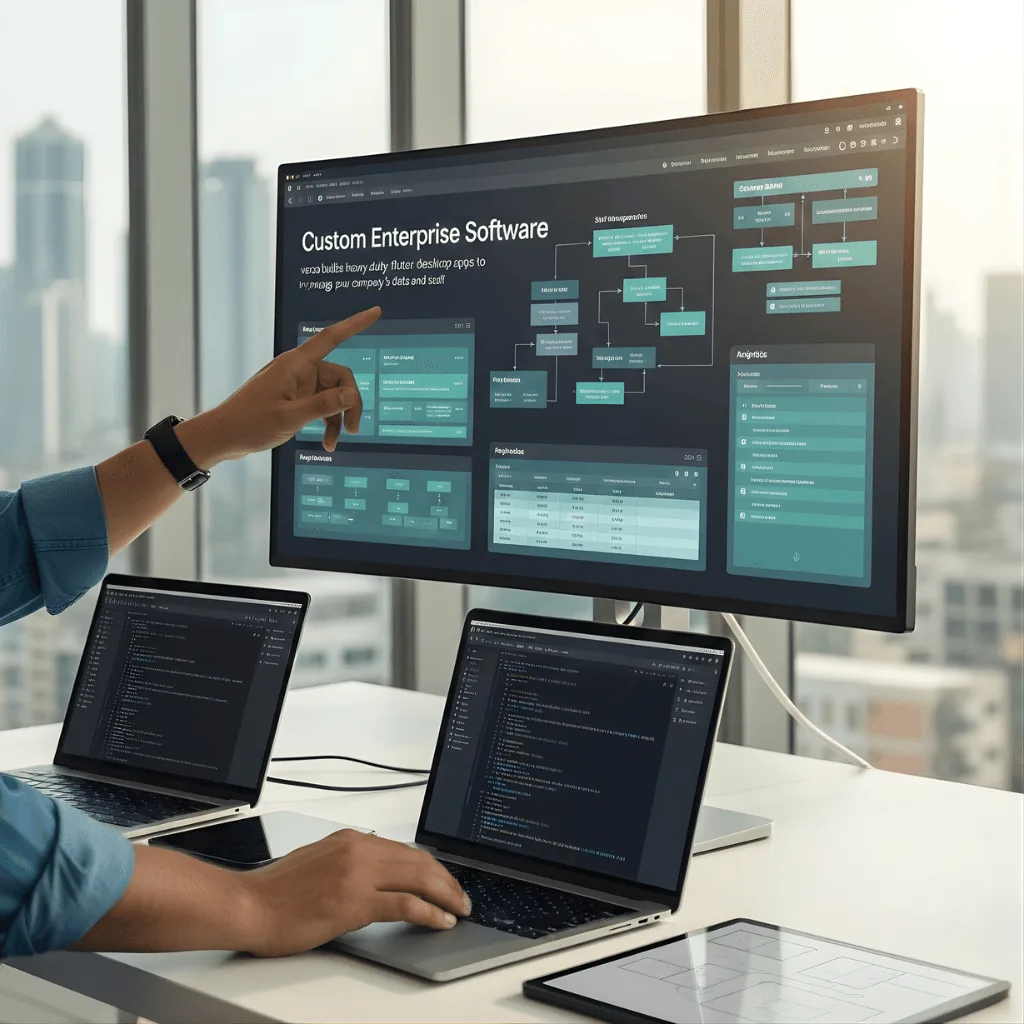
Custom Enterprise Software
vorza360 builds heavy-duty flutter desktop apps to help manage your company’s data and staff.
Advantages
We create tools that work offline so your team can stay productive without the internet.
Our team builds complex charts and data tables that are easy to read on big monitors.
We focus on high security to protect your private company information.
vorza360 integrates your desktop software with your existing cloud and mobile apps.
This is a top choice for a desktop app with flutter in a corporate environment.
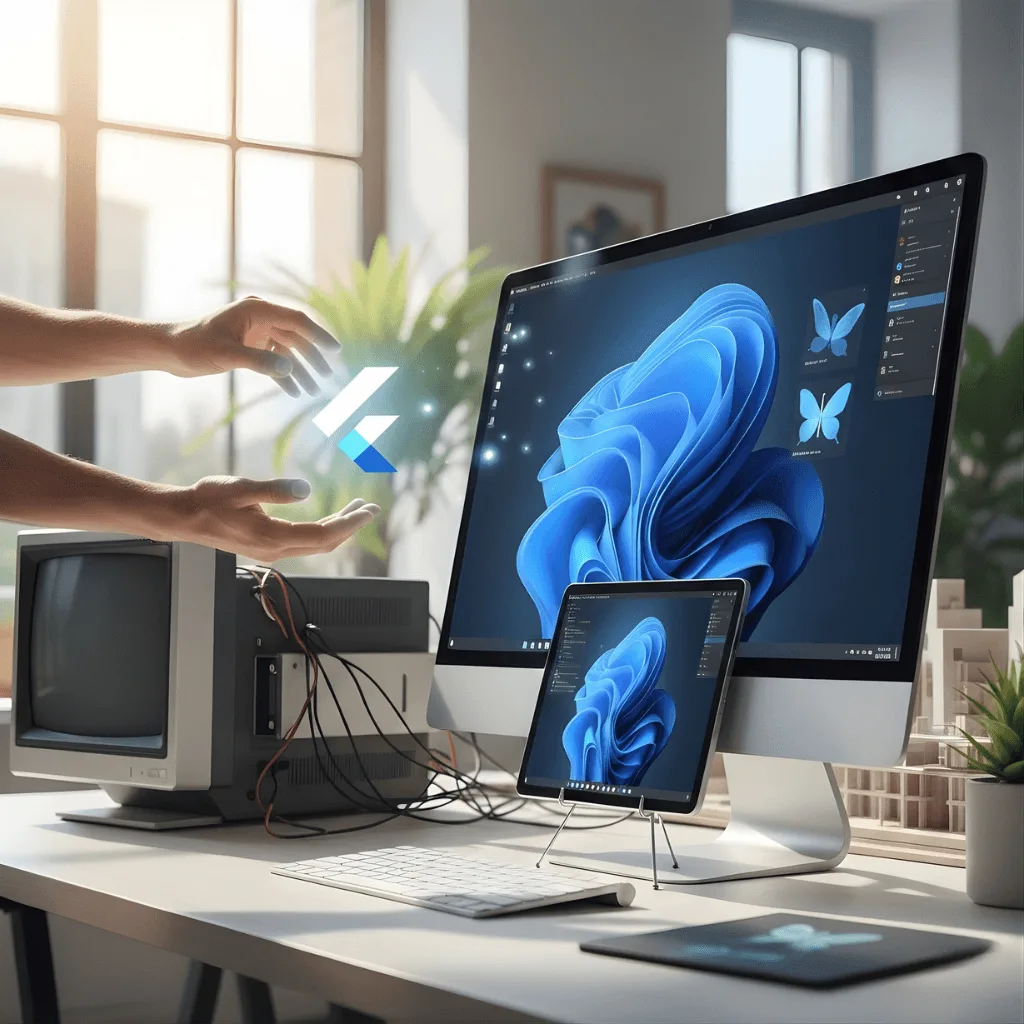
Cross-Platform Desktop Migration
We help you move your old, outdated software into a modern flutter desktop app development setup.
Advantages
vorza360 takes your old logic and updates it for modern, faster computers.
We clean up the design to make it look like a high-end 2026 application.
Our team ensures your existing user files still work perfectly with the new software.
This service is perfect for companies looking to build desktop apps with flutter to replace legacy tech.
We eliminate the "lag" found in many older Windows or Mac programs.
Linux-Specific Development
We provide specialized flutter Linux desktop app development for developers and specialized industries.
Advantages
We use specific Linux tools to make the app feel native to the open-source community.
vorza360 ensures your app works across different "flavors" of Linux like Ubuntu or Fedora.
Our team handles "package management" so your app is easy to install on Linux.
We optimize performance for technical workstations and server-side tools.
vorza360 is one of the few agencies with deep expertise in flutter Linux desktop app development.
Creative Productivity Tools
We design desktop apps built with flutter that are beautiful, fast, and fun for creative people.
Advantages
Our team implements advanced keyboard shortcuts to help users work faster.
vorza360 builds custom themes so your app looks stunning on high-resolution Retina displays.
We ensure your app uses very little RAM, keeping the whole computer fast.
We add support for drag-and-drop features and complex mouse controls.
This service helps you create the best flutter desktop app for your creative niche.
App Maintenance & Updates
vorza360 provides ongoing support to keep your desktop flutter app running smoothly for years.
Advantages
We release "Patches" to fix any new bugs that appear after computer updates.
We monitor for new security threats to keep your software a "safe zone."
vorza360 helps you update your flutter desktop app template as new versions of Flutter launch.
We act as your long-term technical partner for all your desktop software needs.
Our team adds new features based on the feedback you get from your users.
Custom Enterprise Software
vorza360 builds heavy-duty flutter desktop apps to help manage your company’s data and staff.
ADVANTAGES
We create tools that work offline so your team can stay productive without the internet.
Our team builds complex charts and data tables that are easy to read on big monitors.
vorza360 integrates your desktop software with your existing cloud and mobile apps.
We focus on high security to protect your private company information.
This is a top choice for a desktop app with flutter in a corporate environment.
Cross-Platform Desktop Migration
We help you move your old, outdated software into a modern flutter desktop app development setup.
ADVANTAGES
vorza360 takes your old logic and updates it for modern, faster computers.
We clean up the design to make it look like a high-end 2026 application.
Our team ensures your existing user files still work perfectly with the new software.
We eliminate the "lag" found in many older Windows or Mac programs.
This service is perfect for companies looking to build desktop apps with flutter to replace legacy tech.
Linux-Specific Development
We provide specialized flutter Linux desktop app development for developers and specialized industries.
ADVANTAGES
vorza360 ensures your app works across different "flavors" of Linux like Ubuntu or Fedora.
We use specific Linux tools to make the app feel native to the open-source community.
Our team handles "package management" so your app is easy to install on Linux.
We optimize performance for technical workstations and server-side tools.
vorza360 is one of the few agencies with deep expertise in flutter Linux desktop app development.
Creative Productivity Tools
We design desktop apps built with flutter that are beautiful, fast, and fun for creative people.
ADVANTAGES
We add support for drag-and-drop features and complex mouse controls.
Our team implements advanced keyboard shortcuts to help users work faster.
vorza360 builds custom themes so your app looks stunning on high-resolution Retina displays.
We ensure your app uses very little RAM, keeping the whole computer fast.
This service helps you create the best flutter desktop app for your creative niche.
App Maintenance & Updates
vorza360 provides ongoing support to keep your desktop flutter app running smoothly for years.
ADVANTAGES
We release "Patches" to fix any new bugs that appear after computer updates.
Our team adds new features based on the feedback you get from your users.
We monitor for new security threats to keep your software a "safe zone."
vorza360 helps you update your flutter desktop app template as new versions of Flutter launch.
We act as your long-term technical partner for all your desktop software needs.
Why Choose vorza360 for Desktop?
vorza360 is the trusted flutter desktop app development services provider because we understand the “big screen.”
True Desktop Design
We don’t just stretch a mobile app; vorza360 builds software designed specifically for mouse and keyboard users.
One Code, Three Systems
We help you reach Windows, Mac, and Linux users with one project, cutting your maintenance costs by 60%.
Stability & Speed
Our flutter desktop apps are built to be “rock-solid,” ensuring your business tools never crash when you need them most.
Tools
Tools & Plugins for Frameworks
We use these high-end tools to build the best flutter desktop apps.
window_manager
A powerful tool vorza360 uses to control window size, position, and full-screen modes.
file_picker
This allows your flutter desktop app to securely open and save files from any folder.
path_provider
A plugin that helps us find the right system folders (like “Documents” or “Downloads”) on every OS.
fluent_ui / macos_ui
Specialized design libraries that make your app look exactly like a native Windows or Mac program.
Here is what our Clients are saying About us
Erik Lindberg (Sweden)
vorza360 built a Flutter desktop application for our engineering team on Windows and macOS from a shared codebase. Desktop performance for our data-processing requirements with platform-native window management.
Tariq Al-Zahrani (UAE)
vorza360 developed a Flutter desktop app for our enterprise operations team with the keyboard shortcuts, multi-window support, and file system access our power users require.
Silviu Florescu (Romania)
vorza360 built a Flutter desktop application for our POS system running on Windows tablets in our retail stores. Reliable desktop deployment with the Flutter codebase shared with our mobile inventory app.
Vikram Nair (India)
vorza360 developed a Flutter desktop application for our data entry team with form automation, local database integration, and offline capability that our field operations require.
Kenji Watanabe (Japan)
vorza360 built a Flutter desktop application for our manufacturing control system with the precision input handling and external device communication our factory floor environment demands.
Thomas Brauer (Germany)
vorza360 designed and implemented our Flutter UI with custom widgets, smooth animations, and a visual quality our users comment on positively. Flutter UI that raises our app above the generic look that many cross-platform apps suffer from.
More about Flutter
Custom Flutter App Development
Build beautiful, fast apps for iOS and Android at the same time with our custom Flutter…
Got questions? We’ve got answers. Find everything you need to know about using our platform, plans, and features
What is Flutter desktop app development and which platforms does it support?
Flutter desktop app development allows the same Flutter codebase to compile into native desktop applications for Windows, macOS, and Linux. At vorza360, we leverage this capability to build powerful, visually polished desktop tools that share logic with your existing mobile or web Flutter products, or to build standalone desktop applications that benefit from Flutter’s fast development cycle and rich UI framework. Flutter desktop is an excellent choice for internal business tools, productivity apps, point-of-sale interfaces, and any application that previously required separate platform-specific development.
What advantages does Flutter offer for desktop app development compared to Electron or native development?
Flutter desktop compiles to native code rather than running a full Chromium browser instance (as Electron does), resulting in significantly lower memory usage, faster startup times, and a smaller application footprint. Compared to building native desktop apps separately in Swift, C++, or C#, Flutter desktop dramatically reduces development effort by sharing code across Windows, macOS, and Linux. For businesses that need a cross-platform desktop tool without the overhead of Electron or the cost of three separate native builds, Flutter desktop is a compelling middle path, and vorza360 has the expertise to deliver it.
Can a Flutter desktop app built by vorza360 access the native operating system's features?
Yes. While Flutter provides a rich cross-platform widget layer, we use Platform Channels to access native OS capabilities on each platform, including the Windows registry, macOS Keychain, Linux system APIs, file system access, native menus, system tray icons, keyboard shortcuts, printing services, and hardware peripherals. This allows the desktop app to feel fully integrated with the operating system while still sharing the majority of its code across platforms.
How does vorza360 design Flutter desktop apps to be usable with keyboard and mouse?
Desktop interaction patterns differ fundamentally from mobile, users expect keyboard navigation, right-click context menus, hover states, drag-and-drop, resizable Windows, and multi-window layouts. vorza360 designs Flutter desktop apps with these desktop-first interaction conventions in mind from the start. We implement proper keyboard focus management, accessible keyboard shortcuts, hover effects, context menus, and adaptive layouts that make good use of large screen real estate. The result is a desktop app that feels native and professional, not a scaled-up mobile UI.
Can vorza360 build a Flutter desktop app that works offline and handles local data?
Yes. Desktop applications are often deployed in environments where reliable internet connectivity cannot be guaranteed, such as retail stores, warehouses, field offices, or industrial settings. vorza360 builds offline-capable Flutter desktop apps using local database solutions (SQLite, Hive, or Drift), implementing background sync for when connectivity is available, and designing the application to function fully in an offline state. We also implement local data encryption for applications that handle sensitive business or customer information.