
User & Helpdesk Support
vorza360 delivers full user and help desk support services, offering fast help for all IT issues. We act as your helpdesk support company, ensuring your team stays productive with reliable technical helpdesk support.

Shopify

WordPress

Figma

PHP

Flutter

React Js

Node Js

Python

Swift

Java

Vue.js

Kotlin

CSS

HTML

JavaScript
Customer Success Story
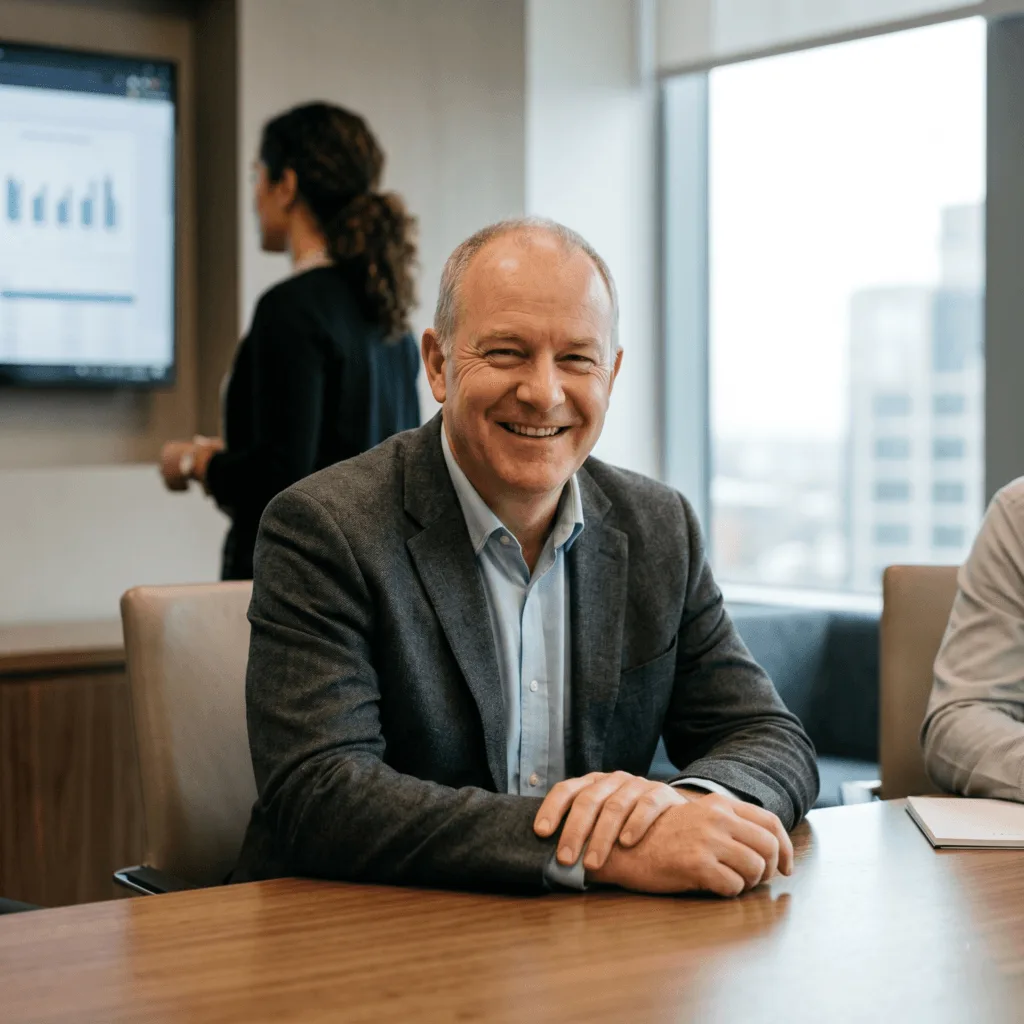
Marcus Webb (USA)
The Challenge: Marcus ran a 120-person insurance brokerage where employees were emailing IT requests directly to a single technician’s inbox. There was no ticketing system, no priority structure, and no way to track how long issues took to resolve. Minor problems like password resets were sitting next to critical system failures with no way to triage them, and productivity was suffering daily.
The vorza360 Solution: We deployed a full Ticketing & Incident Management System that categorized every request by urgency and routed it to the correct team member automatically. We built a Knowledge Base & Self-Service Portal with step-by-step guides covering the most common issues, allowing staff to resolve password resets and printer problems without calling IT at all. SLA Tracking & Reporting dashboards gave management a live view of response times and resolution rates.
The Result: Within 60 days, Marcus’s team resolved 35% of requests through the self-service portal without any technician involvement. The average resolution time for critical issues dropped from 4 hours to under 45 minutes. His single IT technician was freed from routine tasks and focused entirely on infrastructure improvement, and the monthly SLA reports gave management the visibility they had never had before.

Amara Osei (Ghana)
The Challenge: Amara’s regional bank had employees spread across six branch locations who all contacted IT through different channels, some called, some sent WhatsApp messages, and others walked directly to the IT room. Issues were being missed, duplicate work was common, and there was no audit trail to prove compliance with the bank’s regulatory requirements.
The vorza360 Solution: We implemented a Multi-Channel Support Integration hub that unified all request channels into a single ticketing system. Phone calls, emails, and chat messages all became tracked tickets automatically. We set up Remote Desktop Tools that allowed our engineers to resolve issues on teller machines and office computers in under 10 minutes without visiting the branch. We established SLA Tracking & Reporting to demonstrate compliance to the bank’s regulators.
The Result: Amara’s bank passed its next IT compliance audit with no findings related to support processes for the first time in three years. The multi-channel system captured 100% of requests and eliminated missed tickets entirely. Branch managers reported that the visible response times significantly improved staff confidence in IT, and the remote resolution capability reduced branch visit costs by over 60%.

Lena Brandt (Germany)
The Challenge: Lena managed IT for a 200-person manufacturing firm where every software problem caused a production line stoppage. Her internal team was skilled at hardware but frequently overwhelmed by software troubleshooting requests from line supervisors. There was no escalation path, no documentation of recurring issues, and no way to identify which problems were happening repeatedly.
The vorza360 Solution: We structured a tiered Technical Troubleshooting service with a clear escalation path from Level 1 helpdesk to Level 3 engineers. We built a Knowledge Base that captured solutions to recurring issues so the same problem was never solved twice from scratch. We integrated the ticketing system with the production line schedule to automatically flag production-critical tickets as Priority 1, ensuring they jumped the queue instantly.
The Result: Production line stoppages caused by IT issues fell by 70% in the first quarter. The knowledge base accumulated 80 documented solutions within three months, and first-call resolution rates climbed to 78%. Lena’s internal engineers spent their time on infrastructure projects instead of answering the same software questions repeatedly, and the clear escalation path meant no critical issue ever sat unresolved for more than 30 minutes.
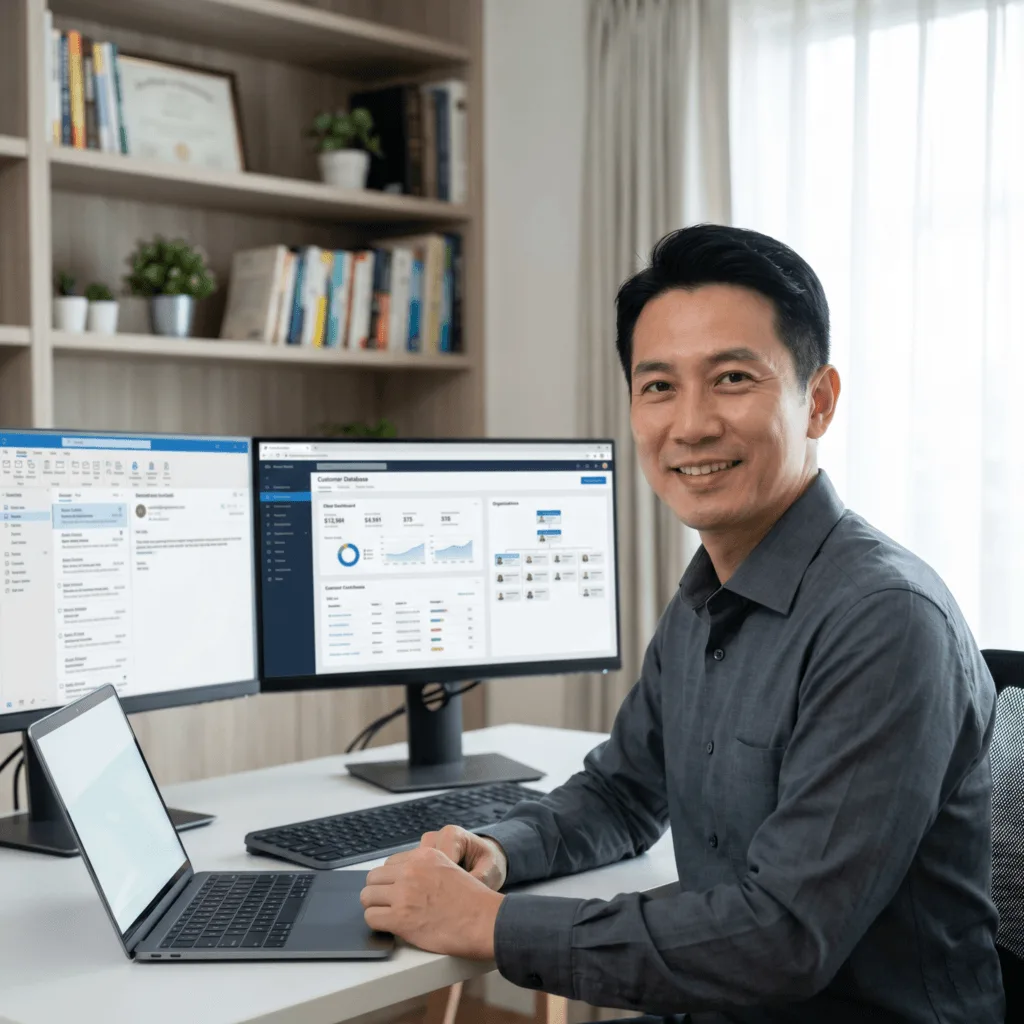
Ryo Hashimoto (Japan)
The Challenge: Ryo’s e-commerce company was onboarding new staff at a rapid pace during a growth phase, and the manual process of setting up accounts, email access, and software licenses was taking two to three days per new hire. New employees were sitting idle waiting for access, and departing staff still had live accounts weeks after leaving, creating serious security exposure.
The vorza360 Solution: We implemented a User Access and Identity Management system that automated account creation, email provisioning, and software license assignment the moment HR submitted an onboarding form. We built an offboarding workflow that revoked all access across 12 systems simultaneously the moment a departure was logged. The system sent automated confirmations to HR and the manager at every step of the process.
The Result: Ryo’s new hires arrived on their first day to fully configured workstations with all necessary access already in place. The onboarding process dropped from three days to under two hours. More critically, the security risk of lingering accounts was eliminated entirely, the offboarding automation ensured that access was revoked within 15 minutes of any departure being recorded in HR, protecting customer data and passing the company’s next security review without issue.

Catalina Ruiz (Colombia)
The Challenge: Catalina’s healthcare clinic had 85 staff members using a mix of medical record software, billing platforms, and general productivity tools across Windows and Mac devices. Her small IT team spent the majority of their day fielding basic Software and System Support requests, leaving no time for security updates or infrastructure planning. Staff were using outdated browser versions and missing critical patches because there was no system to manage it.
The vorza360 Solution: We deployed a Software and System Support service that handled all day-to-day application issues through a dedicated helpdesk. We implemented patch management automation that pushed operating system and software updates to all devices on a nightly schedule without interrupting clinical hours. We built an inventory of all installed software and established a clear support scope so staff knew exactly what was covered and how to reach us.
The Result: Catalina’s IT team was freed from reactive support entirely and shifted their focus to infrastructure security improvements. All 85 devices were brought to full patch compliance within two weeks, and the clinic passed a surprise healthcare IT security inspection with zero critical findings. Staff reported significantly less downtime, and the structured support service reduced the average time from issue report to resolution from two hours to under 20 minutes.
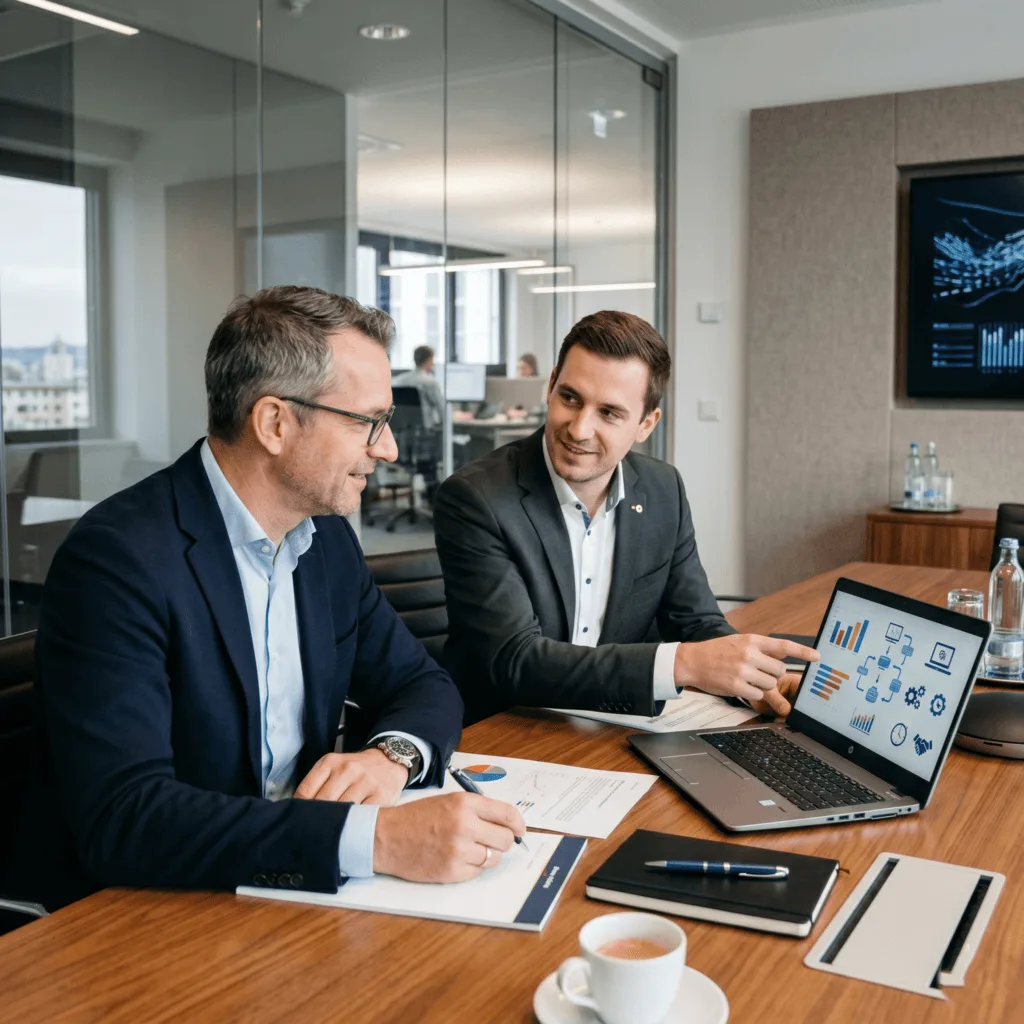
Tobias Engel (Austria)
The Challenge: Tobias managed the technology for a mid-size accounting firm where senior partners frequently experienced hardware problems, slow laptops, printer failures, and monitor issues, that interrupted client work. Each incident required waiting for a third-party repair company that charged high callout fees and took days to respond. There was no relationship, no asset history, and no priority treatment for the firm’s most senior staff.
The vorza360 Solution: We established a Hardware and Device Support service with a dedicated account profile for every device in the firm. We maintained a hardware asset register with purchase dates and warranty status for all equipment, enabling proactive replacement before failures occurred. We set up a priority response protocol for senior partner devices with a guaranteed two-hour response, and we stocked critical spare parts like power adapters and docking stations to provide same-day replacements.
The Result: Tobias reported that hardware-related interruptions to client meetings dropped to nearly zero within the first two months. The proactive replacement schedule identified six laptops that were approaching end-of-life before they failed, preventing six separate crises. The spare parts inventory meant most hardware issues were resolved within the same business day, and the firm eliminated all third-party callout fees, saving over €8,000 in the first year.
vorza360’s Tech Edge
Ticketing & Incident Management Systems
Remote Desktop Tools
Knowledge Base & Self-Service Portals
+ 2
More
SLA Tracking & Reporting
Multi-Channel Support Integration
vorza360’s Tech Edge
Ticketing & Incident Management Systems
We provide an “issue-organizer” that tracks every tech request in a simple list, ensuring no problem is forgotten and everything is fixed fast.
Remote Desktop Tools
Our team uses “screen-share” tools to jump onto your computer and fix glitches instantly from our office, so you don’t have to wait for a visit.
Knowledge Base & Self-Service Portals
We provide a “DIY-library” full of easy, step-by-step guides that help your staff solve common tech questions on their own in seconds.
SLA Tracking & Reporting
Our team creates “speed-check” reports that prove we are meeting our promises by showing exactly how quickly we respond to and resolve your tech issues.
Multi-Channel Support Integration
We provide an “all-in-one” help desk that lets your team reach us via email, chat, or phone while keeping the whole conversation in one place.
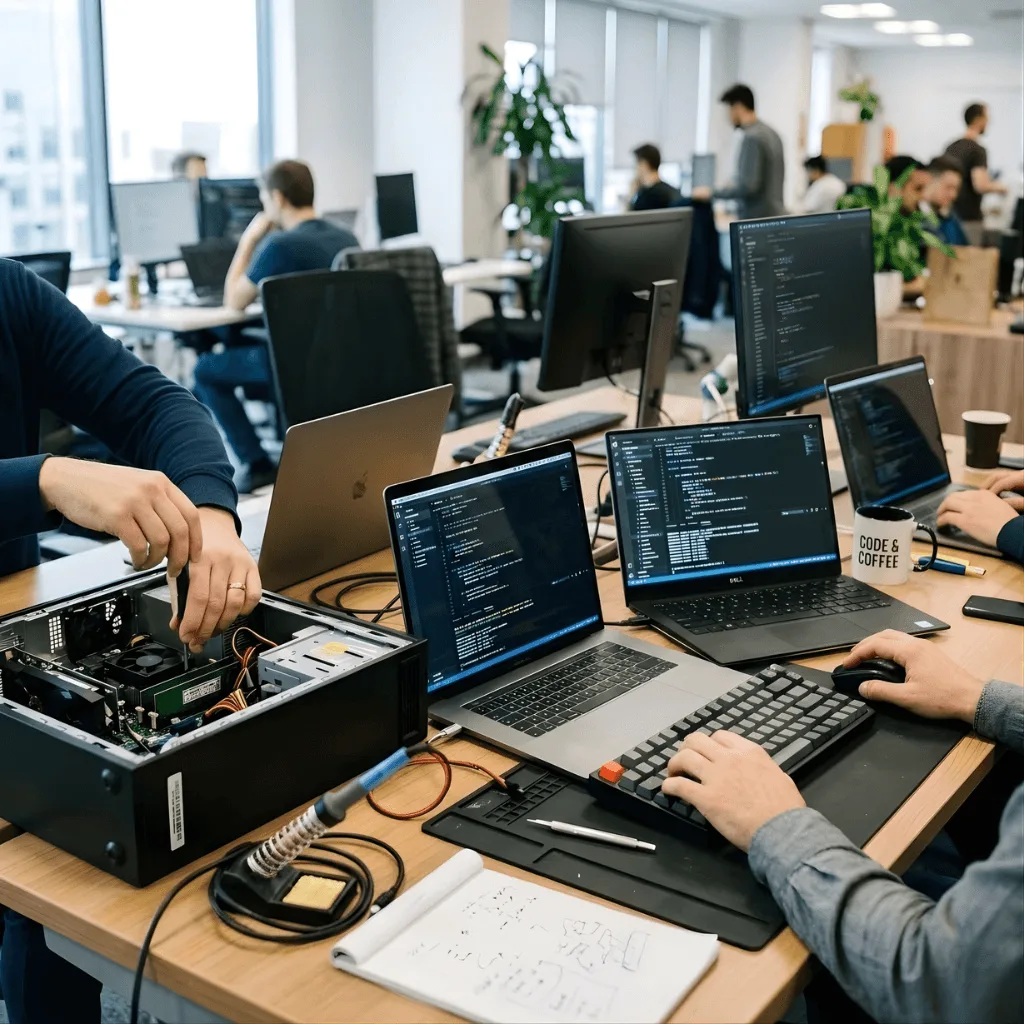
Technical Troubleshooting
We fix daily hardware and software problems quickly.
Advantages
- We handle errors, slow computers, and software glitches instantly.
- We provide specialized technical helpdesk support for complex issues.
- This minimizes downtime and keeps employees working.
- We fix problems over the phone or by remote connection.
- This service is key to daily productivity.
User Access and Identity Management
We handle all logins, passwords, and user accounts securely.
Advantages
- We manage instant password resets and unlock locked accounts.
- We set up new accounts for new employees and safely remove old ones.
- This is a core part of reliable user and helpdesk support services.
- We ensure everyone has the correct security access.
- This keeps your system secure and compliant.
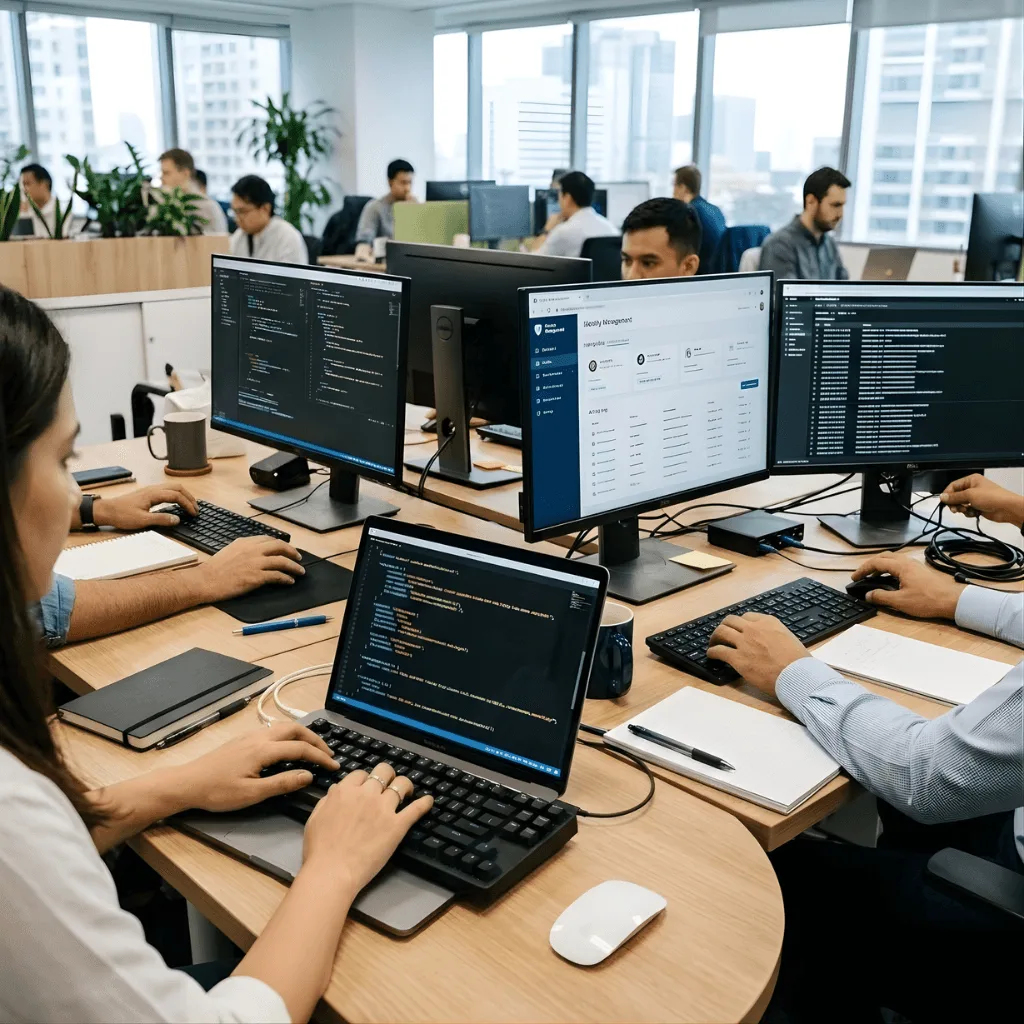
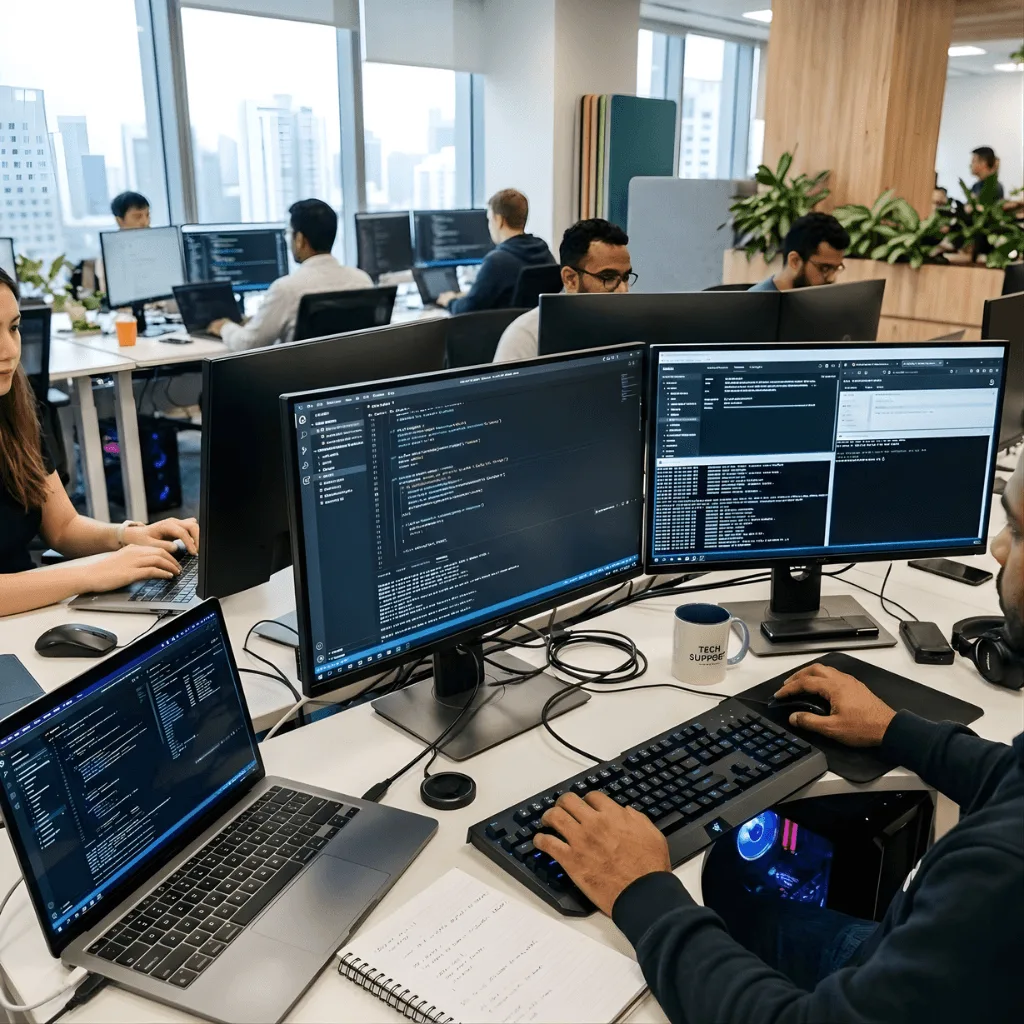
Software and System Support
We manage and support all applications your team uses.
Advantages
- We help install, update, and fix issues with business software (like Microsoft Office or industry tools).
- We troubleshoot problems with email and network connections.
- Our support covers all common operating systems (Windows, Mac, etc.).
- This ensures all apps run smoothly and correctly.
- We provide guidance on using new features.
Hardware and Device Support
We offer help for physical devices used by your employees.
Advantages
- We help set up new computers, phones, and printers.
- We troubleshoot connection problems with external devices.
- We coordinate repairs or replacements for broken equipment.
- This keeps your physical IT resources functional.
- We manage updates and security for all company devices.
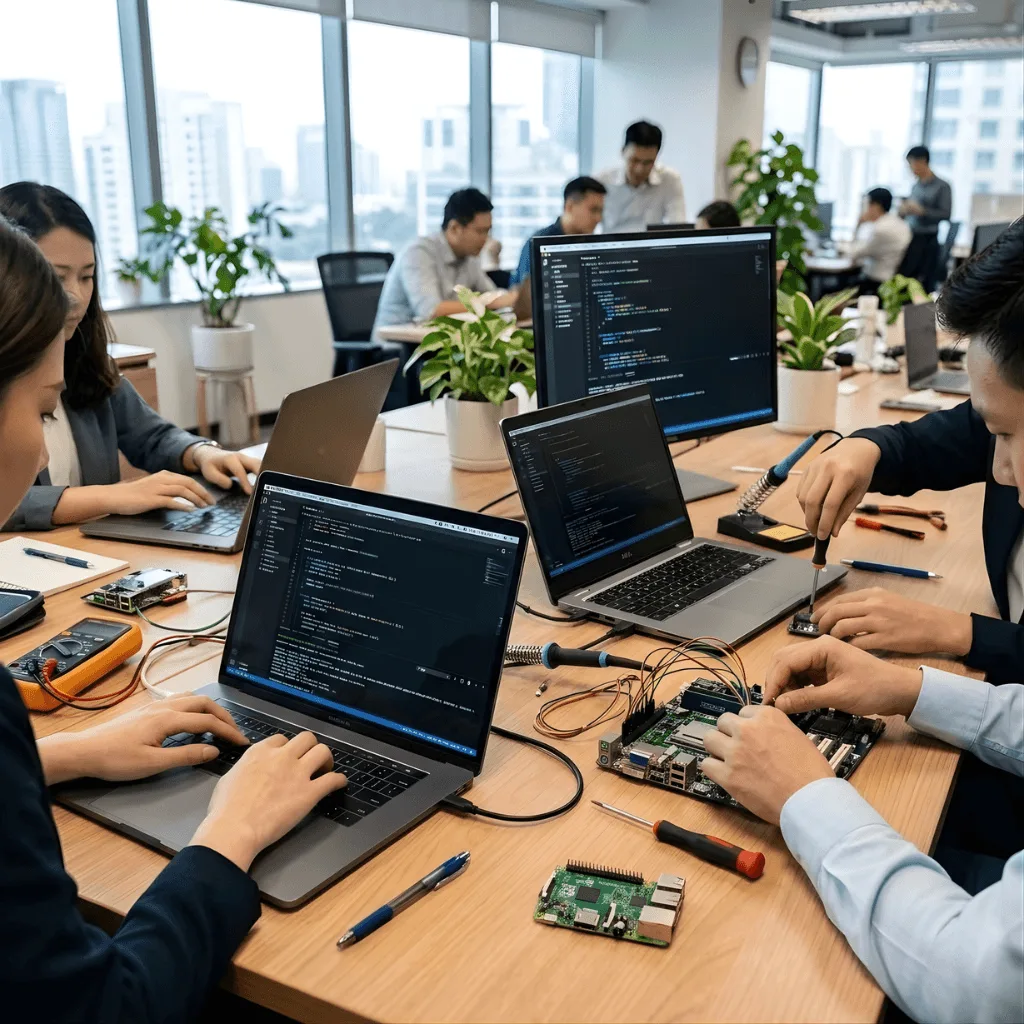
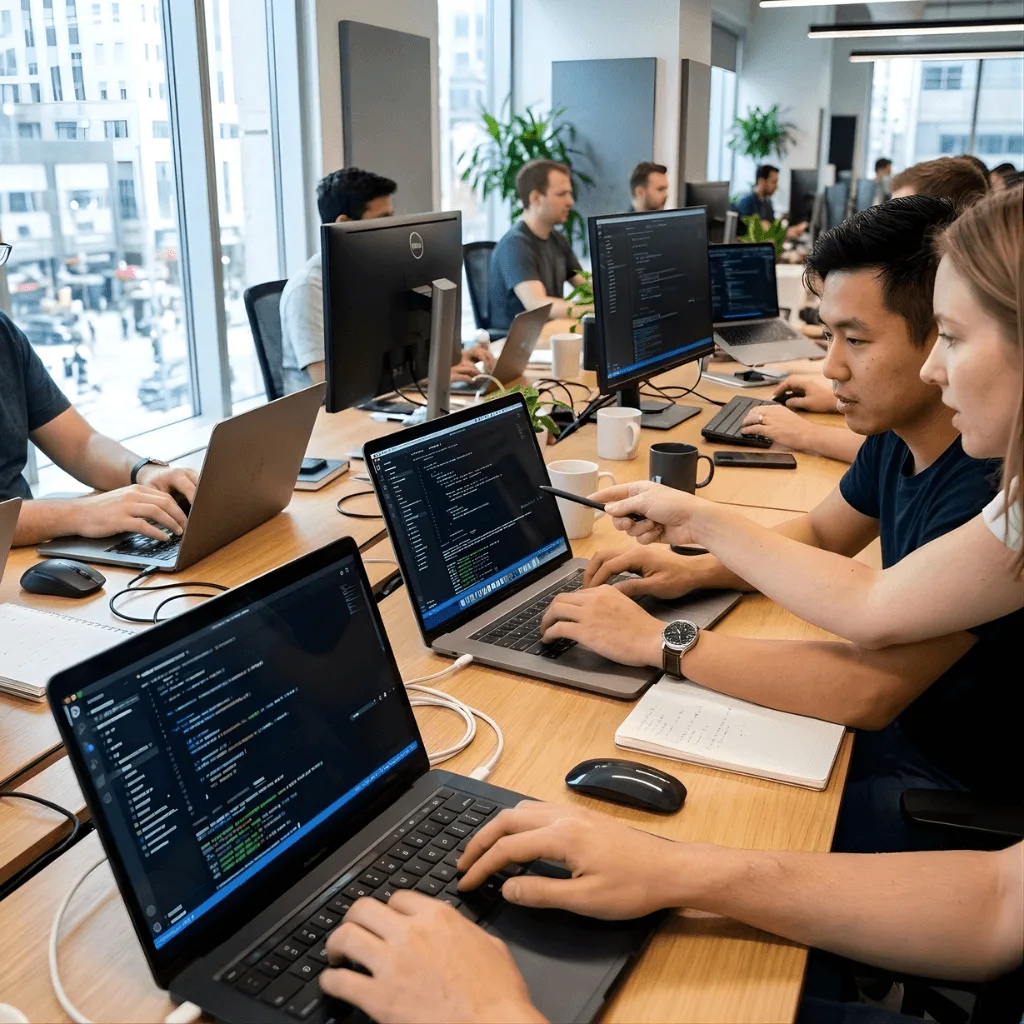
Strategic Support Consulting
We provide expert advice to make your entire IT setup better.
Advantages
- Our user & Helpdesk Support consultants review common issues to find long-term fixes.
- We suggest ways to reduce the number of problems and simplify IT processes.
- We use data from the ticketing system to improve service quality.
- This helps your business plan future IT investments smartly.
- We provide insights into user needs and pain points.
Technical Troubleshooting
We fix daily hardware and software problems quickly.
Advantages
- We handle errors, slow computers, and software glitches instantly.
- We provide specialized technical helpdesk support for complex issues.
- This minimizes downtime and keeps employees working.
- We fix problems over the phone or by remote connection.
- This service is key to daily productivity.
ADVANTAGES
- We handle errors, slow computers, and software glitches instantly.
- We provide specialized technical helpdesk support for complex issues.
- This minimizes downtime and keeps employees working.
- We fix problems over the phone or by remote connection.
- This service is key to daily productivity.
User Access and Identity Management
We handle all logins, passwords, and user accounts securely.
Advantages
- We manage instant password resets and unlock locked accounts.
- We set up new accounts for new employees and safely remove old ones.
- This is a core part of reliable user and helpdesk support services.
- We ensure everyone has the correct security access.
- This keeps your system secure and compliant.
ADVANTAGES
- We manage instant password resets and unlock locked accounts.
- We set up new accounts for new employees and safely remove old ones.
- We ensure everyone has the correct security access.
- This is a core part of reliable user and helpdesk support services.
- This keeps your system secure and compliant.
Software and System Support
We manage and support all applications your team uses.
Advantages
- We help install, update, and fix issues with business software (like Microsoft Office or industry tools).
- We troubleshoot problems with email and network connections.
- Our support covers all common operating systems (Windows, Mac, etc.).
- This ensures all apps run smoothly and correctly.
- We provide guidance on using new features.
ADVANTAGES
- We help install, update, and fix issues with business software (like Microsoft Office or industry tools).
- We troubleshoot problems with email and network connections.
- This ensures all apps run smoothly and correctly.
- Our support covers all common operating systems (Windows, Mac, etc.).
- We provide guidance on using new features.
Hardware and Device Support
We offer help for physical devices used by your employees.
Advantages
- We help set up new computers, phones, and printers.
- We troubleshoot connection problems with external devices.
- We coordinate repairs or replacements for broken equipment.
- This keeps your physical IT resources functional.
- We manage updates and security for all company devices.
ADVANTAGES
- We help set up new computers, phones, and printers.
- We troubleshoot connection problems with external devices.
- We coordinate repairs or replacements for broken equipment.
- This keeps your physical IT resources functional.
- We manage updates and security for all company devices.
Strategic Support Consulting
We provide expert advice to make your entire IT setup better.
Advantages
- Our user & Helpdesk Support consultants review common issues to find long-term fixes.
- We suggest ways to reduce the number of problems and simplify IT processes.
- We use data from the ticketing system to improve service quality.
- This helps your business plan future IT investments smartly.
- We provide insights into user needs and pain points.
ADVANTAGES
- Our user & Helpdesk Support consultants review common issues to find long-term fixes.
- We suggest ways to reduce the number of problems and simplify IT processes.
- We use data from the ticketing system to improve service quality.
- This helps your business plan future IT investments smartly.
- We provide insights into user needs and pain points.
Here is what our Clients are saying About us

Thomas Becker (Germany)
vorza360 took over our helpdesk and the response time and resolution quality both improved immediately. Our staff spend time working rather than waiting for IT help and our satisfaction scores for IT support are the highest they have ever been.
Fatimah Al-Shammari (Saudi Arabia)
vorza360 provides helpdesk support for our organisation with a response time commitment our previous provider never met. Issues are acknowledged quickly, resolved efficiently, and our team is kept informed throughout.
Silviu Florescu (Romania)
vorza360 runs our helpdesk with a ticketing system, knowledge base, and escalation process that handles our support volume reliably. Our IT issues are resolved rather than lingering and our staff trust that reporting a problem will result in it being fixed.
Arjun Mehta (India)
vorza360 provides helpdesk support for our 400-person organisation. Their first-call resolution rate is significantly higher than our previous provider and our repeat ticket rate has dropped substantially.
Mei-Ling Chen (Taiwan)
vorza360 manages our employee IT support across multiple office locations with consistent service quality regardless of which site raises a ticket. Our distributed team receives the same level of support everywhere.
Chiamaka Obi (Nigeria)
vorza360 provides helpdesk support for our organisation with an understanding of the software and devices our team uses. Support that actually understands our environment rather than following a generic script.
More about IT Support
IT Asset & Lifecycle Management
vorza360 offers full IT asset lifecycle management services to track all your company…
Business IT Strategy / Virtual CIO
vorza360 provides expert virtual CIO services to align your technology with business goals.
IT Compliance & Risk Management
vorza360 offers full IT compliance and risk management services to protect your business…
Managed Cloud Services
vorza360 offers reliable managed cloud services to handle the daily management of your…
Managed Communication & Collaboration
vorza360 provides full managed communication and collaboration services, setting up and…
Network & Security Management
vorza360 offers full managed network and security services, protecting your business 24/7…
+ 5
More
Managed Backup & Disaster Recovery
vorza360 delivers fully managed backup and disaster recovery services, protecting your…
Managed Cybersecurity
vorza360 offers fully managed cybersecurity services to protect your business 24/7 from…
Application Management & Software Lifecycle
vorza360 offers full application managed services to handle your software from start to…
More about IT Support
IT Asset & Lifecycle Management
Business IT Strategy / Virtual CIO
IT Compliance & Risk Management
+ 12
More
Managed Cloud Services
Managed Communication & Collaboration
Network & Security Management
Managed Backup & Disaster Recovery
Managed Cybersecurity
Frequently Asked Questions
Got questions? We’ve got answers. Find everything you need to know about using our platform, plans, and features
What types of IT issues does vorza360's User and Helpdesk Support resolve?
Our helpdesk covers the full range of daily technology issues employees encounter, hardware problems such as slow computers, printer failures, and device setup; software issues such as application errors, email problems, and operating system faults; user account and password resets; network connectivity troubleshooting; and guidance on using business applications like Microsoft Office and industry-specific tools. We resolve issues remotely using screen-share tools for instant assistance, or escalate to on-site support for hardware problems that require a physical visit.
How does vorza360's ticketing and incident management system work?
Every IT request submitted to vorza360 is immediately captured in our Ticketing and Incident Management System, which assigns a unique reference number, priority level, and assigned technician to every case. This ensures no request is ever lost, forgotten, or left unresolved. Your team can track the status of their issue at any time, and our SLA tracking tools automatically flag any ticket at risk of breaching its response or resolution target, keeping our team accountable and your employees informed throughout the resolution process.
Can employees resolve common IT issues themselves without contacting the helpdesk?
Yes. We build and maintain a self-service Knowledge Base and portal specifically tailored to your organization. This resource contains easy-to-follow, step-by-step guides for the most common IT questions your team encounters, such as resetting passwords, connecting to the VPN, setting up a new device, or troubleshooting common software errors. Empowering employees to resolve simple issues themselves reduces helpdesk ticket volumes, speeds up resolution, and keeps your team productive without needing to wait for a technician.
Does vorza360 provide multi-channel helpdesk support, email, phone, and chat?
Yes. We provide a multi-channel support experience allowing your employees to reach our helpdesk through whichever channel works best for them, email, live chat, or phone. All channels feed into a single, unified ticketing system, so there is no risk of duplicate tickets or miscommunication between agents. Every interaction is logged in the same place, giving our team full context of any ongoing issue regardless of how it was first reported, and ensuring a consistent experience across every contact method.
How does vorza360 use helpdesk data to improve IT performance over time?
Our Strategic Support Consulting service analyses the data from your ticketing system to identify recurring issues, high-frequency problem areas, and patterns in user behavior. This intelligence allows us to recommend long-term fixes, such as replacing frequently failing hardware, updating a problematic application, or improving a workflow that generates repeated support requests. Rather than just closing tickets, we use the data to reduce the total number of tickets needed, improving your overall IT environment and reducing support costs over time.