Deliver high-performance, native experiences with professional Java desktop application development. vorza360 builds secure, cross-platform software that runs perfectly on Windows, Mac, and Linux.
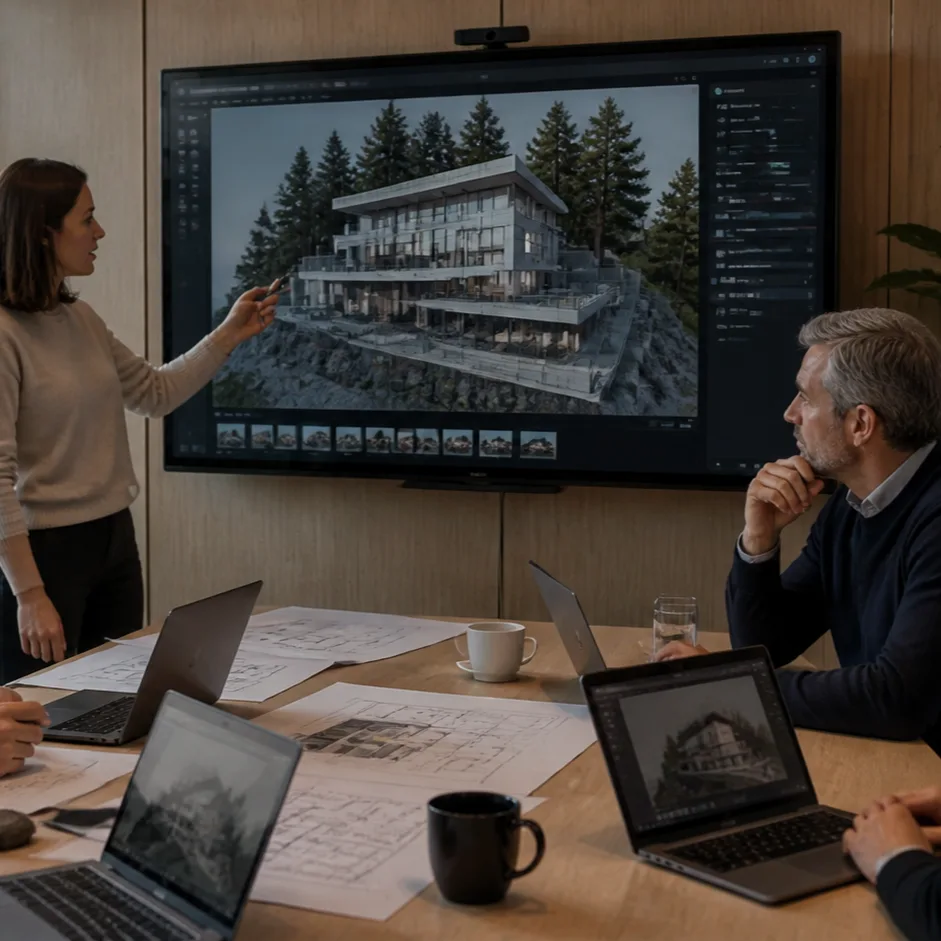
The Challenge Lars runs a busy architecture firm in Norway where the team often travels to remote mountain locations. These job sites rarely have a stable internet connection, but the team still needs to handle massive 4K renderings and huge datasets of building plans. He needed a tool that was tough enough to handle the workload without ever needing to go online, and it had to work perfectly on both the office Macs and the field Windows laptops.
The vorza360 Solution We delivered a robust Java desktop application designed for heavy lifting. We utilized the famous write once and run anywhere approach to ensure the software feels like it was made specifically for both Mac and Windows. We focused on local processing power, allowing the computer to use its own hardware to render high definition images with zero lag, completely independent of the cloud.
The Result The software has become an essential tool for the firm. Lars and his team can now work deep in the mountains with total peace of mind, knowing their data is safe and their software is fast. The zero lag experience even with large files has made their design process much more efficient, and the native feel on all their different computers has made the transition easy for everyone.
Adina Popescu (Romania)
The Challenge Adina needed to modernize the internal tools for her enterprise in Romania, but she had a specific hurdle: the new software had to work with her existing, older server hardware. She wanted something that was ultra lightweight and stable but reacted instantly when her staff clicked or typed, as they handle a massive volume of administrative tasks every single day.
The vorza360 Solution We used the Swing framework to build a high speed desktop application that is incredibly light on computer resources. We focused on event driven programming, which is a way of writing code that makes the app react the very millisecond a user interacts with it. This removed all the waiting and loading screens that were slowing down her office.
The Result The new application is incredibly stable and has significantly cut down on processing time. Adina is thrilled that she didn’t have to buy expensive new servers to get modern, fast software. Her team is much more productive now that their daily tasks happen instantly, and the lightweight design means the computers stay fast even during the busiest work hours.
Oliver Bennett (United Kingdom)
The Challenge Oliver manages a financial trading floor in the UK where every second counts. He needed a dashboard that was visually stunning so his traders could see market changes clearly, but it also had to be highly responsive. The biggest technical challenge was making sure the complex layout stayed perfectly aligned whether it was being viewed on a small laptop screen or a massive 4K wall monitor.
The vorza360 Solution We created a JavaFX based dashboard that looks like a modern piece of art. We used a smart layout tool to ensure the interface automatically adjusts its size and alignment perfectly for any screen. We also handled the entire packaging process, creating simple installers that allowed their IT department to put the software on every computer in the company with just a few clicks.
The Result The trading floor now has a world class tool that helps them make decisions faster. The software looks professional and expensive, and the rollout was completely effortless. Oliver loves that his traders have a clear, lag free view of the markets, and the simple installation saved the IT team weeks of manual work.
Fatima Al-Farsi (Oman)
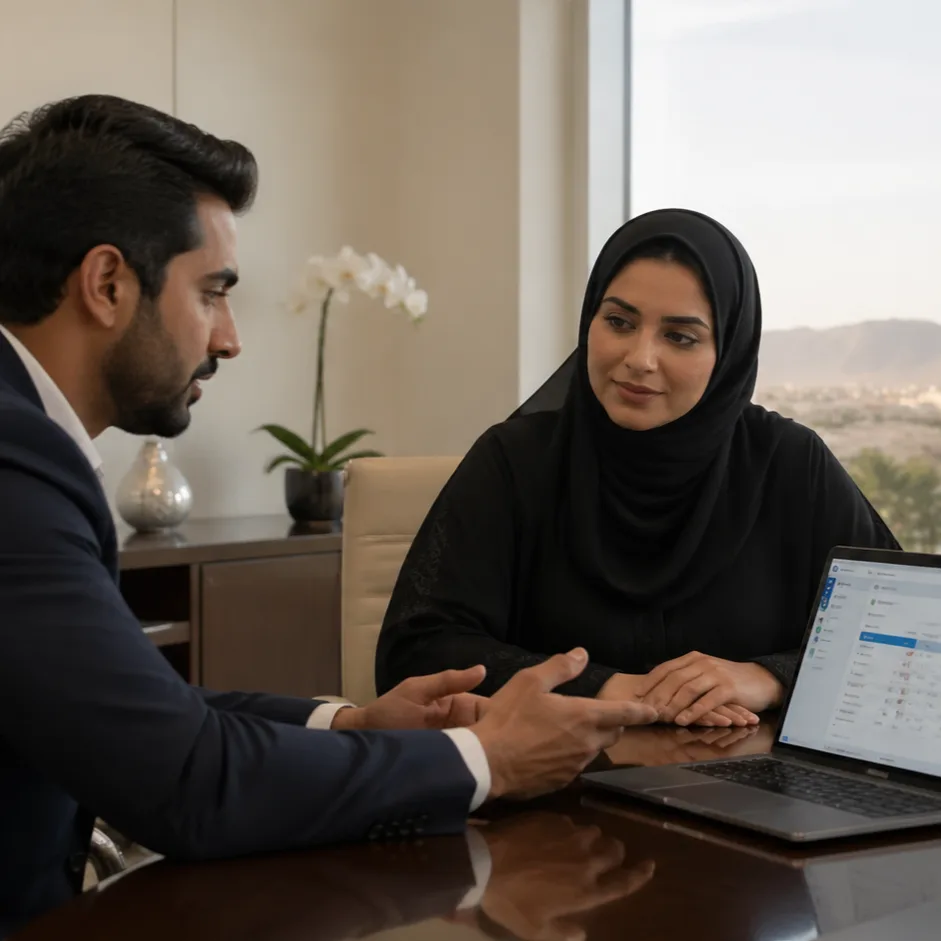
The Challenge As a healthcare provider in Oman, Fatima needed a system for patient management where security and offline power were the top priorities. She couldn’t risk having a system that went down if the internet flickered, and she wanted to avoid the limits of web browsers to keep patient data extra secure on local machines.
The vorza360 Solution We developed a specialized desktop application that lives directly on the hospital’s local machines. This ensures the staff is never held back by slow connectivity. We used a modern packaging tool so that the software comes with everything it needs to run inside one file; the doctors and nurses didn’t have to install any extra complicated tech parts. They just clicked install and it worked.
The Result The hospital now has a rock solid patient system that is always online, even if the internet is not. Fatima feels much more secure knowing the data is stored locally and safely. The staff is happy because the software is fast and dependable, allowing them to focus on caring for patients instead of fighting with slow web pages.
Jānis Bērziņš (Latvia)
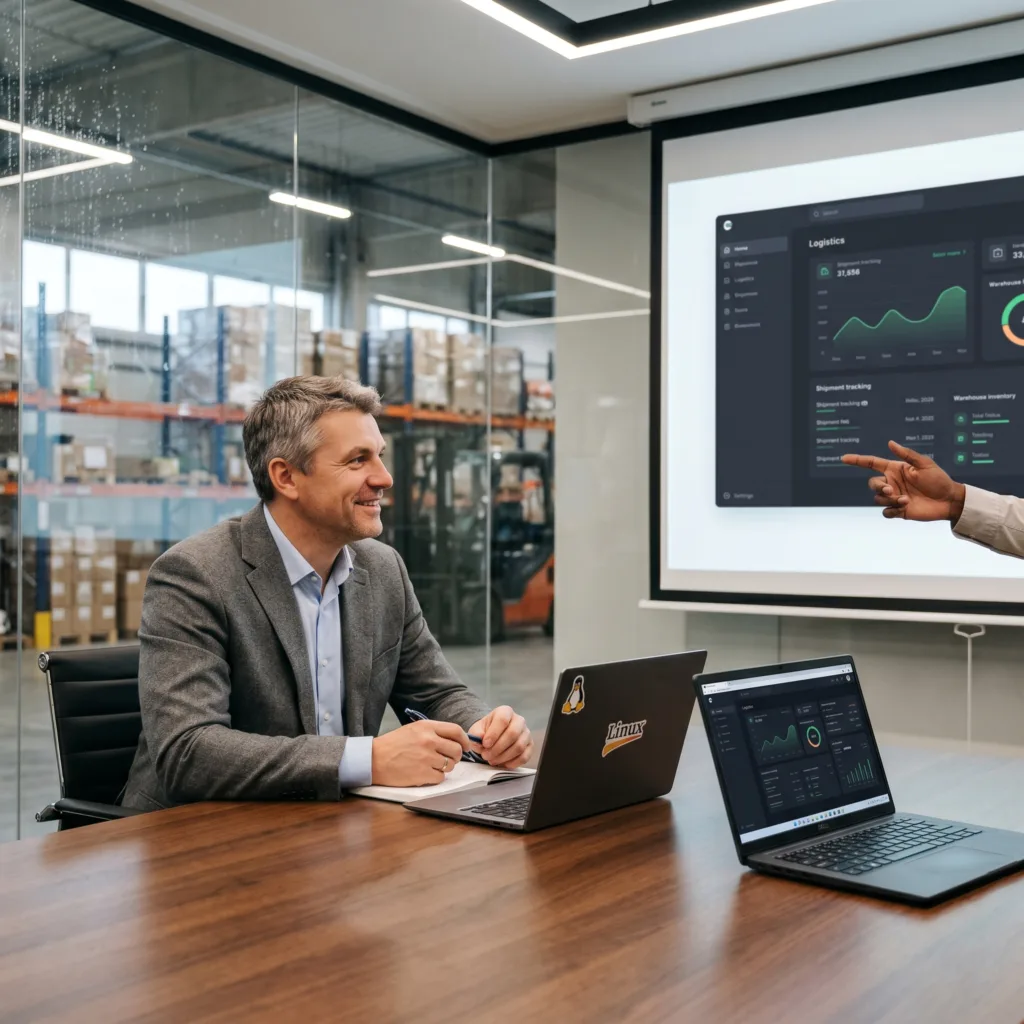
The Challenge Jānis runs a logistics company in Latvia where the warehouse staff uses Linux computers and the management team uses Windows. He was tired of software that looked different on every machine, which caused confusion during training. He needed absolute consistency so that a button in the warehouse was in the exact same place as the button in the main office.
The vorza360 Solution We achieved total cross platform consistency for his logistics software. No matter the operating system, the menus and workflows remain identical. We used a visual scene builder to quickly design a sleek internal portal that looks professional and high end. This created a unified experience for his entire workforce, regardless of what computer they were using.
The Result The software has become the backbone of the company’s daily operations. Training new employees is now much faster because the software is so predictable and easy to learn. Jānis is impressed with the professional look we achieved and the fact that his team finally has one single tool that brings the whole company together.
Mariana Gomez (Mexico)
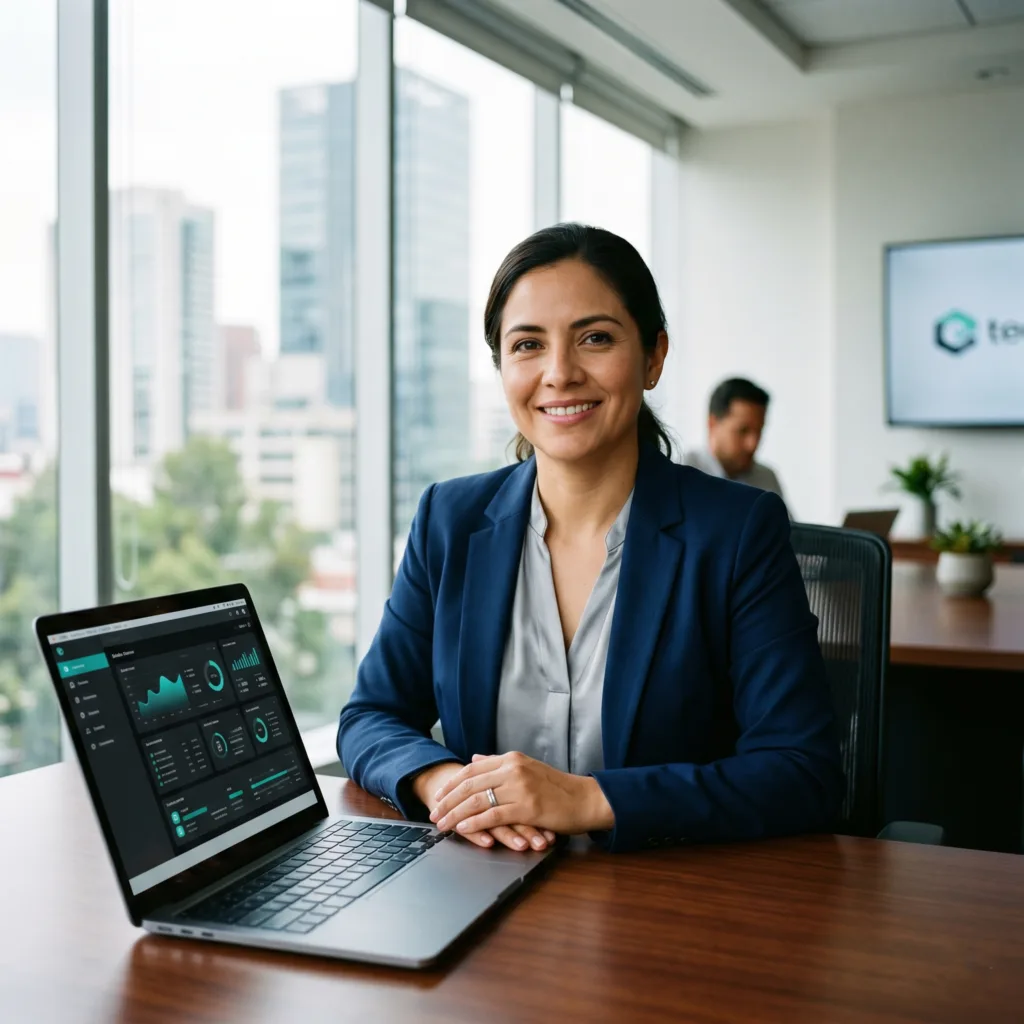
The Challenge Mariana wanted her company’s desktop software in Mexico to match the sleek, modern look of their mobile apps. Most enterprise desktop software looks old and boring, but she wanted smooth animations and high definition graphics. She also wanted to move away from her old web based system because it was slow and full of distractions.
The vorza360 Solution We used advanced plugins to bring mobile style beauty to the desktop. We focused on smooth animations and high definition graphics to give the app a modern feel that is very rare for business software. By moving the system off the web and onto the desktop, we eliminated the performance bottlenecks and distractions of a browser, creating a dedicated workspace for her team.
The Result The new software is a powerful tool that has significantly improved productivity. Mariana’s team loves the modern look and the smooth feel of the app. It no longer feels like they are using old fashioned business tools, but rather a high speed, premium application that helps them get their work done faster and with more focus.
Reliable Software for the Modern Workspace
In an era where web tools are everywhere, desktop application development using Java remains the gold standard for businesses that need speed, security, and offline power. At vorza360, we create professional software that lives directly on your computer, allowing your team to work without being held back by slow internet or browser limits. Whether you need a complex data tool or a sleek internal portal, our Java desktop application development company experts ensure your software is “Rock Solid” and ready for heavy-duty daily use.
When you develop desktop applications in Java, you are investing in a “Write Once, Run Anywhere” philosophy. This means we build your app one time, and it works beautifully across Windows, macOS, and Linux, saving you significant time and money. vorza360 focuses on creating “native-feeling” apps software that blends perfectly with your computer’s look and feel while providing the high-speed performance your business demands.
vorza360’s Tech Edge
JavaFX
Swing Framework
Event-Driven Programming
+ 2
More
Cross-Platform Desktop UI
Desktop App Packaging
vorza360’s Tech Edge
JavaFX
The best framework for desktop application development Java in 2026. vorza360 uses this to build modern, visually stunning apps with smooth animations and high-definition graphics.
Swing Framework
For businesses needing ultra-lightweight and classic enterprise tools, we use Swing to ensure 100% compatibility with older systems while maintaining high speed.
Event-Driven Programming
We build apps that react instantly. Whether it’s a mouse click or a background data update, our code ensures your app is always responsive and “alive.”
Cross-Platform Desktop UI
Our desktop Java application development strategy ensures your buttons, menus, and Windows look professional and consistent, no matter which operating system your team uses.
Desktop App Packaging
vorza360 handles the tricky part of distribution. We package your software into “Ready-to-Install” files (.exe for Windows or .dmg for Mac), making it easy for your staff to get started.
Tools
Tools & Plugins for Frameworks
Scene Builder
A visual “drag-and-drop” tool our team uses to design your Java desktop application development layout quickly and perfectly.
JPackage
The standard 2026 tool we use to bundle your app with its own “mini-engine,” so your users don’t have to worry about installing Java separately.
Gluon Mobile
A specialized plugin we use when you want your desktop app’s look and feel to match your mobile brand perfectly.
MigLayout
A powerful grid plugin that ensures your app’s text and buttons stay perfectly aligned even if you resize the window on a giant 4K monitor.
Here is what our Clients are saying About us
Oliver Bennett (United Kingdom)
vorza360 built a Java desktop application for our engineering team with cross-platform deployment on Windows, Mac, and Linux from a single codebase. Desktop software that serves our diverse hardware estate.
Ahmad Al-Zahrani (Saudi Arabia)
vorza360 developed a Java desktop application for our operations team with local database integration, file processing, and the offline capability our environment requires.
Dragoș Ionescu (Romania)
vorza360 built a Java desktop application for our accounting team with complex calculation logic, report generation, and integration with our financial systems.
Ananya Bose (India)
vorza360 developed a Java desktop application for our manufacturing quality team with machine integration, measurement processing, and statistical analysis.
Budi Santoso (Indonesia)
vorza360 built a Java desktop tool for our data processing team that handles large file operations with the performance our data volumes require.
Adaeze Adeyemi (Nigeria)
vorza360 developed a Java desktop application for our organisation that runs reliably in our offline-first operational environment.
More about JAVA
Java Web Application Development
Scale your business with secure, high-performance Java Web application development services.
Got questions? We’ve got answers. Find everything you need to know about using our platform, plans, and features
What is Java desktop application development and what business problems does it solve?
Java desktop application development involves building native software that runs on a user’s Windows, macOS, or Linux computer using Java’s desktop GUI frameworks. Java desktop applications are the right solution for internal business tools requiring rich UI interactions not achievable in a browser, software that needs direct file system and hardware access, applications for environments with unreliable internet connectivity, and legacy tools that need modernization while preserving existing functionality. At vorza360 we build reliable, feature-rich Java desktop applications that give your team powerful, purpose-built tools designed precisely around your business workflows and operational environment.
Which Java frameworks does vorza360 use for desktop application development?
We use JavaFX as our primary framework for new Java desktop projects, it provides a modern, hardware-accelerated rendering engine, a rich set of UI controls, CSS-based styling, and excellent support for responsive interfaces on high-resolution displays. For projects requiring compatibility with existing Swing codebases, we work with Swing extended with modern component libraries such as FlatLaf that bring a contemporary appearance without requiring a full rewrite. We package all desktop applications as standalone installers using jpackage, ensuring end users do not need a Java runtime pre-installed. The framework choice is always guided by your specific requirements, existing technology, and long-term maintenance plans.
Can a Java desktop application built by vorza360 run on Windows, macOS, and Linux?
Yes, cross-platform compatibility is one of Java’s most significant advantages for desktop development. The same Java codebase compiles once and runs on all three major operating systems without platform-specific rewrites. We use JavaFX’s cross-platform UI layer and avoid OS-specific APIs wherever possible, implementing conditional logic only for the small number of features that behave differently per platform, such as file path conventions, system tray integration, or native notification styles. We build and test installers for Windows, macOS, and Linux as standard deliverables, ensuring a professional installation experience on every platform your users operate.
How does vorza360 connect a Java desktop application to a database or backend server?
The connectivity architecture depends on your deployment environment and security requirements. For direct database access, suitable for LAN-deployed internal tools, we use JDBC or Hibernate ORM with HikariCP connection pooling to interact with PostgreSQL, MySQL, Oracle, or SQL Server. For applications that communicate with a central server over the internet, enabling multiple users to share data securely, we build a REST API backend and have the desktop application consume it over HTTPS. For offline-capable applications that sync when connected, we implement H2 or SQLite for local storage alongside a background sync service. We choose the architecture that best serves your team’s deployment constraints and security requirements.
How does vorza360 handle updates and distribution for Java desktop applications in enterprise environments?
We implement an auto-update mechanism that checks a version endpoint at startup, downloads and applies updates silently or with a user prompt depending on your policy, and validates download integrity before installation. For IT-managed enterprise environments we support MSI packaging on Windows for Group Policy deployment, provide silent installation flags for scripted rollouts, and can integrate with endpoint management platforms such as SCCM, Intune, or JAMF. We design the update and distribution strategy based on your organization’s IT governance policies and operational requirements, ensuring updates are delivered consistently and reliably across your entire user base without manual intervention.