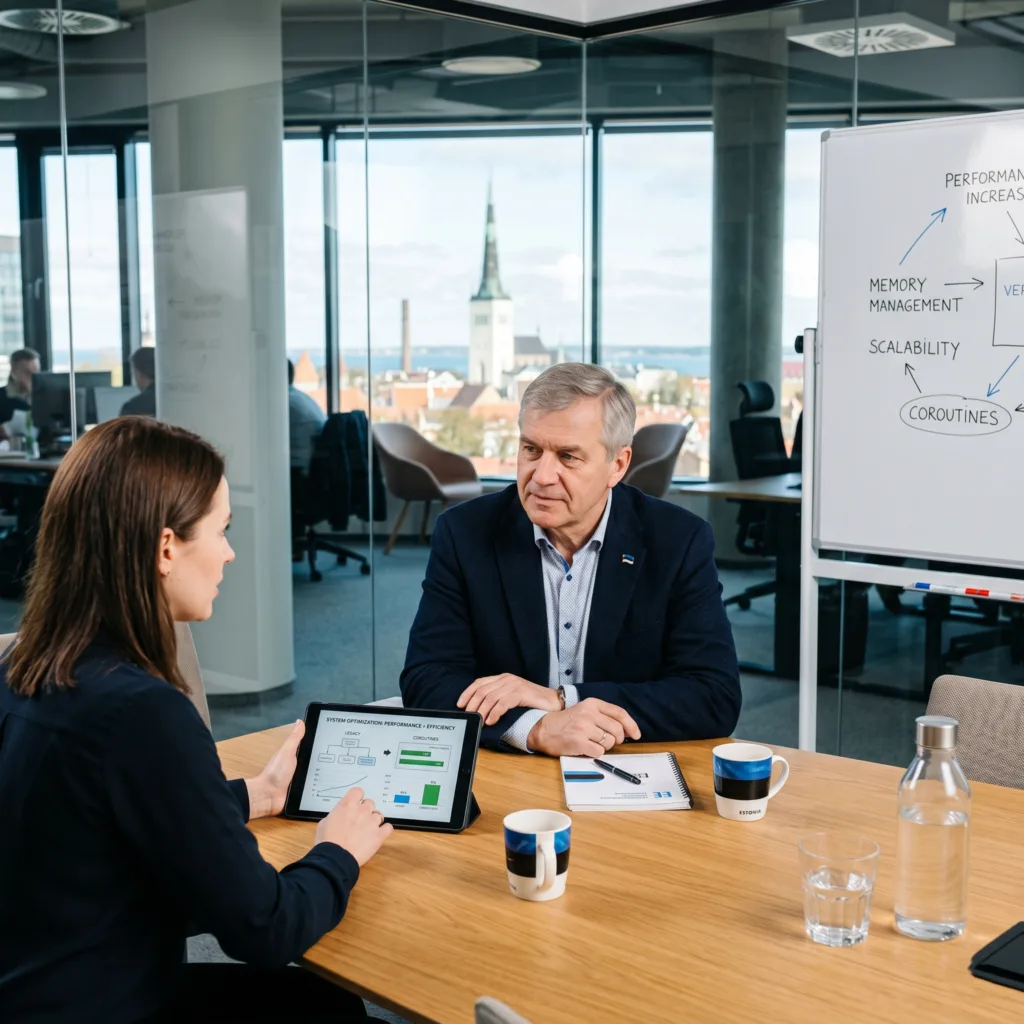
Speed up your application with expert Kotlin performance optimization. vorza360 fine-tunes your code to reduce memory usage, shorten load times, and ensure your software scales smoothly for millions of users.
The Challenge Eerik’s application was starting to feel heavy and sluggish. It was using old-fashioned ways to handle tasks that were eating up too much memory and causing the app to slow down the longer someone used it. He needed to shrink the overall size of the software to make it faster to download and much cheaper to run on his cloud servers.
The vorza360 Solution We transformed the app’s stability by replacing heavy legacy threads with lightweight Kotlin Coroutines. Think of this like replacing a fleet of big, gas-guzzling trucks with a swarm of electric scooters; they do the same work but use a fraction of the energy. We also used our memory management expertise to plug digital leaks that were slowing down user sessions, ensuring the app stays fast from the moment it is opened until it is closed.
The Result Overall performance improved by nearly 30 percent. The app is now significantly faster to download and much more affordable to maintain in the cloud. Eerik has a sleek, high-speed product that provides a consistently smooth experience for all his users in Estonia.
Siobhan O’Reilly (Ireland)
The Challenge Siobhan wanted her cross-platform app to run just as fast as an app built specifically for only one type of phone. She was worried about lag or a slow startup time caused by the technical bridge between her shared code and the phone’s native system. She also didn’t want the app to be a battery hog, as that would frustrate her customers in Ireland.
The vorza360 Solution We performed deep performance tuning to reduce the overhead of the technical bridge. We made the connection between the different coding languages much tighter and more efficient, which resulted in much faster startup times. We also conducted performance audits to ensure that sharing data between the iPhone and Android versions didn’t waste any unnecessary battery life.
The Result The app now runs at native speeds with zero lag. Siobhan’s customers enjoy a consistent and efficient experience that is kind to their phone’s battery. She has successfully launched a high-performing app that feels perfectly at home on any device, proving that cross-platform doesn’t have to mean a compromise in speed.
Dimitris Karalis (Greece)
The Challenge Dimitris provides professional desktop tools where every single millisecond counts. His users were experiencing tiny, annoying stutters that interrupted their workflow. He needed a technical edge that would allow his software to talk directly to the computer’s hardware, ensuring the native binaries executed at the absolute peak speed possible.
The vorza360 Solution We optimized the garbage collection app’s way of cleaning up after itself to prevent those micro-stutters. We utilized direct API calls and manual memory management for the most critical tasks. This is like taking a car off the crowded main road and putting it on a private high-speed track; we removed every obstacle between the code and the computer’s brain.
The Result The native binaries now execute at peak speed, making his professional tools the fastest in their category. The annoying stutters are completely gone, and Dimitris’s brand in Greece is now synonymous with high-performance engineering and professional reliability.
Zubair Khan (Pakistan)
The Challenge Zubair was preparing for a massive launch and expected to jump to over a million users almost overnight. He was terrified of data traffic jams that would crash his servers during the peak launch week. He needed to modernize his old code to handle a huge number of requests at the exact same time while also keeping his monthly server costs under control.
The vorza360 Solution We focused on high-speed scalability and expert database tuning. We implemented load-balancing strategies that act like a smart traffic cop, directing data to the fastest available paths so nothing ever gets backed up. We modernized the old code to handle many tasks simultaneously with much less effort, which increased his processing power while actually reducing his monthly bills.
The Result The system remained remarkably stable under intense pressure during the launch week. Zubair successfully handled over a million users without a single crash. He now has a powerful, cost-effective backend that is ready for even more growth in Pakistan and beyond.
Lukas Nilsson (Norway)
The Challenge Lukas wanted his app to be more polite to his users’ devices. He noticed that the app was using too much mobile data to download images and was draining batteries by running tasks in the background when it didn’t need to. He needed a way to make his service more reliable for users on limited data plans throughout Scandinavia.
The vorza360 Solution We implemented smart image caching, which means the app remembers pictures it has seen before so it doesn’t have to download them again. We also scheduled background tasks to be much more efficient, ensuring the app doesn’t wake up the phone’s brain unnecessarily. We performed routine checks on network calls to make sure they were as lean and fast as possible.
The Result Users have noticed a huge difference in how much data and battery the app saves. Lukas has a much more reliable service that respects his users’ resources. The app is now a favorite for travelers and people on limited plans, helping his business grow steadily across Norway.
Sofia Garcìa (Mexico)
The Challenge Sofia wanted to eliminate the annoying freezes her users were experiencing on older devices. She knew her app had potential, but she needed to find the exact lines of code that were causing delays. She wanted a comprehensive approach that would make her app feel modern and fast on the latest 2026 hardware while still being smooth on older phones.
The vorza360 Solution We used advanced runtime profiling to act like a digital magnifying glass, identifying the specific spots where the code was dragging its feet. We optimized those areas and managed the CPU’s brain power through more efficient threading. This ensures the phone’s processor isn’t overwhelmed, allowing the app to run 20 percent faster and completely eliminating any freezing.
The Result The app now has a modern, high-speed edge that works beautifully across all types of devices. Sofia’s customers in Mexico appreciate the snappy response and the lack of glitches. She has a superior digital product that is perfectly tuned for the demands of modern users and hardware.
vorza360’s Tech Edge
Coroutine Optimization
Memory Management
Efficient Threading
+ 2
More
Runtime Profiling
Resource Optimization
vorza360’s Tech Edge
Coroutine Optimization
We refine how your app handles many tasks at once. By using the right dispatchers, we ensure background work never slows down the main screen.
Memory Management
vorza360 eliminates “memory leaks” that cause apps to slow down over time, ensuring a smooth experience even during long sessions.
Efficient Threading
We manage your device’s “brain power” (CPU) by assigning tasks to the right threads, preventing freezes and reducing battery drain.
Runtime Profiling
Using advanced tools, we watch your app while it runs to find the exact line of code causing a delay or a spike in resource use.
Resource Optimization
We shrink your app size and optimize how it uses data, making it faster to download and cheaper to run in the cloud.
Kotlin Multiplatform Performance Tuning
We ensure your shared code runs at native speeds on both iOS and Android without any lag.
Advantages
Shared logic optimization for identical speed on all devices
Kotlin multiplatform performance audits for 2026 standards
Reducing the "bridge" overhead between Kotlin and Swift code
Faster startup times for cross-platform applications
Efficient data sharing that doesn't waste battery life
Kotlin Native Performance Hardening
We optimize code that talks directly to the hardware, perfect for high-speed tools and desktop apps.
Advantages
Optimizing "Garbage Collection" to prevent tiny stutters in the app
Fine-tuning the Kotlin native performance for high-speed tasks
Direct API calls that bypass heavy software layers
Faster compilation and execution for native binaries
Manual memory management where every millisecond counts
Kotlin Scalability Optimization
We prepare your backend or app to handle a sudden jump from 1,000 to 1 million users.
Advantages
High-speed Kotlin scalability optimization for cloud servers
Load-balancing strategies to keep your system stable under pressure
Database query tuning to prevent data "traffic jams"
Modernizing old code to handle high-concurrency requests
Reducing server costs by making code more efficient
Battery & Data Usage Slimming
We make your app “Polite” by ensuring it doesn’t eat up the user’s data plan or battery.
Advantages
Kotlin performance checks for high-drain network calls
Smart image and video caching to reduce data downloads
Optimizing "Push Notifications" so they don't wake the phone unnecessarily
Lightweight data formats that travel faster over the internet
Legacy Code Refresh (Java to Kotlin)
We take your older, slower Java code and rebuild it using modern, high-speed Kotlin patterns.
Advantages
Removing "Boilerplate" code that slows down app execution
Replacing heavy Java threads with lightweight Kotlin Coroutines
Better Kotlin performance optimization for 2026 hardware
Improving app stability by up to 30% through null-safety
Seamless migration that keeps your current features running
Kotlin Multiplatform Performance Tuning
We ensure your shared code runs at native speeds on both iOS and Android without any lag.
ADVANTAGES
Shared logic optimization for identical speed on all devices
Kotlin multiplatform performance audits for 2026 standards
Reducing the "bridge" overhead between Kotlin and Swift code
Faster startup times for cross-platform applications
Efficient data sharing that doesn't waste battery life
Kotlin Native Performance Hardening
We optimize code that talks directly to the hardware, perfect for high-speed tools and desktop apps.
ADVANTAGES
Fine-tuning the Kotlin native performance for high-speed tasks
Optimizing "Garbage Collection" to prevent tiny stutters in the app
Manual memory management where every millisecond counts
Direct API calls that bypass heavy software layers
Faster compilation and execution for native binaries
Kotlin Scalability Optimization
We prepare your backend or app to handle a sudden jump from 1,000 to 1 million users.
ADVANTAGES
High-speed Kotlin scalability optimization for cloud servers
Load-balancing strategies to keep your system stable under pressure
Database query tuning to prevent data "traffic jams"
Modernizing old code to handle high-concurrency requests
Reducing server costs by making code more efficient
Battery & Data Usage Slimming
We make your app “Polite” by ensuring it doesn’t eat up the user’s data plan or battery.
ADVANTAGES
Kotlin performance checks for high-drain network calls
Smart image and video caching to reduce data downloads
Optimizing "Push Notifications" so they don't wake the phone unnecessarily
Lightweight data formats that travel faster over the internet
Legacy Code Refresh (Java to Kotlin)
We take your older, slower Java code and rebuild it using modern, high-speed Kotlin patterns.
ADVANTAGES
Replacing heavy Java threads with lightweight Kotlin Coroutines
Removing "Boilerplate" code that slows down app execution
Better Kotlin performance optimization for 2026 hardware
Improving app stability by up to 30% through null-safety
Seamless migration that keeps your current features running
Here is what our Clients are saying About us
Lukas Müller (Switzerland)
vorza360 optimised our Kotlin Android application with coroutine scope management, memory leak elimination using LeakCanary, and rendering optimisation. Performance improvement our users experience as a smoother app.
Ahmad Al-Zahrani (Kuwait)
vorza360 improved our Kotlin app startup time with lazy initialisation, coroutine-based background loading, and the App Startup library. Launch time reduction our users notice.
Ionuț Marin (Romania)
vorza360 optimised our Kotlin backend performance with coroutine concurrency tuning, database query optimisation, and caching implementation. Throughput improvement under production load.
Priya Krishnan (India)
vorza360 optimised our Kotlin Android app for lower-specification devices with memory usage reduction and rendering performance improvements. An app that serves our full user base well.
Budi Santoso (Indonesia)
vorza360 improved our Kotlin application performance with coroutine-based async operations replacing blocking calls that had been causing our ANR issues.
Adaeze Adeyemi (Nigeria)
vorza360 optimised our Kotlin Android app performance for the devices and connectivity our Nigerian users have. Performance that serves our actual audience.
More about Kotlin Technology
Kotlin Android App Development
Reach millions of users with high-performance Android app development with Kotlin.
Got questions? We’ve got answers. Find everything you need to know about using our platform, plans, and features
What causes performance issues in Kotlin Android apps and how does vorza360 diagnose them?
Kotlin Android performance issues typically manifest as slow app startup, janky scrolling, UI freezes during data loading, excessive battery drain, or high memory usage. Root causes include blocking the main thread with network requests, database queries, or heavy computations, the most common cause of UI jank. Excessive object allocation causing frequent garbage collection pauses. Inefficient Jetpack Compose recompositions where composables rebuild more of the UI tree than necessary on each state change. Large image assets loaded without downsizing. Memory leaks from coroutine scope mismanagement or context leaks. Unoptimized database queries or missing indexes. vorza360 diagnoses Kotlin performance issues using Android Studio’s Profiler, the CPU, Memory, and Energy profilers, alongside Layout Inspector’s recomposition highlighting and Macrobenchmark library for measuring real user experience metrics.
How does vorza360 optimize Jetpack Compose for efficient recomposition?
Jetpack Compose’s reactive rendering model means composables recompose whenever their state inputs change. While Compose’s diffing system skips composables whose inputs have not changed, inefficient state management can trigger far more recompositions than necessary. vorza360 optimizes Compose recomposition through multiple strategies: we use stable types and @Stable or @Immutable annotations to signal to Compose that a type’s equality is reliable, preventing unnecessary recompositions. We lift state appropriately, keeping state as low in the composition tree as possible to minimize the scope of recomposition when it changes. We use remember and derivedStateOf to memoize expensive computations. We use keys in lazy lists to help Compose identify which items have actually changed. We profile recomposition counts using Android Studio’s Layout Inspector recomposition highlighting feature to identify hot spots before applying targeted fixes.
How does vorza360 reduce Kotlin Android app startup time?
Android app startup time is one of the most user-visible performance metrics, slow cold starts frustrate users before they have even used the app. vorza360 reduces startup time through several strategies: we implement App Startup library to initialize only the components needed on the first screen, deferring all other initialization to after the first frame is rendered. We use Baseline Profiles to pre-compile critical code paths, reducing the JIT compilation overhead during the first minutes of use. We implement lazy initialization for heavyweight dependencies using Kotlin’s lazy delegate. We minimize synchronous work in Application.onCreate() and Activity.onCreate(). We analyze startup traces with Android Studio’s Startup task tool to identify the longest-running initialization tasks and either remove unnecessary work or move it off the critical startup path.
How does Kotlin Coroutines help with performance compared to traditional threading?
Kotlin Coroutines offer significant performance advantages over traditional Java thread-based concurrency in Android applications. Coroutines are extremely lightweight, you can launch thousands of coroutines simultaneously without the overhead of creating thousands of OS threads, because coroutines are cooperative and share a small thread pool. This means background work that previously required thread pool management and complex synchronization can be expressed as straightforward sequential coroutine code. The Dispatchers.IO pool is optimized for blocking I/O operations, Dispatchers.Default for CPU-intensive work, and Dispatchers.Main for UI updates, allowing work to run on the most appropriate execution context with a single withContext() call. vorza360 replaces threading, RxJava, and AsyncTask patterns in Kotlin apps with structured coroutines for cleaner, more performant, and leak-resistant async code.
How does vorza360 optimize Kotlin backend (Ktor) performance for high-throughput API serving?
Ktor’s coroutine-based concurrency model is inherently efficient for I/O-bound API workloads, but maximizing throughput requires additional optimization. vorza360 optimizes Ktor backend performance by configuring the Netty engine with an appropriate number of worker threads based on the server’s CPU core count, implementing connection keep-alive to eliminate TCP handshake overhead for repeated requests, applying compression middleware for responses above a configurable size threshold, implementing Redis caching for expensive, frequently requested data to avoid redundant database queries, optimizing database interactions with connection pooling (HikariCP) and efficient SQL queries through Exposed ORM, enabling HTTP/2 for clients that support it, and using async database drivers (r2dbc or the async variant of Exposed) to avoid blocking coroutines during database I/O.