Get custom, high-performance software for your PC or Mac with professional Python desktop application development. vorza360 builds easy-to-use desktop tools that work perfectly across all operating systems.
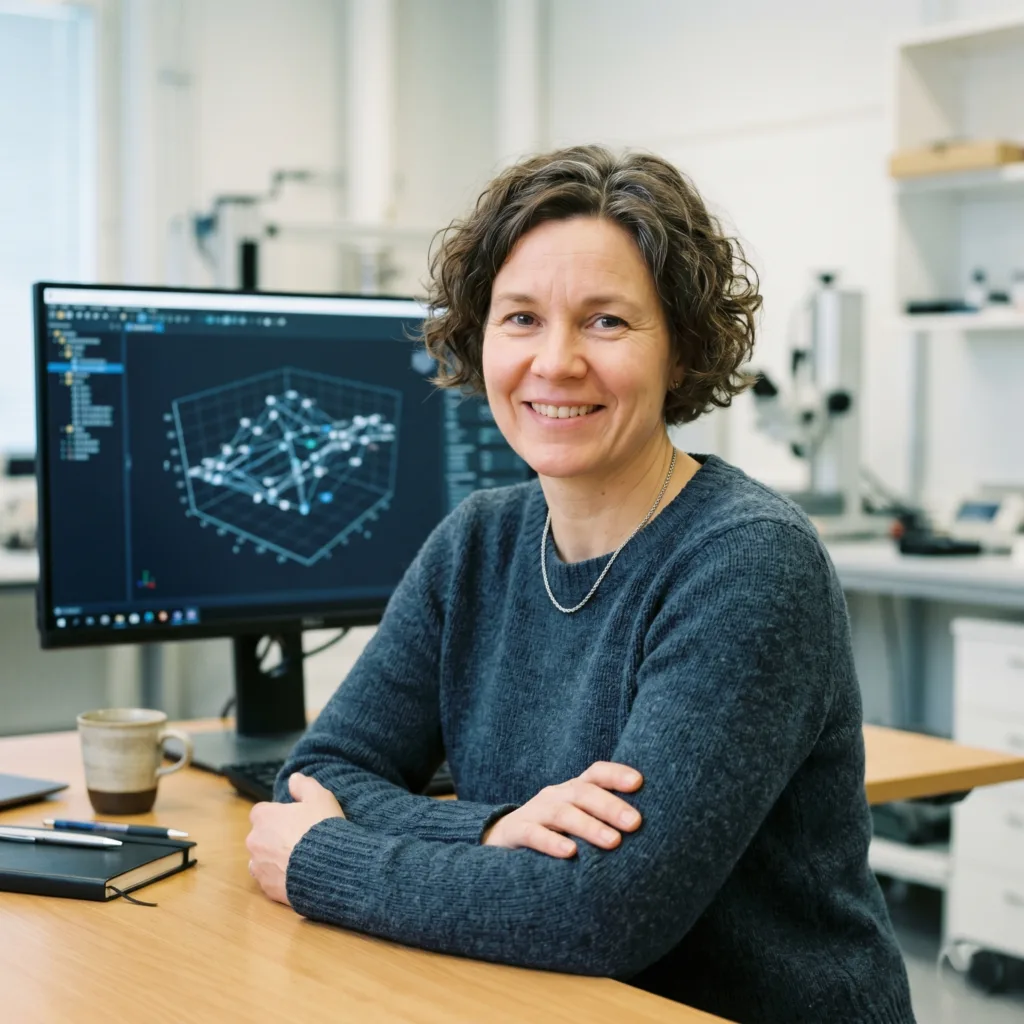
The Challenge Ingrid’s research team in Finland needed a specialized tool for 3D data charting that could talk directly to their lab sensors. The data was very heavy, and every other software they tried would lag or crash when things got busy. They needed a powerhouse that could handle massive amounts of work without slowing down.
The vorza360 Solution We built a high-performance PyQt application. We used multi-threaded processing, which is like giving the software multiple brains to handle different tasks at the exact same time. We also designed a modern, intuitive interface that looks stunning on their high-resolution lab monitors.
The Result The app handles the heavy engineering data without a single hint of lag. It is exactly the scientific tool the research team required. Ingrid loves how intuitive it is, as it allows her scientists to focus on their research instead of fighting with the software.
Artūrs Kalniņš (Latvia)
The Challenge Artūrs was using old Java software that felt like it was from another decade. It was slow to load, the menus were confusing, and it used up way too much of his computers’ memory. He knew he needed to modernize, but he didn’t want to lose the core logic that his business relied on.
The vorza360 Solution We didn’t just move his code; we rebuilt it into a modern desktop Python application. We added a sleek dark-mode interface using CustomTkinter and fixed all the old, slow menus. We optimized the entire system so it uses much less memory while performing even better than before.
The Result The app now opens in a blink. It feels modern, fast, and light. Artūrs says it was the best decision his company made all year. The new interface has made his employees much more productive because they no longer have to wait for slow menus to load.
Fiona MacLeod (United Kingdom)
The Challenge Fiona’s small agency was losing hours every day to boring paperwork. They had to generate hundreds of PDFs and documents by hand. She needed a simple tool that her team could just install and use without needing to hire a full-time IT person or install complex background software.
The vorza360 Solution We built a lightweight desktop automation tool that is incredibly snappy. We focused on Desktop Packaging, which means we gave her a simple .exe installer. Her team just had to double-click it, and it worked immediately on all their office PCs without any technical setup.
The Result Fiona loves how simple the tool is. It handles all the PDF generation in the background, freeing up her team to focus on their clients. It was a low-cost, high-impact solution that worked perfectly from the very first minute.
Haris Mehmood (Pakistan)
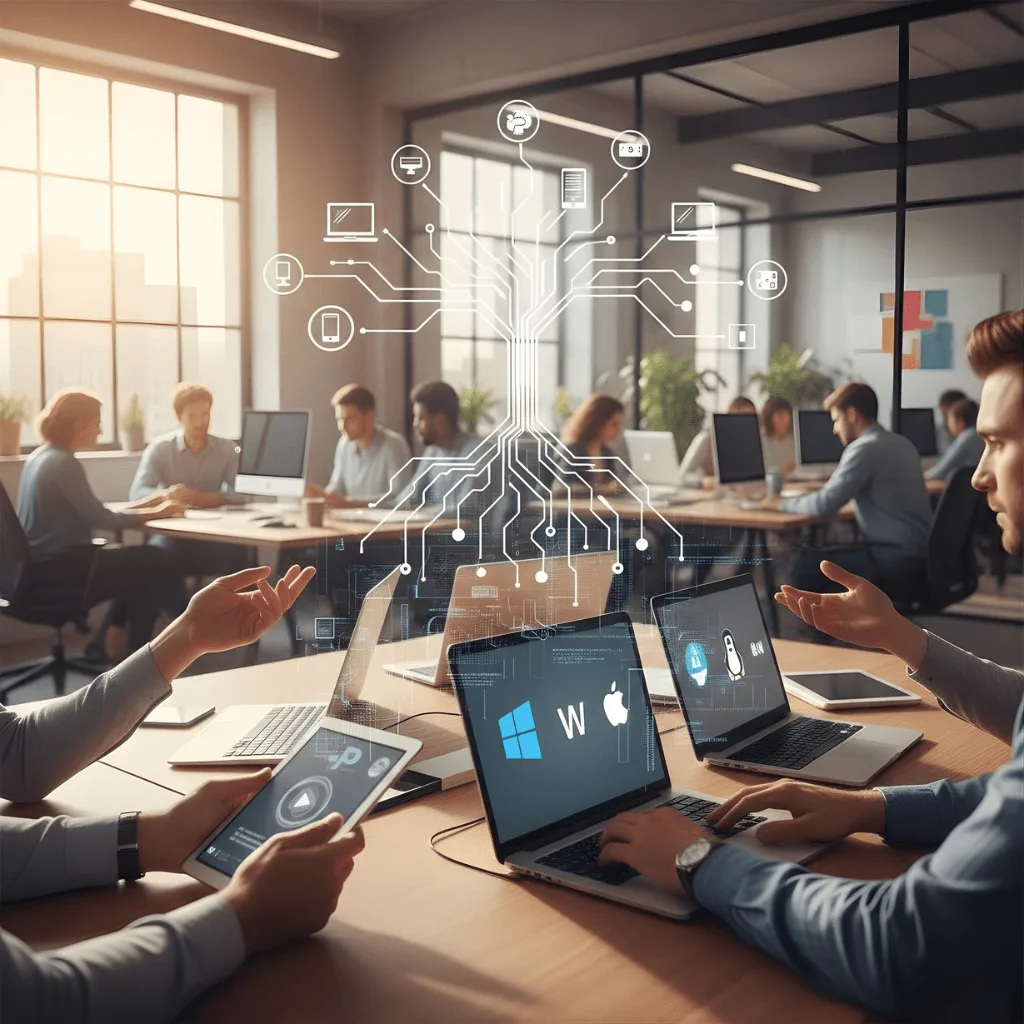
The Challenge Haris manages a business with a mix of Windows PCs and MacBooks. He needed one single piece of software that would work perfectly on both without having to pay for two different development projects. He also needed a way for his IT team to find and fix minor glitches before the employees even noticed them.
The vorza360 Solution We used our cross-platform expertise to build the app from a Single Codebase. This means the software looks and feels native on both Windows and macOS. We also added a tool called Loguru, which helps the IT department see what’s happening under the hood and fix small issues remotely.
The Result The software is a huge success across the whole fleet of computers. Haris saved money by only building one app, and his IT team is much more proactive. It’s a seamless experience for every employee, no matter which computer they prefer to use.
Camille Lefebvre (Luxembourg)
The Challenge Camille’s financial analysts in Luxembourg handle very sensitive data. They needed a custom business calculator that was offline-first meaning it could never connect to the internet to ensure total security. They also needed it to be fast and not drain their laptop batteries during long meetings.
The vorza360 Solution We created a custom desktop tool that stays entirely within her local network. We added top-notch encryption layers to protect the data even if a laptop was lost. We optimized the code to be hardware-efficient, so it uses very little power and runs smoothly on standard office laptops.
The Result The tool is fast, secure, and very user-friendly. Camille’s analysts can take it into any meeting without worrying about battery life or data leaks. It provides the high-level security they need with the simplicity they want for their daily work.
Soren Lundgren (Norway)
The Challenge Soren was using a retail software for batch image processing, but it was slow and clunky. He had a lot of complex tasks that he wanted to turn into a one-click solution. He needed a dashboard that felt very responsive where you click a button and something happens instantly.
The vorza360 Solution We used event-driven programming to make his new dashboard feel incredibly alive and responsive. We built a custom tool specifically for his batch processing needs. Because we picked the right framework for his specific job, the software is much lighter and faster than any retail option.
The Result The new tool is significantly faster than what he was using before. Soren loves the simple, one-click nature of the dashboard. We took his complex offline tasks and made them simple and fast, proving that custom software is often much better than a generic store-bought version.
vorza360’s Tech Edge
PyQt
Tkinter
Cross-Platform Desktop UI
+ 2
More
Event-Driven Programming
Desktop Packaging
vorza360’s Tech Edge
PyQt
vorza360 uses this professional tool to create beautiful, modern interfaces that look great on high-resolution screens.
Tkinter
We use this lightweight library to build fast, simple tools that open in a blink and use very little computer memory.
Cross-Platform Desktop UI
Our designs are “universal,” meaning we build desktop applications with Python that works exactly the same on Windows, macOS, and Linux.
Event-Driven Programming
We write smart code that reacts instantly to your mouse clicks and keyboard shortcuts for a “snappy” feel.
Desktop Packaging
vorza360 turns complex code into a simple “.exe” or “.app” installer, so you can install your software with just one click.
Custom Python Desktop Application Development
We build powerful, private software designed specifically to handle your company’s unique offline tasks.
Advantages
Specialized tools for data entry
Offline-first business calculators
Custom dashboards for local files
High-speed local database syncing
Secure login for office employees
Cross-Platform Software Solutions
vorza360 helps you develop desktop applications using Python that reaches every user, regardless of which computer they use.
Advantages
Single codebase for Windows, Mac, and Linux
Native look and feel for every system
Automatic screen resizing for monitors
Consistent performance across all OS versions
Easy "Universal" software updates
Desktop Automation Tools
We help you Python automate desktop application workflows to remove boring, repetitive manual work from your day.
Advantages
Auto-sorting and moving local files
Scraping data from desktop software
Automated PDF and document generation
Batch image or video processing tools
Clicking and typing automation for old apps
Legacy Desktop Modernization
vorza360 upgrades your old, slow desktop software into a modern desktop Python application for a better experience.
Advantages
Moving old VB6 or Java apps to Python
Adding modern, dark-mode interfaces
Fixing slow-loading menus and buttons
Integrating your desktop app with the cloud
Improving data security and encryption
Scientific & Engineering Tools
We build high-performance desktop applications with Python for complex math, science, and data graphing.
Advantages
Real-time 2D and 3D data charting
High-speed math and physics simulations
Connecting to lab equipment and sensors
Multi-threaded processing for heavy tasks
Exporting data to Excel or professional PDFs
Custom Python Desktop Application Development
We build powerful, private software designed specifically to handle your company’s unique offline tasks.
ADVANTAGES
Specialized tools for data entry
Offline-first business calculators
Custom dashboards for local files
High-speed local database syncing
Secure login for office employees
Cross-Platform Software Solutions
vorza360 helps you develop desktop applications using Python that reaches every user, regardless of which computer they use.
ADVANTAGES
Single codebase for Windows, Mac, and Linux
Native look and feel for every system
Automatic screen resizing for monitors
Consistent performance across all OS versions
Easy "Universal" software updates
Desktop Automation Tools
We help you Python automate desktop application workflows to remove boring, repetitive manual work from your day.
ADVANTAGES
Auto-sorting and moving local files
Scraping data from desktop software
Automated PDF and document generation
Clicking and typing automation for old apps
Batch image or video processing tools
Legacy Desktop Modernization
vorza360 upgrades your old, slow desktop software into a modern desktop Python application for a better experience.
ADVANTAGES
Moving old VB6 or Java apps to Python
Adding modern, dark-mode interfaces
Fixing slow-loading menus and buttons
Integrating your desktop app with the cloud
Improving data security and encryption
Scientific & Engineering Tools
We build high-performance desktop applications with Python for complex math, science, and data graphing.
ADVANTAGES
Real-time 2D and 3D data charting
High-speed math and physics simulations
Connecting to lab equipment and sensors
Exporting data to Excel or professional PDFs
Multi-threaded processing for heavy tasks
Why Choose vorza360 for This Service?
vorza360 is a leading expert in building desktop applications with Python, delivering software that is as powerful as it is easy to use.
User-Friendly Design
We don’t just write code; we design interfaces that are simple and intuitive. You won’t need a manual to understand how to use your new software.
Hardware Efficiency
We optimize our Python for desktop application builds to be “lightweight,” ensuring they don’t slow down your computer or drain your laptop battery.
Expert Framework Choice
We help you pick the best Python desktop application framework based on your specific needs, whether you want maximum speed, a beautiful look, or the smallest file size
Tools
Tools & Plugins For Frameworks
PyInstaller
The primary tool we use to bundle your code into a professional, standalone application that runs without needing to install Python.
Qt Designer
A powerful visual tool our team uses to “paint” your app’s interface, ensuring every button and menu is perfectly placed.
CustomTkinter
A modern plugin we use to give the best Python library for desktop application (Tkinter) a sleek, 2026-style look with rounded corners and dark mode.
Loguru
A smart logging tool we add to your desktop Python application so our team can remotely find and fix glitches if they ever happen.
Here is what our Clients are saying About us
Thomas Becker (Germany)
vorza360 built a Python desktop application for our engineering team that processes large data files locally with the performance that server-based processing could not achieve for our real-time requirements.
Hessa Al-Dosari (UAE)
vorza360 developed a Python desktop application for our operations team with a clean interface, local data processing, and system integration that our web-based tools could not provide.
Silviu Florescu (Romania)
vorza360 built a Python desktop application for our legal team with document processing, template generation, and database access. Desktop software that fits our workflow precisely.
Vikram Kapoor (India)
vorza360 developed a Python desktop application for our data entry team with form automation, validation, and database integration that has reduced our data entry errors significantly.
Siti Rahayu (Malaysia)
vorza360 built a Python desktop tool for our manufacturing quality control team with machine integration, measurement capture, and report generation.
Emmanuel Okonkwo (Nigeria)
vorza360 developed a Python desktop application for our offline-first operational environment where web-based tools are not viable.
More about Python
Python Web Development
Build powerful and secure websites with expert Python web development services.
Got questions? We’ve got answers. Find everything you need to know about using our platform, plans, and features
What is Python desktop application development and what business problems does it solve?
Python desktop application development involves building software that runs natively on a user’s computer, on Windows, macOS, or Linux, rather than in a browser. Desktop applications are the right solution when your tool needs to process large amounts of local data quickly without network latency, requires access to local hardware (printers, scanners, cameras, serial ports, local databases), must work reliably offline in environments without internet connectivity, or needs to provide a rich, responsive interface for complex workflows that a web app cannot deliver efficiently. vorza360 builds Python desktop applications using PyQt, Tkinter, and other proven frameworks, creating professional, fast, and intuitive tools tailored to your specific operational needs.
Which Python frameworks does vorza360 use for desktop application development?
Our desktop development toolkit covers the main Python GUI frameworks, each selected based on the specific requirements of your application. We use PyQt6 or PySide6 (bindings for the Qt framework) for professional, feature-rich desktop applications that need a modern look and high-resolution screen support, it is the most powerful Python desktop framework and the one we recommend for complex business tools. We use Tkinter with CustomTkinter for lightweight, simpler tools where a smaller footprint and faster startup are priorities. We use Kivy for touch-friendly interfaces and cross-platform deployments that also need to run on mobile. We package all applications into professional standalone installers using PyInstaller or cx_Freeze so end users do not need Python installed.
Can a Python desktop application built by vorza360 work on Windows, macOS, and Linux simultaneously?
Yes, cross-platform compatibility is a standard requirement we design for in every Python desktop project. We use PyQt or PySide as our primary framework because Qt’s cross-platform rendering engine produces consistent interfaces across all three operating systems with minimal platform-specific code. We test the application on all target platforms throughout development, not just at the end, to catch and resolve any platform-specific rendering or behavior differences early. We also build separate installers for each platform (an .exe installer for Windows, a .dmg for macOS, and a .deb or AppImage for Linux) so installation is native and professional-feeling on every system.
How does vorza360 connect a Python desktop application to a database or backend server?
Python desktop applications can connect to data in multiple ways depending on your architecture. For local data storage, such as a tool that works primarily offline, we use SQLite via SQLAlchemy, which stores the database as a local file that the desktop app manages directly. For applications that need to sync with a central server, we build a Python API backend (FastAPI or Django) and have the desktop application communicate with it over HTTPS, giving you a single source of truth accessible from multiple desktops. For direct enterprise database connections (PostgreSQL, MySQL, SQL Server), we use the appropriate Python drivers with connection pooling and secure credential management. We design the data architecture based on your connectivity requirements and deployment environment.
How does vorza360 distribute and update Python desktop applications to end users?
Application distribution and update management are practical concerns we address as part of every desktop project delivery. We package the application as a standalone installer for each target platform using PyInstaller, creating an executable that includes Python and all dependencies, users install it like any other desktop software without needing Python configured on their machine. For updates, we implement an auto-update mechanism that checks a version endpoint on your server at startup, notifies users when a new version is available, and guides them through the update process, or in some configurations, applies updates silently in the background. For enterprise deployments, we also support MSI packaging and Group Policy-compatible deployment for IT-managed Windows environments.