Expand your business potential with professional ipad app development services. vorza360 builds high-performance, large-screen apps that take full advantage of the iPad’s unique power and multitasking features.
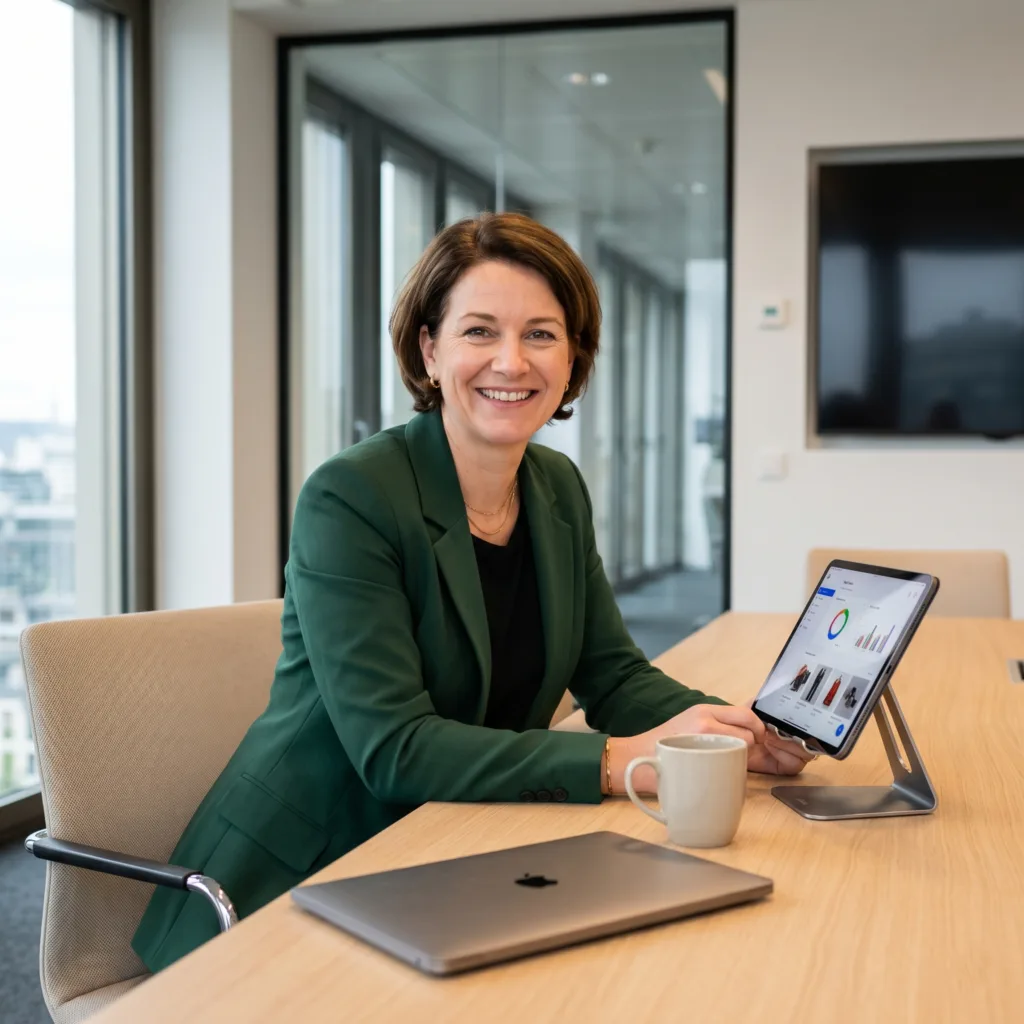
The Challenge Annika’s architectural firm in Sweden needed a way to carry heavy 3D blueprints into the field. Carrying a heavy laptop was too much, but they couldn’t sacrifice the power needed to view complex designs. They also needed a way to write notes on technical specs quickly without having to type on a screen while standing at a construction site.
The vorza360 Solution We built an iPad app that feels like a professional desktop suite but fits in a backpack. We focused heavily on Apple Pencil integration, specifically using the Scribble feature. This allows her field teams to write notes directly onto the 3D blueprints with the pencil, and the app turns that handwriting into neat, searchable text instantly.
The Result The app is the perfect blend of light portability and strong performance. Annika’s team has saved hours of manual data entry because they can annotate plans on the fly. It has completely changed how they handle site visits, making them more efficient and professional in front of their clients.
Toomas Ilves (Estonia)
The Challenge Toomas needed his data reporting app to be a productivity powerhouse. His team was tired of constantly switching back and forth between their inventory database and their internal chat app. He needed a way to utilize the large screen of the iPad Pro so his staff could do two things at once without the system slowing down or crashing.
The vorza360 Solution We implemented full multitasking support. This allows the team to run the app in Split View, meaning the database and the chat can sit side-by-side on the same screen. We also used the 2026 Liquid Glass design for the sidebars, giving the interface a high-end, modern look that makes navigating through massive amounts of data feel easy and organized.
The Result The app is now a favorite for his team because it eliminates the frustration of app-switching. They can chat about inventory while looking at the live numbers at the same time. Toomas is impressed by how we utilized the extra space of the iPad Pro to turn a simple app into a serious work tool.
Clara Beaumont (Luxembourg)
The Challenge Clara’s retail chain uses different types of iPads depending on the task. Floor staff use the small iPad Mini for quick checks, while the front desk uses the large iPad Pro on a stand for customer sign-ups. She needed one app that would look amazing and work perfectly on every screen size and in any direction.
The vorza360 Solution We designed an adaptive layout that changes its shape based on the device. We built in modern drag-and-drop features, allowing staff to move products into a digital shopping cart with a simple finger gesture. Whether the iPad is held upright like a phone or sideways like a TV, the app stays reactive and easy to use.
The Result The staff loves how modern the app feels. It has made customer sign-ups faster and inventory checks much more intuitive. Clara has one single solution that covers her entire store, ensuring a consistent and professional look for her brand across all her locations.
Julian Thorne (UK)
The Challenge Julian’s design agency needed a creative suite that felt natural to use. He didn’t want a tool that felt like a clunky desktop port; he wanted an app where gestures like pinching and swiping felt like second nature for layering and editing art. He also needed his designers to be able to juggle multiple Windows just like they do on their Macs.
The vorza360 Solution We used an immersive interaction strategy to make sure every gesture felt natural, not forced. We optimized the app for Stage Manager, which allows the designers to have multiple overlapping Windows open at once. We also performed intense stress-testing on every iPad model to make sure the app stayed stable even when handling very large design files.
The Result The stability of the app is world-class. Julian’s designers can now work on complex projects with total confidence, moving between Windows and using natural hand gestures to create their art. It provides the freedom of an iPad with the window-management power of a Mac.
Dr. Elena Stoica (Romania)
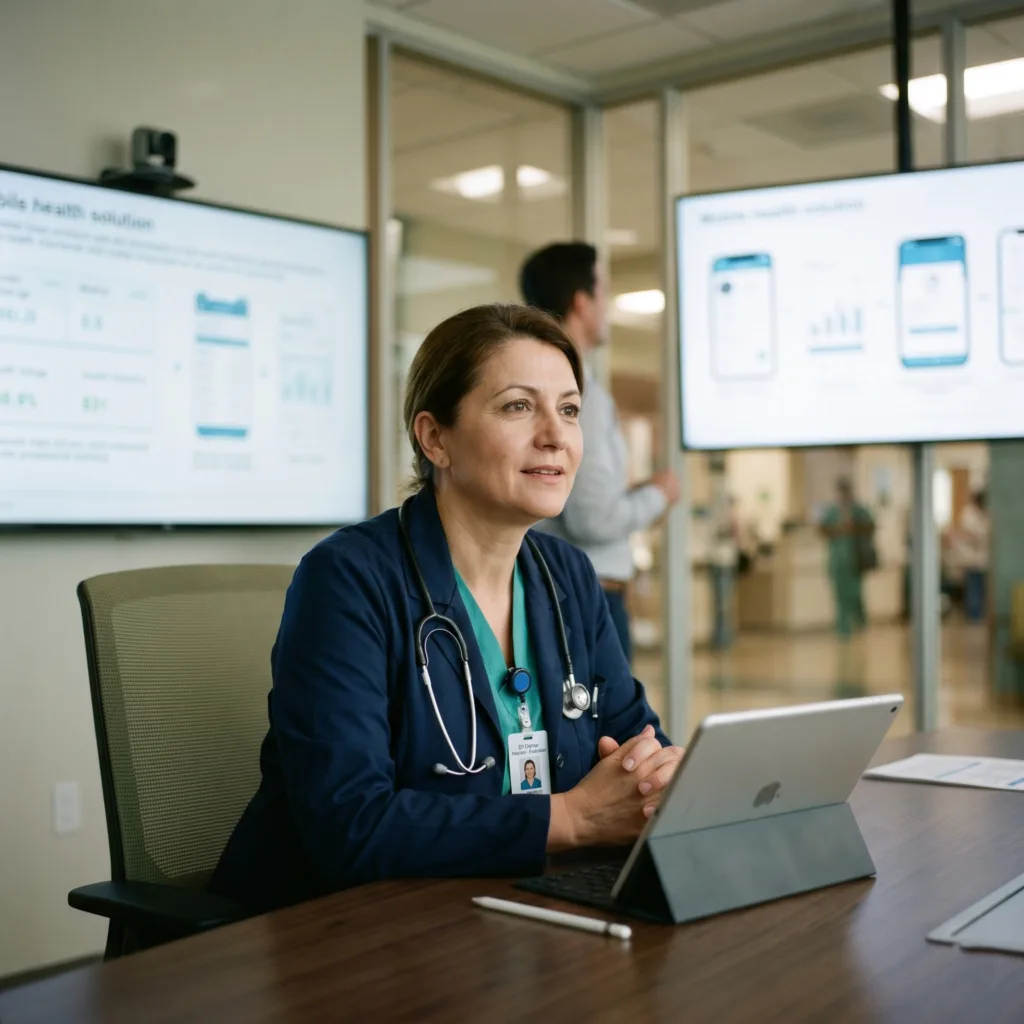
The Challenge In Dr. Elena’s medical practice, speed and clarity are life-saving. Doctors need to see patient vitals instantly while they are walking from room to room. They also need a way to quickly sketch out diagrams to explain medical issues to patients in a way that is easy to understand.
The vorza360 Solution We tailored a specialized iPad solution where the most important vitals are always front and center, never hidden behind menus. We built in smart drawing features for the Apple Pencil, allowing doctors to sketch diagrams that the app helps keep neat and clear. We focused on making the app secure yet incredibly easy to use during busy hospital rounds.
The Result The tool fits the hospital workflow perfectly. Doctors find it much easier to communicate with patients, and having instant access to vitals has improved the quality of care. It is a specialized, professional tool that has become an essential part of the medical team’s daily routine.
Saanvi Iyer (India)
The Challenge Saanvi had a massive amount of global shipping data that looked messy and overcrowded on a normal screen. She needed to transform this complex dashboard into a sleek experience that her management team could use for real-time reporting. The goal was to make the data look organized and professional without losing any of the detail.
The vorza360 Solution We started with a large-screen blueprinting phase to map out exactly how to use the iPad’s space. We used sidebars and hidden menus to keep the main screen clean while still keeping the data just one tap away. The result is a high-performance app that focuses on clarity and speed for real-time reporting.
The Result The management team now uses the app daily. They love how easy it is to see the big picture of their global logistics without being overwhelmed by a cluttered screen. Saanvi found our forward-thinking approach to be exactly what her company needed to stay competitive.
vorza360’s Tech Edge
iPad Multitasking Support
Split View & Slide Over
Apple Pencil Integration
+ 2
More
Adaptive Layouts
Large Screen Optimization
vorza360’s Tech Edge
iPad Multitasking Support
vorza360 builds apps that let users work on two things at once, making your software a productivity powerhouse.
Split View & Slide Over
We optimize your app to look and work perfectly when it’s side-by-side with other tools or floating on top of the screen.
Apple Pencil Integration
Our team adds “smart drawing” and note-taking features, allowing your customers to sketch, sign, and write directly in the app.
Adaptive Layouts
We ensure your custom ipad app development project looks amazing whether the iPad is held sideways or standing tall.
Large Screen Optimization
We use the extra space to show more data, better menus, and beautiful sidebars that make your app feel organized and professional.
How we do it
vorza360 turns the iPad into a serious business tool by blending mobile ease with desktop power.
Creative Approaches
We focus on “Immersive Interaction.” In our iPad app development process, we find creative ways to use gestures and the Apple Pencil. For example, instead of just tapping buttons, your users can drag-and-drop items across the screen or use “Scribble” to turn handwriting into text instantly.
Insightful Strategies
We plan for “Professional Productivity.” We look at how your team actually uses tablets often on the go or in meetings. Our strategy is to build development apps for the iPad that are “light” enough to be portable but “strong” enough to handle heavy business tasks like inventory or data reporting.
Tailored Solutions
Every industry uses the iPad differently. Whether you are an iPad apps development company building a tool for doctors, architects, or retail shops, we tailor the interface to fit your specific workspace. We make sure the buttons are the right size and the most important info is always front and center.
Creative Approaches
We focus on “Immersive Interaction.” In our iPad app development process, we find creative ways to use gestures and the Apple Pencil. For example, instead of just tapping buttons, your users can drag-and-drop items across the screen or use “Scribble” to turn handwriting into text instantly.
Insightful Strategies
We plan for “Professional Productivity.” We look at how your team actually uses tablets often on the go or in meetings. Our strategy is to build development apps for the iPad that are “light” enough to be portable but “strong” enough to handle heavy business tasks like inventory or data reporting.
Tailored Solutions
Every industry uses the iPad differently. Whether you are an iPad apps development company building a tool for doctors, architects, or retail shops, we tailor the interface to fit your specific workspace. We make sure the buttons are the right size and the most important info is always front and center.
Our Service Cycle
vorza360 follows a clear, step-by-step path to bring your iPad vision to life.
Step 1
Canvas Planning
Step 2
Large-Screen Blueprinting
Step 3
Core Feature Building
Step 4
Quality Stress-Testing
Step 5
Deployment & Launch
Step 6
Lifetime Support
Step 1
Canvas Planning
we discuss your goals and figure out the iPad app development cost based on the features you need.
Step 2
Large-Screen Blueprinting
vorza360 designs the “look” of the app, focusing specifically on how it will use the iPad’s big display.
Step 3
Core Feature Building
Our iPad app developers write the code, adding native features like multitasking and Apple Pencil support.
Step 4
Quality Stress-Testing
We test the app on all iPad models (Mini, Air, and Pro) to ensure it never crashes or slows down.
Step 5
Deployment & Launch
As your iPad app development company, we handle the submission to the Apple App Store for you.
Step 6
Lifetime Support
vorza360 stays by your side with regular updates to keep your app compatible with the latest iPadOS versions.
Why Choose vorza360 for iPadOS App Development?
vorza360 provides a professional development service that turns the iPad into a high-powered workstation for your business. We build smooth, custom apps that take full advantage of the large screen and unique multitasking features.
Large-Screen Mastery
We don’t just stretch a phone app to fit a tablet; we provide a custom design service that uses every inch of the display. This ensures your menus, data, and images look organized and professional on any iPad model.
Pro-Level Multitasking
Our team builds your app to handle “Split View” and “Slide Over,” allowing your users to work on two things at once. This service creates a productivity powerhouse where customers can drag and drop info between your app and other tools.
Apple Pencil & Touch Precision
We provide “smart drawing” and note-taking features so your customers can sketch, sign, and write directly on the screen. This turns the iPad into a digital canvas for professional signatures, creative designs, or quick office notes.
Here is what our Clients are saying About us
James Harrington (United Kingdom)
vorza360 built our iPadOS application with split view, slide over, and the multi-window support that makes our app genuinely productive on iPad. Not a scaled iPhone app, a real iPad application.
Mariam Al-Harthi (Bahrain)
vorza360 developed an iPadOS application for our field team with Apple Pencil support, document scanning, and the large-screen layout that iPad enables for our inspection workflows.
Alexandru Vasile (Romania)
vorza360 built an iPadOS app for our retail team with a point-of-sale interface, product catalogue, and customer presentation mode that uses the iPad’s screen effectively.
Sneha Menon (India)
vorza360 developed an iPadOS educational application with split view content, handwriting recognition, and the keyboard shortcuts that iPad users who work with hardware keyboards expect.
Daniel Park (South Korea)
vorza360 built an iPadOS application for our creative team with Apple Pencil pressure sensitivity, canvas rendering, and the performance our design workflows require.
Fatima Al-Sayed (Nigeria)
vorza360 developed an iPadOS app for our healthcare workers with large-format patient records, clinical tools, and the workflow efficiency the iPad form factor enables.
More about Swift
iOS App Development
Bring your vision to life with the best iOS app development services. vorza360 builds…
Got questions? We’ve got answers. Find everything you need to know about using our platform, plans, and features
What makes iPadOS app development different from iPhone development and why does it matter?
While iPhones and iPads share iOS roots, iPadOS has evolved into a distinct platform with capabilities that demand purposeful design beyond simply scaling up an iPhone app. iPadOS supports multitasking (Split View, Slide Over, Stage Manager) , Apple Pencil for precision input and drawing, external keyboard and trackpad with pointer interaction, larger screen real estate that enables sidebar navigation and multi-column layouts, and more powerful hardware suited to professional workflows. vorza3 60 builds iPadOS apps that take genuine advantage of these platform capabilities, delivering experiences that feel designed specifically for iPad rather than stretched-out iPhone apps, which is what Apple’s users and the App Store review team both expect.
How does vorza360 implement iPad multitasking and Split View support?
iPadOS multitasking allows users to run your app side-by-side with another app in Split View, or as a floating Slide Over panel. Supporting these modes gracefully requires designing layouts that adapt intelligentl y across the full range of size classes your app can occupy, from full screen to a narrow Slide Over column. vorza360 uses SwiftUI’s adaptive layout tools and UIKit’s size class system to build interfaces that reflow their content meaningfully at every wi dth, rather than simply compressing or hiding elements. We also support Scene-based architecture properly so your app can participate in Stage Manager on iPadOS 16 and above, allowing users to work in freely resizable Windows for a desktop-like experience.
Can vorza360 add Apple Pencil support to an iPadOS app?
Yes. Apple Pencil support opens significant user value in creative, productivity, annotation, and educational apps. vorza360 implements Apple Pencil integration using PencilKit for high-quality handwriting and drawing with minimal code, and using the low-level UITouch properties (force, azimuth, altitude, and the Pencil’s second-generation hover detection) for applications that need precise, custom Pencil interactions beyond standard drawing. We implement p alm rejection for drawing canvases, Scribble text input so users can write in text fields with the Pencil, and the double-tap gesture on Apple Pencil for tool switching. We test with both first and second generation Pencil hardware to ensure compatibility.
How does vorza360 optimize iPadOS app layouts for the larger screen?
The most important principle in iPadOS layout optimization is using the additional screen real estate to show more content and enable richer workflows, not to show the same content larger. vorza360 implem ents multi-column layouts using UISplitViewController or SwiftUI’s NavigationSplitView, where a master list in one column drives detail content in an adjacent column. We add sidebar navigation for top-level navigation categories, implement contextual menus and drag-and-drop between views, and use iPad-specific popover presentations rather than full-screen sheets for secondary actions. These patterns transform the user’s experience from a zoomed-up phone interface into a genuinely powerful productivity tool.
Does vorza360 build iPadOS apps that also work on Mac via Mac Catalyst?
Yes. Mac Ca talyst allows an iPadOS app to run natively on macOS with relatively modest additional engineering effort, and vorza360 manages the full Mac Catalyst development and App Store submission process. We optimize the app for the Mac environment, implementing k eyboard shortcut support, macOS menu bar items, proper window resizing behaviour, and macOS-style toolbars and sidebars, while sharing the majority of the codebase with the iPadOS version. For apps that need even deeper macOS integration, we can complemen t the Catalyst version with a native macOS target built in SwiftUI that shares the business logic layer with the iPad app. Either approach gets your product in front of Mac users significantly faster and more cost-effectively than a fully separate Mac app.