Elevate your business with professional macOS app development. vorza360 builds powerful, native desktop software that feels perfectly at home on any Mac, using the latest macOS app development tools.
The Challenge Ingrid’s creative studio in Sweden works with massive RAW image files that often make standard software stutter or lag. She needed a high-performance viewing tool that could handle these heavy files instantly. She also wanted the app to look beautiful on her studio’s high-resolution Retina displays, ensuring her portfolio looked as professional as possible.
The vorza360 Solution We built a native macOS app using AppKit, which is the gold standard for desktop performance. We focused on a deep desktop app architecture that allows the software to talk directly to the computer’s file system for maximum speed. We also optimized every pixel to ensure the app looks breathtaking on Retina screens, making the colors and details of her images pop.
The Result The app is incredibly fast and handles huge files with ease. Ingrid loves that it feels like a natural part of the Apple ecosystem rather than a clunky add-on. Her team can now browse through their work without any frustrating delays, and the professional look of the app has impressed her high-end clients.
Viktoras Nausėda (Lithuania)
The Challenge Viktoras had a productivity suite that only worked on Windows, and moving it to the Mac felt like a mountain of work. He didn’t just want a copy of his old software; he wanted it to feel like a modern Mac app. He needed it to look fresh, support Dark Mode, and include features that Mac users love, like custom keyboard shortcuts.
The vorza360 Solution We handled the entire migration, but we didn’t just port the code. We refreshed the design to match the 2026 Tahoe look, giving it a sleek and modern feel. We added beautiful Dark Mode support and integrated an automated PDF creator directly into the business logic. We also built in custom keyboard shortcuts to help his team work faster.
The Result The transition was seamless. Viktoras’s team moved to the Mac version without any trouble, and they actually prefer it over the old Windows version. The new design has revitalized their daily work, and the automated tools we built in have saved them hours of manual document creation every week.
Elias Thorne (UK)
The Challenge Elias needed a way to keep an eye on his server’s health in real-time, but he didn’t want a big, bulky window taking up space on his screen. He wanted a small utility that lived in the menu bar at the top of his Mac. It had to be functional and stunning to look at, but it also had to run silently in the background without slowing down his computer.
The vorza360 Solution We designed a menu bar utility using a Liquid Glass interface that is both beautiful and easy to read. We used the macOS SDK to ensure the background tools run silently, using almost zero system power. We also set up native notifications so that if a server has an issue, Elias gets a gentle update that doesn’t interrupt his work.
The Result Elias now has the perfect balance of information and peace of mind. The tool looks great and works perfectly in the background. He loves that he can see his server status with a quick glance at the top of his screen, allowing him to stay productive without constantly checking a separate app.
Marc-André Lefebvre (Luxembourg)
The Challenge Reliability was the number one goal for Marc-André’s financial firm in Luxembourg. They handled a massive database of records and needed a specialized Mac app that could search and organize files at high speeds. He wanted to make sure the app was tapping into the full power of the new M-series chips inside his team’s laptops.
The vorza360 Solution We developed a native Mac app based on Apple-First software principles. This ensures the app is perfectly tuned for M-series hardware, allowing for lightning-fast file searching. We also built in an automated local backup system, so that even if something goes wrong, their financial records are always safe and easy to recover.
The Result The app has given the office total peace of mind. Searching for a specific record now takes a split second instead of minutes. The software is robust and reliable, and Marc-André is thrilled that his team has a tool that feels as powerful as the computers they are using.
Sofia Draganova (Bulgaria)
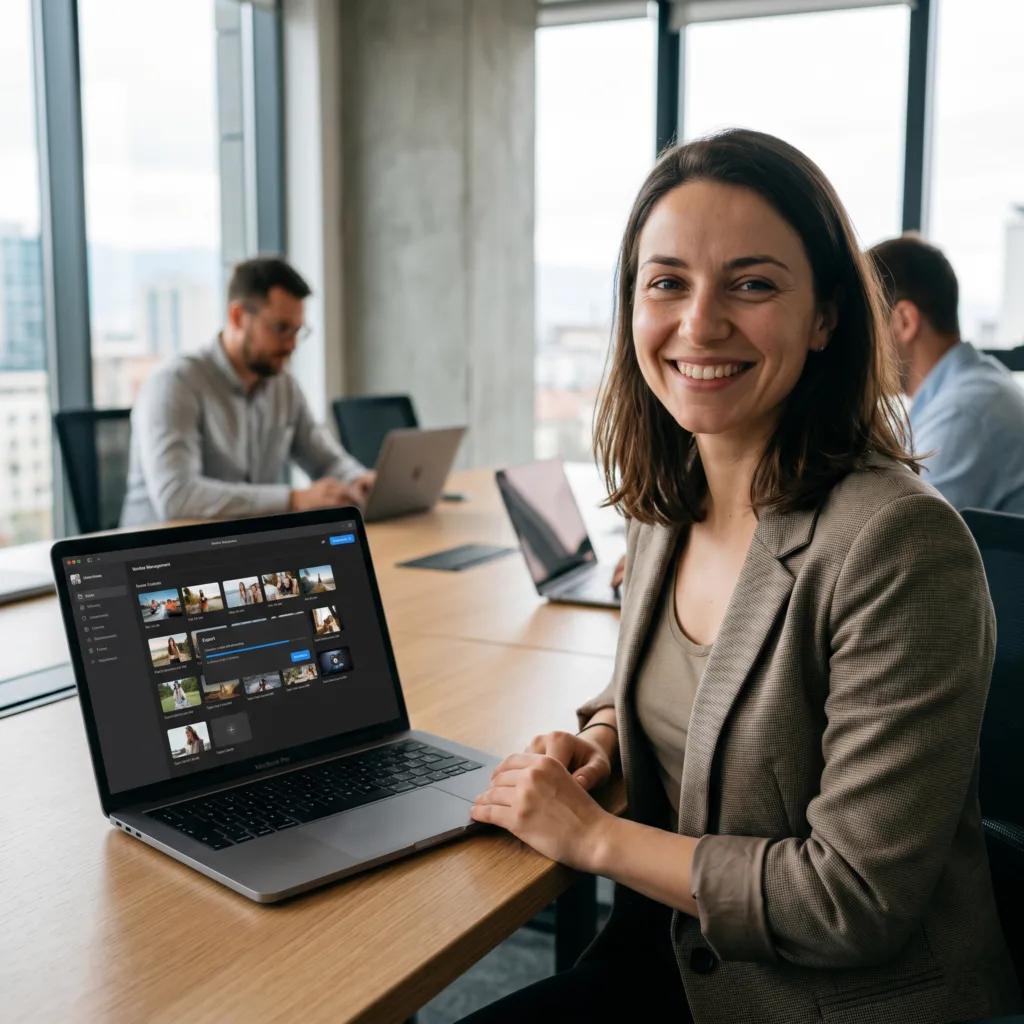
The Challenge Sofia’s brand was struggling to manage a huge library of videos and images. They needed an intuitive way to drag and drop files and a much faster way to export high-quality videos for their social media. She was also worried about the technical side of getting the app onto the Mac App Store, which felt like a huge hurdle.
The vorza360 Solution We built a custom media library with a focus on intuitive file management. We optimized the video engine to provide the best exporting speeds possible on a desktop app. Most importantly, we took over the entire App Store distribution process, handling all the technical paperwork and compliance checks for her.
The Result The new workflow has transformed her brand’s productivity. Exporting videos is now faster than she ever thought possible, and her team loves how easy it is to organize their media. Sofia was especially happy that we handled the App Store launch, making the entire journey smooth and professional.
Aarav Gupta (India)
The Challenge Aarav needed a heavy-duty tool for his global logistics team in India. They often have to process huge amounts of data while offline, so a web-based tool wasn’t an option. He needed a native desktop app that felt premium and robust, with quick-info updates that his staff could see without even opening the main app.
The vorza360 Solution We delivered a native macOS app that is built for heavy lifting. We used our expertise in desktop development to create a system utility that manages a local database perfectly even without the internet. We also added custom Dock features and desktop widgets that show real-time shipping updates directly on the user’s wallpaper.
The Result The app has become the central hub for his logistics team. It is fast, reliable, and handles huge data tasks without breaking a sweat. Aarav’s staff loves the desktop widgets because they can see the most important info at a glance. It is a professional solution that has made their global operations much smoother.
vorza360’s Tech Edge
AppKit Framework
macOS SDK
Desktop App Architecture
+ 2
More
File System Access
macOS App Distribution
vorza360’s Tech Edge
AppKit Framework
vorza360 uses the classic, professional toolkit that powers the world’s best Mac apps to create your custom interface.
macOS SDK
We tap into the full power of the Mac, from the menu bar at the top of your screen to advanced keyboard shortcuts.
Desktop App Architecture
Our team designs “heavy-duty” software structures that can handle large files and complex tasks without slowing down.
File System Access
We build tools that can safely and quickly manage your local files, making it easier to organize your office data.
macOS App Distribution
vorza360 handles the tricky parts of getting your app ready, whether you want to sell it on the App Store or share it privately.
Native Mac App Development
We create “Apple-First” software that uses the full power of your Mac’s processor and memory for maximum speed.
Advantages
Support for Dark Mode and Retina displays
Apps that look like they were made by Apple
Native notifications and "Dock" features
Ultra-fast performance for heavy work
Smooth scrolling and gestures
Business Productivity Tools
vorza360 builds specialized software that helps your team finish their office work in half the time.
Advantages
Custom local databases for your records
Automated document and PDF creators
High-speed file search and organization
Desktop widgets for quick info updates
Secure internal chat and file sharing
System Utilities & Automations
We build the “helping hand” tools that live in your menu bar and make using your Mac easier every day.
Advantages
Custom menu bar icons for quick access
Background tools that monitor your tasks
Automated file backups to local drives
System "Health-Check" utilities
Custom keyboard shortcut managers
Legacy App Migration
As a top mac app development company, we help you move your old Windows or mobile software onto the Mac.
Advantages
Converting Windows apps to native macOS
Moving mobile apps to the desktop screen
Updating old Mac code to run on new chips
Refreshing old designs to look modern
Ensuring your old data works on the new app
Creative & Media Software
vorza360 builds high-performance tools for editing images, managing videos, or processing large amounts of creative data.
Advantages
Fast video processing and exporting
High-resolution image viewing tools
Drag-and-drop file management
Integration with pro-grade cameras
Custom media libraries for your brand
Native Mac App Development
We create “Apple-First” software that uses the full power of your Mac’s processor and memory for maximum speed.
ADVANTAGES
Apps that look like they were made by Apple
Support for Dark Mode and Retina displays
Ultra-fast performance for heavy work
Native notifications and "Dock" features
Smooth scrolling and gestures
Business Productivity Tools
vorza360 builds specialized software that helps your team finish their office work in half the time.
ADVANTAGES
Custom local databases for your records
Automated document and PDF creators
High-speed file search and organization
Secure internal chat and file sharing
Desktop widgets for quick info updates
System Utilities & Automations
We build the “helping hand” tools that live in your menu bar and make using your Mac easier every day.
ADVANTAGES
Custom menu bar icons for quick access
Background tools that monitor your tasks
Automated file backups to local drives
Custom keyboard shortcut managers
System "Health-Check" utilities
Legacy App Migration
As a top mac app development company, we help you move your old Windows or mobile software onto the Mac.
ADVANTAGES
Converting Windows apps to native macOS
Moving mobile apps to the desktop screen
Updating old Mac code to run on new chips
Refreshing old designs to look modern
Ensuring your old data works on the new app
Creative & Media Software
vorza360 builds high-performance tools for editing images, managing videos, or processing large amounts of creative data.
ADVANTAGES
High-resolution image viewing tools
Fast video processing and exporting
Custom media libraries for your brand
Drag-and-drop file management
Integration with pro-grade cameras
Here is what our Clients are saying About us
Pieter Janssen (Netherlands)
vorza360 built a macOS application for our engineering team that handles our data processing requirements with native Mac performance and the menu bar, keyboard shortcut, and window management conventions Mac users expect.
Sara Al-Madani (Qatar)
vorza360 developed a macOS application for our operations team with AppleScript support, system integration, and the desktop productivity features our Mac-based team relies on.
Ionuț Marin (Romania)
vorza360 built a macOS menu bar application for our internal tool that provides quick access to our service without interrupting our team’s workflow.
Priya Sharma (India)
vorza360 developed a macOS application for our content team with document management, collaboration features, and the iCloud integration our Apple ecosystem users expect.
Anisa Putri (Indonesia)
vorza360 built a macOS app for our organisation that integrates with our existing iOS application through Handoff and iCloud for a seamless multi-device experience.
Adaeze Obi (Nigeria)
vorza360 developed a macOS desktop application for our team with the native performance and Mac-appropriate interface that our developers requested.
More about Swift
iOS App Development
Bring your vision to life with the best iOS app development services. vorza360 builds…
Got questions? We’ve got answers. Find everything you need to know about using our platform, plans, and features
What is native macOS app development with Swift and what advantages does it offer?
Native macOS app development with Swift means building desktop software that runs directly on Apple’s macOS operating system, taking full advantage of the platform’s hardware capabilities, system APIs, and user interface conventions. Unlike web apps wra pped in Electron, native macOS apps built by vorza360 start faster, use significantly less memory and battery, integrate seamlessly with macOS system features (Spotlight, Finder, menu bar, Notification Center, iCloud, Keychain), and deliver the polished, r esponsive feel that Mac users expect. For businesses whose users are on Mac, designers, developers, financial professionals, and power users, a native macOS app conveys quality and respect for the platform that web-based alternatives simply cannot match.
Should my macOS app be built with SwiftUI or AppKit, and how does vorza360 decide?
For new macOS applications, vorza360 uses SwiftUI as the primary framework, it delivers modern macOS design patterns, faster development cycles, and the ability to share c ode with iOS and iPadOS targets. SwiftUI on macOS has matured significantly and handles the vast majority of macOS app requirements excellently. For applications that need very deep macOS integration, such as custom document-based apps, low-level system t ools, or apps targeting macOS versions below Big Sur, we use AppKit directly or combine AppKit views with SwiftUI using NSViewRepresentable bridges. The choice is always driven by what delivers the best product for your users, not by framework preference.
What macOS-specific features can vorza360 integrate into a Swift app?
macOS provides a rich set of platform capabilities that vorza360 integrates into native apps. These include iCloud Drive integration for document sync across devices, Spotlight search indexing of app content, menu b ar extra apps that live in the macOS status bar, Touch Bar support on compatible MacBooks, AppleScript and Automator actions for workflow automation, drag-and-drop between apps and Finder, Quick Look previews, Share Sheet integration, Notification Center a lerts, keyboard shortcut customization, full Accessibility API support for VoiceOver and keyboard navigation, and Handoff continuity with iOS counterpart apps. We implement the macOS features that are most valuable for your specific use case and user base.
How does vorza360 distribute macOS apps, through the Mac App Store or directly?
vorza360 supports both distribution paths, and t he right choice depends on your business model and technical requirements. Mac App Store distribution provides the benefits of Apple’s trusted distribution channel, automatic updates through the App Store mechanism, and discovery by Mac users browsing for software, but imposes sandbox restrictions that limit certain system-level capabilities. Direct distribution (outside the App Store) allows fuller access to macOS capabilities and avoids Apple’s 30% commission on paid apps, but requires you to manage code signing with Apple’s Developer ID program, notarization, and your own update delivery mechanism. We advise on the distribution model that best serves your product requirements and help you navigate all technical requirements for whichever path you choose.
Can vorza360 build a macOS app that syncs data with a companion iPhone app?
Yes, building connected Apple ecosystem experiences that sync seamlessly across iPhone, iPad, and Mac is one of our specialties. vorza360 implements CloudKit for real-time data sync across Apple devices using your users’ iCloud accounts, requiring no server infrastructure on your side. For businesses that need backend-controlled sync (rather than direct user-to-user iCloud sync), we build a shared API backend that both the macOS and iOS apps communicate with, keeping data consistent across platforms. We also implement Handoff continuity, Universal Clipboard, and AirDrop sharing where appropriate, giving your users a cohesive experience that moves naturally across their Apple devices throughout their day.