vorza360 is an expert desktop application development company, offering full-cycle desktop application development services to create fast, reliable software for Windows, macOS, and Linux. We specialize in custom desktop application development, building powerful tools that offer high performance and enhanced security.
The Challenge: Markus’s engineering firm used a specialist CAD tool for their design work, but the project management and cost tracking software their admin team used ran as a web app that was painfully slow on their internal network. The lag was small enough that nobody escalated it formally, but it was eating fifteen minutes of every engineer’s day.
The vorza360 Solution: We rebuilt their project management and cost tracking tool as a native desktop application optimised for their hardware environment. The interface matched the web app closely enough that retraining was minimal, but the performance difference was immediate.
The Result: The application opened and navigated instantly. Markus’s engineers stopped losing time to loading screens, and the admin team could process project updates in half the time. Something that had been quietly accepted as a cost of doing business turned out, once addressed, to have been costing the firm significantly.
Hana Al-Zubaidi (Iraq)
The Challenge: Hana’s distribution company operated in areas with inconsistent internet connectivity. Their sales representatives needed to record orders, check stock levels, and print invoices while on the road, none of which was possible with their existing web-based system when the connection dropped.
The vorza360 Solution: We built an offline-first desktop application that allowed sales reps to work fully without internet access. Orders, stock checks, and invoices were all handled locally and synced automatically to the central system the moment a connection was restored.
The Result: Sales representatives stopped losing orders during connectivity gaps. The sync was transparent, reps didn’t have to think about it, and the central team saw updated data as soon as each rep came back online. Revenue that had been lost to manual workarounds during connectivity gaps was recovered.
Mircea Ionescu (Romania)
The Challenge: Mircea’s accounting firm handled dozens of client files daily, and the generic software his team used was slow, cluttered with features they never touched, and missing several workflows specific to Romanian tax regulations. His accountants were spending time clicking through irrelevant menus to get to the functions they needed dozens of times a day.
The vorza360 Solution: We built a purpose-built desktop accounting tool designed around the specific workflows his team actually used, with Romanian tax regulation logic built in. The interface showed exactly what accountants needed and nothing they didn’t.
The Result: Mircea’s team processed client files noticeably faster once the interface stopped fighting their workflow. The Romanian tax logic reduced manual calculation errors, and the time saved per file added up to meaningful capacity gains across the firm.
Adaora Eze (Nigeria)
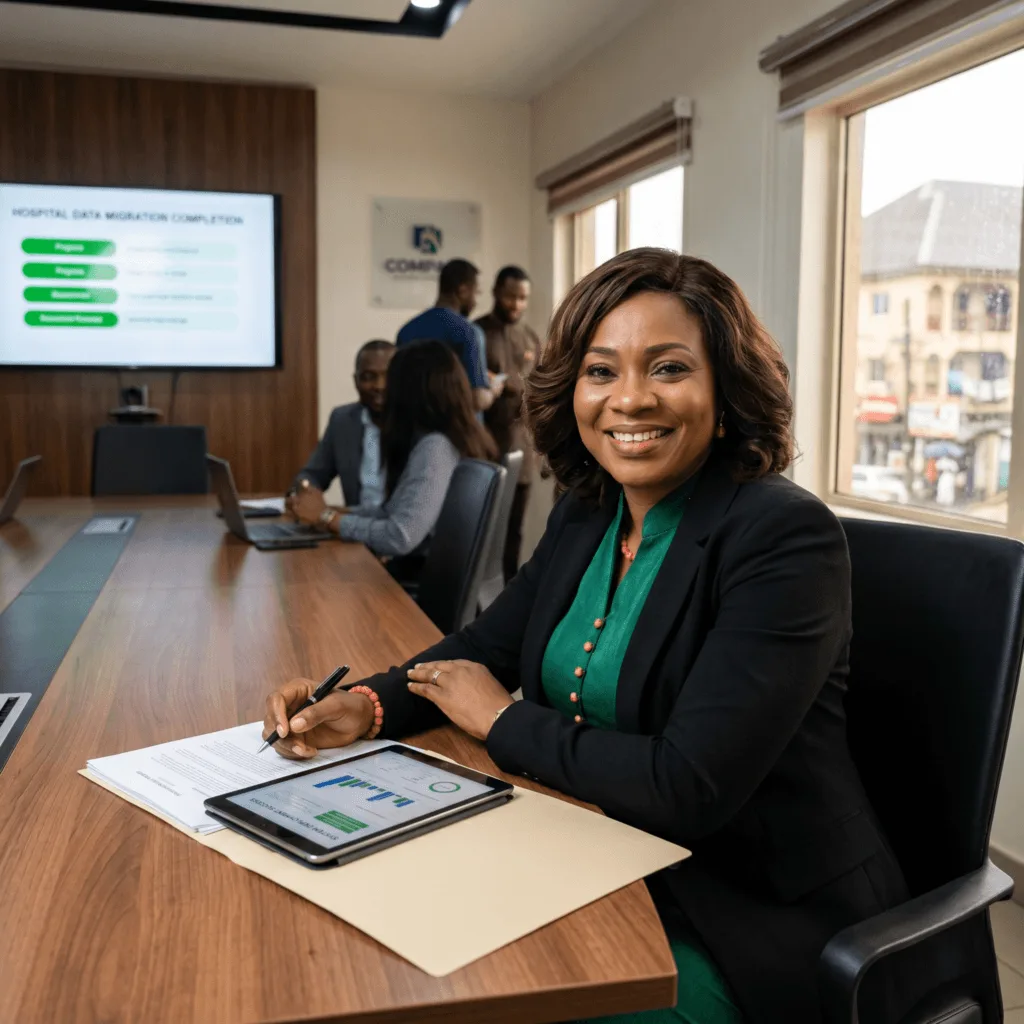
The Challenge: Adaora’s hospital group had a patient records system running on servers that were approaching end of life. The system was slow, the vendor no longer supported it, and the data was locked in a format that made migration complicated. She needed a replacement that could handle the volume of a busy multi-branch hospital group.
The vorza360 Solution: We developed a new desktop patient records application built for high-volume use, migrated all historical records cleanly from the old format, and deployed it across all branches with training sessions built into the rollout. The old system ran in parallel until every branch had confirmed the new one was solid.
The Result: All branches moved to the new system without data loss or disruption to patient care. The application handled the volume with no performance issues, and Adaora’s clinical team had a system that was actually supported, something they hadn’t had in years.
Henrik Svensson (Sweden)
The Challenge: Henrik’s media production company used several high-spec editing workstations, but the asset management software they used to organise, tag, and retrieve project files was a generic solution that struggled with the file sizes and volume their projects generated. Finding assets was taking longer than producing them.
The vorza360 Solution: We built a custom desktop asset management application optimised for large media files, with a tagging and search system designed around how the production team actually categorised their work rather than how a generic tool assumed they would.
The Result: Asset retrieval time dropped dramatically. Editors could find what they needed in seconds rather than minutes, and the production team stopped duplicating work because they couldn’t find existing assets. The investment in the application paid back in recovered billable hours within the first quarter.
Priya Natarajan (India)
The Challenge: Priya’s insurance brokerage was manually generating policy documents, renewal notices, and compliance reports, a process that involved copying data between their internal system and Word templates dozens of times a day. Errors crept in regularly, and the volume was growing faster than her team could keep up with.
The vorza360 Solution: We built a desktop document automation application that connected directly to her internal data and generated accurate, formatted documents automatically. Policy documents, renewal notices, and compliance reports were produced in seconds with no manual data entry.
The Result: Document errors dropped to near zero as manual copying was eliminated. Priya’s team handled a 30% increase in policy volume without any additional staffing, and the compliance reports that had previously required a dedicated afternoon each month were generated automatically on demand.
What Makes Custom Desktop Software Valuable?
Desktop apps are better than simple websites for things that need speed and security. vorza360, a top desktop application development company, uses these strengths to build powerful, stable programs. Our software is known for its native performance (meaning it’s fast like a built-in program) and ability to work completely offline. We create custom desktop application development that runs perfectly on your computer (Windows, macOS, Linux) for complex tasks, offering great speed and enhanced security.
vorza360’s Tech Edge
Native OS Application Frameworks
Cross-Platform Desktop Runtimes
Local Data Storage Systems
+ 2
More
Desktop UI/UX Architecture
Auto-Update & Packaging Systems
vorza360’s Tech Edge
Native OS Application Frameworks
We provide a “built-in” software service, creating apps that speak the same language as your computer’s operating system for the fastest possible performance and smoothest feel.
Cross-Platform Desktop Runtimes
Our team builds “universal apps” that work perfectly on Windows, Mac, and Linux using a single design, saving you money while reaching every employee in your office.
Local Data Storage Systems
We provide a “private filing” service where your app stores information directly on your computer’s hard drive, allowing you to work lightning-fast even without an internet connection.
Desktop UI/UX Architecture
Our team designs a “natural workspace” for your software, placing buttons and menus exactly where you expect them to be to help your staff work faster and with fewer mistakes.
Auto-Update & Packaging Systems
We provide a “self-healing” software service that automatically installs the latest security fixes and features in the background, so your team is always using the best version.
Automatic Updates
Includes a smooth, reliable mechanism to download and install new features or security patches automatically.
Single Install/Zero Setup
Designed for quick and easy installation with minimal effort, reducing IT support needs.
Centralized Data Control
Ideal for applications that need direct access and control over local server data for enhanced speed.
Tools
Key Tools vorza360 Offers for Desktop Development
.NET / C#
A robust Microsoft framework used for building high-performance, secure custom desktop application development for Windows.
Electron
A framework that uses web technologies (HTML, JavaScript) to build cross-platform desktop apps that run on Windows, macOS, and Linux.
Qt (C++)
A powerful, established framework for high-performance, complex graphical applications across all major operating systems.
Swift/Objective-C
The core languages used to create native, high-quality desktop applications development specifically for Apple’s macOS ecosystem.
Here is what our Clients are saying About us
Lukas Bauer (Germany)
vorza360 built a desktop application for our engineering team that processes large data files locally with the performance that server-based processing could not achieve for our real-time requirements.
Fatimah Al-Shammari (Saudi Arabia)
vorza360 developed a desktop point-of-sale application for our retail chain that works reliably offline and syncs when connectivity is restored. Our stores in locations with unreliable internet operate without interruption.
Mihai Stancu (Romania)
vorza360 built a desktop application for our CAD data processing workflow that automates operations our engineers had been doing manually. Processing time dropped from hours to minutes.
Divya Krishnan (India)
vorza360 developed a desktop application for our hospital that manages patient registration, appointment scheduling, and billing in an environment where browser-based applications had proven too slow.
Budi Santoso (Indonesia)
vorza360 built a desktop trading tool for our financial services firm with real-time data feeds, custom analytics, and order execution. Performance and reliability requirements of trading software were met correctly.
Kwame Mensah (Ghana)
vorza360 developed a desktop application for our media production team that manages project assets, editing workflows, and client approvals in a single interface designed for how production teams work.
More about Software
Custom Software Development
vorza360 is a leading custom software development company, providing end-to-end…
Got questions? We’ve got answers. Find everything you need to know about using our platform, plans, and features
What desktop application development services does vorza360 offer?
vorza360’s desktop application development services cover the full delivery cycle for Windows, macOS, and Linux: custom desktop application design and development, cross-platform desktop builds using Electron (Windows, macOS, Linux from one codebase), native macOS apps using Swift/Objective-C, high-performance Windows applications using .NET/C#, complex graphical or industrial applications using Qt (C++), and Local Data Storage Systems for offline-capable applications that work without internet connectivity. Every desktop application includes an Auto-Update & Packaging System that automatically delivers security fixes and feature updates in the background, ensuring your team always runs the latest secure version without manual intervention.
When should a business choose a desktop application over a web application?
Desktop applications outperform web applications in specific scenarios: when maximum performance is required (desktop apps communicate directly with the OS and hardware, eliminating browser overhead), when offline functionality is critical (the app must work without internet access, essential for warehouse operations, field sales tools, and point-of-sale systems), when deep hardware integration is needed (accessing local printers, cameras, biometric scanners, serial ports, or specialized devices), when processing large local datasets (CAD, video editing, data analysis tools that process gigabytes locally), or when enhanced security is required (sensitive data stays on local devices rather than traversing the internet). vorza360 recommends desktop architecture when these requirements genuinely exist, and web architecture when they don’t, never one size fits all.
Can vorza360 build a desktop application that works on Windows, macOS, and Linux simultaneously?
Yes. vorza360 uses Cross-Platform Desktop Runtimes, primarily Electron (which uses web technologies to create desktop apps running identically on Windows, macOS, and Linux from a single codebase) and Qt (C++) for high-performance applications requiring native graphical rendering and complex processing. Building cross-platform reduces your development investment significantly compared to maintaining three separate native codebases, while still delivering apps that feel native on each operating system. vorza360’s Desktop UI/UX Architecture service ensures the application uses familiar operating system conventions (Windows-style menus and dialogs on Windows, macOS-style interfaces on Mac) so users immediately feel at home regardless of their platform.
How does vorza360 handle security in desktop applications?
vorza360 implements multiple security layers in desktop application development: Secure Authentication Models requiring multi-factor authentication for application login, encrypted Local Data Storage using AES-256 for any sensitive data stored on the device, secure communication protocols (TLS) for any data transmitted between the desktop app and backend servers, code signing certificates to prevent tampering and allow OS security checks to verify the app’s authenticity, automatic security patch delivery through the Auto-Update System to ensure vulnerabilities discovered after launch are quickly closed, and role-based access controls within the application to restrict access to sensitive functions based on the user’s role. For enterprise environments, we also support single sign-on (SSO) integration with your corporate identity provider.
How does vorza360 manage updates and deployments for desktop applications after launch?
vorza360’s Auto-Update & Packaging Systems deliver a ‘self-healing’ software experience: the application periodically checks for updates, downloads them silently in the background during idle periods, and prompts users to restart when a new version is ready, or applies updates automatically at next launch depending on your policy preference. For enterprise environments, we support staged rollouts (deploying updates to a test group before all users) and update management via group policy or mobile device management (MDM) systems. Update packages are digitally signed and verified before installation to prevent tampering. This approach ensures your entire user base is always on a supported, secure version without requiring IT intervention for each update cycle.