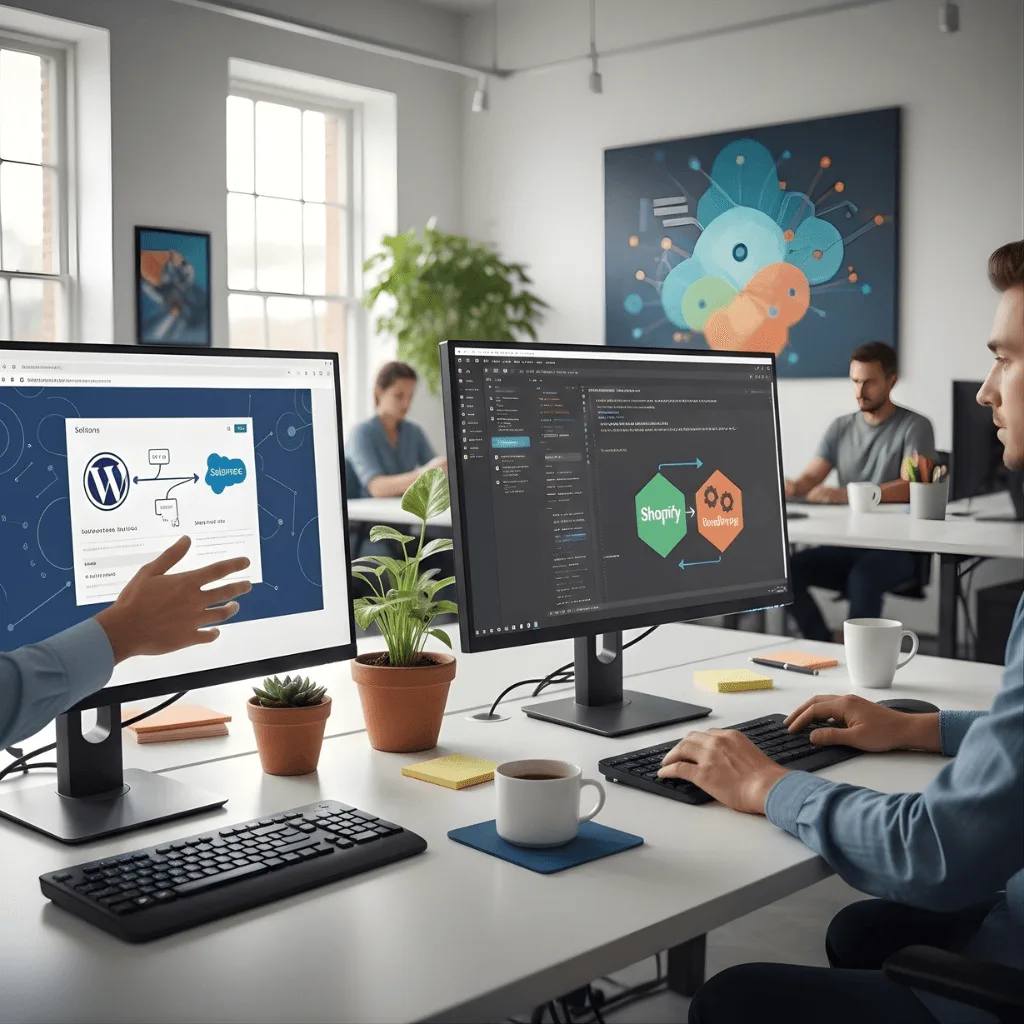
Connect your website to the tools you love with professional WordPress custom integration services that sync data and automate your daily business tasks.
The Challenge Kristaps was losing hours every week manually typing data from his website into his local accounting software. He tried using “ready-made” plugins, but they were bulky and slowed down his site’s performance.
The vorza360 Solution We built a custom API integration in WordPress from scratch. By writing clean, lightweight code specifically for his accounting software, we automated the data flow without adding any “bloat” to his website.
The Result Data entry is now a thing of the past. The administrative team in Riga has seen a massive productivity boost, and the website remains fast and responsive.
Elena Sokolova (Bulgaria)
The Challenge Elena needed to manage a high volume of leads and couldn’t afford to lose any data between her website forms and her Salesforce CRM. She needed a connection that was instant, secure, and completely reliable.
The vorza360 Solution We created a sophisticated WordPress Salesforce integration using “webhooks.” This ensures that the moment a customer fills out a form, the data is pushed to her sales team in real-time without any delay or lag.
The Result The website has become a true lead-generation hub. The connection is secure and “no-failure,” meaning her sales team is always working with the most up-to-date information.
Dominic Walsh (UK)
The Challenge Dominic started with a simple setup but quickly grew into a complex business with a large inventory and marketing stack. He needed a way to connect all his tools without compromising on data privacy or speed.
The vorza360 Solution We provided a highly scalable custom WordPress integration. We used modern authentication protocols to ensure that every piece of data moving between his website and his business tools is encrypted and private.
The Result Dominic now has a clean, professional “digital stack.” His tools talk to each other fluently, and as his business continues to grow, his integration can easily expand to handle new software.
Mette Nygaard (Norway)
The Challenge Mette wanted the design freedom of WordPress but the e-commerce power of Shopify. She was worried that connecting the two would create a “messy” setup that would be hard to manage and slow for her customers.
The vorza360 Solution We built a bespoke bridge that syncs products and customer data perfectly between the two platforms. We used “innovative thinking” to automate tasks that Mette previously thought had to be done by hand.
The Result: The site remains lightning-fast because we only wrote the code she actually needed. Mette now has the best of both worlds: a beautiful, custom-designed site and a powerful, automated e-commerce backend.
Rohan Kapoor (India)
The Challenge Rohan had a custom mobile app and a main website, but they were running on separate databases. He needed them to be perfectly in sync so that a change on the website would show up on the app instantly.
The vorza360 Solution We implemented WordPress API integration services to link his app to his website database. We analyzed his entire software stack to prevent conflicts and built-in high-level security to protect his users’ data.
The Result: The real-time syncing is flawless. Rohan has total peace of mind knowing his users have a consistent experience whether they are using their phones or their computers.
Gabriella Mendez (Mexico)
The Challenge: Gabriella needed her membership platform to “talk” to her third-party webinar tool. She was tired of manually exporting spreadsheets and wanted a system where her members were automatically registered for events.
The vorza360 Solution We provided a custom WordPress integration service that linked her tools together. We created a “unified ecosystem” where data flows automatically in the background 24/7 without any manual intervention.
The Result No more spreadsheets! Everything is automated, allowing Gabriella to focus on her members while vorza360’s custom bridge handles the technical “talk” between her favorite tools.
Why Choose Custom WordPress Integrations?
Off-the-shelf plugins often carry extra “bloat” or fail to connect exactly how you need. Our WordPress custom integration approach ensures a direct, clean bridge between your site and third-party software by eliminating manual data entry through automatic syncing with your CRM or accounting software. This creates a unified business ecosystem, turning your website into a central hub that talks fluently to your favorite marketing and sales platforms.
Unlike generic tools, our custom WordPress integration provides a scalable infrastructure that grows with your business and handles more data as you expand. We also focus on enhanced security by using encrypted protocols and modern authentication to keep your data transfers private. Finally, we ensure optimized site speed because by using custom API integration in WordPress, we only include the specific code needed for the connection, keeping your site lightning-fast.
How we do it
At vorza360, we simplify the complex world of WordPress API integration services to make your different software platforms work together as one.
Innovative Thinking
We look for smart ways to automate your workflows using the latest WordPress integrations and webhooks. Our team builds intelligent bridges that don’t just move data, but help your business run more efficiently 24/7.
Intelligent Strategies
Our strategy focuses on creating a “no-failure” connection for every custom APIi integration in WordPress we build. We analyze your software stack to ensure real-time syncing and high-speed performance across all your connected apps.
Custom Solutions
Whether you need a WordPress Salesforce integration or a deep Shopify and WordPress integration, we tailor the code to your specific needs. We provide bespoke WordPress custom integration services that bridge the gap between any two systems perfectly.
Innovative Thinking
We look for smart ways to automate your workflows using the latest WordPress integrations and webhooks. Our team builds intelligent bridges that don’t just move data, but help your business run more efficiently 24/7.
Intelligent Strategies
Our strategy focuses on creating a “no-failure” connection for every custom APIi integration in WordPress we build. We analyze your software stack to ensure real-time syncing and high-speed performance across all your connected apps.
Custom Solutions
Whether you need a WordPress Salesforce integration or a deep Shopify and WordPress integration, we tailor the code to your specific needs. We provide bespoke WordPress custom integration services that bridge the gap between any two systems perfectly.
Here is what our Clients are saying About us
Oliver Bennett (United Kingdom)
vorza360 implemented Elementor Pro for our WordPress site with a custom widget library and section templates that our marketing team uses to build new pages independently. Page creation that does not require a developer.
Ahmad Al-Zahrani (Saudi Arabia)
vorza360 built our WordPress site using a page builder with a design system that ensures every page our team creates stays on-brand. Creative freedom with brand guardrails built in.
Bogdan Marin (Romania)
vorza360 implemented a page builder solution for our WordPress site with custom blocks for our specific content types. Our content team builds pages faster and our developers are freed from routine layout work.
Priya Krishnan (India)
vorza360 configured a page builder for our WordPress site with templates for our most common page types. New landing pages that previously required developer time are now built by our marketing team in hours.
Budi Santoso (Indonesia)
vorza360 set up a page builder solution for our WordPress site that our non-technical team can use confidently. Pages that look professional because the builder constrains choices to our design system.
Adaeze Adeyemi (Nigeria)
vorza360 implemented a WordPress page builder for our organisation that empowers our communications team to manage their own web presence. Web updates that happen when our team needs them rather than when a developer is available.
More about WordPress
WordPress Website Development
Get a high-quality WordPress website development solution that grows your business.
Got questions? We’ve got answers. Find everything you need to know about using our platform, plans, and features
What are WordPress custom integrations and when does a business need them?
WordPress custom integrations are bespoke technical connections between your WordPress site and external software systems, CRMs, ERPs, accounting platforms, marketing automation tools, payment processors, booking systems, analytics platforms, or any service your business depends on. You need custom integration when off-the-shelf plugins do not connect to your specific system, when the integration logic requires business-specific rules a generic plugin cannot accommodate, when you need bidirectional real-time data synchronization rather than simple one-way exports, when integration performance requirements exceed what plugin-based solutions can deliver, or when your organization has security policies that require custom authentication. vorza360 builds custom integrations that are precisely fit for your specific systems and workflows.
How does vorza360 integrate WordPress with CRM platforms like Salesforce and HubSpot?
CRM integration is one of the most common and impactful custom integration projects we deliver. Connecting WordPress to Salesforce or HubSpot allows contact form submissions to create CRM leads automatically, WooCommerce orders to update CRM deal records, membership sign-ups to trigger CRM onboarding sequences, and CRM data to personalize WordPress content for returning visitors. vorza360 builds these integrations using the CRM’s REST API and webhooks, sending data from WordPress to the CRM in real time when specific events occur, and pulling CRM data back into WordPress where needed. We use Action Scheduler for reliable background processing of API calls, implement proper authentication and token refresh logic, and build reconciliation logging so your operations team can verify data is synchronizing correctly.
Can vorza360 build a custom WordPress REST API for a headless or decoupled architecture?
Yes, building WordPress REST API extensions for headless architectures is a service we provide for organizations that want to use WordPress as a content management backend while serving content through a custom React, Next.js, or Vue frontend. vorza360 extends WordPress’s built-in REST API with custom endpoints for any data types not exposed by default, custom post types, Advanced Custom Fields data, WooCommerce product and order data, user profile data, and site configuration. We implement JWT authentication for secure API access from decoupled frontends, configure CORS headers appropriately, implement API versioning for forward compatibility, document all custom endpoints using OpenAPI specifications, and optimize REST API response payloads to return only the data the frontend needs.
How does vorza360 integrate WordPress with accounting software like QuickBooks or Xero?
Accounting integration automates the flow of financial data from your WooCommerce store into your accounting system, eliminating manual data entry and giving your finance team real-time visibility into sales. vorza360 integrates WooCommerce with QuickBooks Online, Xero, and FreshBooks using their official APIs, creating accounting entries automatically for new orders, handling refunds and credits, syncing product and customer records, and managing multi-currency transactions. We configure the mapping between WooCommerce’s data model and the accounting system’s chart of accounts according to your accountant’s specifications, implement reconciliation checking that compares totals between systems, and for businesses with high order volumes, implement batch processing to stay within API rate limits.
How does vorza360 secure custom WordPress integrations that transmit sensitive business data?
Custom integrations transmitting business data between systems require security measures beyond what standard plugins implement. vorza360 secures integrations at multiple levels: all API credentials and keys are stored in WordPress options with encryption rather than hardcoded in plugin files. All data transmission uses HTTPS/TLS exclusively with certificate validation. For webhook receivers, we implement signature verification to confirm data came from the legitimate sending system and has not been tampered with. For OAuth-based integrations, we implement the full authorization code flow with proper token storage and automatic token refresh. We log all integration activities with sufficient detail for audit trails, store minimal data locally, and apply WordPress capability checks to restrict access to integration settings to appropriate admin roles.