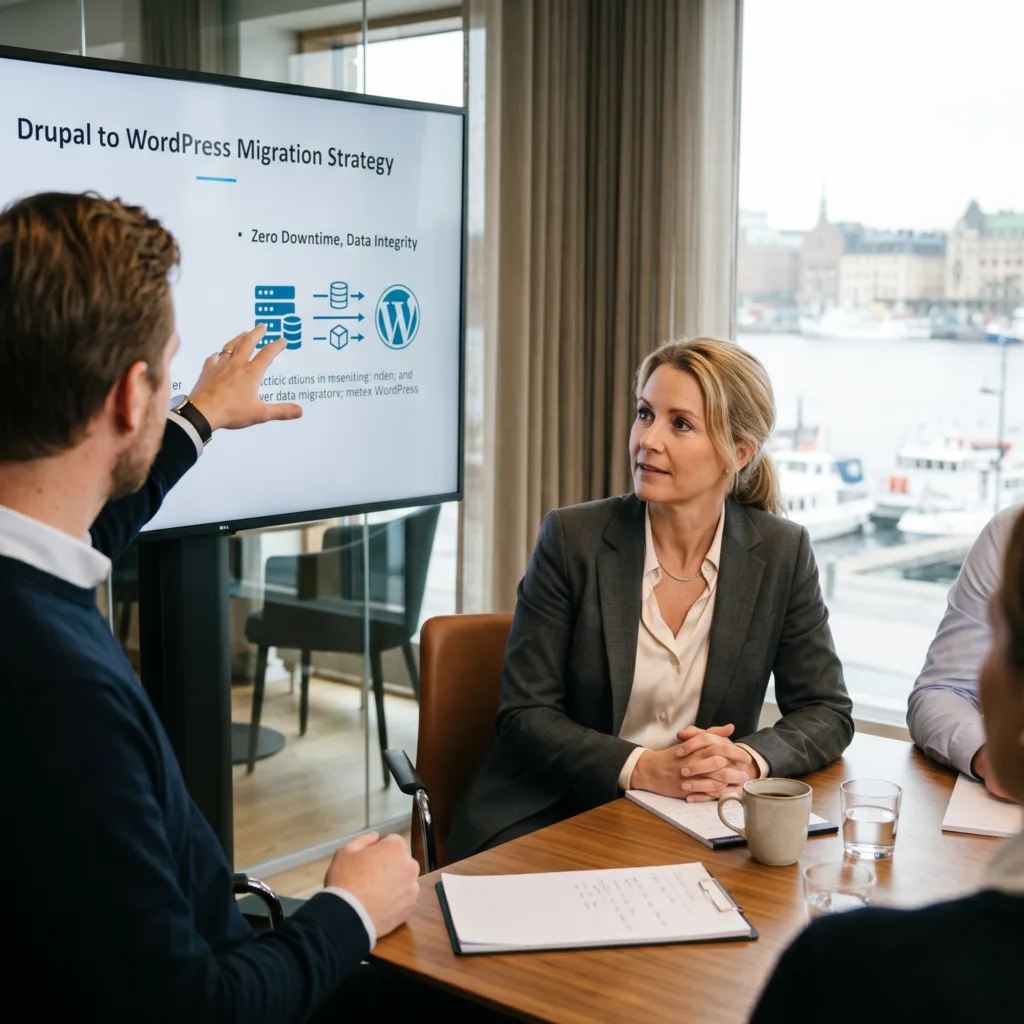
The Challenge Annika’s enterprise site had years of history stored on Drupal. Moving a massive amount of “serialized” data (complex data structures) to WordPress felt impossible. She couldn’t afford a single broken link or a minute of downtime for her global users.
The vorza360 Solution We used a “no-downtime” migration strategy. Our team handled the complex data mapping manually and with automated scripts to ensure every post and link landed exactly where it belonged.
The Result: The switch was so smooth that her users never even noticed it was happening. Annika now has a modern WordPress site with her entire history perfectly intact.
Callum O'Shea (UK)
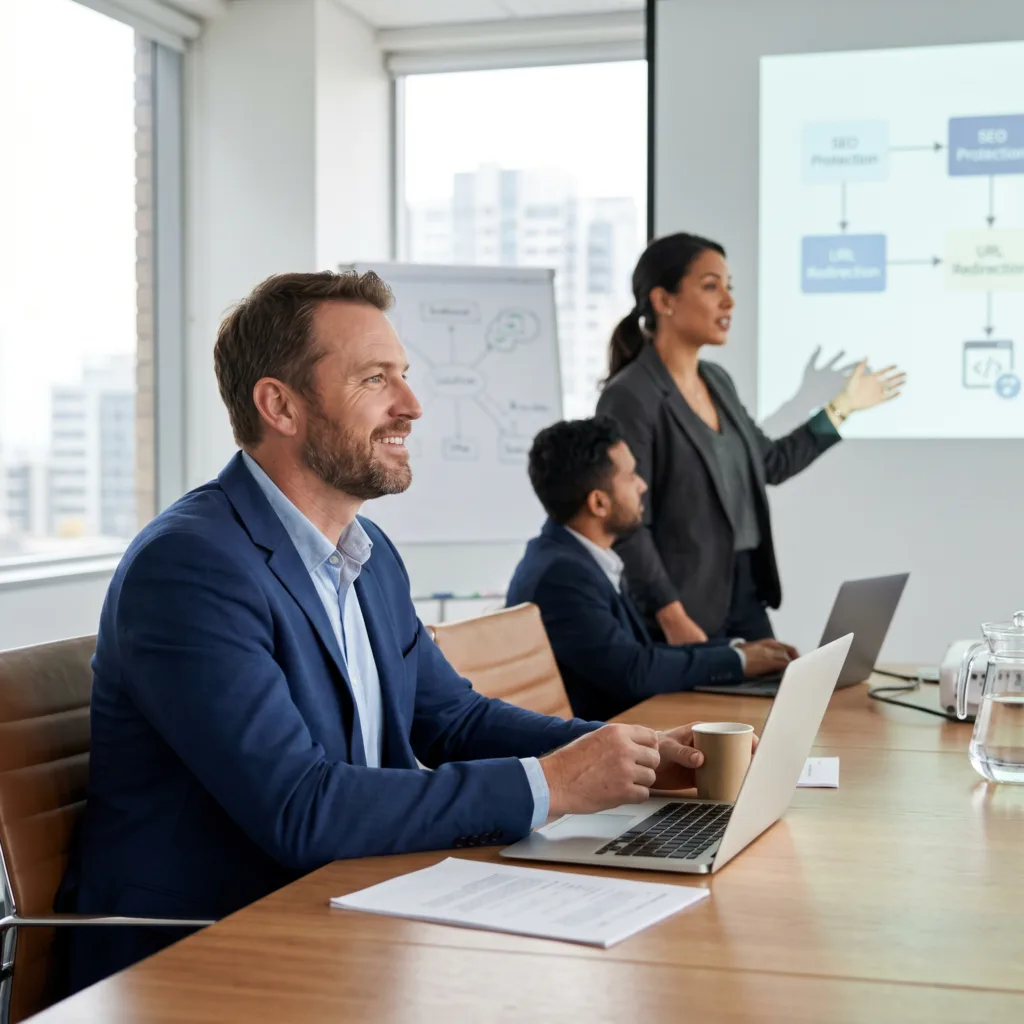
The Challenge Callum was moving from Squarespace to WordPress but was “terrified” of losing the Google rankings he had worked years to build. He needed to be sure his old links wouldn’t lead to “404 Not Found” errors after the move.
The vorza360 Solution We didn’t just move his content; we used URL rewriting engines to map every old link to his new structure. This protected his SEO and ensured that anyone clicking an old link was automatically sent to the right new page.
The Result: The transition was seamless, and his site speed actually improved. Callum kept his rankings and his customers, making the move a total success from start to finish.
Maya Vardanyan (Armenia)
The Challenge: Maya wanted to move her shop from Shopify to WooCommerce for more flexibility. She was worried about moving sensitive customer data safely and feared losing orders that might come in during the hours of the migration.
The vorza360 Solution We used secure SFTP transfers to handle her data with total security. To prevent lost sales, we performed a “final sync” to capture the very last orders that came in right before the final switch.
The Result Maya didn’t miss a single beat. Her store remained open for business throughout the move, and her 6-step migration journey was transparent and stress-free.
Janis Straujums (Latvia)
The Challenge Janis had a complex site built on a specific framework (Divi) and needed to move to a more powerful host. He was worried that his custom styles and modules would break during the move to the new server.
The vorza360 Solution We performed a staging migration first. This created a private copy of the site on the new host where we could test every button and style. Once we knew it was perfect, we made the final DNS switch instantly.
The Result The final launch was error-free. Every custom module was kept perfectly intact, and Janis felt confident knowing the site had been fully audited and tested before his customers ever saw it.
Sarah Jenkins (USA)
The Challenge Sarah had a legacy blog on Blogger that was years old and looked outdated. She needed a professional upgrade to WordPress but didn’t understand the “behind-the-scenes” technical work like database serialization and DNS settings.
The vorza360 Solution We handled the entire technical process for her. We managed the DNS and TTL settings (the “traffic directions” of the internet) so precisely that the site never went offline during the upgrade.
The Result Sarah’s old blog was transformed into a fresh, modern layout effortlessly. She was impressed by how cleanly we handled the complex technical bits, giving her a professional site without any manual work on her end.
Ahmed Mansour (Egypt)
The Challenge: Ahmed was moving from Wix to a custom WordPress build. He had a large media library with thousands of images and was worried the migration would crash or leave his new site vulnerable to security threats.
The vorza360 Solution We used automated scripts to move his media library safely without any crashes. As part of our service, we also “hardened” the new WordPress installation, making it much more secure than his old site.
The Result The move was the best decision for Ahmed’s brand. He now has a faster, custom-built site that is professionally secured and ready for high-volume traffic.
How we do it
At vorza360, we turn the complex task of moving a website into a smooth experience through a professional WordPress migration service.
Innovative Thinking
We follow WordPress migration best practices to ensure your site stays fast and functional. Our team uses automated scripts to handle large files, preventing crashes and keeping your move efficient from start to finish.
Intelligent Strategies
Our strategy for WordPress migration services focuses on a “no-downtime” approach. We analyze your current hosting and prepare the new server environment to be a perfect match, eliminating common errors before they happen.
Custom Solutions
Whether you are moving a small blog or a massive store, our WordPress migration service is tailored to you. We handle everything from simple host changes to complex domain transfers while ensuring a WordPress install secure and hardened for the future.
Innovative Thinking
We follow WordPress migration best practices to ensure your site stays fast and functional. Our team uses automated scripts to handle large files, preventing crashes and keeping your move efficient from start to finish.
Intelligent Strategies
Our strategy for WordPress migration services focuses on a “no-downtime” approach. We analyze your current hosting and prepare the new server environment to be a perfect match, eliminating common errors before they happen.
Custom Solutions
Whether you are moving a small blog or a massive store, our WordPress migration service is tailored to you. We handle everything from simple host changes to complex domain transfers while ensuring a WordPress install secure and hardened for the future.
Tools
Tools vorza360 offer as a WordPress expert company
We use specialized tools and precise handling to ensure every WordPress website migration service is fast, secure, and perfectly synced:
Database Serialization Handling
We ensure complex data stays intact by correctly processing serialized strings during the URL replacement process.
Secure File Transfer (SFTP)
Your site files are moved using encrypted channels, keeping your data private and safe from start to finish.
DNS Management
We expertly handle your domain records and TTL settings to make the final “go-live” moment seamless and instant.
URL Rewriting Engines
Our tools automatically update all internal links and file paths to match your new server or domain perfectly.
Multiple Platform Support
We offer expert WordPress migration services from any platform, ensuring your content is rebuilt perfectly in the WordPress ecosystem.
Wix to WordPress
We move your design and blog posts while improving your SEO and site speed.
Squarespace to WordPress
Our team transfers your content and images while giving you more control over your site’s features.
Shopify to WordPress
We migrate your products and customer data to WooCommerce for a more flexible e-commerce experience.
Drupal to WordPress
We handle complex data structures to turn your Drupal site into a user-friendly WordPress installation.
Joomla to WordPress
Our experts map your old categories and articles to a fresh, modern WordPress layout.
Blogger to WordPress
We help you grow by moving your legacy blog to a professional, custom-branded website.
Wix to WordPress
We move your design and blog posts while improving your SEO and site speed.
Squarespace to WordPress
Our team transfers your content and images while giving you more control over your site’s features.
Shopify to WordPress
We migrate your products and customer data to WooCommerce for a more flexible e-commerce experience.
Drupal to WordPress
We handle complex data structures to turn your Drupal site into a user-friendly WordPress installation.
Joomla to WordPress
Our experts map your old categories and articles to a fresh, modern WordPress layout.
Blogger to WordPress
We help you grow by moving your legacy blog to a professional, custom-branded website.
Multiple Framework Support
Elementor
Seamlessly moving your drag-and-drop layouts.
Divi
Keeping your custom modules and styles perfectly intact.
WPBakery Ensuring your legacy page builder content displays correctly.
Beaver Builder
Professional migration of your lightweight, custom designs.
Gutenberg
Optimizing your site for the modern WordPress block editor.
Genesis
Moving high-performance, SEO-ready framework sites with ease.
Avada
Precise handling of the world’s most popular multi-purpose theme.
Oxygen
Expertly transferring clean code and advanced site builds.
Custom Services We Serve
vorza360 is a creative digital agency that uses expert skills to meet your business needs and ensure customer satisfaction. We work across many different sectors to help brands grow and succeed online.
Fashion & Apparel
Food & Grocery
Retail
FMCG
Real Estate
Construction
Hotel
Healthcare
Telecom
Fintech
Manufacturing
Automotive
6-Step Migration Lifecycle
Our proven process ensures a smooth, risk-free transition as your dedicated WordPress migration service provider.
Step 1
Site Audit
Step 2
Full Backup
Step 3
Staging Migration
Step 4
Data Sync
Step 5
DNS Switch
Step 6
Post-Launch QA
Step 1
Site Audit
We analyze your current setup and WordPress migration service costs to plan the perfect move.
Step 2
Full Backup
We take a complete snapshot of your site as a safety net before any changes begin.
Step 3
Staging Migration
Your site is moved to a private server for testing and expert WordPress migration services review.
Step 4
Data Sync
We perform a final sync to include any new comments or orders that happened during the move.
Step 5
DNS Switch
We point your domain to the new server, ensuring a smooth transition with no downtime.
Step 6
Post-Launch QA
Our team runs final checks to verify links, forms, and performance on your new host.
Here is what our Clients are saying About us
Oliver Bennett (Australia)
vorza360 migrated our WordPress site from shared hosting to a managed cloud server with zero downtime. Performance improved immediately and our hosting costs reduced through better resource efficiency.
Fatimah Al-Shammari (Saudi Arabia)
vorza360 migrated our site from an outdated CMS to WordPress with all our content, SEO metadata, and URL structure preserved. Our search rankings were maintained through the migration.
Silviu Ionescu (Romania)
vorza360 migrated our WordPress site between servers with a tested cutover process. The migration happened over a weekend and our team arrived Monday to a faster site with nothing missing.
Vikram Kapoor (India)
vorza360 migrated our multisite WordPress network to a new hosting environment with all our subsites, custom configurations, and user data preserved correctly.
Anisa Putri (Indonesia)
vorza360 migrated our WordPress site from HTTP to HTTPS with all internal links, media references, and third-party integrations updated. A migration that was invisible to our users.
Kwame Mensah (Ghana)
vorza360 migrated our WordPress site to a faster hosting environment with improved server location for our audience. Page load speeds improved for our visitors and our SEO performance followed.
More about WordPress
WordPress Website Development
Get a high-quality WordPress website development solution that grows your business.
Got questions? We’ve got answers. Find everything you need to know about using our platform, plans, and features
What does vorza360's WordPress migration service cover?
Our WordPress migration service covers the complete process of moving your website from its current location or platform to a new one, with zero data loss and minimal downtime. We handle host-to-host migrations, platform-to-WordPress migrations from Wix, Squarespace, Shopify, Drupal, Joomla, Magento, Blogger, or custom CMS to WordPress, WordPress-to-WordPress migrations between environments, and domain migrations. Every migration includes a full data audit, backup, staging environment test, SEO redirect setup for any URL changes, post-migration QA testing, and a monitoring period after go-live to catch any edge cases that appear only in the live environment.
How does vorza360 migrate a website from platforms like Wix, Squarespace, or Shopify to WordPress?
Migrating to WordPress from another platform requires extracting content from the source system, transforming it to WordPress’s import format, and importing it cleanly. vorza360 uses platform-specific export tools combined with custom parsing scripts and WordPress’s import tools to migrate all pages, blog posts, images, product data, and customer records. We re-implement the site’s design as a custom WordPress theme rather than simply replicating the old platform’s appearance, treating the migration as an opportunity to improve the site, not just move it. We implement comprehensive 301 redirects from all old URLs to new ones, preserving all SEO equity built on the previous platform.
How does vorza360 preserve SEO rankings during a WordPress migration?
SEO preservation during migration requires systematic precision. Before migration, we conduct a full site crawl to document every indexed URL, its meta title, meta description, and inbound links. We map each old URL to its new WordPress equivalent and implement 301 redirects via .htaccess or a redirects plugin. We transfer all existing meta titles, descriptions, and structured data to the new site. We verify that the XML sitemap is complete and submitted to Google Search Console. For domain migrations, we set up Google Search Console change-of-address notifications. Post-migration, we monitor rankings and organic traffic closely for 30 days, addressing any unexpected drops promptly.
How does vorza360 migrate a large WooCommerce store without losing orders or customer data?
WooCommerce store migrations involve transactional data, orders, customers, subscriptions, and payment tokens, where any loss has direct business consequences. vorza360 uses WooCommerce’s official migration tools combined with custom database-level migration scripts to transfer all WooCommerce data completely. We validate record counts for orders, customers, products, and product variations between source and destination after each step. We verify that all order statuses, custom order metadata, and customer purchase histories are correct in the migrated store. We run the migrated store in a staging environment with test purchases before any DNS changes, and keep the original store in read-only mode during the final data sync to prevent orders being placed while migration is in progress.
Will my WordPress site experience downtime during migration and how does vorza360 minimize it?
vorza360 designs every migration to minimize customer-facing downtime, typically targeting zero interruption to normal site operation. The entire migration is performed on a staging server while the live site continues operating. The live site only goes offline (or into read-only maintenance mode) during the final data sync and DNS changeover, which typically takes two to four hours for DNS propagation. We schedule this window for your lowest-traffic period, typically late night in your primary market. For e-commerce sites where even a brief maintenance window is unacceptable, we implement a near-zero-downtime strategy using database replication that allows the cutover to be completed in minutes. We communicate the maintenance window to you and your users clearly in advance.