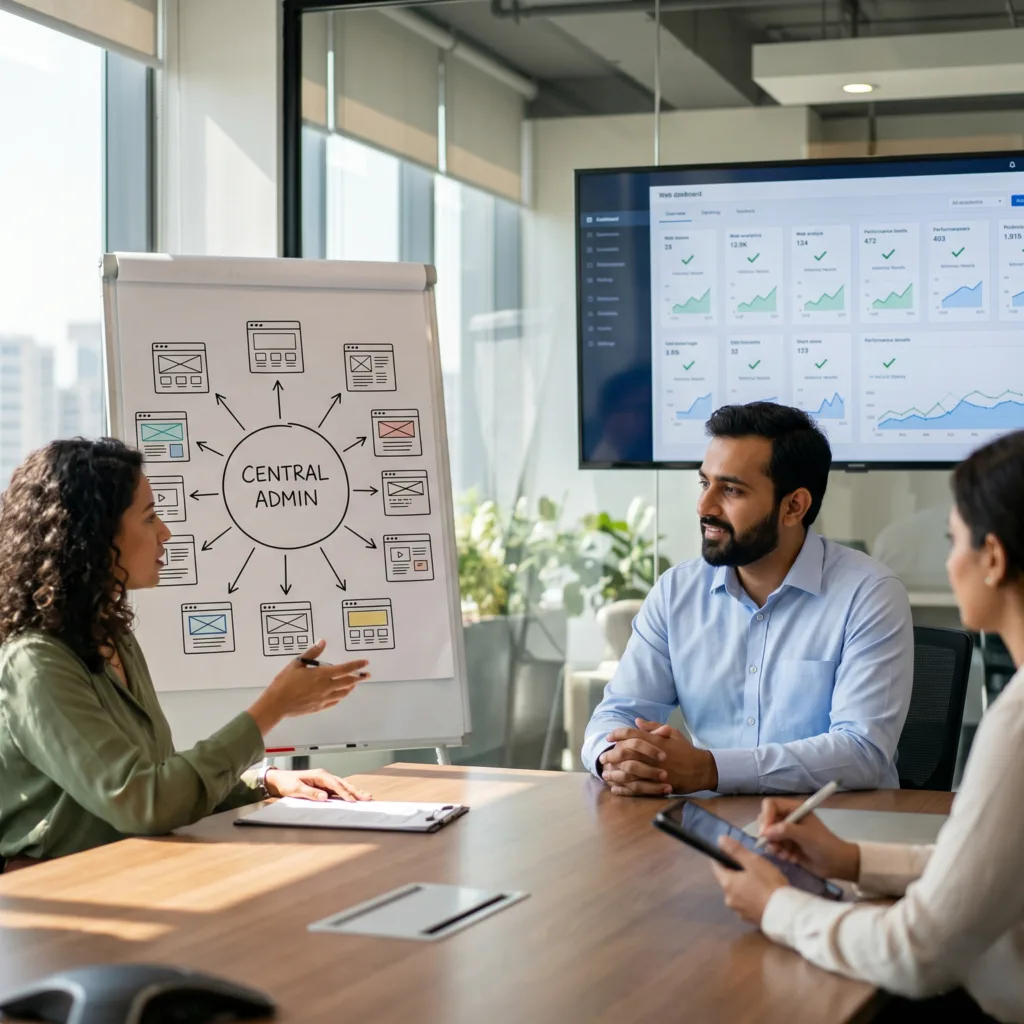
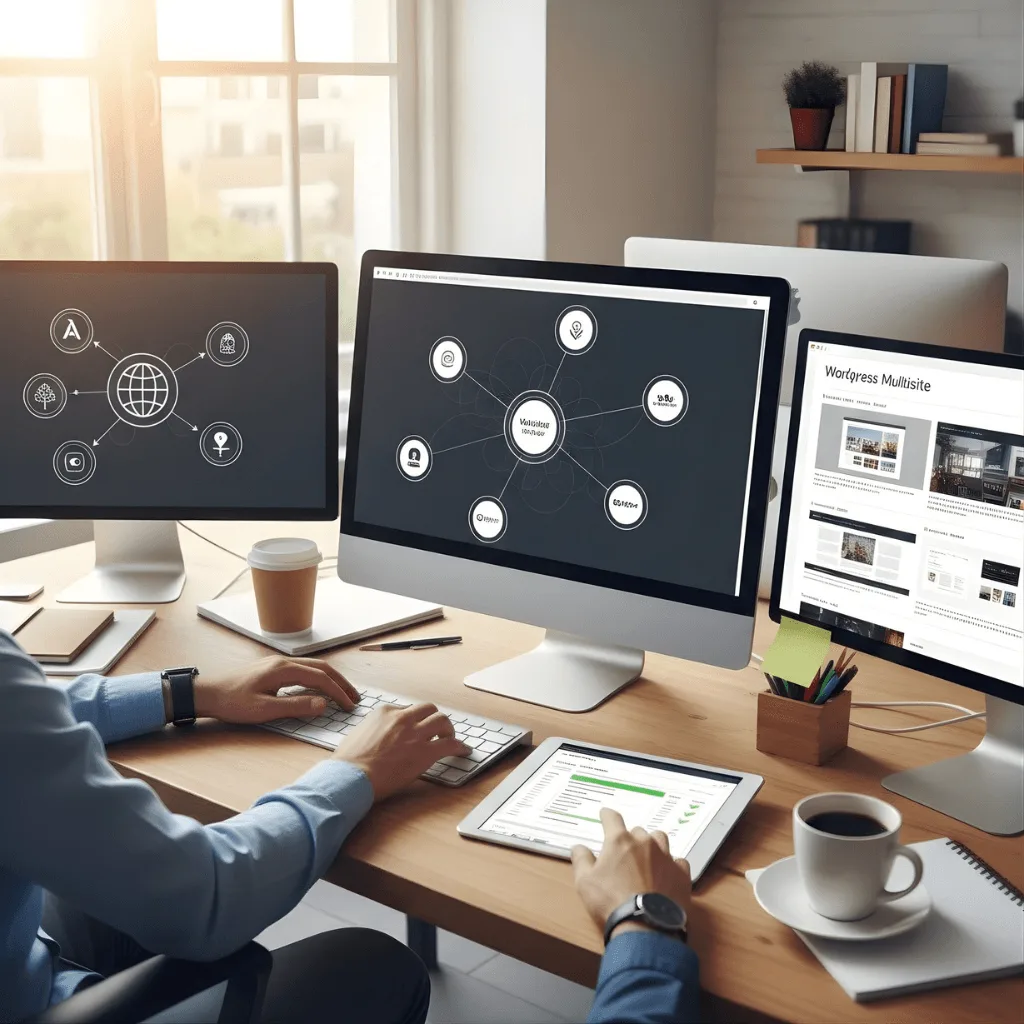
The Challenge Emils was managing five different regional brands, which meant five different logins, five sets of updates, and five different bills. It was a “login nightmare” that wasted hours of time and used up too much server space.
The vorza360 Solution We used our WordPress multisite setup services to consolidate all five sites into one secure network. We optimized the shared database architecture, which allows all sites to share the same core files and server resources.
The Result Emils can now update a plugin across all five sites with just one click. It’s a massive productivity booster that has saved server space and made his business much easier to scale.
Sofia Lindholm (Finland)
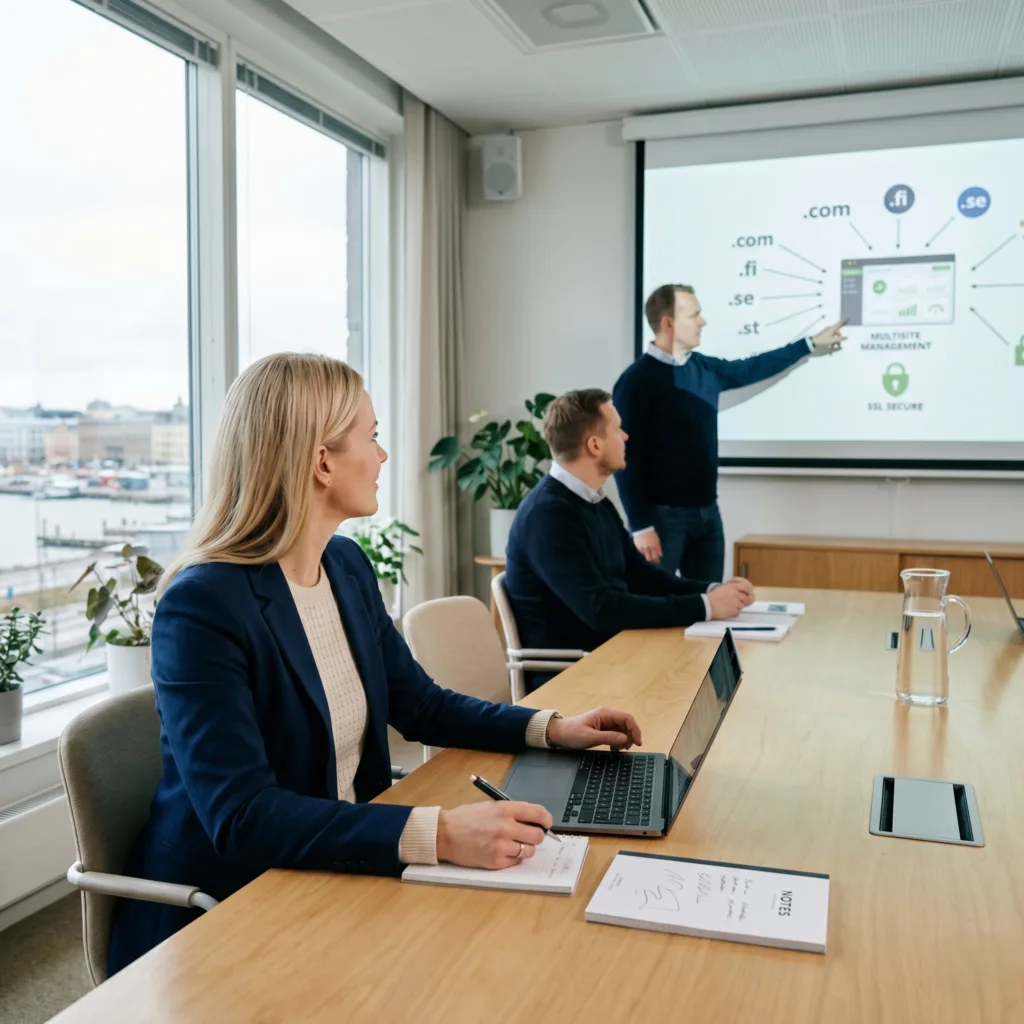
The Challenge Sofia’s agency needed to run several unique brands. She wanted each brand to have its own professional domain (like .com or .fi), but she wanted her team to manage them all from one place without the customers knowing they were linked.
The vorza360 Solution We handled the complex domain mapping integration. This included setting up “Wildcard SSL certificates” (for security) and managing the DNS records so that every unique domain points perfectly to her central multisite network.
The Result Sofia now runs a high-level network where every brand looks independent but is managed centrally. She has the “Go-to experts” for network administration on her side, making her agency more efficient than ever.
Alistair Vance (UK)
The Challenge Alistair wanted to give his local site managers the freedom to edit their own content, but he was terrified they might accidentally change a global setting and break the entire network. He needed a “safety net.”
The vorza360 Solution We implemented a “network-wide shield” using Role-Based Access Controls. This means local managers only see the tools they need for their specific site, while the global network settings are locked away safely for Alistair’s eyes only.
The Result: It’s the perfect balance of freedom and control. Alistair’s local teams are happy, and his brand’s digital presence remains 100% safe from accidental errors.
Mihai Teodorescu (Romania)
The Challenge Mihai needed a network where new sites could be launched instantly. He was worried that setting up new subdomains would require a lot of manual technical work and server restarts every single time.
The vorza360 Solution We configured the server with subdomain routing and “wildcard” rules. This means the moment Mihai creates a new site in his dashboard, it is live and reachable on the internet immediately without any extra technical steps.
The Result: The technical execution was flawless. Mihai’s network is now hardened so that if one site has an issue, the rest of the network stays online. He can grow his network as fast as he wants with total confidence.
Arslan Mehmood (Pakistan)
The Challenge Arslan was struggling to keep a consistent brand look across twelve different websites. Every time he wanted to change a logo or a brand color, he had to do it twelve times, which led to mistakes and a messy brand identity.
The vorza360 Solution We modified his server settings and core files to support global themes. Now, Arslan can manage one “Master Theme” that pushes updates to all twelve sites at once, ensuring they all look perfectly aligned.
The Result Maintaining a professional brand identity has never been easier. Arslan’s network is fast, synchronized, and looks world-class across every single one of his twelve digital properties.
Chloe Bourque (Canada)
The Challenge Chloe manages a franchise business and was overwhelmed by the manual work of managing separate plugins and updates for every location. She needed a way to automate the “hidden” technical tasks so she could focus on supporting her franchisees.
The vorza360 Solution We handled the activation of the multisite features, including the database changes needed to keep things running without downtime. We provide global plugin management, meaning Chloe never has to do the same task twice.
The Result The transition to a multisite network changed everything. Chloe saves hours of manual work every week, and her franchisees have a reliable, professional platform that is always up-to-date and secure.
Features
WordPress Multisite Network
Domain Mapping
Role-Based Access Control
+ 2
More
Network Administration Tools
Shared Database Architecture
Features
WordPress Multisite Network
A centralized system to manage unlimited sites, themes, and plugins with one login.
Domain Mapping
We point unique custom domains (like brand1.com) to specific sites within your network seamlessly.
Role-Based Access Control
Precise permissions that allow “Super Admins” to control the network while site owners manage their own content.
Network Administration Tools
Global settings to update the entire network’s core, themes, and plugins with a single click.
Shared Database Architecture
A smart, unified database structure that saves server space and simplifies global backups.
Network Installation & Activation
Ensure reliable connectivity by professionally installing, configuring, and activating your network infrastructure.
Advantages
We perform the initial setup multisite WordPress by configuring your core files for peak performance.
Our team modifies your server settings to support multiple sites on a single installation.
We handle the technical database changes needed to activate the hidden multisite features.
This makes our WordPress multisite setup services the perfect choice for growing businesses.
We ensure your main site remains fully functional while the new network is being built.
Subdomain & Subdirectory Routing
Simplify website management with efficient subdomain and subdirectory routing, ensuring seamless navigation, better organization, and improved user experience.
Advantages
Our experts handle the complex setup for WordPress multisite subdomain settings and wildcard DNS.
We help you choose the best URL structure for your multisite WordPress setup and SEO goals.
We write custom server rules to make sure every new site is created and reachable instantly.
This is a core part of any professional setup multisites WordPress projects we handle.
We configure your SSL certificates to protect every sub-site in your network automatically.
Domain Mapping Integration
Connect multiple domains to a single website with seamless domain mapping integration, ensuring consistent branding, simplified management, and flexible online presence.
Advantages
We connect separate branded domains so they work as the main address for your network sites.
Our team manages the DNS records to ensure your domains point to the right place every time.
This allows you to run multiple brands using a single multisite setup WordPress dashboard.
We ensure each site feels like a standalone website to your customers and search engines.
This is why we are considered a top WordPress multisite setup services provider for agencies.
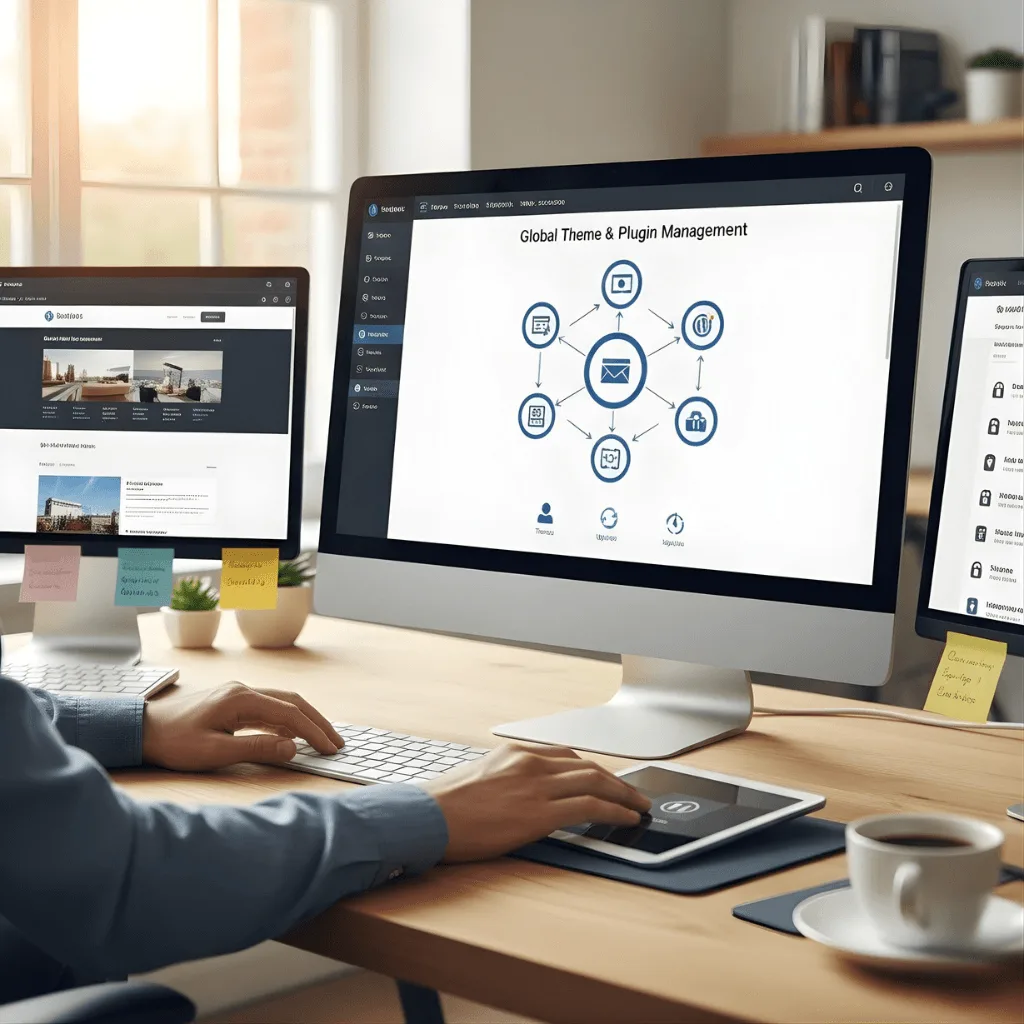
Global Theme & Plugin Management
Streamline website maintenance with centralized theme and plugin management, ensuring consistent updates, enhanced security, and optimal performance across all your sites.
Advantages
We curate and enable the best tools across all your setup multisites WordPress projects at once.
Our team manages updates from a single point to keep your entire network perfectly synchronized.
This saves you hours of manual work compared to a standard WordPress setup multisite plan.
We restrict specific plugins so site admins don't accidentally break the global network settings.
We set up global themes to maintain a consistent brand look and feel across all your sites.
Network Security & Hardening
Protect your network with advanced security and hardening measures, reducing vulnerabilities, preventing unauthorized access, and ensuring a secure, reliable infrastructure.
Advantages
We install a network-wide shield to block threats before they reach any individual sub-site.
Our team adds extra layers of safety to protect the powerful "Super Admin" user accounts.
This is a vital part of our best server setup for WordPress multisite security protocols.
We ensure that a security issue on one site does not compromise the rest of the network.
We use encrypted paths for all data moving between your network sites to keep information safe.
Network Installation & Activation
Optimize your network performance with professional installation, configuration, and activation services.
ADVANTAGES
We perform the initial setup multisite WordPress by configuring your core files for peak performance.
Our team modifies your server settings to support multiple sites on a single installation.
We handle the technical database changes needed to activate the hidden multisite features.
This makes our WordPress multisite setup services the perfect choice for growing businesses.
We ensure your main site remains fully functional while the new network is being built.
Subdomain & Subdirectory Routing
Simplify website management with efficient subdomain and subdirectory routing, ensuring seamless navigation, better organization, and improved user experience.
ADVANTAGES
We help you choose the best URL structure for your multisite WordPress setup and SEO goals.
Our experts handle the complex setup for WordPress multisite subdomain settings and wildcard DNS.
We write custom server rules to make sure every new site is created and reachable instantly.
This is a core part of any professional setup multisites WordPress projects we handle.
We configure your SSL certificates to protect every sub-site in your network automatically.
Domain Mapping Integration
Connect multiple domains to a single website with seamless domain mapping integration, ensuring consistent branding, simplified management, and flexible online presence.
ADVANTAGES
We connect separate branded domains so they work as the main address for your network sites.
This allows you to run multiple brands using a single multisite setup WordPress dashboard.
Our team manages the DNS records to ensure your domains point to the right place every time.
We ensure each site feels like a standalone website to your customers and search engines.
This is why we are considered a top WordPress multisite setup services provider for agencies.
Global Theme & Plugin Management
Streamline website maintenance with centralized theme and plugin management, ensuring consistent updates, enhanced security, and optimal performance across all your sites.
ADVANTAGES
We curate and enable the best tools across all your setup multisites WordPress projects at once.
Our team manages updates from a single point to keep your entire network perfectly synchronized.
We set up global themes to maintain a consistent brand look and feel across all your sites.
This saves you hours of manual work compared to a standard WordPress setup multisite plan.
We restrict specific plugins so site admins don't accidentally break the global network settings.
Network Security & Hardening
Protect your network with advanced security and hardening measures, reducing vulnerabilities, preventing unauthorized access, and ensuring a secure, reliable infrastructure.
ADVANTAGES
We install a network-wide shield to block threats before they reach any individual sub-site.
Our team adds extra layers of safety to protect the powerful "Super Admin" user accounts.
We ensure that a security issue on one site does not compromise the rest of the network.
This is a vital part of our best server setup for WordPress multisite security protocols.
We use encrypted paths for all data moving between your network sites to keep information safe.
Here is what our Clients are saying About us
Lukas Müller (Switzerland)
vorza360 set up WordPress Multisite for our franchise network with a shared theme, centralised plugin management, and individual site control for each franchisee. Network administration that scales across our 40 locations.
Ahmad Al-Zahrani (Kuwait)
vorza360 implemented WordPress Multisite for our media group managing multiple publications from one installation. Editorial teams manage their own publication while our IT team manages one platform.
Ionuț Marin (Romania)
vorza360 set up WordPress Multisite for our university with a network of departmental sites sharing a common theme and centralised authentication. University web infrastructure that our IT team manages efficiently.
Priya Sharma (India)
vorza360 configured WordPress Multisite for our regional business with separate sites for each region sharing common design standards but with local content management. A structure that balances brand consistency with local relevance.
Nareerat Pongpan (Thailand)
vorza360 implemented WordPress Multisite for our hospitality group with a shared booking integration and individual property sites that maintain their distinct character within our brand family.
Emmanuel Okonkwo (Nigeria)
vorza360 set up WordPress Multisite for our NGO managing programme-specific microsites from a central installation. Multiple web presences managed without multiple hosting costs.
More about WordPress
WordPress Website Development
Get a high-quality WordPress website development solution that grows your business.
Got questions? We’ve got answers. Find everything you need to know about using our platform, plans, and features
What is WordPress Multisite and what types of organizations benefit from it?
WordPress Multisite is a built-in feature that allows running a network of multiple websites from a single WordPress installation, sharing one codebase, one server, and one admin dashboard while each site maintains its own content, theme, and configuration. Organizations that benefit most include enterprises managing multiple regional or brand-specific websites allowing central theme and plugin updates to roll out network-wide, educational institutions hosting department sites, franchise businesses giving each location its own site within a controlled brand framework, media companies managing multiple publication brands, and agencies managing many client sites on a single managed hosting environment. vorza360 designs and configures Multisite networks that balance central control with appropriate autonomy for individual site administrators.
How does vorza360 configure WordPress Multisite with custom domains for each site?
WordPress Multisite supports subdirectory or subdomain URL structures, but for networks where each site needs its own independent domain, the most common enterprise requirement, vorza360 configures domain mapping using WordPress’s built-in domain mapping capability. This involves configuring each site’s mapped domain in the network admin, pointing each domain’s DNS to the server, configuring the web server (Apache or Nginx) to accept all mapped domains and route them to the correct Multisite site, and setting up SSL certificates for each domain. For large networks, we implement wildcard SSL certificates combined with automated Let’s Encrypt certificate provisioning to manage SSL across many domains efficiently.
How does vorza360 manage security and permissions in a WordPress Multisite network?
Security in a Multisite network is more critical than for a single site because a compromise of the Super Admin account could affect every site on the network. vorza360 secures Multisite networks by hardening the Super Admin account with two-factor authentication, implementing network-wide plugin restrictions to prevent site admins from installing unapproved plugins, configuring file permission policies that prevent individual site content from accessing files outside its own directories, applying a network-wide web application firewall, implementing network-wide activity logging to audit all changes, and segmenting database access so individual site credentials cannot access other sites’ data.
How does WordPress Multisite handle themes and plugins across the network?
In a WordPress Multisite network, themes and plugins are installed once at the network level by the Super Admin, then made available or activated network-wide for individual sites. vorza360 configures the theme and plugin governance model to match your organizational requirements: we can lock all sites to a specific theme for brand consistency across a franchise network, make themes available for site admins to choose from in a media network, or network-activate specific plugins that should run on every site such as security, SEO, or analytics tools. We set up a plugin approval workflow so site admins can request activations rather than installing independently, maintaining security and performance standards across the network.
What are the hosting requirements for a WordPress Multisite network and how does vorza360 configure them?
WordPress Multisite requires a hosting environment where you have control over server configuration, VPS or dedicated hosting rather than shared hosting with restrictions, the ability to create wildcard DNS records or map multiple domains, sufficient server resources to handle traffic across all network sites simultaneously, and a database setup that can manage WordPress’s Multisite table structure efficiently. vorza360 selects and configures appropriate hosting, typically a VPS or cloud server, or a managed WordPress host like WP Engine or Kinsta that explicitly supports Multisite, and configures the server environment including PHP-FPM settings, database connection pooling, Redis object caching, and CDN integration to ensure the network performs well under the combined load of all its sites.