Maximize your server’s potential with vorza360’s expert virtualization and containerization services. We help you run more apps with less hardware, making your business faster, leaner, and ready to scale.
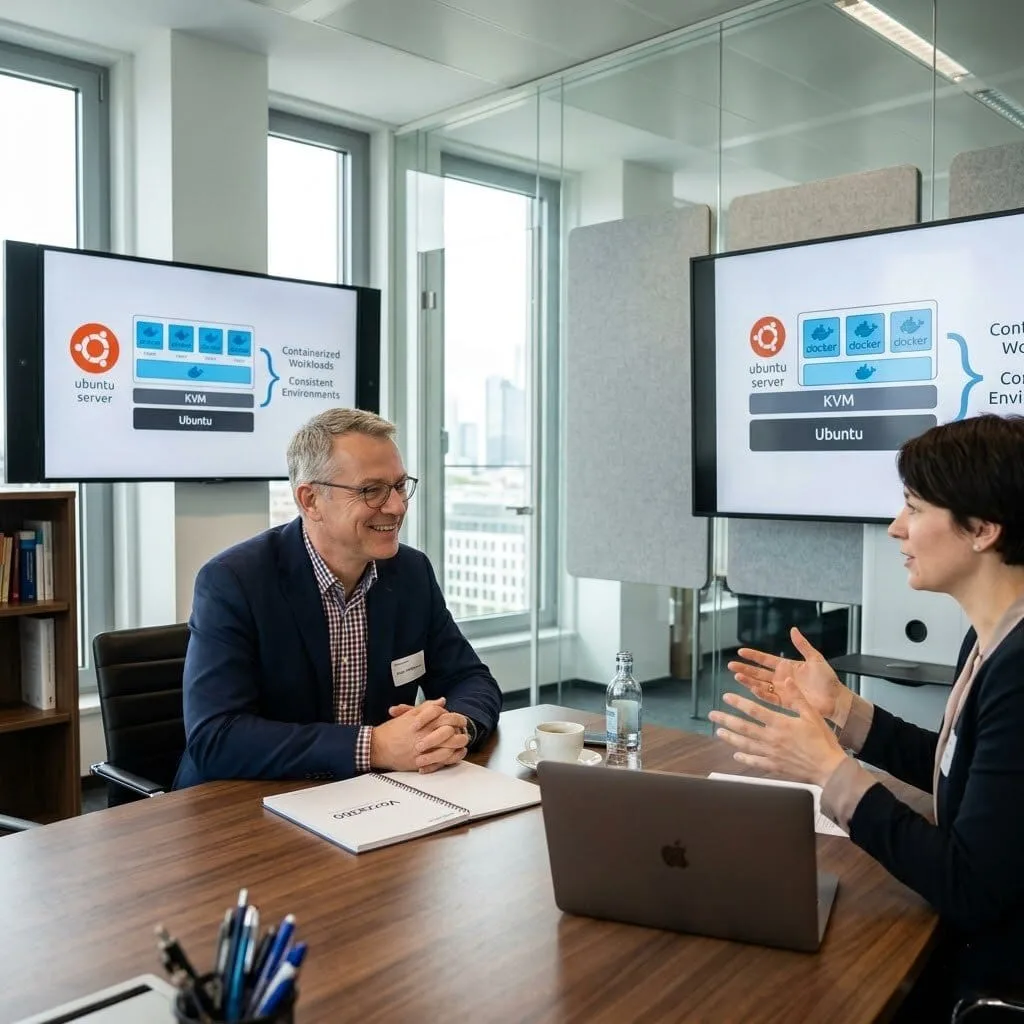
The Challenge: Peter’s company was running application workloads directly on bare metal Ubuntu servers, which meant deploying a new application required either a new server or sharing a server with unpredictable interference between workloads. Scaling was slow, and environment consistency between development and production was nonexistent.
The vorza360 Solution: vorza360 deployed KVM virtualisation on their Ubuntu hosts and containerised their application workloads using Docker. They built a private container registry, created a consistent Docker-based deployment workflow, and documented the new process for their development team.
The Result: New application environments went from days of server provisioning to minutes of container deployment. Development and production ran identical container images, which eliminated the ‘works on my machine’ class of deployment problems that had been a constant source of friction.
Fatima Al-Rashid (Qatar)
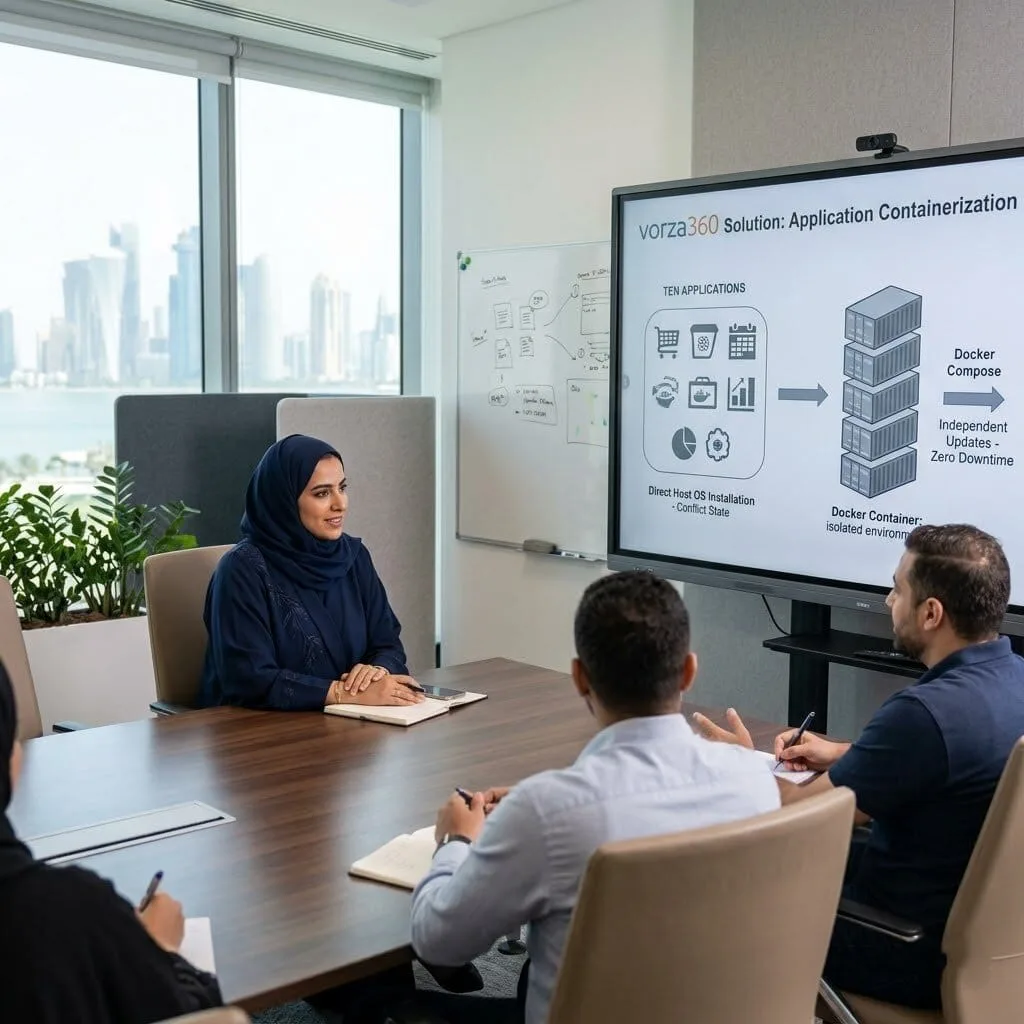
The Challenge: Fatima’s organisation ran ten different internal web applications on a single Ubuntu server, all installed directly on the host OS. Updating one application’s dependencies frequently broke another, and the entire server had to be taken down for maintenance affecting all ten applications.
The vorza360 Solution: vorza360 containerised all ten applications using Docker, with each application and its dependencies isolated in its own container. A Docker Compose configuration managed the relationships between services, and the deployment workflow allowed individual applications to be updated without affecting the others.
The Result: The monthly ‘all applications down for maintenance’ window was eliminated. Applications could be updated, restarted, or rolled back independently, and the dependency conflicts that had been a constant headache simply stopped occurring. Fatima’s IT team spent significantly less time on maintenance coordination
Rares Moldovan (Romania)
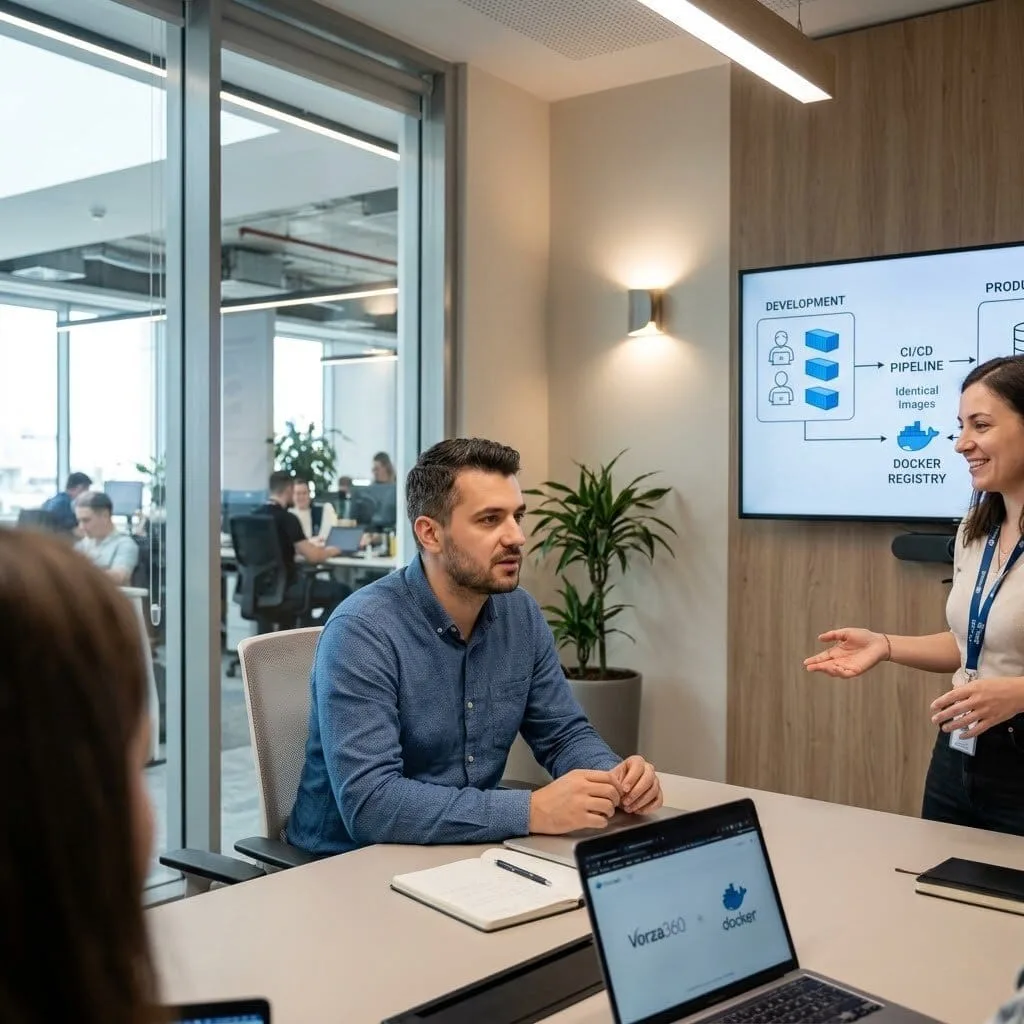
The Challenge: Rares’s development team had a persistent problem: code that worked perfectly in development failed in production, and tracing the differences between the two environments was consuming days of developer time each release cycle.
The vorza360 Solution: vorza360 containerised the application stack using Docker, creating identical images for development and production. They set up a Docker registry as part of the CI/CD pipeline so that the exact image tested in development was what was deployed to production, no manual environment configuration, no divergence.
The Result: Environment-related deployment issues dropped to near zero. The development team’s release cycle shortened because they were no longer spending days diagnosing production-specific failures, and the confidence with which they could deploy new versions improved noticeably.
Sanjay Kumar (India)
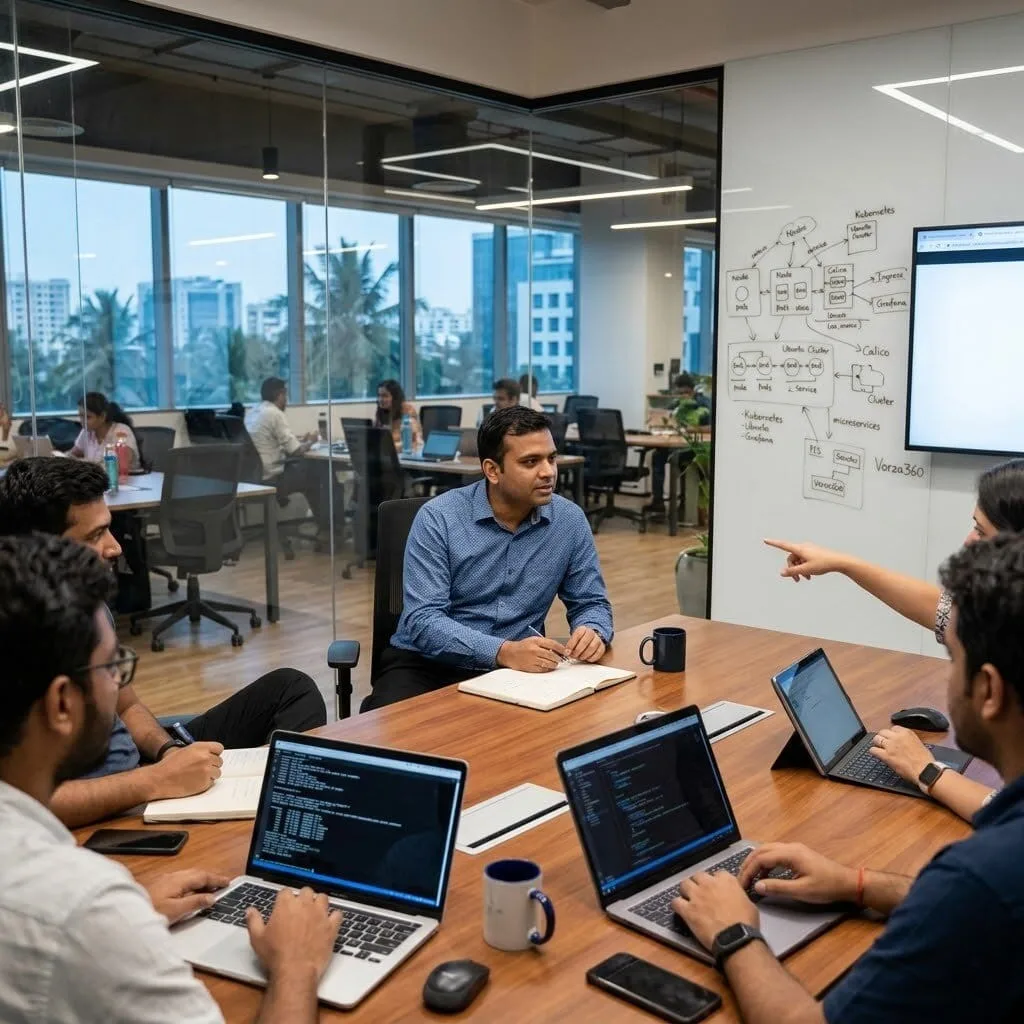
The Challenge: Sanjay’s startup needed to deploy a Kubernetes cluster on their Ubuntu infrastructure to support the microservices architecture their platform was being rebuilt around. Their team had Kubernetes experience in theory but had never set up a production cluster from scratch.
The vorza360 Solution: vorza360 deployed a production-grade Kubernetes cluster on their Ubuntu servers with proper networking using Calico, an Nginx ingress controller, cert-manager for automatic TLS certificates, persistent storage configured correctly, and monitoring via Prometheus and Grafana. They also ran a knowledge-transfer session with Sanjay’s engineering team.
The Result: The cluster launched on schedule and the first set of microservices were deployed within a week of the cluster being ready. Sanjay’s engineers had the hands-on foundation from the knowledge transfer that let them work productively with the cluster from day one rather than spending months learning through trial and error.
Hannu Virtanen (Finland)
The Challenge: Hannu’s company had multiple clients with Ubuntu server environments that needed to be isolated from each other on shared infrastructure for cost efficiency. Full virtual machines felt like overkill for the isolation level required, but running workloads directly on the host OS wasn’t acceptable from a security perspective.
The vorza360 Solution: vorza360 implemented LXC containers on their Ubuntu host infrastructure, providing OS-level isolation for each client’s workloads without the overhead of full virtualisation. Resource limits were configured per container, network isolation was implemented with per-client bridges, and a management workflow was established for container lifecycle management.
The Result: Hannu could host four client environments on hardware that had previously been dedicated to one, with genuine isolation between them. Infrastructure costs per client reduced substantially, and the container management workflow meant adding a new client environment took under an hour.
Emeka Eze (Nigeria)
The Challenge: Emeka’s organisation had been trying to adopt Docker for their web applications but had hit problems at every stage, image builds that worked locally but failed in CI, containers that worked in testing but had permission errors in production, and no clear understanding of how to manage the Docker lifecycle properly.
The vorza360 Solution: vorza360 reviewed their existing Dockerfiles, rebuilt them with production-appropriate configurations including non-root users, properly scoped build stages, and minimal final images. They configured a CI/CD pipeline that built, tested, and pushed images automatically on each commit, and set up a private registry with vulnerability scanning.
The Result: The pipeline worked first time in CI and the permission errors in production were resolved permanently. Emeka’s team had working Docker infrastructure they understood, and the vulnerability scanning added to the registry gave their security team visibility they’d previously lacked.
How we do it
We deliver professional virtual containerization solutions that simplify your IT life.
Creative Approaches
We use a “Lego-style” approach to virtualization containerization. Instead of building one massive, scary system, we break your apps into small, manageable pieces. This creative modularity means we can update or fix one part of your website without ever taking the whole thing offline.
Insightful Strategies
Our strategy centers on “Right-Sizing.” We provide insightful analysis of your current traffic to decide which apps need the full power of virtualization and containerization. We don’t just guess; we use data to ensure your most important tools get the most “brain power” from your server.
Tailored Solutions
We provide containerization services tailored specifically to your growth. If you are a startup, we might focus on a virtualization and containerization setup that is cheap and fast. For larger firms, we build high-availability clusters that ensure your data is always mirrored and safe across different locations.
Creative Approaches
We use a “Lego-style” approach to virtualization containerization. Instead of building one massive, scary system, we break your apps into small, manageable pieces. This creative modularity means we can update or fix one part of your website without ever taking the whole thing offline.
Insightful Strategies
Our strategy centers on “Right-Sizing.” We provide insightful analysis of your current traffic to decide which apps need the full power of virtualization and containerization. We don’t just guess; we use data to ensure your most important tools get the most “brain power” from your server.
Tailored Solutions
We provide containerization services tailored specifically to your growth. If you are a startup, we might focus on a virtualization and containerization setup that is cheap and fast. For larger firms, we build high-availability clusters that ensure your data is always mirrored and safe across different locations.
Tools
Tools vorza360 Offers for This Service
Docker
The industry standard for containerization and virtualization, allowing us to package your apps so they run perfectly on any machine.
Kubernetes
A powerful “orchestrator” that acts like a conductor for a band, making sure all your containers play together smoothly.
VMware
The leading tool for professional virtualization, perfect for running different operating systems on a single server.
Proxmox
A high-end, open-source platform that lets us manage both your virtual machines and containers in one easy place.
Multiple Platform Support
We ensure your virtualization and containerization setup works everywhere, from your office to the cloud.
Amazon Web Services (AWS)
We deploy and manage your containers using AWS’s high-speed cloud infrastructure.
Microsoft Azure
Our team integrates your virtual systems perfectly with Azure’s business tools.
Google Cloud
We use Google’s world-class network to give your containerized apps global reach.
On-Premise Servers
We can turn the physical servers in your own office into a private “mini-cloud.”
Hybrid Cloud
We create a bridge so your office servers and the public cloud work together as one.
Linux & Windows
We support both major systems, ensuring your team has the tools they know best.
Amazon Web Services (AWS)
We deploy and manage your containers using AWS’s high-speed cloud infrastructure.
Microsoft Azure
Our team integrates your virtual systems perfectly with Azure’s business tools.
Google Cloud
We use Google’s world-class network to give your containerized apps global reach.
On-Premise Servers
We can turn the physical servers in your own office into a private “mini-cloud.”
Hybrid Cloud
We create a bridge so your office servers and the public cloud work together as one.
Linux & Windows
We support both major systems, ensuring your team has the tools they know best.
Multiple Framework Support
Node.js
Fast and scalable setups for modern, real-time web applications.
Python (Django/Flask)
Secure environments for data-heavy and scientific web projects.
PHP (Laravel)
Reliable containers for high-performance business websites and stores.
Java (Spring Boot)
Robust, enterprise-grade virtualization for large-scale corporate apps.
Ruby on Rails
Quick-to-market setups for startups looking to launch ideas fast.
React/Angular
Specialized containers that make your front-end apps load instantly.
WordPress
Optimized stacks that keep your site fast even during traffic spikes.
Go (Golang)
Lightweight containers for high-performance cloud tools and microservices.
Custom Headless Development
We are an eCommerce website design company, that uses the best creative skills to meet your business needs and ensure customer satisfaction. We’re with you every step of the way, from the beginning of your project to its completion.
Fashion & Apparel
Food & Grocery
Retail
FMCG
Real Estate
Construction
Hotel
Healthcare
Telecom
Fintech
Manufacturing
Automotive
Our Service Cycle
vorza360 provides a clear path to modernizing your business with virtualization and containerization.
Step 1
System Discovery
Step 2
Architecture Design
Step 3
Container Building
Step 4
Platform Setup
Step 5
Seamless Migration
Step 6
Managed Support
Step 1
System Discovery
We look at your current apps and hardware to find the best spots for improvement.
Step 2
Architecture Design
Our team builds a blueprint showing exactly how your new virtual systems will work.
Step 3
Container Building
We package your apps into secure, “ready-to-go” units using tools like Docker.
Step 4
Platform Setup
We prepare your server or cloud space to host your new virtualization containerization environment.
Step 5
Seamless Migration
We move your apps into their new home with zero data loss and minimal downtime.
Step 6
Managed Support
vorza360 provides ongoing 24/7 monitoring to keep your virtual systems healthy and fast.
Here is what our Clients are saying About us
Lukas Müller (Germany)
vorza360 set up a KVM virtualisation environment on our Ubuntu hosts that gave us clean, isolated VMs for each of our workloads. The ‘workload-isolated’ infrastructure they built replaced a chaotic mix of everything-on-one-server that had been causing us problems for years.
Aisha Yusuf (Somalia)
We wanted to containerise our applications using Docker but had no idea where to start. vorza360 came in, dockerised our entire stack on Ubuntu, set up proper networking between containers, and left us with documentation clear enough for our team to manage it independently.
Tomáš Blaha (Czech Republic)
vorza360 migrated our legacy applications into Docker containers running on Ubuntu hosts with minimal disruption. They handled the containerisation, set up Docker Compose for our multi-service stack, and made sure everything was optimised before handing it over. Smooth transition from start to finish.
Priya Krishnamurthy (India)
Setting up LXC containers for our development environments on Ubuntu had stumped our team for weeks. vorza360 configured the entire setup, created templates for our most common environments, and showed our developers how to spin up new containers in seconds. A genuine time-saver.
Mehmet Kaya (Turkey)
vorza360 deployed a Docker Swarm cluster across our Ubuntu servers for high availability. The ‘always-on’ container infrastructure they built handles failover automatically and our team barely notices when a node goes down. Exactly the resilience we needed for our critical services.
Chisom Eze (Nigeria)
vorza360 set up a full containerised environment using Docker and Docker Compose on our Ubuntu server. They migrated five separate services into the new setup, verified everything was communicating correctly, and gave us a clean management workflow. Our deployment process is now a fraction of what it was.
More about Ubuntu
Ubuntu Server Setup & Configuration
Get your business online quickly and securely with vorza360’s expert Ubuntu server setup…
Got questions? We’ve got answers. Find everything you need to know about using our platform, plans, and features
What virtualization and containerization services does vorza360 provide on Ubuntu?
vorza360 provides comprehensive virtualization and containerization services on Ubuntu covering the full technology stack. Services include Docker installation and configuration for containerized application deployment, Docker Compose setup for multi-container application orchestration, Docker Swarm or Kubernetes deployment for container clustering and scaling, KVM and libvirt configuration for hardware virtualization on Ubuntu hosts, LXC and LXD for lightweight Linux container virtualization, container image build optimization and security scanning, container registry setup and management, networking and storage configuration for container environments, migration of existing applications into containers, and ongoing container environment management including updates, security patching, and monitoring. We select the appropriate virtualization or containerization technology based on your application’s requirements, team skills, and infrastructure scale.
How does vorza360 deploy and configure Docker on Ubuntu for production use?
Production Docker deployments on Ubuntu require configuration beyond the default installation, the defaults are designed for development convenience rather than production security and reliability. vorza360 deploys production Docker on Ubuntu by installing Docker Engine from the official Docker apt repository, configuring the Docker daemon with production-appropriate settings in /etc/docker/daemon.json: enabling Docker’s live-restore feature so containers survive daemon restarts, configuring log driver and log rotation limits to prevent container logs from consuming all available disk space, setting default ulimits for container resource constraints, configuring the Docker data root on appropriate storage (separate from the OS volume for large environments), and enabling userland proxy settings appropriate to the network configuration. We configure Docker’s networking for each application’s requirements, bridge networks for single-host inter-container communication, overlay networks for multi-host deployments, and host networking where performance requires it. We implement Docker Content Trust for verified image pulling and configure regular container and image cleanup using cron-scheduled docker system prune operations.
How does vorza360 set up Docker Compose for multi-container applications on Ubuntu?
Docker Compose allows defining and running multi-container applications, a web application server, its database, a cache layer, and a message queue, as a single, declarative configuration that starts, stops, and scales all containers together with a single command. vorza360 sets up Docker Compose for production multi-container applications on Ubuntu by designing the docker-compose.yml file that defines each service (container), its image, environment variables, volume mounts, network connections, and resource limits. We configure named volumes for all persistent data (database files, uploaded content, application data) to ensure data survives container recreation. We implement Docker Compose override files for environment-specific configuration (docker-compose.override.yml for development differences from production). We configure health check directives on each service so Compose can determine when a service is genuinely ready to accept traffic, enabling ordered startup dependencies. We implement Docker Compose-compatible secrets management using external secret files or Docker secrets for credentials rather than embedding them in the compose file.
How does vorza360 configure KVM virtualization on Ubuntu for running multiple virtual machines?
KVM (Kernel-based Virtual Machine) is the Ubuntu-native hardware virtualization solution that allows running multiple isolated virtual machines on a single physical Ubuntu host, each with their own operating system and resource allocation. vorza360 configures KVM on Ubuntu by verifying CPU virtualization support (Intel VT-x or AMD-V enabled in BIOS), installing the KVM and libvirt packages, configuring libvirt networking with appropriate bridge interfaces (typically a Linux bridge connecting VMs to the physical network for production use), setting up VM storage using either raw image files, qcow2 images with snapshot capability, or LVM logical volumes for best performance, and deploying VMs using virt-install or virsh commands with appropriate CPU, memory, and storage allocations. We configure VM resource pools with NUMA topology awareness for large VMs on multi-socket hosts. We implement VM snapshots as pre-maintenance checkpoints. We configure VM migration capability for planned maintenance (live migration to another KVM host without VM downtime where a cluster is available), and set up VM autostart policies to ensure VMs resume automatically after host reboots.
How does vorza360 secure containerized applications on Ubuntu?
Container security requires defense in depth, containers are not inherently isolated like VMs and a misconfigured container can provide a path to the host system or other containers. vorza360 secures containerized applications on Ubuntu through: running all containers as non-root users (configuring the USER directive in Dockerfiles and the user field in docker-compose.yml to use a non-privileged UID), enabling Docker’s security options (no-new-privileges flag preventing processes from gaining additional privileges inside containers, seccomp profiles restricting the system calls containers can make, AppArmor profiles limiting container file system access). We configure read-only root file systems for containers where the application does not need to write to its own container image layer, mounting only the specific directories that require write access as named volumes. We scan container images for known vulnerabilities using Trivy or Docker Scout as part of the CI/CD pipeline, blocking deployment of images with critical or high CVEs. We regularly update base images to incorporate security patches and configure automated image rebuild pipelines that rebuild application images when base image updates are available.