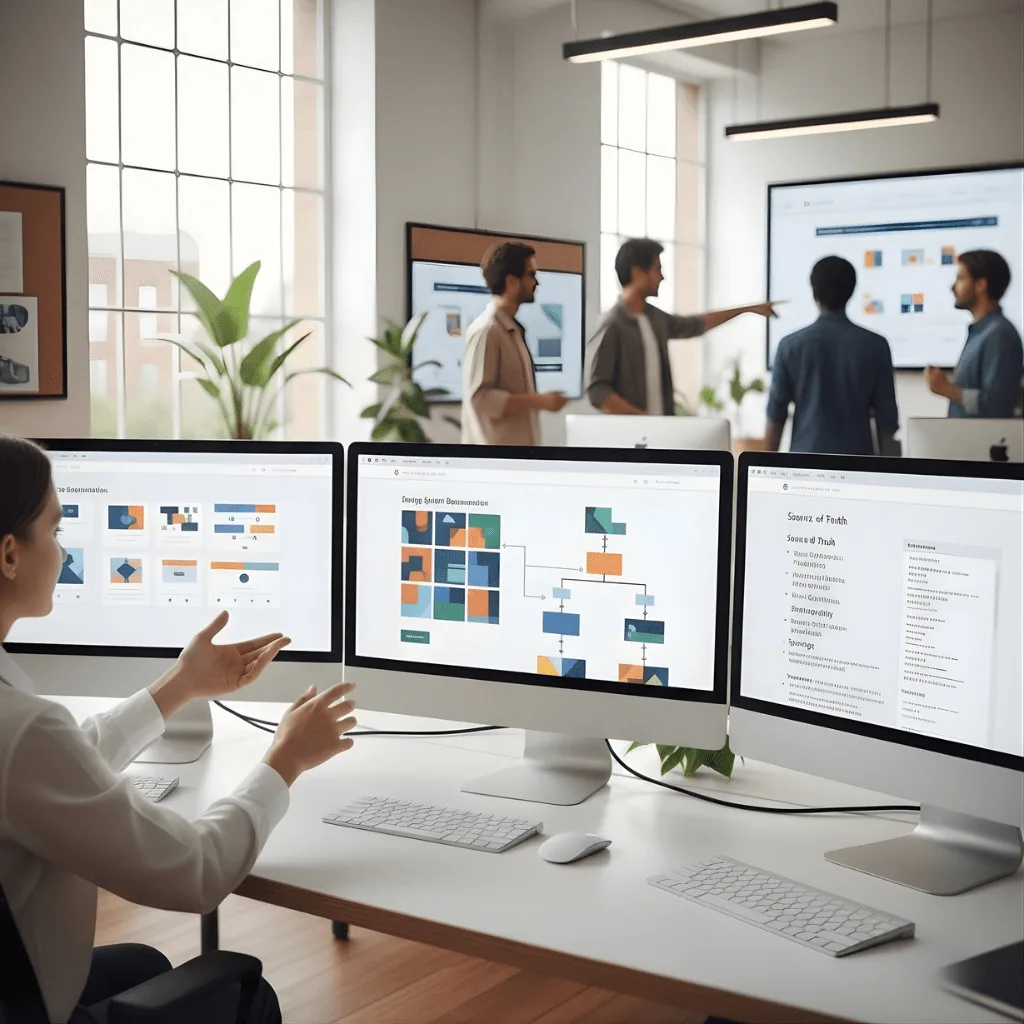
Bridge the gap between design and code with our Figma collaboration services. We provide a smooth handoff process that helps developers build your project faster and without errors.
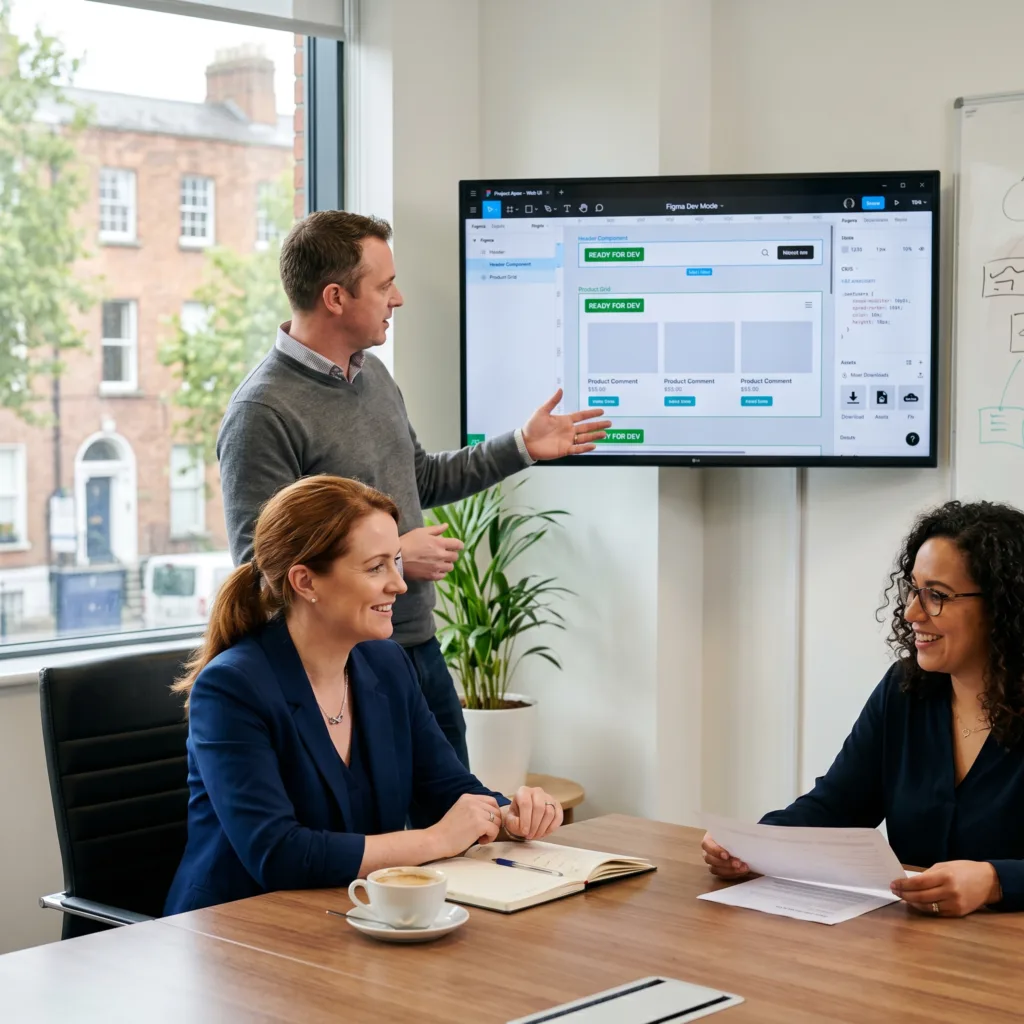
The Challenge: In the past, Aisling’s programming team wasted hours guessing at margins, colors, and font sizes. This led to a “guessing game” that resulted in a final website that didn’t look quite like the original design.
The vorza360 Solution We used Figma Dev Mode to provide an “Advanced Developer Handoff.” This gives her programmers instant access to exact measurements and ready-to-use CSS snippets. We marked every section as “Ready for Dev” so the team knew exactly which parts were finished.
The Result It was the smoothest transition from design to code the team had ever seen. By removing the guesswork, we saved her developers time and ensured the final product was pixel-perfect.
Dimitri Karamazov (Bulgaria)
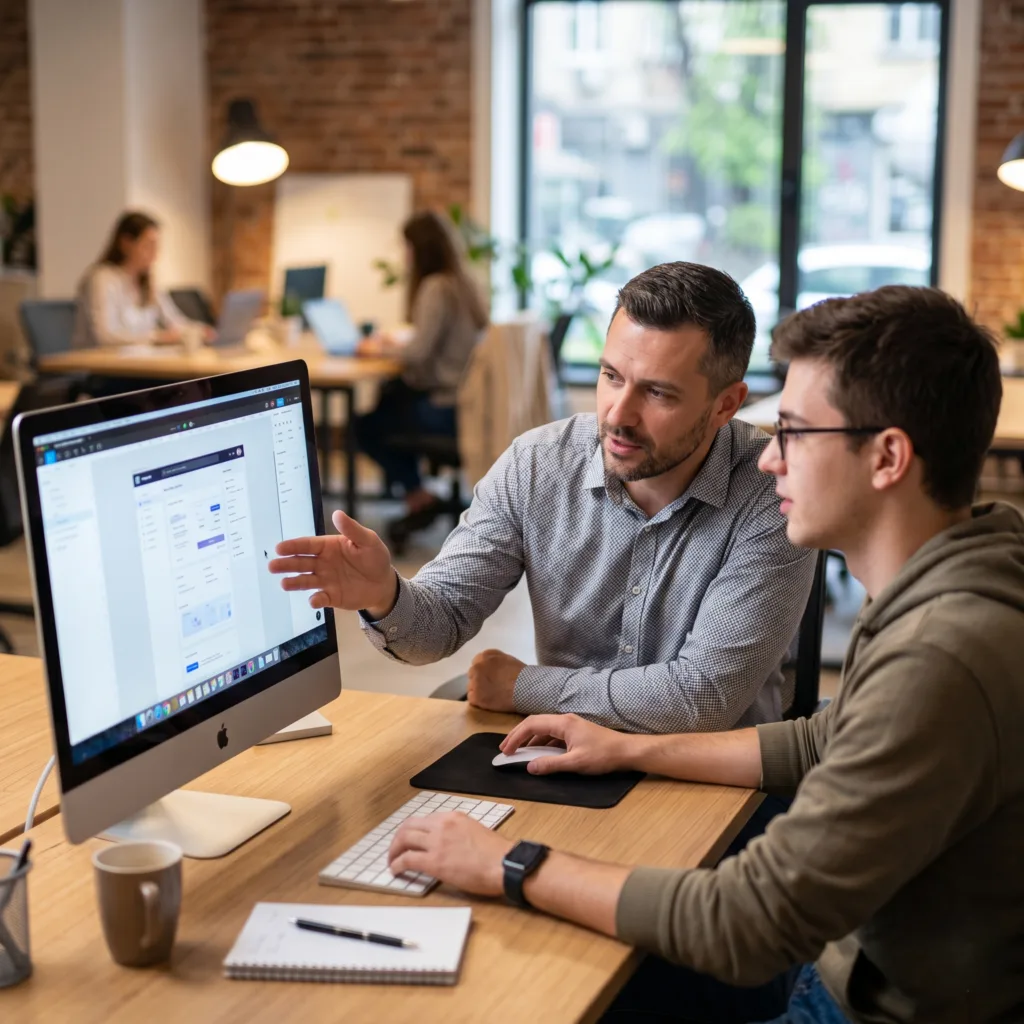
The Challenge Dimitri needed a fast feedback loop. He didn’t want to wait for “export” files or sit through long email chains just to see a small change in a design.
The vorza360 Solution We utilized Real-Time Team Sync. By using the “add collaborator” feature, Dimitri could see our designers’ cursors moving in real-time. We made decisions on the fly together, jumping into the same file to discuss ideas.
The Result The project moved at lightning speed. It felt like vorza360 was just an extension of his local office in Sofia, proving that remote work can be even more efficient than being in the same room when the right tools are used.
Lina Andersson (Sweden)
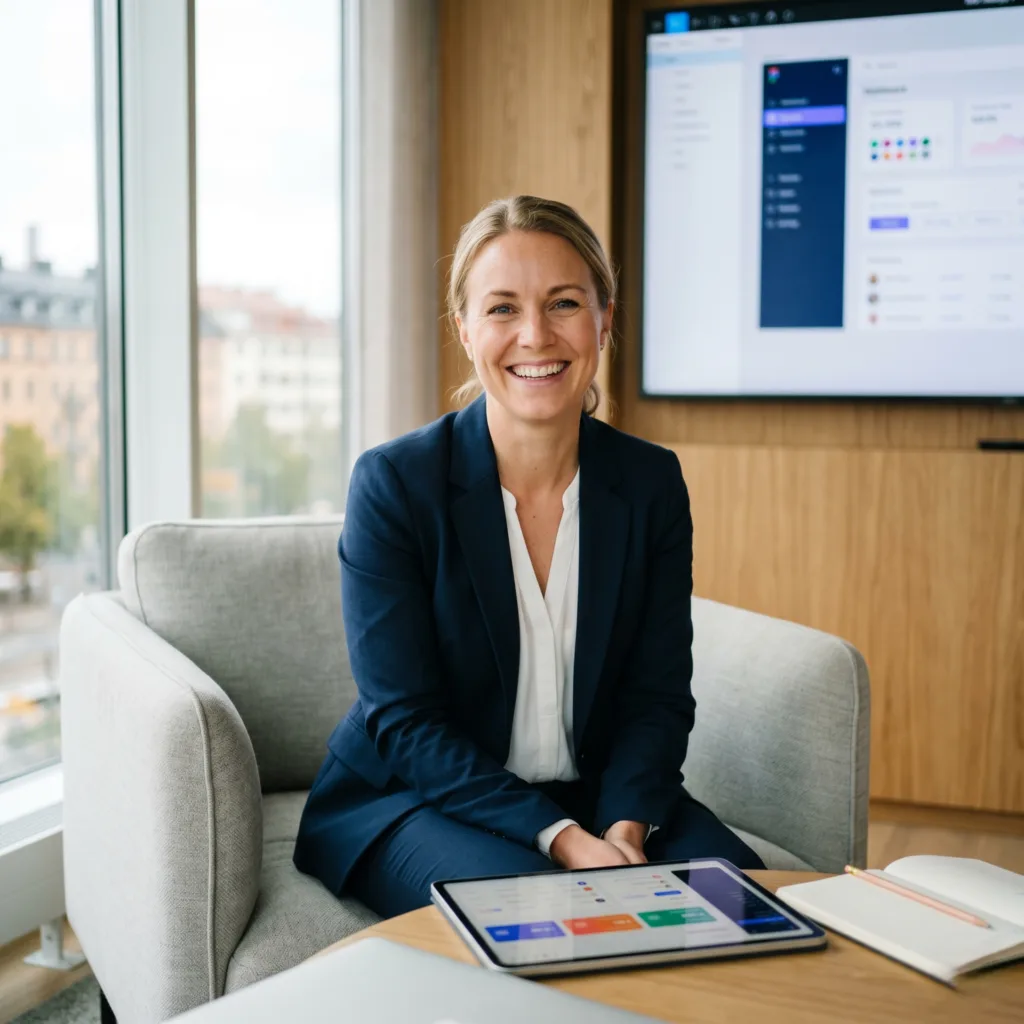
The Challenge: As Lina’s company grew, her brand started to look inconsistent across different platforms. She needed a way to ensure that a change to a button color or a font would update everywhere at once.
The vorza360 Solution We established a Single Source of Truth using “Design Tokens” and professional System Documentation. We organized every element into a shared library that connects all her digital platforms.
The Result Consistency is now automatic. For her growing brand in the Nordics, this organized collaboration in Figma has become the foundation for her company’s successful scaling.
Arjun Varma (India)
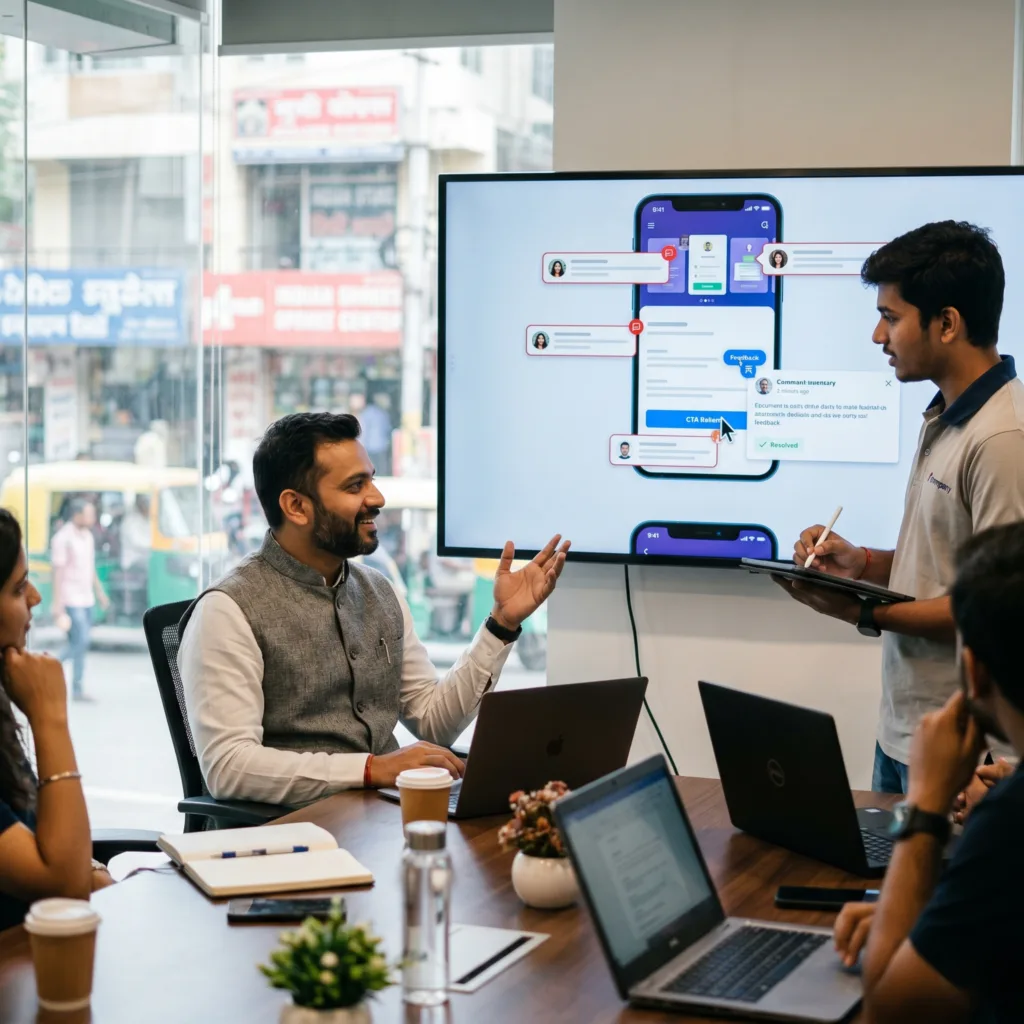
The Challenge Arjun was tired of getting lost in long email threads. It was often hard to explain exactly which button or image a comment was referring to, leading to mistakes and frustration.
The vorza360 Solution We used Figma’s interactive feedback and commentssystem. Arjun could pin a comment directly to a specific part of the design, leaving zero room for doubt. We even used Figma AI to summarize long discussions to keep the project moving.
The Result The project was efficient and transparent. Threads were only “resolved” once Arjun was 100% satisfied, ensuring that every piece of feedback was heard and acted upon.
Esteban Ramírez (Mexico)
The Challenge: As a remote company, Esteban’s team needed a way to brainstorm together that felt inclusive and creative, without having to juggle four different apps just to have a meeting.
The vorza360 Solution We hosted Remote Design Workshops using FigJam, a digital whiteboard. We used live audio calls directly inside Figma to map out user journeys and used “voting sessions” so everyone on his team had a say in the creative direction.
The Result Esteban’s team felt fully involved in the process. We mastered the art of remote collaboration, turning a standard design meeting into an interactive, high-energy workshop that produced a clear plan for the future.
Anneli Ratas (Estonia)
The Challenge Anneli needed a way to track the history of her design. She wanted the “peace of mind” that if a new experimental idea didn’t work out, her team could easily revert to a previous version without losing work.
The vorza360 Solution We used Design Version Control to track every change made to the project. We also used technical export tools to provide her developers with clean, ready-to-use assets and “code variables” to reduce the chance of human error.
The Result The gap between her vision and the final execution was perfectly bridged. The technical precision of our handoff significantly reduced bugs and ensured the build phase was as fast and accurate as possible.
vorza360’s Tech Edge
Figma Dev Mode
Design Version Control
Inspect Panel
+ 2
More
Design Tokens
CSS Export Tools
vorza360’s Tech Edge
Figma Dev Mode
A dedicated space for developers to inspect designs, get measurements, and view code snippets easily.
Design Version Control
We track every change in collaboration in Figma, allowing us to see history and revert to older versions if needed.
Inspect Panel
This tool lets developers see exact CSS, iOS, or Android code for any element in our Figma design collaboration.
Design Tokens
We use standardized variables for colors and fonts to keep the code organized and consistent across the whole app.
CSS Export Tools
Our team provides clean, ready-to-use code directly from collaboration Figma files to speed up the building process.
Real-Time Team Sync
We use Figma collaboration features to work with your team in the same file at the same time.
Advantages
You can see live cursors to follow exactly what our team is working on in real-time.
Multiple designers can edit a layout simultaneously without any lag or saving issues.
We use Figma add collaborator options to give your stakeholders instant access.
This is one of the best Figma collaboration tools for keeping everyone on the same page.
We hold "live" design reviews directly inside the file to make decisions faster.
Advanced Developer Handoff
Our Figma design collaboration process ensures developers don’t have to “guess” any measurements.
Advantages
We mark sections as "Ready for Dev" so programmers know exactly which designs are final.
We provide auto-generated code snippets to reduce manual typing and human error.
Developers can download icons, images, and logos directly from the collaborative Figma file.
This service eliminates the "clunky" handoff and makes the transition to code seamless.
Our Figma remote design collaboration features include detailed notes for complex animations.
Interactive Feedback & Comments
We use collaboration in Figma to gather and resolve feedback directly on the design.
Advantages
Clients can pin comments to specific buttons or images for clear, contextual feedback.
We use Figma Ai collaboration tools to help organize and summarize long comment threads.
Our team tags specific members so no important update is ever missed.
We resolve comments once the change is made to keep the workspace clean and tidy.
This removes the need for long email chains and keeps all communication in one place.
Design System Documentation
We create a “source of truth” using Figma collaboration features for your entire brand.
Advantages
We build a shared library of buttons, colors, and icons that your whole team can use.
Any update to a main component reflects everywhere instantly across all Figma collaborative files.
We provide clear guidelines on how to use each design element correctly.
This ensures your app looks consistent even as it grows and adds new features.
Developers can see the "Design Tokens" to match the code variables with our visual styles.
Remote Design Workshops
Our Figma remote design collaboration features allow us to brainstorm with your team anywhere.
Advantages
We use FigJam (a digital whiteboard) to map out user journeys and ideas together.
Our team uses Figma add collaborator settings to invite your team for voting sessions.
We record "design walkthroughs" within Figma so anyone can watch the update later.
This is perfect for distributed teams who need a collaborative Figma environment.
We use live audio calls inside Figma to discuss changes without needing a separate app.
Real-Time Team Sync
We use Figma collaboration features to work with your team in the same file at the same time.
ADVANTAGES
Multiple designers can edit a layout simultaneously without any lag or saving issues.
You can see live cursors to follow exactly what our team is working on in real-time.
We use Figma add collaborator options to give your stakeholders instant access.
This is one of the best Figma collaboration tools for keeping everyone on the same page.
We hold "live" design reviews directly inside the file to make decisions faster.
Advanced Developer Handoff
Our Figma design collaboration process ensures developers don’t have to “guess” any measurements.
ADVANTAGES
We mark sections as "Ready for Dev" so programmers know exactly which designs are final.
Developers can download icons, images, and logos directly from the collaborative Figma file.
We provide auto-generated code snippets to reduce manual typing and human error.
Our Figma remote design collaboration features include detailed notes for complex animations.
This service eliminates the "clunky" handoff and makes the transition to code seamless.
Interactive Feedback & Comments
We use collaboration in Figma to gather and resolve feedback directly on the design.
ADVANTAGES
Clients can pin comments to specific buttons or images for clear, contextual feedback.
We use Figma Ai collaboration tools to help organize and summarize long comment threads.
Our team tags specific members so no important update is ever missed.
We resolve comments once the change is made to keep the workspace clean and tidy.
This removes the need for long email chains and keeps all communication in one place.
Design System Documentation
We create a “source of truth” using Figma collaboration features for your entire brand.
ADVANTAGES
We build a shared library of buttons, colors, and icons that your whole team can use.
Any update to a main component reflects everywhere instantly across all Figma collaborative files.
We provide clear guidelines on how to use each design element correctly.
This ensures your app looks consistent even as it grows and adds new features.
Developers can see the "Design Tokens" to match the code variables with our visual styles.
Remote Design Workshops
Our Figma remote design collaboration features allow us to brainstorm with your team anywhere.
ADVANTAGES
We use FigJam (a digital whiteboard) to map out user journeys and ideas together.
Our team uses Figma add collaborator settings to invite your team for voting sessions.
We record "design walkthroughs" within Figma so anyone can watch the update later.
This is perfect for distributed teams who need a collaborative Figma environment.
We use live audio calls inside Figma to discuss changes without needing a separate app.
Here is what our Clients are saying About us
Thomas Brauer (Germany)
vorza360 set up our Figma workspace for design-to-development collaboration with component documentation, token naming, and handoff annotations that our development team uses without clarification requests.
Hana Al-Sayed (UAE)
vorza360 structured our Figma project for collaboration across our distributed design and development teams with clear file organisation, consistent naming, and status tracking that keeps everyone aligned.
Vlad Petrescu (Romania)
vorza360 established our Figma handoff process with dev mode annotations, redline specifications, and exported assets organised for our developers. Handoff quality that reduced our design-to-development friction.
Priya Sharma (India)
vorza360 set up Figma collaboration for our product team with shared libraries, commenting workflows, and version control practices. A collaboration setup that our team of twelve designers and developers uses daily without confusion.
Budi Santoso (Indonesia)
vorza360 structured our Figma files for handoff to our offshore development team with pixel-perfect specifications and interaction documentation. Remote team handoff that works without synchronous clarification calls.
Chiamaka Obi (Nigeria)
vorza360 set up our Figma workspace for team collaboration with file organisation, page structure, and naming conventions that our growing design team follows consistently.
More about Figma
UI/UX Design in Figma
Create stunning digital experiences with our ui ux design in Figma services, focusing on…
Got questions? We’ve got answers. Find everything you need to know about using our platform, plans, and features
How does vorza360 make the handoff to developers "smooth"?
At vorza360, we make the handoff to developers smooth by providing dedicated Figma customer service support that focuses on technical readiness. We don’t just share a link; we organize our files perfectly, ensuring that every layer is named, components are clearly defined, and all design tokens, such as color variables and spacing guides, are ready for implementation. By facilitating this high level of organization, we help your development team avoid confusion and follow an efficient workflow that brings the design to life without technical friction.
Can my team see the designs while they are being created?
Yes, one of the core benefits of our service is using Figma’s real-time collaboration features to provide you with total transparency. We allow your team to see the progress of the designs as they are being crafted, enabling you to provide instant feedback and ask questions. This collaborative environment ensures we are always aligned with your business goals throughout the design process, resulting in a more efficient journey and a final product that meets your expectations perfectly.
Do you provide support if developers have questions about the design?
Yes, our commitment to your project doesn’t end when the design is finished. Our customer service support includes being fully available to your development team during the critical build phase. We act as a technical bridge, helping to clarify complex interactions, responsive behaviors, or asset requirements. This ongoing support ensures the final built product looks and functions exactly like the high-quality designs we created, maintaining the professional and engaging look we promised.
What is included in your "handoff" package?
We deliver a comprehensive and organized Figma handoff package that contains everything a development team needs for success. This includes high-quality visuals, interactive prototypes, and fully exported assets such as optimized icons and images. Additionally, we provide a detailed style guide and documentation of design tokens (typography, colors, and spacing). By delivering this complete package, we ensure your developers have all the necessary resources at their fingertips, leading to an organized and efficient workflow from start to finish.
Does this service help reduce development time?
Definitely. By facilitating smooth handoffs and maintaining clear, open communication, we significantly reduce the time developers typically spend guessing about design details or asking for missing assets. Our organized approach eliminates the need for back-and-forth emails and constant revisions, leading to much faster product launches. By providing a high-performing blueprint for your developers to follow, we reduce technical errors and ensure your project moves from design to reality in the most cost-effective way possible.