Get the best mobile app UI design for your business. Our mobile app ui ux design services focus on creating simple, beautiful, and easy-to-use apps that your customers will love.
The Challenge Knut’s fintech startup needed to look expensive and trustworthy. He wanted an app that felt like a natural part of the iPhone experience, matching the high-quality standards European users expect from their banking tools.
The vorza360 Solution We followed the strict iOS Human Interface Guidelines to ensure the app felt like a native Apple product. We balanced high-end aesthetics with simple functionality, making sure the “premium feel” didn’t make the app harder to use.
The Result The app feels right at home on the iPhone. Users have a smooth, familiar experience from the very first tap, which has built immediate trust in Knut’s new financial platform.
Elsa Lindberg (Sweden)
The Challenge Logistics apps often look messy because they have to show so much data at once. Elsa needed a way to keep her app organized on Android devices while making it feel modern rather than like a boring spreadsheet.
The vorza360 Solution We used Android Material Design principles and precise mobile grid systems to keep the data tidy. We also integrated “gesture-based” patterns meaning users can swipe and flick through information making the app feel fluid and fast.
The Result It’s the most intuitive UI in her industry. Despite the complex data, the app is easy to navigate, and the modern feel has made a huge impression on her logistics team.
Imran Siddiqui (Pakistan)
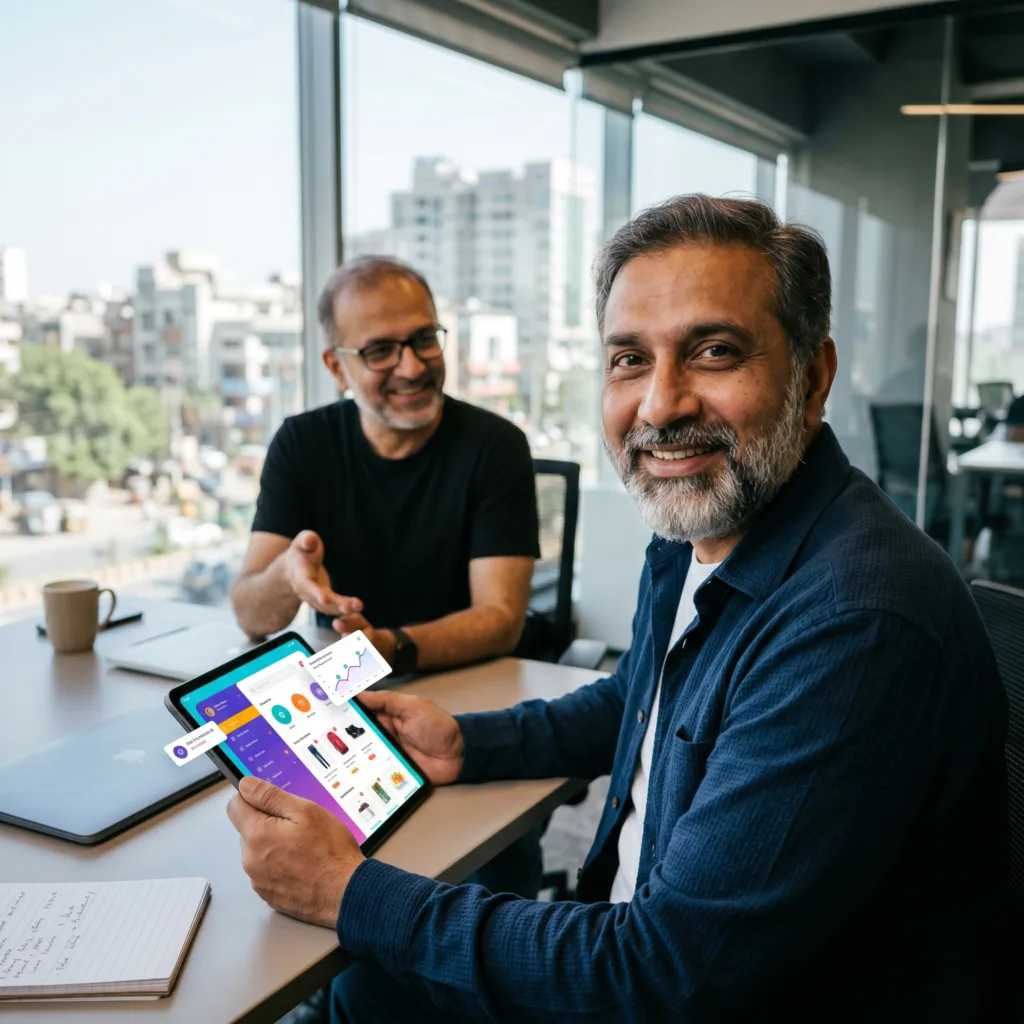
The Challenge Imran’s e-commerce store was struggling with low customer engagement. He needed a mobile app UI that made shopping fun and easy, but he also needed a clear process so his developers wouldn’t get confused during the build.
The vorza360 Solution Following our six-step service life cycle, we moved through wireframing and prototyping with total transparency. We delivered organized Figma files for a seamless developer handoff and focused the design on “thumb-zone” navigation.
The Result App downloads and customer engagement have spiked. Because the shopping experience is now so easy to use, Imran’s customers are coming back more often and staying longer.
Oliver Bennett (UK)
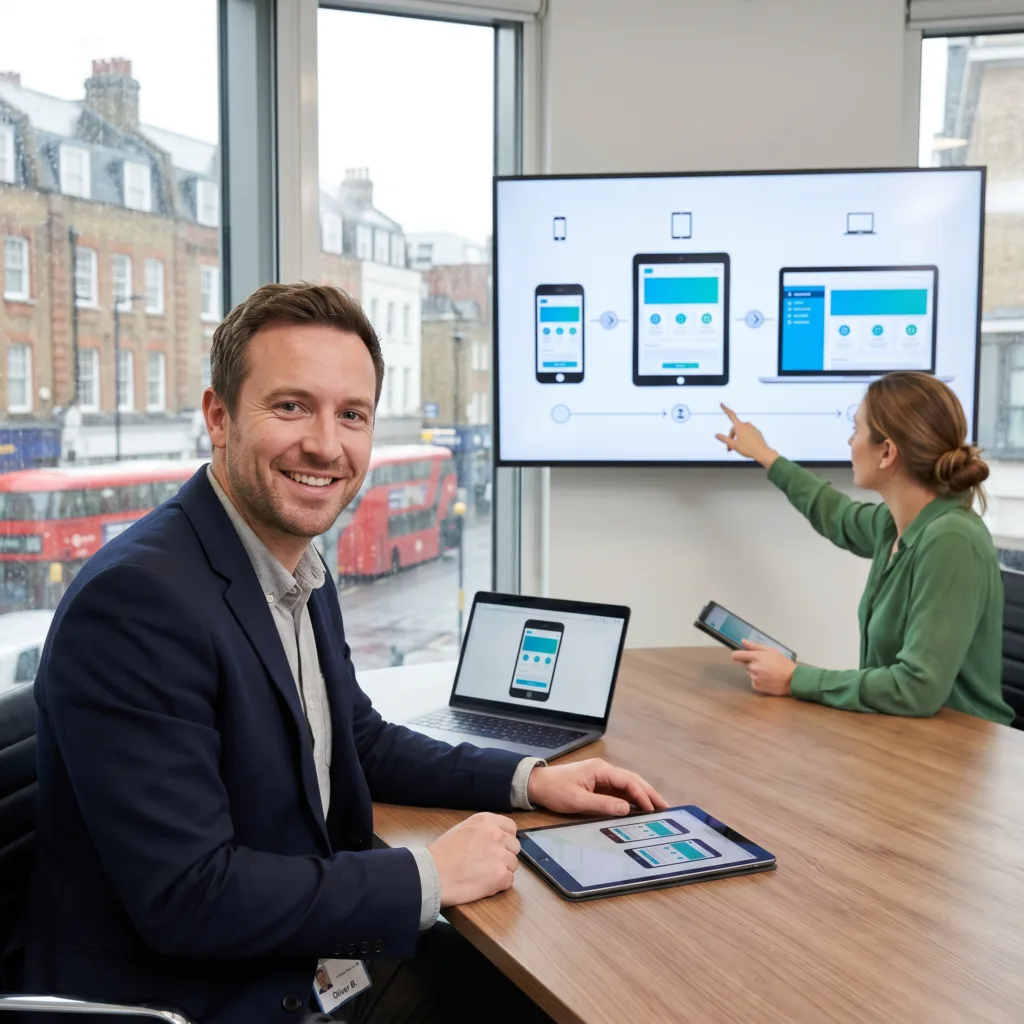
The Challenge Oliver knew his users would be accessing his app on everything from tiny older smartphones to large tablets. He needed a “user-first” design that worked perfectly regardless of the device size.
The vorza360 Solution During the discovery phase, we studied his audience’s specific problems. We then used responsive breakpoints to ensure the interface automatically adjusts its layout to look sharp and professional on any screen dimensions.
The Result The app is a strategic success. No matter what device a customer uses, the experience is flawless. Oliver’s app isn’t just a pretty interface; it’s a solution built for the real world.
Sofija Baciu (Moldova)
The Challenge Sofija was building a complex app and didn’t want to risk the high cost of coding until she knew the design was perfect. She needed to see the app in action and test it with real people first.
The vorza360 Solution We provided thorough prototyping and testing. We gave her a “clickable” version of her mobile app UI design so she could watch real users interact with it. This allowed us to fix points of confusion before any coding began.
The Result Sofija felt total confidence moving into development. By using a data-driven and creative approach, we eliminated the guesswork and ensured her app was ready for the market.
Camila Espinoza (USA)
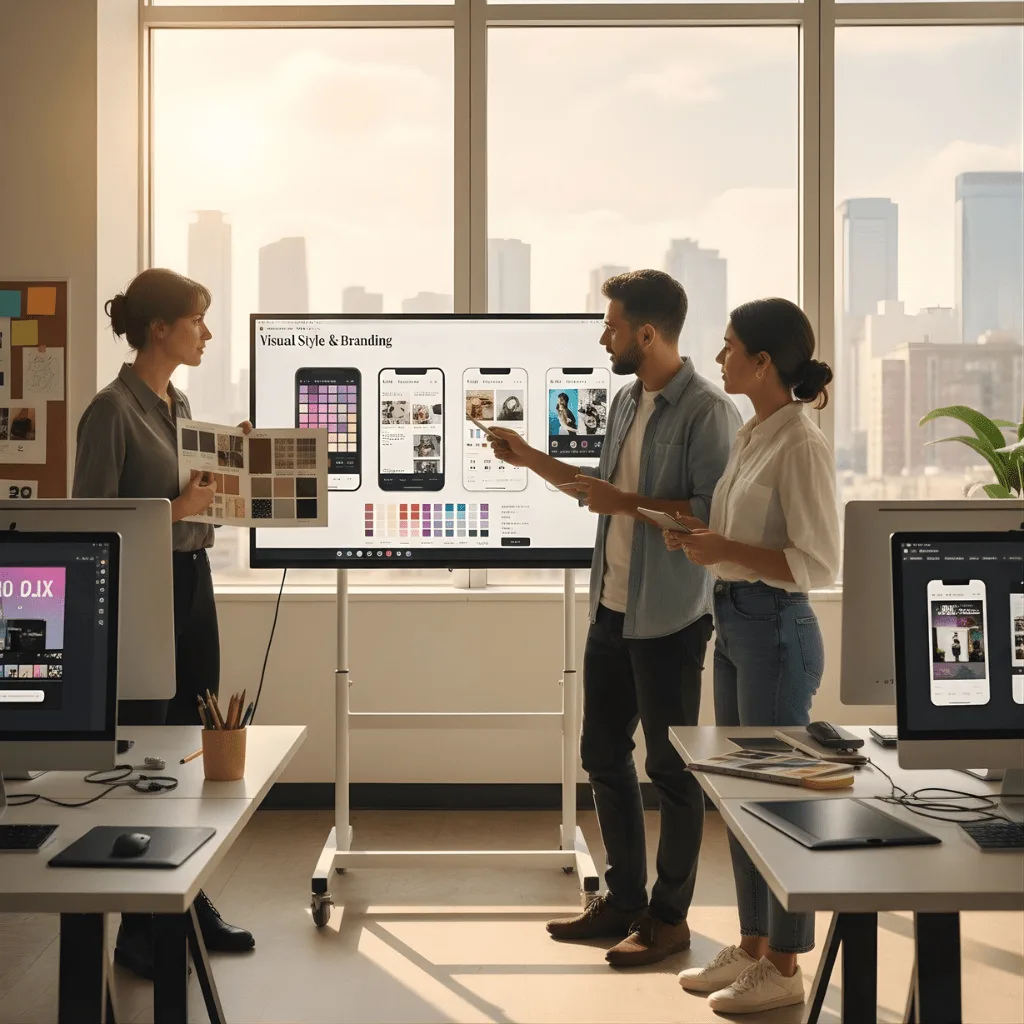
The Challenge Camila’s app needed to grab attention in the crowded App Store. She didn’t want a “generic” look; she wanted a unique brand identity with custom colors and fonts that represented her company’s personality.
The vorza360 Solution We developed a unique visual style and branding specifically for her app. We avoided templates and created a custom look that bridged the gap between creative vision and technical performance.
The Result The app really stands out. The interactive models we built were perfect for her investor pitches, helping her secure the support she needed to take her brand to the next level.
Features
iOS Human Interface Guidelines
Android Material Design
Mobile Grid Systems
+ 2
More
Gesture-Based UI Patterns
Responsive Breakpoints
Features
iOS Human Interface Guidelines
We follow Apple’s specific rules to ensure your app feels natural and premium on all iPhones.
Android Material Design
Our team uses Google’s design system to create a clean and modern ui design for mobile app users on Android.
Mobile Grid Systems
We use precise layouts to keep your UI mobile app design organized and balanced on every screen size.
Gesture-Based UI Patterns
We design intuitive swipes and taps to make UI/UX design for mobile apps feel smooth and interactive.
Responsive Breakpoints
We ensure your mobile app UI design scales perfectly from small phones to large tablets.
How we do it
Our mobile app UI/UX design agency uses a simple process to turn your ideas into a high-quality product.
User Research & Strategy
We study your target audience to build a mobile app UI design that solves their specific problems. Our team maps out every step to ensure the UI/UX design for mobile apps is helpful and engaging.
Visual Style & Branding
We create a unique look for your ecommerce mobile app UI design using custom colors and fonts. As a top mobile app UI/UX design agency, we make sure your brand stands out in the app store.
Prototyping & Testing
We build interactive models of your UI design for mobile apps so you can see how it works before coding. Our team tests the mobile app UI design services with real users to find and fix any points of confusion.
User Research & Strategy
We study your target audience to build a mobile app UI design that solves their specific problems. Our team maps out every step to ensure the UI/UX design for mobile apps is helpful and engaging.
Visual Style & Branding
We create a unique look for your ecommerce mobile app UI design using custom colors and fonts. As a top mobile app UI/UX design agency, we make sure your brand stands out in the app store.
Prototyping & Testing
We build interactive models of your UI design for mobile apps so you can see how it works before coding. Our team tests the mobile app UI design services with real users to find and fix any points of confusion.
Service Life Cycle (6 Steps)
We follow a professional 6-step cycle to deliver the best UI design mobile app for your project.
Step 1
Discovery
Step 2
Wireframing
Step 3
UI Design
Step 4
Prototyping
Step 5
Feedback
Step 6
Handoff
Step 1
Discovery
We talk about your goals and features to plan the perfect mobile app UI design.
Step 2
Wireframing
Our team sketches the basic structure of the UI mobile app design to map the user journey.
Step 3
UI Design
We add colors, icons, and images to create a stunning ecommerce mobile app UI design.
Step 4
Prototyping
We build a clickable version of your mobile app UI/UX design services for you to test.
Step 5
Feedback
We listen to your thoughts and refine the UI/UX design for mobile apps until it is perfect.
Step 6
Handoff
We provide all the organized Figma files to your developers for a smooth mobile app UI design launch.
Why Choose vorza360 for This Service?
vorza360 is a dedicated mobile app UI/UX design agency that focuses on making your business successful.
User-First Focus
We prioritize the user’s needs to ensure your mobile app UI design is simple and easy to navigate.
Expert Tools
We use the best mobile app UI design tools to deliver high-quality, pixel-perfect layouts every time.
Proven Success
Our mobile app UI design services are designed to increase your app’s downloads and customer loyalty.
Here is what our Clients are saying About us
Lukas Bauer (Germany)
vorza360 designed our iOS and Android app UI in Figma respecting each platform’s design conventions while maintaining our brand identity across both. Platform-appropriate design that feels native on each OS.
Fatimah Al-Shammari (Kuwait)
vorza360 designed our mobile banking app UI in Figma with security, trust, and clarity balanced at every screen. A mobile banking design that our customers find intuitive rather than intimidating.
Bogdan Marin (Romania)
vorza360 designed our mobile app UI in Figma with a dark mode variant, accessibility compliance, and gesture navigation patterns that match modern mobile conventions. A design that feels current and works for all our users.
Arjun Mehta (India)
vorza360 designed our delivery tracking app UI in Figma for both customers and delivery partners with each audience’s specific needs addressed in their respective interfaces.
Wei Zhang (China)
vorza360 designed our mobile app UI in Figma with the visual density and information architecture preferences of our Chinese users. Design that reflects our users’ expectations rather than applying Western mobile conventions.
Adaeze Adeyemi (Nigeria)
vorza360 designed our mobile app UI in Figma optimised for lower-specification Android devices common in our market. Design decisions that consider our users’ actual devices rather than flagship hardware.
More about Figma
UI/UX Design in Figma
Create stunning digital experiences with our ui ux design in Figma services, focusing on…
Got questions? We’ve got answers. Find everything you need to know about using our platform, plans, and features
Does vorza360 design for both iOS and Android platforms?
Yes, our specialized Figma design service creates sleek and custom mobile UI designs meticulously tailored for both iOS and Android ecosystems. We don’t believe in a one-size-fits-all approach; instead, we follow specific platform guidelines, such as Apple’s Human Interface Guidelines and Google’s Material Design. This ensures that your app feels native, intuitive, and professional on any device, providing a familiar and high-quality experience for all your users regardless of their chosen hardware.
How do you ensure an effortless mobile experience?
At vorza360, we ensure an effortless mobile experience by prioritizing mobile-specific interactions that cater to how people actually hold and use their devices. This includes designing easy-to-tap buttons, implementing logical thumb placement for navigation, and ensuring smooth gesture controls. By focusing on the unique ergonomic needs of mobile users within our Figma workflow, we deliver interfaces that are effortless to navigate even on the go, resulting in a high-performing app that keeps your customers engaged.
Can you design apps that work on tablets and foldables?
Absolutely. Our mobile app UI design services are fully responsive and cover the entire spectrum of screen sizes, including tablets and modern foldable devices. We don’t just stretch a phone layout; we rethink the interface to take advantage of the additional screen space, ensuring your brand maintains a professional look whether it’s viewed on a small smartphone or a large-scale tablet. This versatility ensures that your digital presence is future-ready and provides a consistent experience across the evolving mobile landscape.
Do you provide the icons and graphics for the mobile app?
Yes. As an integral part of our custom mobile UI design service, we create all the necessary visual elements required for a complete interface. This includes custom-crafted buttons, unique icons, and intuitive menus that are designed to fit your brand’s personality perfectly. We believe that custom graphics are essential for making your app stand out, so we provide these as part of our specialized design service rather than using generic, off-the-shelf products that might dilute your brand’s uniqueness.
Will the app design be ready for my developers to build?
Yes, one of our core strengths is ensuring that every mobile app UI design is technically organized and ready for a seamless handoff. We use Figma to provide your developers with a comprehensive blueprint, giving them direct access to all hex codes for colors, specific font files, and optimized visual assets. By delivering “developer-ready” files, we facilitate an organized and efficient workflow that reduces development time and ensures the final built app matches our high-quality designs with pixel-perfect accuracy.