Supercharge your workflow with our Figma plugin integration services. We handle your Figma plugin setup and connect the best tools to make your design process faster and smarter.
The Challenge Miloš and his design team in Serbia were drowning in administrative manual tasks. They were spending hours every week on boring “busy work” like renaming hundreds of layers and manually aligning frames. This was a huge drain on their energy and left them with very little time for actual creative problem-solving.
The vorza360 Solution We implemented a workflow automation setup using custom cleanup scripts. We integrated specialized tools into their Figma workspace that handle the organizing and tidying of files automatically. Think of it like a digital assistant that cleans up the “mess” in the background while the designers work on the art.
The Result The automation has cut their administrative time in half. Their files are now perfectly organized every time, making the handoff to developers much smoother. Miloš is thrilled that his team can finally focus on being creative instead of doing data entry inside a design tool.
Saanvi Reddy (India)
The Challenge Saanvi wanted her design prototypes to feel 100% authentic during user testing in India. Using “dummy” text and fake numbers made the designs feel flat. She needed a way to show live product data and real-time inventory inside her Figma mockups so stakeholders could see exactly how the final product would look and act.
The vorza360 Solution We used Figma API integration to bridge the gap between her business data and her design files. We linked her mockups directly to Google Sheets. This allows the designs to pull in real prices, real names, and real stock levels instantly, without the designers having to type them in one by one.
The Result The live data has completely changed how they present to stakeholders. User testing now feels real because the data is real. Saanvi found our ability to connect her business logic to her creative files to be truly impressive and a major win for her team’s professional image.
Lennart Holmgren (Sweden)
The Challenge As part of a large enterprise in Sweden, Lennart’s biggest worry was security. His team was using dozens of different plugins and tools, and he wasn’t sure if his company’s sensitive data was being leaked. He needed a full review of their Figma workspace to ensure everything was secure and organized.
The vorza360 Solution We performed a full security and organization review. We audited every single tool and plugin the team was using to make sure they followed strict safety rules. We then organized their plugin menu and set up organization-wide approvals so that only safe, vetted tools could be used by the staff.
The Result Lennart now has a streamlined and secure design environment. He has total peace of mind knowing his company’s data is safe. It has become a vital service for his large-scale team, allowing them to work faster without taking any unnecessary digital risks.
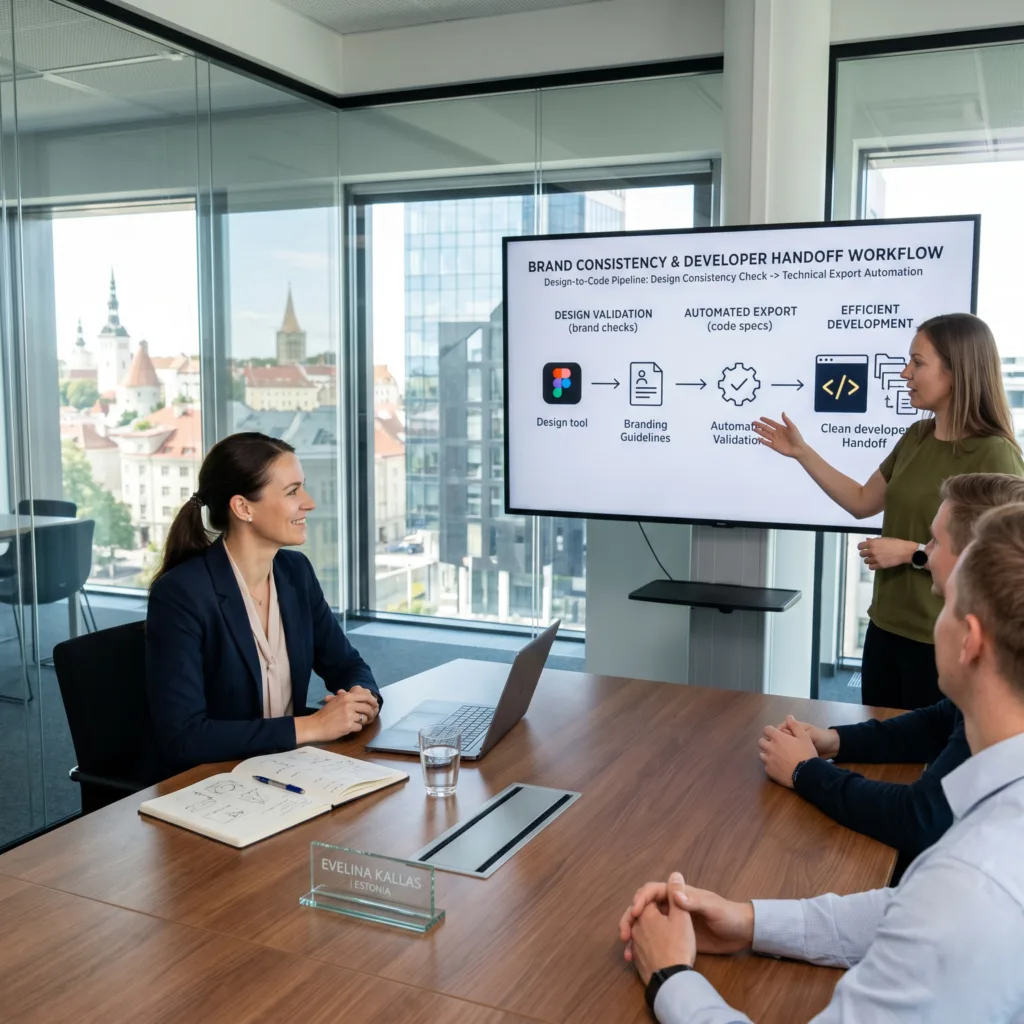
Evelina Kallas (Estonia)
The Challenge Evelina’s company in Estonia has very specific brand rules and developer requirements that generic, store-bought tools couldn’t handle. They were struggling to keep their designs consistent, and the export process was often messy and full of errors that the developers had to fix later.
The vorza360 Solution We built a custom Figma plugin specifically for her team. This private tool acts like a digital rulebook that automatically checks the designs to make sure they follow the brand’s unique style. It also ensures that every file export matches the exact technical requirements the developers need to build the site.
The Result The development process was smooth and professional, and the result is a tool that fits her business like a glove. Evelina no longer has to worry about brand mistakes or messy handoffs. The custom plugin solves her unique workflow problems perfectly.
Hamad Al-Mansoori (UAE)
The Challenge Hamad wanted to move from a blank canvas to a high-fidelity design as fast as possible. In the UAE’s fast-paced market, his team needed to generate realistic imagery and professional headlines on the fly during their brainstorming sessions. They needed a way to supercharge their ideation phase without leaving Figma.
The vorza360 Solution We set up an advanced AI tool integration directly within Figma. We added AI assistants that help the team generate brand-appropriate images and text instantly. These tools are tailored to match the company’s specific voice and style, making the brainstorming process much more effective.
The Result The team is now hitting record times for their design projects. They can create high-quality mockups in a fraction of the time it used to take. Hamad loves that the AI assistants handle the heavy lifting of content generation, allowing his designers to focus on the overall vision and layout.
Callum Wright (UK)
The Challenge Callum wanted to make sure his designs in the UK were inclusive and technically sound for every user right from the start. He was tired of finding out about color contrast issues or inconsistent styling only after the designs were sent to the developers. He needed a way to catch these problems early.
The vorza360 Solution We integrated specialized accessibility testing and design quality assurance plugins. We set up automated scans that check for things like color contrast, font sizes, and consistent spacing. This ensures that every design is checked for quality before it ever reaches the handoff stage.
The Result The quality of their output has improved significantly. Callum’s team is now producing designs that are technically sound and inclusive for all users. Using these specialized integration services has made their workflow much more professional and has saved them from countless “fix-it” meetings later in the project.
vorza360’s Tech Edge
Icon Management Plugins
Content Population Tools
Accessibility Testing Plugins
+ 2
More
Design QA Plugins
Automation Plugins
vorza360’s Tech Edge
Icon Management Plugins
We set up libraries like Iconify so you can find and drop thousands of icons into your designs instantly.
Content Population Tools
Our team integrates tools that fill your mockups with real names, dates, and images instead of “lorem ipsum” text.
Accessibility Testing Plugins
We use specialized tools to check color contrast and font sizes to ensure your design is usable for everyone.
Design QA Plugins
We integrate quality check tools that scan your files for messy layers or inconsistent colors before you finish.
Automation Plugins
We set up custom scripts that handle boring tasks like renaming layers or resizing hundreds of frames at once.
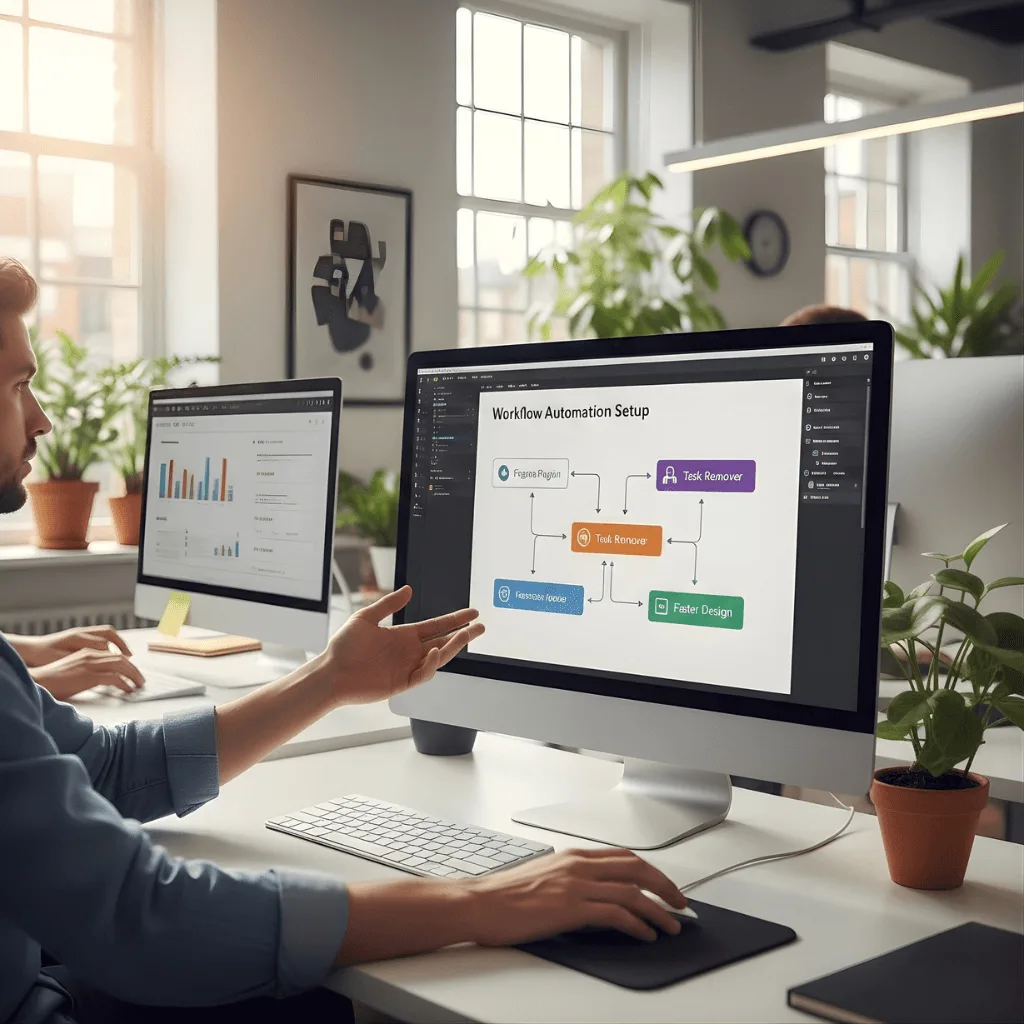
Workflow Automation Setup
We use Figma plugin integration to remove repetitive tasks that slow your designers down.
Advantages
We automate layer renaming so your files stay organized without manual work.
Our team sets up "Clean Up" scripts to align and tidy your frames in one click.
We integrate batch-editing tools to change colors across 100+ screens at once.
We reduce the time spent on "busy work" by up to 50% using these smart tools.
This is a key part of our Figma plugin setup for high-speed design teams.
Advanced AI Tool Integration
We bring the power of Figma AI plugins directly into your creative workspace for faster ideation.
Advantages
We set up AI assistants that can generate realistic images from simple text prompts.
Our team integrates AI copywriters to help you write button text and headlines.
These Figma AI plugins help you move from a blank page to a full design in minutes.
We use Figma plugin integration services to add AI tools that suggest color palettes.
We ensure your AI tools are easy to use and perfectly matched to your brand's style.
External API & Data Sync
We provide Figma API integration to connect your live data directly to your design mockups.
Advantages
We link your Figma files to Google Sheets so your designs update when your data changes.
We use Figma API integration to pull real product info from your online store.
Our team sets up live sync with project tools like Jira or Trello for better tracking.
This makes your prototypes feel 100% real and helps stakeholders make better decisions.
Our Figma plugin integration services bridge the gap between design and your business data.
Custom Plugin Development
When existing tools aren’t enough, we offer Figma custom plugin builds tailored to your needs.
Advantages
We write private code that solves unique problems specific only to your company.
Our team handles the full Figma plugin development process from idea to launch.
We build custom tools that help your developers export code exactly how they need it.
This is our most advanced Figma plugin integration for enterprise-level teams.
A Figma custom plugin can automate your specific brand rules and design checks.
Security & Organization Review
We manage your Figma plugin setup to ensure every tool you use is safe and approved.
Advantages
We audit your current plugins to remove any that might put your data at risk.
Our team organizes your "Plugin Menu" so your designers can find their tools fast.
We set up "Organization-Wide" approvals so every team member has the right tools.
This is a vital part of our Figma plugin integration services for large companies.
We provide a "Best Practices" guide so your team uses their plugins correctly and safely
Workflow Automation Setup
We use Figma plugin integration to remove repetitive tasks that slow your designers down.
ADVANTAGES
We automate layer renaming so your files stay organized without manual work.
Our team sets up "Clean Up" scripts to align and tidy your frames in one click.
We integrate batch-editing tools to change colors across 100+ screens at once.
This is a key part of our Figma plugin setup for high-speed design teams.
We reduce the time spent on "busy work" by up to 50% using these smart tools.
Advanced AI Tool Integration
We bring the power of Figma AI plugins directly into your creative workspace for faster ideation.
ADVANTAGES
We set up AI assistants that can generate realistic images from simple text prompts.
Our team integrates AI copywriters to help you write button text and headlines.
We use Figma plugin integration services to add AI tools that suggest color palettes.
These Figma AI plugins help you move from a blank page to a full design in minutes.
We ensure your AI tools are easy to use and perfectly matched to your brand's style.
External API & Data Sync
We provide Figma API integration to connect your live data directly to your design mockups.
ADVANTAGES
We link your Figma files to Google Sheets so your designs update when your data changes.
Our team sets up live sync with project tools like Jira or Trello for better tracking.
We use Figma API integration to pull real product info from your online store.
This makes your prototypes feel 100% real and helps stakeholders make better decisions.
Our Figma plugin integration services bridge the gap between design and your business data.
Custom Plugin Development
When existing tools aren’t enough, we offer Figma custom plugin builds tailored to your needs.
ADVANTAGES
We write private code that solves unique problems specific only to your company.
Our team handles the full Figma plugin development process from idea to launch.
We build custom tools that help your developers export code exactly how they need it.
A Figma custom plugin can automate your specific brand rules and design checks.
This is our most advanced Figma plugin integration for enterprise-level teams.
Security & Organization Review
We manage your Figma plugin setup to ensure every tool you use is safe and approved.
ADVANTAGES
We audit your current plugins to remove any that might put your data at risk.
Our team organizes your "Plugin Menu" so your designers can find their tools fast.
We set up "Organization-Wide" approvals so every team member has the right tools.
This is a vital part of our Figma plugin integration services for large companies.
We provide a "Best Practices" guide so your team uses their plugins correctly and safely
Here is what our Clients are saying About us
Oliver Bennett (United Kingdom)
vorza360 integrated Figma plugins into our design workflow, accessibility checkers, content population tools, and handoff utilities, that have made our design process faster and our output more consistent.
Ahmad Al-Zahrani (Kuwait)
vorza360 configured our Figma workspace with plugins for our specific workflow including icon management, colour palette enforcement, and automated spec generation. Plugins chosen for our workflow rather than added for their own sake.
Dragoș Ionescu (Romania)
vorza360 helped our design team adopt Figma plugins for real content population, removing the lorem ipsum that had been causing us to miss content-length design problems.
Arjun Kapoor (India)
vorza360 integrated accessibility plugins into our Figma workflow that check colour contrast and focus order as we design rather than as a post-design audit. Accessibility caught during design rather than after.
Nareerat Pongpan (Thailand)
vorza360 set up Figma plugin workflows for our design team that automated our most repetitive tasks. Time saved on mechanical tasks is now spent on design decisions that require human judgement.
Emmanuel Okonkwo (Nigeria)
vorza360 configured Figma plugins for our design team’s workflow that improved our handoff quality and reduced the time our designers spend on specification documentation.
More about Figma
UI/UX Design in Figma
Create stunning digital experiences with our ui ux design in Figma services, focusing on…
Got questions? We’ve got answers. Find everything you need to know about using our platform, plans, and features
How does vorza360 use plugins to enhance the design process?
At vorza360, we strategically integrate custom plugins within Figma to eliminate the manual burden of repetitive, time-consuming tasks. By automating actions such as batch-renaming layers, cleaning up file structures, or populating designs with real-world data, we significantly boost our productivity. This efficiency allows our design team to move away from administrative work and focus entirely on the high-level creative and functional aspects of your project, ensuring we bring your digital ideas to life with more depth and precision.
Can plugins improve the functionality of the final design handoff?
Yes, plugins play a vital role in ensuring a professional and high-performing handoff to your development team. We utilize specialized tools and Figma font service plugins to verify that all typography, colors, and visual assets are perfectly prepared and technically sound for development. These integrations help us generate clean CSS snippets and export organized assets, ensuring that your developers receive a high-quality, professional file that is easy to build, which reduces technical friction and speeds up the launch of your product.
Do you build custom Figma plugins for clients?
Our primary focus is on integrating and utilizing the best existing plugins from the Figma ecosystem to improve your project’s specific outcome. While we are a service provider rather than a plugin development shop, we use our technical expertise to select and configure the right tools that enhance the efficiency of our design services. By leveraging these advanced Figma technology stacks, we can accelerate the design timeline and bring your unique digital ideas to life faster than traditional, manual methods.
What kind of tasks can be automated with Figma plugins?
We use a variety of plugins for essential tasks ranging from checking contrast ratios for accessibility compliance to syncing design tokens directly with your application’s code. We also automate the creation of responsive layouts and the management of large-scale component libraries. This automation ensures that your project strictly follows the best Figma technology standards, remains highly organized, and is optimized for a high-performing user experience that meets modern digital requirements.
Does the use of plugins cost extra?
No, we consider these tools an essential part of our specialized design service. We utilize professional plugins to ensure we deliver the highest quality work in an organized and efficient manner without passing on extra costs for the tools themselves. Our goal is to provide a comprehensive design solution where the benefits of advanced Figma technology, such as faster delivery and higher technical accuracy, are included as part of our commitment to your business’s growth and success. .