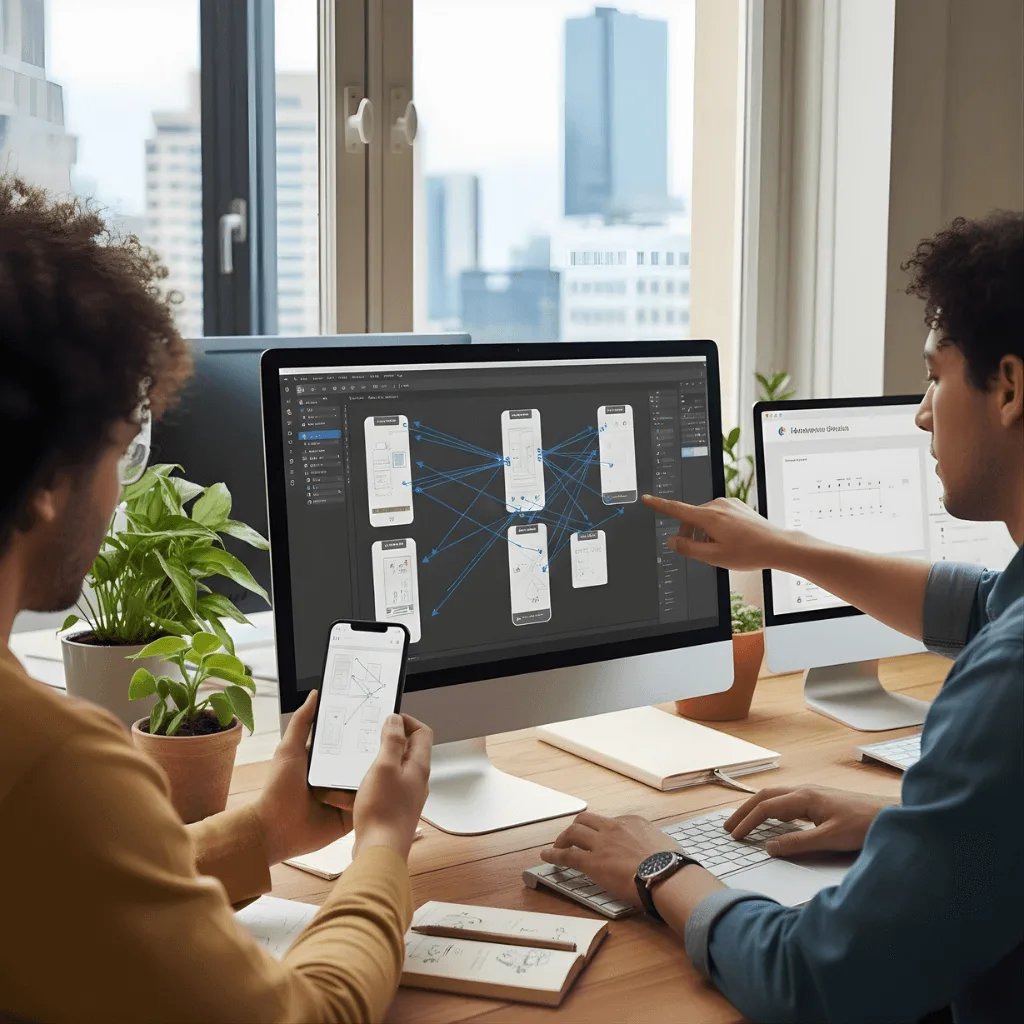
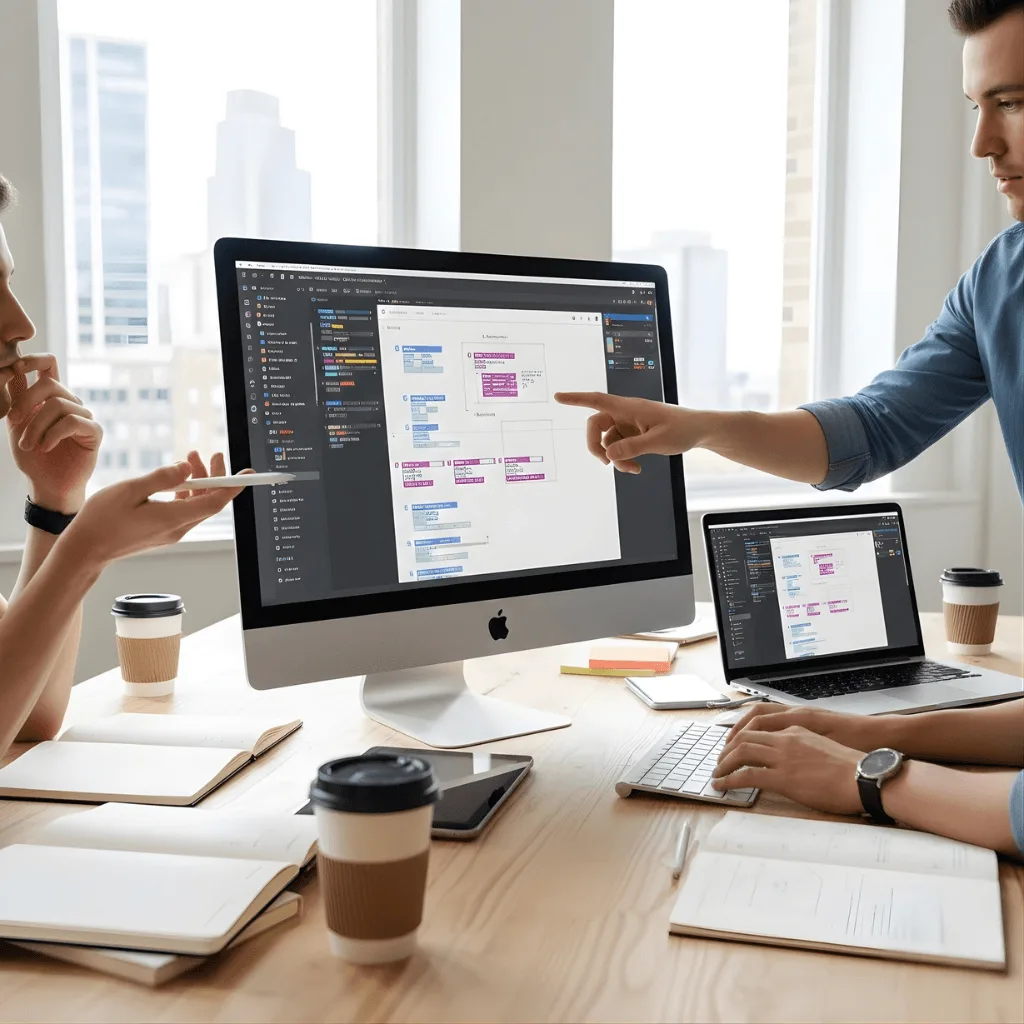
Bring your ideas to life with a high-quality interactive prototype. We build clickable, realistic models that help you test features and fix issues before you start coding.
The Challenge: Elias found it difficult to explain his vision to investors using just static slides. He needed them to feel the platform’s potential, but he wasn’t ready to spend thousands on actual coding yet.
The vorza360 Solution We built a high-fidelity interactive Figma prototype. By using “Smart-Animate” transitions, we made the movements between pages look and feel like a finished app.
The Result Instead of just talking, Elias let his investors click through the platform themselves. This was the most effective tool he had for securing internal buy-in, making the project feel real long before development began.
Bojana Dragić (Serbia)
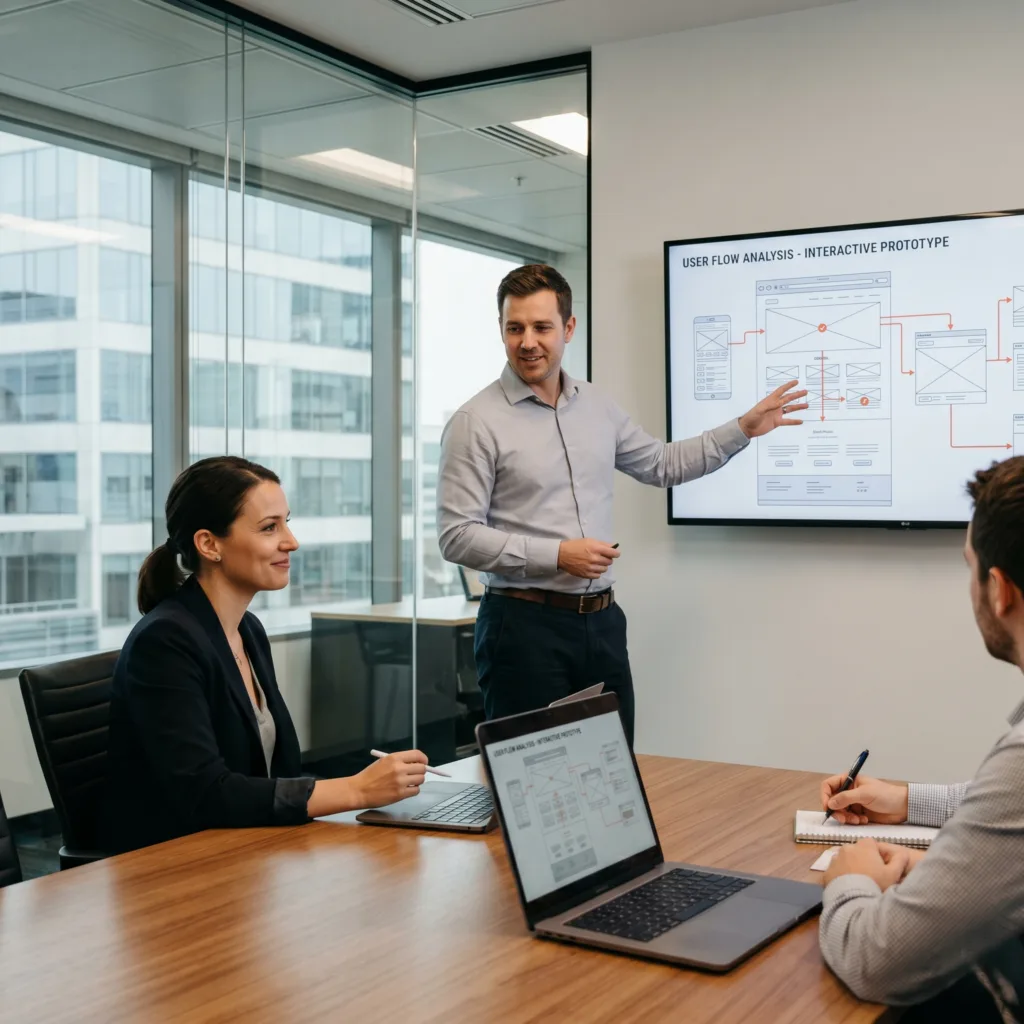
The Challenge Bojana was building a platform with complex navigation and was worried that users might get lost. Fixing logic errors after a site is coded is incredibly expensive and slow.
The vorza360 Solution We used wireframing and interactive prototyping to build a realistic model. We tested the “Page Flow” to see exactly where users were getting stuck or confused.
The Result We caught several “UX bottlenecks” early. Because our interaction design prototyping logic was airtight, we ensured that by the time the site was built, every user knew exactly where to click next.
Liam Gallagher (UK)
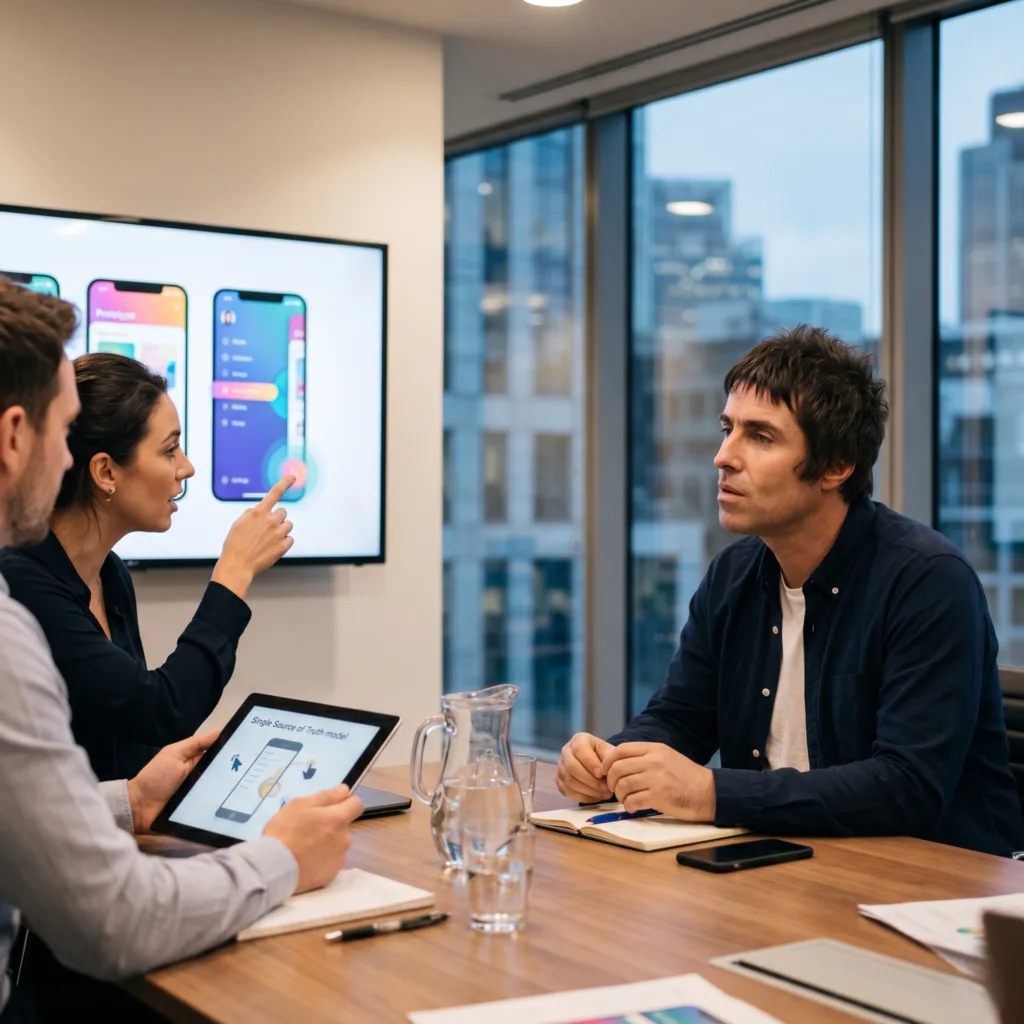
The Challenge: Liam’s team was tired of endless back-and-forth emails during development. They needed a “Single Source of Truth” where everyone could see exactly how a menu should slide or how a button should glow.
The vorza360 Solution We used overlays and smooth transitions to simulate the actual “feel” of his mobile app. This allowed the team to leave contextual feedback directly on the clickable model.
The Result The prototype acted as a functional roadmap. It saved months of back-and-forth because the developers knew exactly what the final product should look like, down to the last millisecond of animation.
Fatima Al-Rashid (UAE)
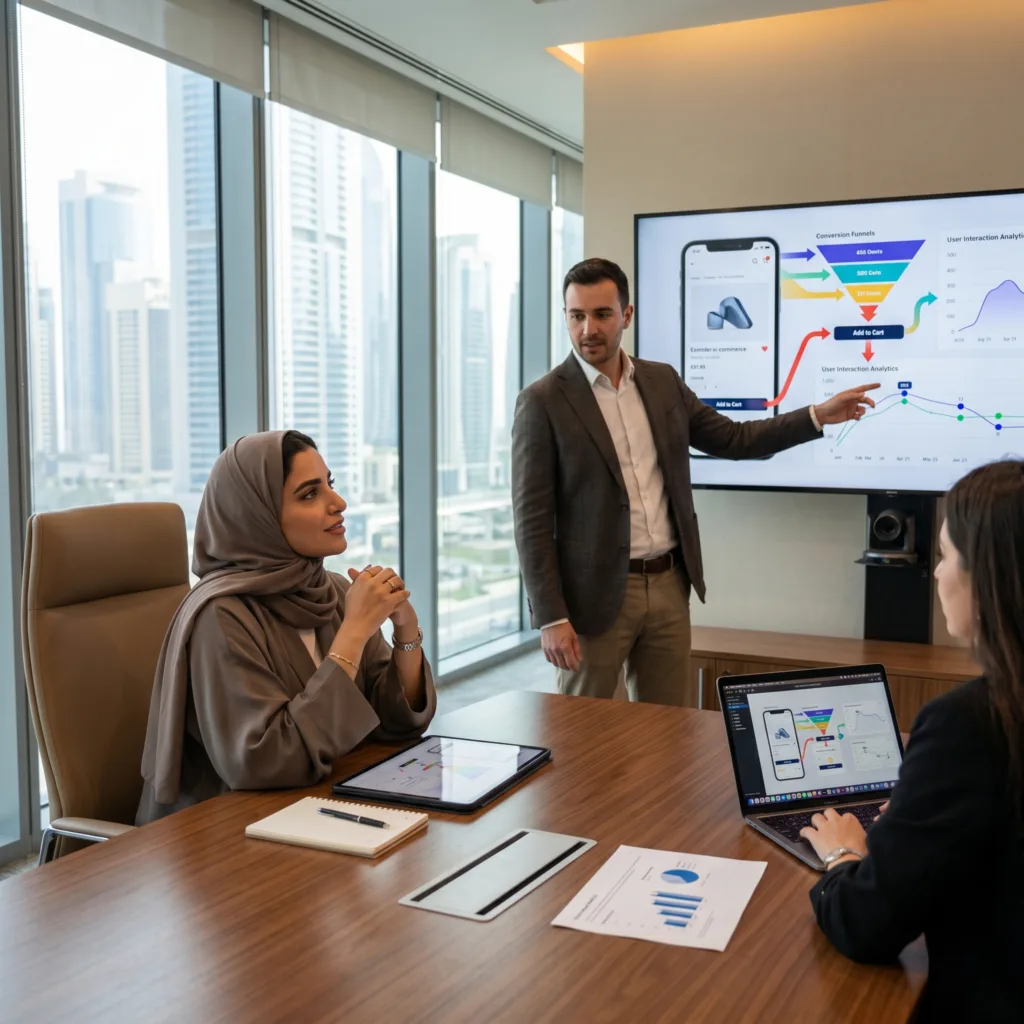
The Challenge Fatima didn’t just want a pretty design; she wanted to know if her app would actually convert visitors into customers. She needed data-driven insights before launching.
The vorza360 Solution: We utilized AI interactive prototype features to test advanced user scenarios. This allowed us to gather insights into how customers interacted with the interface and refine the design based on their behavior.
The Result: The final version of the app was optimized for high conversion from day one. Fatima felt confident knowing her design wasn’t just based on a “gut feeling,” but on real, tested strategy.
Hovsep Voskanian (Armenia)
The Challenge Hovsep managed a team spread across different countries. He needed a way for everyone to test and refine the project in real-time without having to download massive files or software.
The vorza360 Solution We provided an interactive prototype Figma link that worked in any web browser. This allowed his entire team to click through the “finished product” and offer feedback instantly.
The Result Complex ideas were made simple. The polished interactions gave his stakeholders immense confidence, and the real-time testing allowed the project to move forward faster than ever before.
Sofia Moreno (USA)
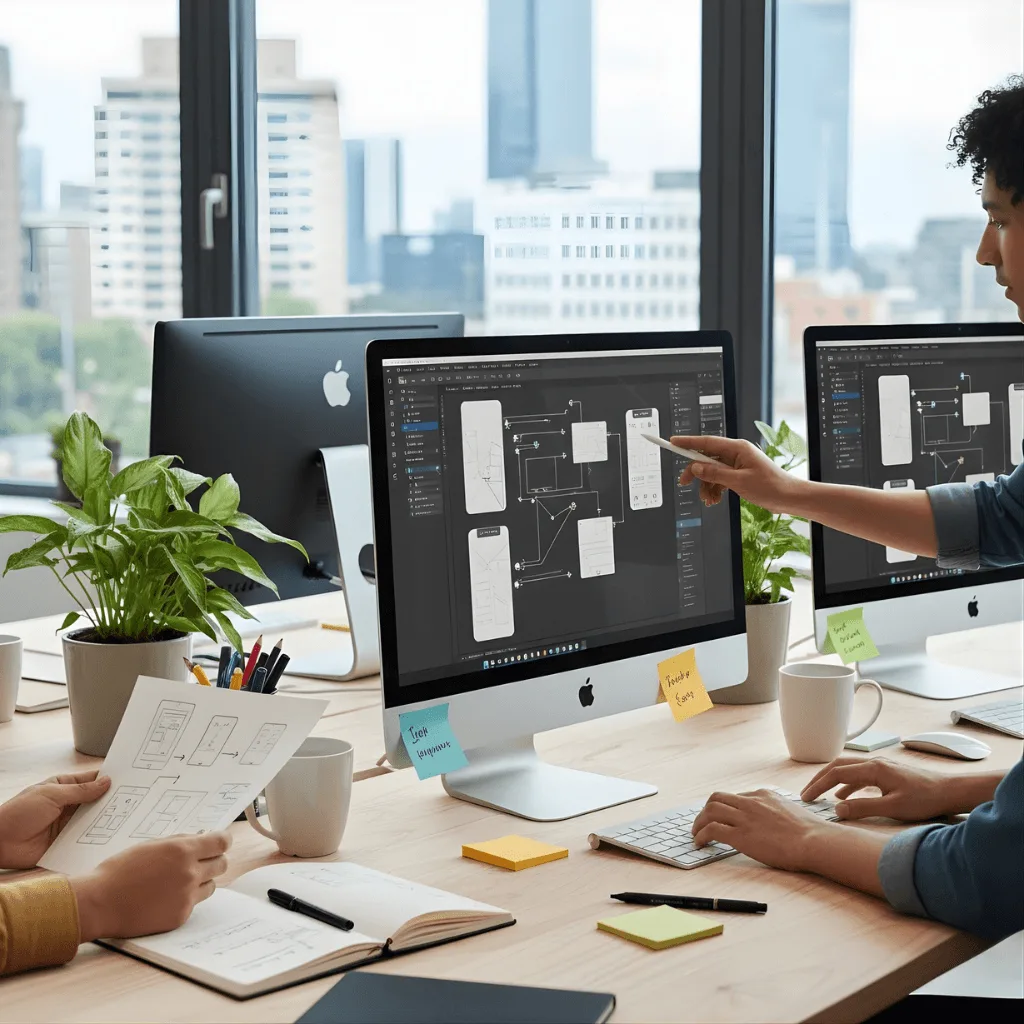
The Challenge Sofia started with very basic sketches (a “paper prototype”) but needed to evolve them into a realistic experience to ensure her developers didn’t make any costly errors during the build.
The vorza360 Solution vorza360 evolved her early ideas into a high-fidelity interactive prototype. We bridged the gap between her abstract thoughts and a realistic digital experience, providing a perfect blueprint for her technical team.
The Result: The final build matched her original vision exactly. By having a realistic model to follow, the developers avoided costly errors, and Sofia launched exactly the product she had imagined.
The Power of Interactive Prototypes
An interactive prototype is the best way to see how your app or website will actually feel for a user. Instead of looking at flat pictures, you can click buttons, open menus, and move through pages just like the final product. Using an interactive Figma prototype helps your team find and fix mistakes early, which saves you a lot of time and money during development. Whether you need a simple interactive paper prototype for early ideas or a complex AI interactive prototype for advanced testing, we provide the tools to make your vision clear to everyone.
Beyond just finding bugs, a Figma interactive prototype is your best tool for getting everyone on board with your idea. When investors or team members can actually use the interactive prototype Figma, they understand the value of your project much faster than looking at a slide deck. By using the best interactive prototype software, we create a realistic experience that serves as a perfect blueprint for your developers, ensuring the final build matches your vision exactly.
How we do it
We use the best interactive prototyping tools to create a roadmap for your digital success.
Wireframing & Flow Planning
We start with wireframing & interactive prototyping services to map out every screen and button in your app. Our experts ensure the interaction design prototyping logic is simple so users never get lost or confused.
Building Figma Interactions
Our team will create interactive prototypes in Figma with smooth transitions and realistic animations. We use Figma prototype interactions like overlays and smart-animates to make your project look and feel like a real app.
User Testing & Refinement
We share the interactive prototype Figma link with your team to gather feedback and test how people use it. As an interactive prototype design agency, we refine the design based on real data to ensure the final version is perfect.
Wireframing & Flow Planning
We start with wireframing & interactive prototyping services to map out every screen and button in your app. Our experts ensure the interaction design prototyping logic is simple so users never get lost or confused.
Building Figma Interactions
Our team will create interactive prototypes in Figma with smooth transitions and realistic animations. We use Figma prototype interactions like overlays and smart-animates to make your project look and feel like a real app.
User Testing & Refinement
We share the interactive prototype Figma link with your team to gather feedback and test how people use it. As an interactive prototype design agency, we refine the design based on real data to ensure the final version is perfect.
Here is what our Clients are saying About us
Pieter Janssen (Netherlands)
vorza360 built an interactive Figma prototype for our product that our executive team used for board presentations. The prototype communicated our product direction more persuasively than slides alone.
Sara Al-Madani (Qatar)
vorza360 created an interactive Figma prototype for our checkout flow that we used in usability testing. The testing revealed a step our team had considered obvious that users consistently found confusing, insight that improved our final design.
Ionuț Marin (Romania)
vorza360 built a high-fidelity interactive prototype in Figma for our mobile app that behaved like the real application. Our test users gave feedback on the actual experience rather than imagining how the design would feel.
Arjun Bose (India)
vorza360 created an interactive prototype in Figma for our client presentation that demonstrated our proposed solution at a level of detail that won us the project. A prototype that communicated capability more convincingly than a proposal document.
Anisa Putri (Indonesia)
vorza360 built interactive prototypes in Figma for each major user journey in our application. Testing each journey before development identified improvements that would have been expensive to retrofit after launch.
Adaeze Adeyemi (Nigeria)
vorza360 created an interactive Figma prototype for our mobile app that we used to validate our concept with target users before committing to development. User validation that shaped our final product significantly.
More about Figma
UI/UX Design in Figma
Create stunning digital experiences with our ui ux design in Figma services, focusing on…
Got questions? We’ve got answers. Find everything you need to know about using our platform, plans, and features
How does vorza360 make prototypes feel like real-time experiences?
At vorza360, we bridge the gap between static design and functional reality by using advanced Figma animation and prototyping techniques. We don’t just show you pictures of screens; we add complex transitions, smart gestures, and interactive elements that mimic a live application. By turning fixed screens into a real-time experience, we allow you to visualize the final product in action long before the first line of code is written. This immersive approach ensures that everyone involved can see how the digital ideas will behave in the hands of an actual user.
What can I test with an interactive prototype?
You can test the entire user journey, from simple button clicks and menu transitions to complex multi-step workflows and overall navigation flow. It is a highly engaging way to visualize the final product and identify potential friction points in the user experience (UX) early on. By testing these “clickable” versions, we can verify that the logic of your site or app is perfect, ensuring that users can achieve their goals without confusion. This proactive testing leads to a more professional and high-performing final product.
Can these prototypes be used for user testing and presentations?
Absolutely, interactive prototypes are the perfect tool for gathering authentic user feedback or presenting your vision to stakeholders and investors. They bring your digital ideas to life in a way that static designs simply cannot, providing a tangible experience that is easy for non-technical people to understand. Using these prototypes during presentations helps build excitement and alignment around the project, as it allows others to see a high-quality preview of the business’s future digital presence.
Will the prototype look like the final website?
Yes, we utilize high-quality visuals, real brand assets, and smooth transitions to ensure the prototype is a “near-real” version of your final product. This fidelity provides a clear and engaging look at exactly how your business will function once it is live. Because we build these in Figma with the same technical constraints as the final build, the prototype acts as a reliable blueprint. It ensures that the aesthetic appeal and the functional performance are perfectly balanced before moving into the development phase.
Do you provide a link that I can open on my phone?
Yes, we provide Figma mirror links and live prototype URLs that you can open on any mobile device, tablet, or web browser. This is a crucial part of our design service because it allows you to experience the effortless mobile experience of our designs firsthand on a real device. By interacting with the prototype on your own phone, you can test the ergonomics, button sizes, and readability in a real-world context, ensuring that the mobile interface is professional and truly optimized for your audience.