Create stunning digital experiences with our ui ux design in Figma services, focusing on user-friendly interfaces that drive engagement and business growth.
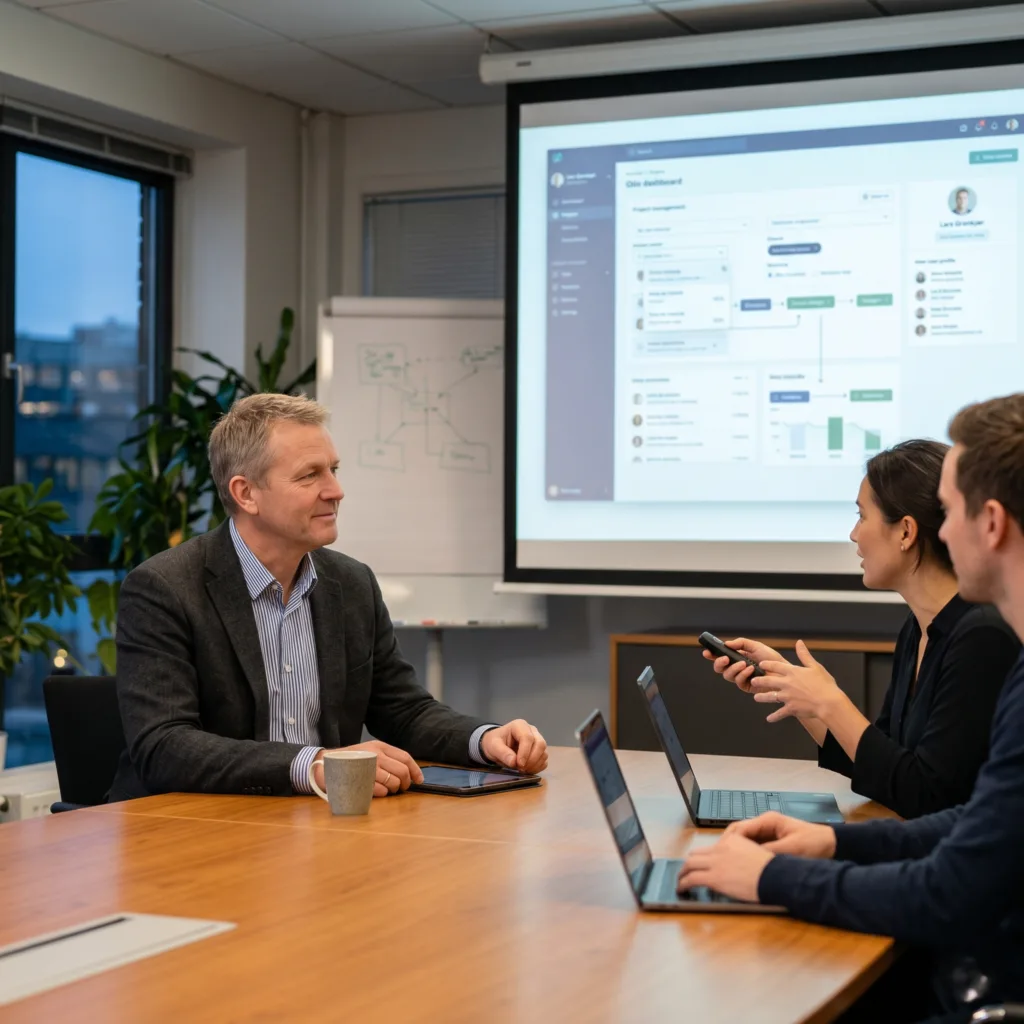
The Challenge: Lars had a complex platform idea but found it difficult to explain how it should work to his stakeholders using just words or static pictures. He needed a way for people to “test drive” the idea without the high cost of development.
The vorza360 Solution We didn’t just provide images; we built a fully interactive prototype in Figma. We also used Information Architecture to declutter the navigation, making the platform much more intuitive for his specific user base.
The Result Stakeholders could actually “feel” the product and see how it worked before any coding began. This made the decision-making process flawless and ensured everyone was aligned on the final vision.
Elora Vardanyan (Armenia)
The Challenge Elora’s business was growing fast, and her developers were wasting too much time rebuilding the same buttons and menus over and over for different parts of the site. She needed a way to keep the design consistent as they scaled.
The vorza360 Solution During our UI design in Figma service, we developed a custom design system. This is a central library of reusable components that her team can pull from whenever they build something new. We ensured the interface was “pixel-perfect” and accessible to everyone.
The Result The design system has saved her internal developers weeks of work. The brand’s personality is now locked in, and any new pages they build automatically look and feel exactly like the rest of the platform.
Aarav Deshmukh (India)
The Challenge Aarav’s app was getting traffic, but users were leaving before completing their tasks. He needed to know exactly where they were dropping off and how to fix the “path” they were taking through the app.
The vorza360 Solution We performed a deep UX audit using advanced research methods. We then redesigned the user flows in Figma, mapping out a smoother, more logical journey for his customers to follow.
The Result: The strategy worked. Since launching the redesigned flows, Aarav has seen a 25% increase in conversion rates. We proved that the best designs aren’t just about looks they are about how well they guide the user.
Siobhán O’Reilly (Ireland)
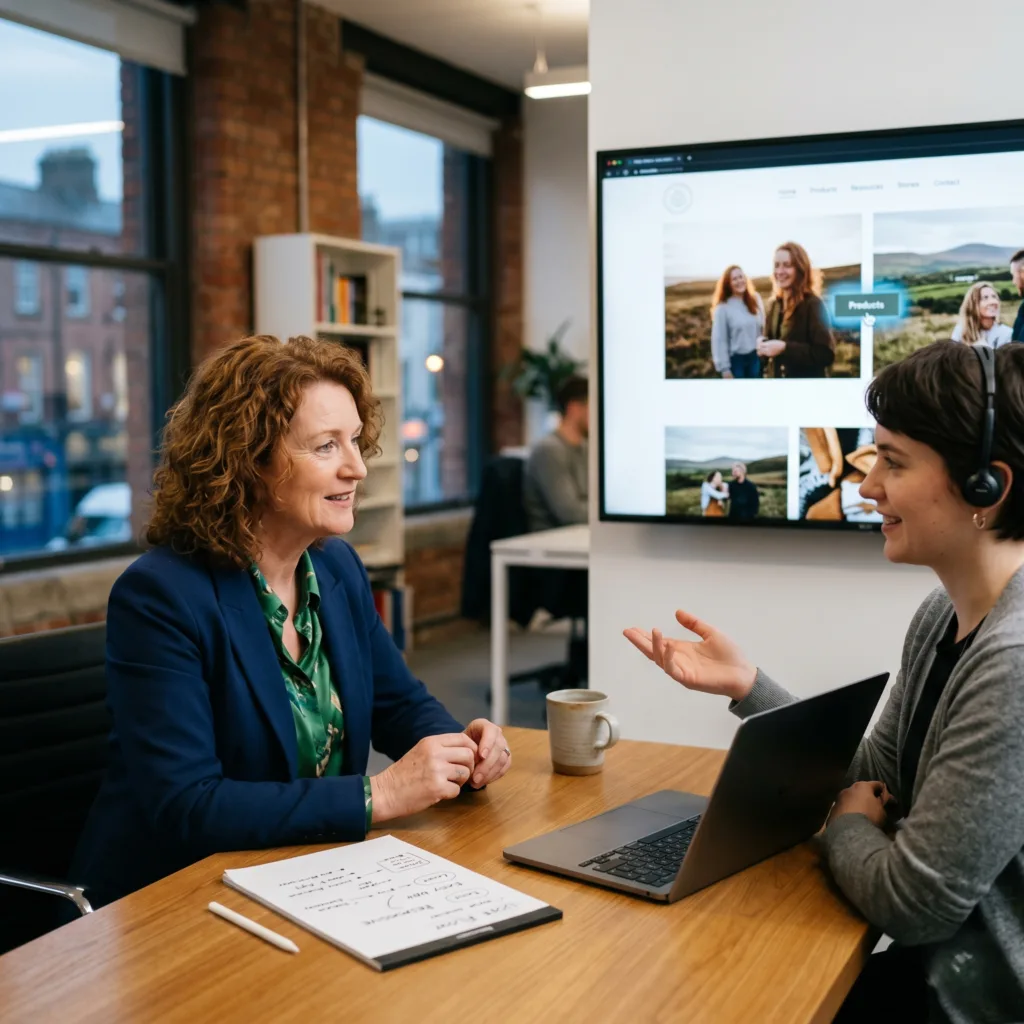
The Challenge Siobhán needed a website that felt modern and tech-savvy but was still easy enough for her older customers to navigate without getting confused. She wanted “life” on the page without it being overwhelming.
The vorza360 Solution We added interactive motion design and micro-interactions (small animations like buttons that react when you hover over them). We followed strict human interface guidelines to ensure the navigation remained clear and simple for all ages.
The Result: The site feels incredibly responsive and modern. It hits the perfect balance: it’s exciting enough for young users, but stable and easy enough for her older demographic to use with confidence.
Mateo Villalobos (Mexico)
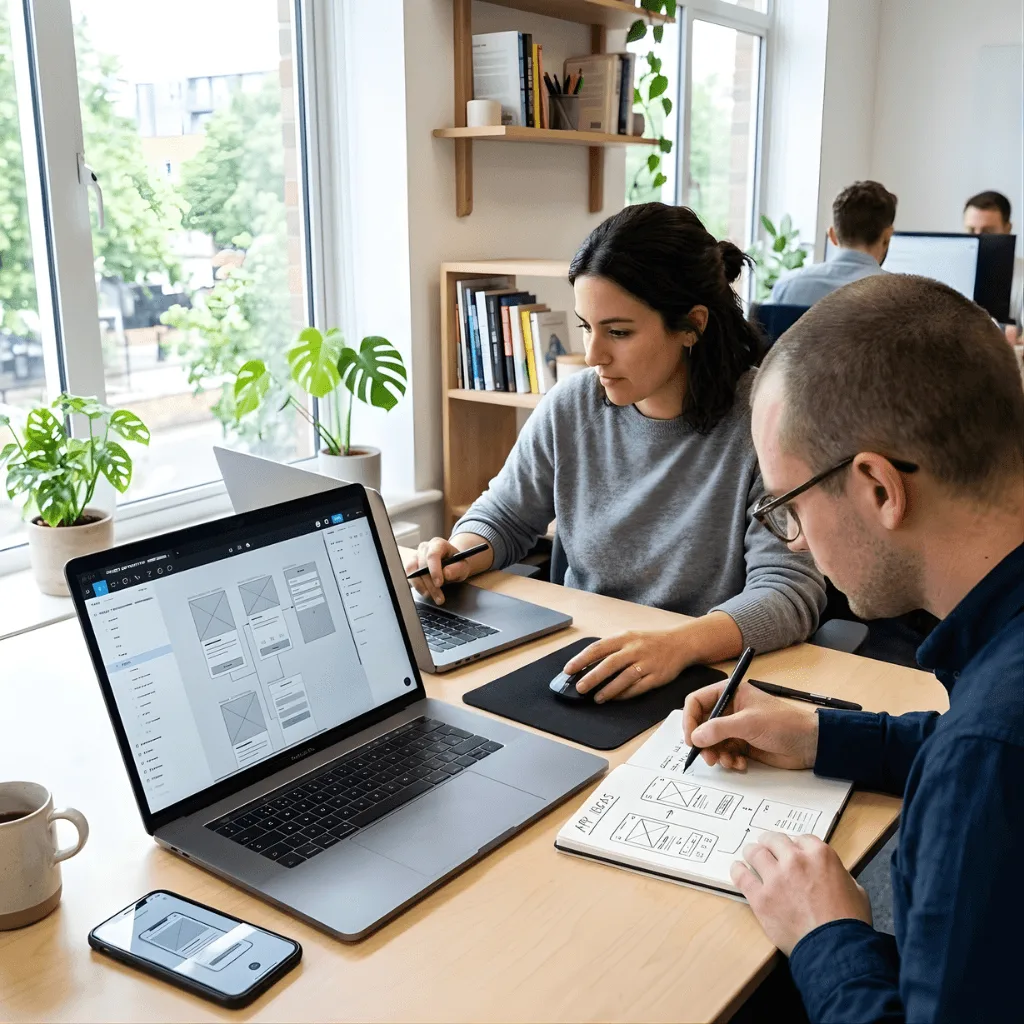
The Challenge Mateo had a vision that was hard to pin down. He wanted to be part of the design process and catch any potential “logic flaws” (parts of the site that don’t make sense) before the project got too far along.
The vorza360 Solution We used Figma for real-time collaboration, allowing Mateo to see the work and provide feedback instantly. During the wireframing phase, we built “blueprints” of the site to spot and fix logic issues early on.
The Result The project moved incredibly fast because there was no waiting around for emails. Mateo’s vision was transformed into a high-performing digital story where every click makes perfect sense.
Hana Al-Sayed (UAE)
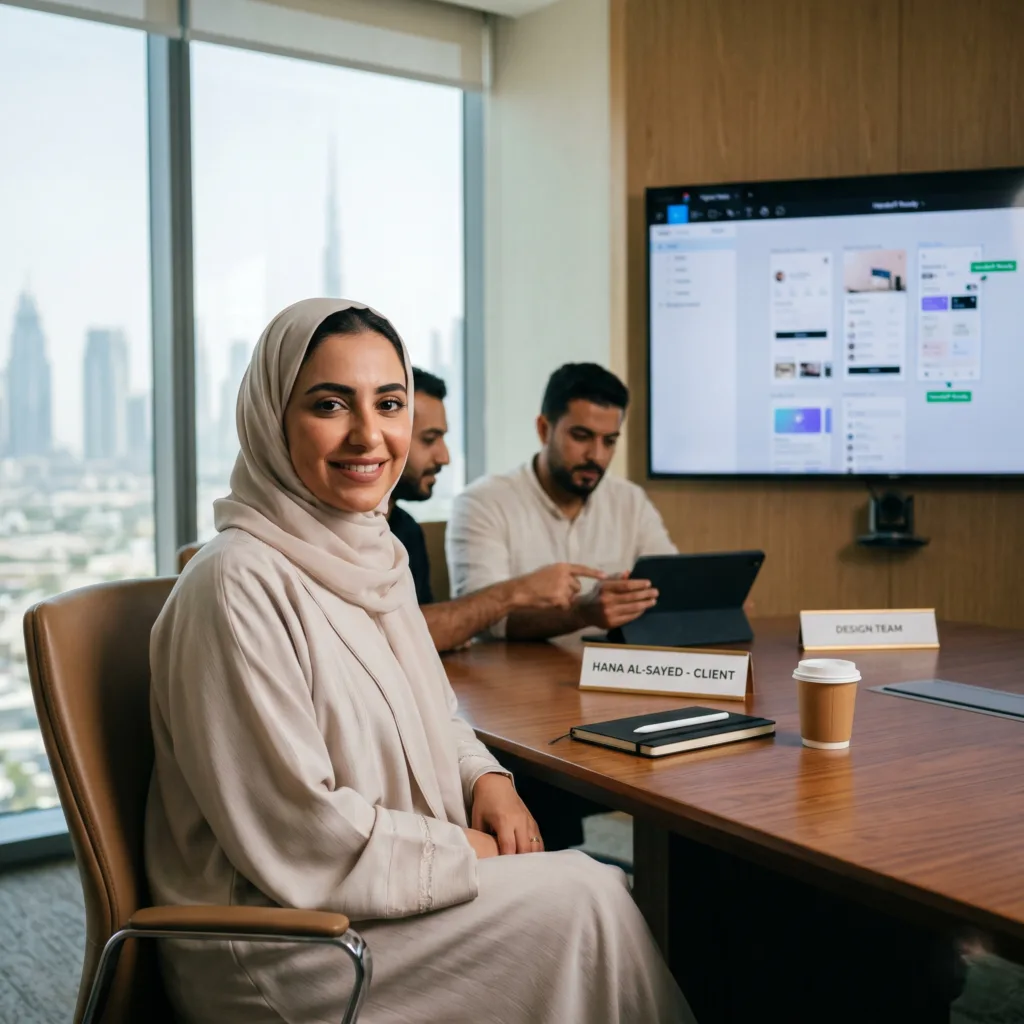
The Challenge: Hana’s biggest worry was the “handoff” the moment when designers give their work to the developers. If the files are messy, the final website usually ends up looking different than the original design.
The vorza360 Solution We delivered highly organized Figma files with a focus on responsive layouts. This ensured the design would look stunning on everything from a tiny smartphone to a massive office monitor. We used user behavior data to drive our design choices.
The Result: The handoff to her development team was completely seamless. Because the files were so clear and the strategy was backed by data, the final platform was built exactly as intended, with no technical surprises.
vorza360’s Tech Edge
Figma
UX Research Methods
User Flow Mapping
+ 2
More
Information Architecture
Human Interface Guidelines
vorza360’s Tech Edge
Figma
The leading cloud-based tool we use for real-time collaboration, allowing us to build and edit designs alongside your team.
UX Research Methods
We use surveys, interviews, and audits to understand your users’ needs before we start the UI design in Figma service.
User Flow Mapping
A visual step-by-step guide that maps out every path a user takes to ensure a smooth and logical experience.
Information Architecture
We organize your site’s content and navigation so users can find exactly what they need without any confusion.
Human Interface Guidelines
We follow strict design standards to ensure your app or site feels natural and familiar on any device or operating system.
Wireframing & Prototyping
We create low-fidelity sketches to plan the basic structure of your UI/UX design in Figma project.
Advantages
Our team builds clickable prototypes so you can test the "feel" of the site before it is even built.
We use these models to gather early feedback and make quick changes without extra costs.
This is a vital step in our Figma for UI/UX: master web design in the Figma process.
We ensure every transition and click makes sense for your future website visitors.
Visual Interface Design
We use Figma for UI/UX design to create pixel-perfect layouts with beautiful colors and typography.
Advantages
Our designers focus on high-quality icons and imagery that represent your brand professionally.
We ensure your site looks great on every screen size, from large monitors to small smartphones.
This makes us a top choice for anyone seeking a professional UI design in Figma service.
We maintain a clean and organized file structure so your developers can work with the designs easily.
User Experience (UX) Audits
We review your existing website to find any “pain points” that might be frustrating your users.
Advantages
We provide a detailed report and a plan to improve your UI/UX design in Figma results.
Our team uses UX Research Methods to identify why visitors might be leaving your site too early.
This service helps you boost your conversion rates by making your site more helpful and intuitive.
We suggest small design changes that can lead to big improvements in your customer satisfaction.
Design System Development
We build a central library of reusable buttons, fonts, and colors for your Figma for UI/UX design needs.
Advantages
This ensures that every new page we create matches your brand identity perfectly.
Our design systems save you time and money by making future updates much faster to implement.
It is the best way to keep a consistent look as your business grows and adds new features.
We share these libraries with your team so everyone stays on the same page during the project.
Interactive Motion Design
We add subtle animations and “micro-interactions” to make your UI design in Figma service feel alive.
Advantages
Our team uses motion to guide users' eyes toward your most important call-to-action buttons.
We ensure these animations are smooth and don't slow down the actual performance of your site.
This high-end touch is what helps our UI/UX design in Figma projects stand out from the crowd.
We test every interaction to make sure it provides helpful feedback to the user as they browse.
Wireframing & Prototyping
We create low-fidelity sketches to plan the basic structure of your UI/UX design in Figma project.
ADVANTAGES
Our team builds clickable prototypes so you can test the "feel" of the site before it is even built.
We use these models to gather early feedback and make quick changes without extra costs.
This is a vital step in our Figma for UI/UX: master web design in the Figma process.
We ensure every transition and click makes sense for your future website visitors.
Visual Interface Design
We use Figma for UI/UX design to create pixel-perfect layouts with beautiful colors and typography.
ADVANTAGES
Our designers focus on high-quality icons and imagery that represent your brand professionally.
We ensure your site looks great on every screen size, from large monitors to small smartphones.
This makes us a top choice for anyone seeking a professional UI design in Figma service.
We maintain a clean and organized file structure so your developers can work with the designs easily.
User Experience (UX) Audits
We review your existing website to find any “pain points” that might be frustrating your users.
ADVANTAGES
Our team uses UX Research Methods to identify why visitors might be leaving your site too early.
We provide a detailed report and a plan to improve your UI/UX design in Figma results.
This service helps you boost your conversion rates by making your site more helpful and intuitive.
We suggest small design changes that can lead to big improvements in your customer satisfaction.
Design System Development
We build a central library of reusable buttons, fonts, and colors for your Figma for UI/UX design needs.
ADVANTAGES
This ensures that every new page we create matches your brand identity perfectly.
Our design systems save you time and money by making future updates much faster to implement.
It is the best way to keep a consistent look as your business grows and adds new features.
We share these libraries with your team so everyone stays on the same page during the project.
Interactive Motion Design
We add subtle animations and “micro-interactions” to make your UI design in Figma service feel alive.
ADVANTAGES
Our team uses motion to guide users' eyes toward your most important call-to-action buttons.
We ensure these animations are smooth and don't slow down the actual performance of your site.
This high-end touch is what helps our UI/UX design in Figma projects stand out from the crowd.
We test every interaction to make sure it provides helpful feedback to the user as they browse.
Here is what our Clients are saying About us
Thomas Becker (Germany)
vorza360 designed our web application interface in Figma with a structured, documented design that our development team could implement without ambiguity. The handoff quality reduced our development rework significantly.
Hessa Al-Mansoori (UAE)
vorza360 designed the UI/UX for our fintech platform in Figma with user research informing every screen. A design grounded in how our users think rather than how our internal team assumed they did.
Silviu Ionescu (Romania)
vorza360 produced our complete product UI in Figma with consistent components, documented states, and annotations that our developers found genuinely useful. Design that is built to be implemented rather than just to impress.
Priya Krishnan (India)
vorza360 redesigned our mobile app UI in Figma based on user feedback analysis. The new design addressed the specific friction points our users had reported and our app store ratings improved after release.
Nattaporn Srisuk (Thailand)
vorza360 designed our e-commerce UI in Figma with conversion-focused decisions backed by UX research. A design that is both visually distinctive and commercially effective.
Chiamaka Nwosu (Nigeria)
vorza360 designed our platform UI in Figma with our African users’ context at the centre of every decision. Design that works for our users rather than borrowing conventions from markets with different usage patterns.
More about Figma
Figma prototyping and wireframes
Turn your abstract ideas into interactive blueprints with our Figma Prototyping…
Got questions? We’ve got answers. Find everything you need to know about using our platform, plans, and features
What is the focus of vorza360’s UI/UX design in Figma?
At vorza360, our focus is on a holistic design approach that perfectly balances accessibility, aesthetics, and strategy. We don’t just create visuals; we use Figma to architect stunning user interfaces (UI) that are rooted in a deep, research-based understanding of user experience (UX). Our goal is to ensure your digital product is not only visually beautiful and aligned with your brand but also highly intuitive and effortless for your customers to navigate. By combining these three core pillars, we deliver a professional and engaging look overall that keeps users coming back.
How do you ensure the UI/UX design aligns with my business goals?
We ensure alignment by making your business objectives the foundation of our entire design process. We start by listening to your vision and conducting a thorough analysis of your target audience’s needs. By applying expert UI/UX design in Figma, we build a strategic layout that acts as a roadmap, guiding users toward your specific desired actions, whether that is making a purchase, signing up for a newsletter, or contacting your team. This transformation of your digital presence ensures your website or app becomes a high-performing tool that actively fuels your business growth.
Does your UI/UX design include mobile optimization?
Yes, mobile optimization is an essential part of our specialized design service. Every UI/UX project we handle in Figma is designed with a “responsive-first” mindset. We recognize that today’s users interact with brands across many devices, so we ensure that the user experience is just as powerful and professional on a smartphone as it is on a desktop computer. We optimize touch targets, typography scales, and content hierarchy in Figma to provide an effortless mobile experience that maintains your brand’s high standards on any screen size.
Can you help improve an existing interface that is hard to use?
Definitely, we specialize in bringing modern, functional life to existing platforms that may be underperforming. We provide advanced UI/UX services to audit your current interface and pinpoint exactly where users are struggling. Once we identify the pain points in the user journey, we use Figma to provide tailored design solutions and refresh your interface. This results in a digital presence that is not only more engaging and professional but also significantly more efficient at converting your visitors into customers.
Do you sell pre-made Figma templates for UI/UX?
No, vorza360 is a dedicated service provider, and we do not sell pre-made Figma templates or digital products. We believe that a template can never truly capture the uniqueness of your business or solve your specific challenges. Every interface we design is built from scratch in Figma, specifically tailored to your brand’s identity and your audience’s unique requirements. We deliver custom design solutions that provide a competitive edge, rather than selling off-the-shelf products that result in a generic digital look.