Transform your collaboration with vorza360’s expert microsoft team setup & management. We build a secure, organized digital workspace so your team can communicate and collaborate from anywhere.
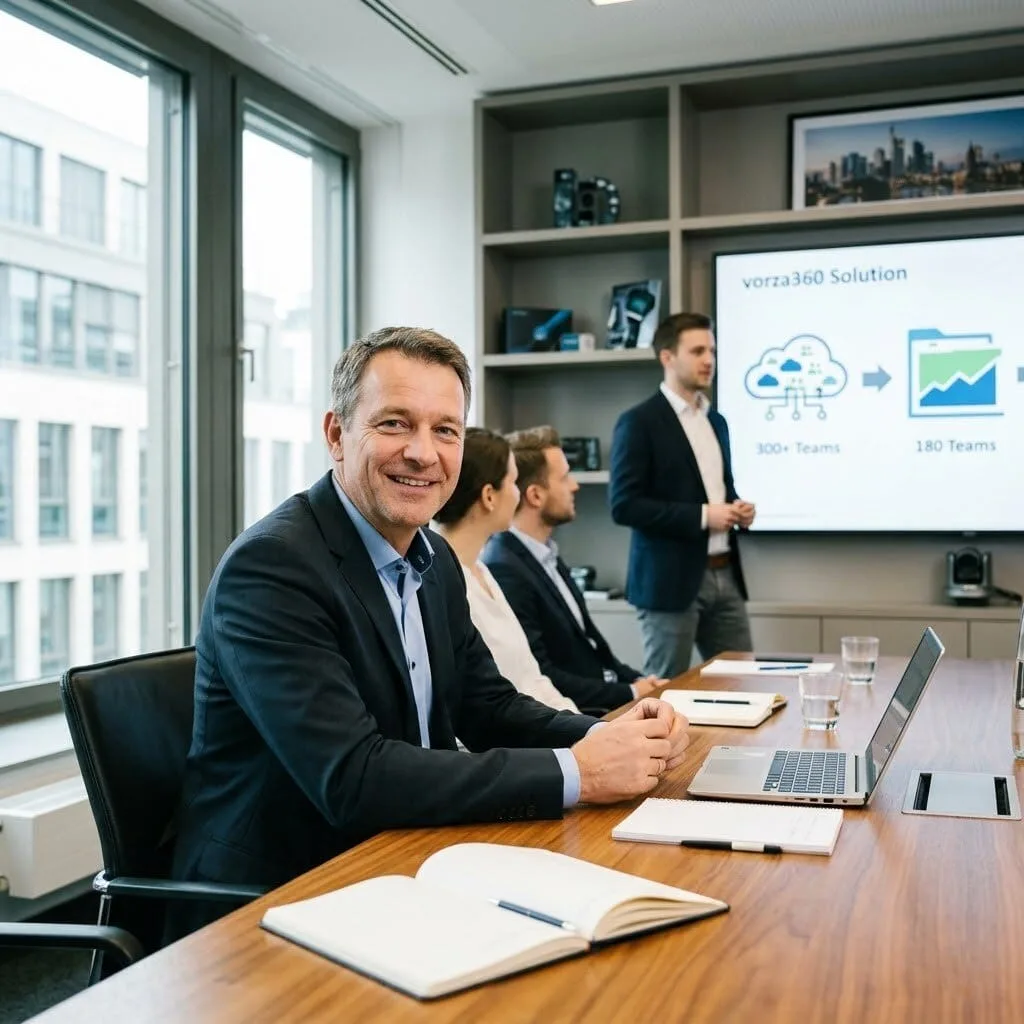
The Challenge: Thomas’s company had deployed Microsoft Teams during the pandemic and teams had proliferated, over 300 Teams created in 18 months, many abandoned, a few with duplicate purposes, and guests invited to teams with broader access than their involvement warranted. IT had no visibility into the Team’s environment and no governance process.
The vorza360 Solution: vorza360 implemented Teams governance: expiry policies requiring team owners to confirm active teams or have them archived, guest access review requiring periodic reconfirmation of external member access, a Teams naming policy enforcing business unit prefixes, and a provisioning process so new teams were created through a governed request workflow rather than ad hoc.
The Result: The 300-team estate was rationalised to 180 active teams within three months as the expiry policy removed unused teams. Thomas’s organisation had a managed Teams environment with governance that prevented the uncontrolled proliferation from recurring, and guest access was reviewed and justified rather than persisting indefinitely.
Fatima Al-Rashidi (Qatar)
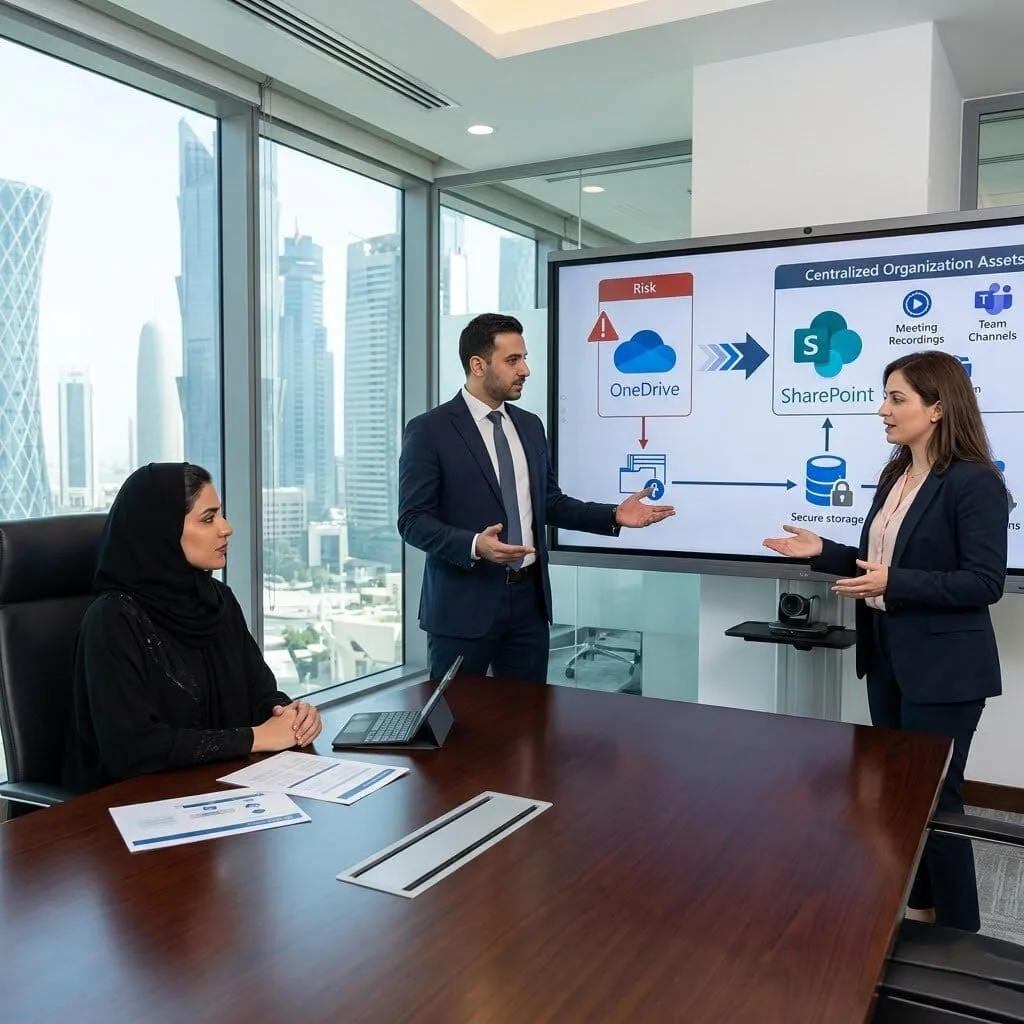
The Challenge: Fatima’s company used Teams for all meetings and collaboration but meeting recordings were being stored in individual employees’ personal OneDrive accounts. When a key employee left, their recorded meetings, including critical client calls, were in their OneDrive and at risk of deletion with the account.
The vorza360 Solution: vorza360 configured Teams meeting recording storage to SharePoint rather than OneDrive, with recordings going to the relevant team channel’s SharePoint library, retention policies applied to meeting recordings based on their classification, and existing recordings from personal OneDrive accounts migrated to the appropriate SharePoint locations.
The Result: Meeting recordings became organisational assets stored in SharePoint rather than personal assets stored in individual OneDrive accounts. Fatima’s organisation retained access to recorded client calls regardless of whether the employee who initiated the recording was still with the company. The transition was transparent to users, recordings just appeared in the channel library instead of personal OneDrive.
Andrei Ionescu (Romania)
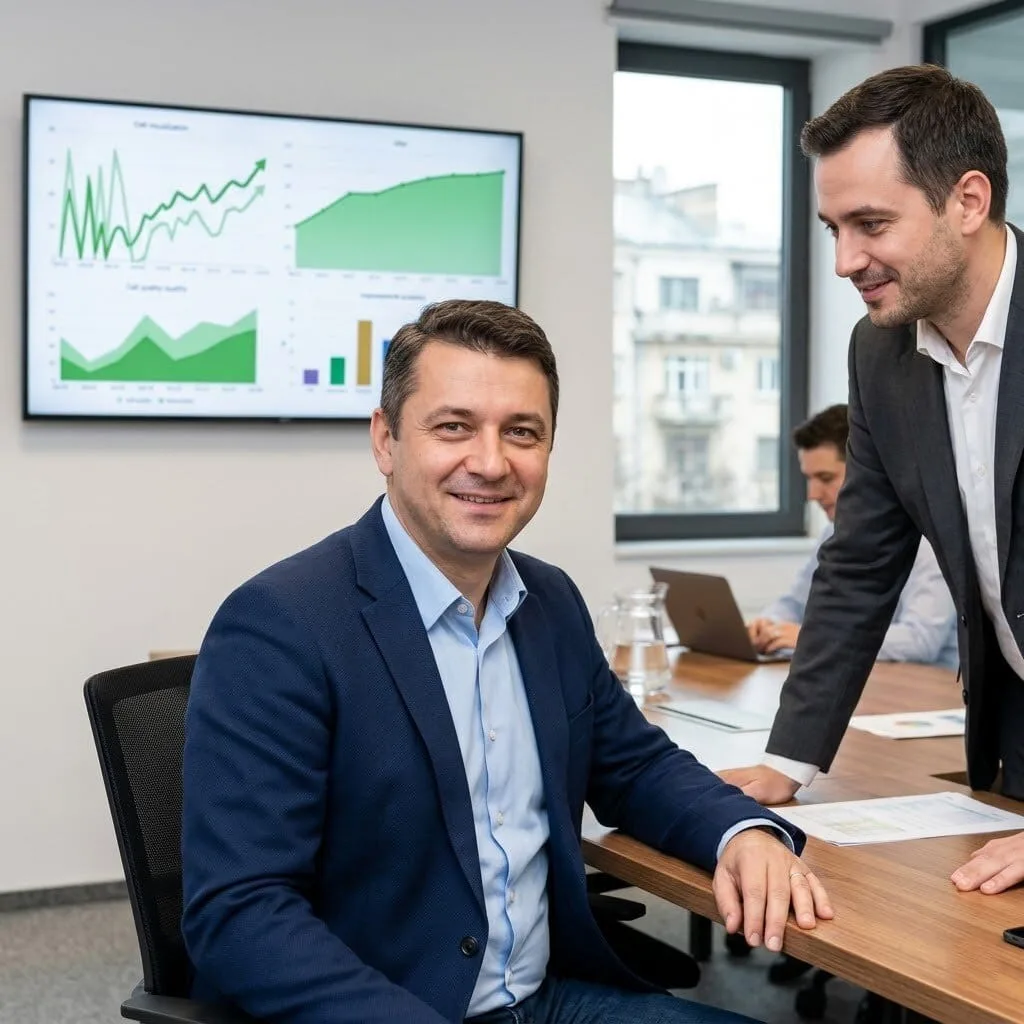
The Challenge: Andrei’s company had Teams calls with poor audio quality affecting customer-facing staff. The call quality issues were inconsistent, sometimes fine, sometimes dropping or choppy, and the IT team had no visibility into where the quality degradation was occurring in the call path.
The vorza360 Solution: vorza360 used the Teams admin centre call quality dashboard to analyse call quality data, identifying that the quality issues correlated with specific office locations and network segments. The analysis showed audio degradation was occurring due to insufficient QoS configuration on their network, Team’s audio traffic was competing with general internet traffic without priority.
The Result: Teams call quality improved significantly after QoS policies were implemented on the network, prioritising Teams audio and video traffic. Andrei’s customer-facing staff had reliable call quality, and the call quality dashboard gave IT the ongoing visibility to detect future quality degradation before it generated complaints.
Priya Krishnamurthy (India)
The Challenge: Priya’s company had external partners they needed to collaborate with in Teams. The guest access configuration had been either fully open, allowing anyone with an email address to be invited, or completely blocked, with no middle ground that allowed legitimate external collaboration with appropriate controls.
The vorza360 Solution: vorza360 configured Teams external access with domain allowlisting for their specific partner organisations, implemented Azure AD B2B collaboration policies appropriate for their governance requirements, configured Conditional Access policies requiring MFA for guest users, and set up an external user lifecycle process to ensure guest access was removed when the collaboration ended.
The Result: Priya’s company could collaborate with their specific partner organisations in Teams with appropriate controls in place, guests required MFA, access was scoped to the relevant teams, and the lifecycle process ensured former partners’ access was removed promptly. The external collaboration capability they needed was enabled without the unrestricted guest access they wanted to avoid.
Erik Lindqvist (Sweden)
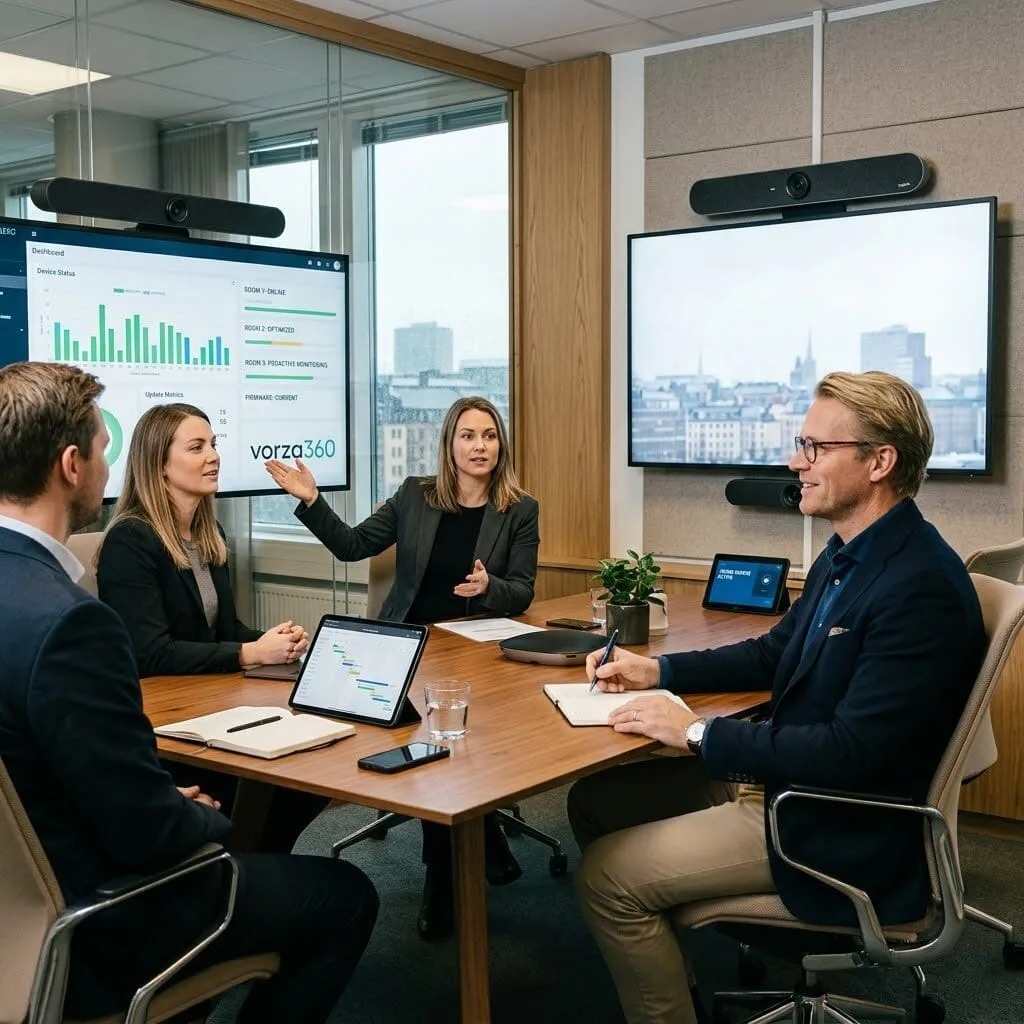
The Challenge: Erik’s company had deployed Teams Rooms in their meeting rooms, but adoption was low because the systems were unreliable, rooms would show as available but have technical issues discovered when staff entered, firmware was out of date, and nobody had ownership of the meeting room devices.
The vorza360 Solution: vorza360 updated all Teams Rooms firmware to current versions, configured the devices to auto-update, assigned device accounts with appropriate policies, implemented the Teams admin centre Pro Management monitoring for device health, and established an IT ownership process with regular monthly health checks.
The Result: Meeting room reliability improved immediately after the firmware updates and configuration corrections. Team admin centre monitoring gave IT advance warning of device issues before staff encountered them, and the proactive monthly checks meant device problems were addressed before they generated support tickets.
Yetunde Olatunji (Nigeria)
The Challenge: Yetunde’s company was using Teams Phone for their telephony but call routing was incorrectly configured, calls to main numbers weren’t reaching the right people, auto-attendant options weren’t routing to the correct call queues, and voicemails were going to accounts that weren’t monitored.
The vorza360 Solution: vorza360 audited the Teams Phone configuration: corrected the auto-attendant routing rules, reconfigured call queues with appropriate agents and overflow handling, updated the business hours schedules to match their actual working hours, and ensured all voicemail accounts were monitored by designated staff.
The Result: Incoming call routing worked correctly after the configuration corrections. Yetunde’s customers reached the right person or team on first contact rather than experiencing incorrect routing or missed calls. The voicemail accounts were monitored and callers received responses promptly, a basic customer experience improvement that the misconfiguration had been preventing.
vorza360’s Tech Edge
Teams Admin Center
Team Policies & Governance
Channel & App Management
+ 2
More
Voice & Calling Configuration
Team PowerShell Module
vorza360’s Tech Edge
Teams Admin Center
Our team uses this central command post to manage every part of your workspace, ensuring your settings are perfect for your business.
Team Policies & Governance
We set up the “rules of the road,” deciding who can create teams or share files, which keeps your workspace from becoming cluttered or unsafe.
Channel & App Management
We organize your work into specific channels and plug in the tools you use daily, like Planner or Excel, so everything is in one place.
Voice & Calling Configuration
We handle the technical side of your digital phone system, ensuring your meetings and calls are crystal clear every time.
Team PowerShell Module
For larger companies, we use expert automation to manage hundreds of users at once, saving time and preventing manual errors.
How we do it
We turn a simple chat tool into a powerful, service-driven engine for your business growth.
Creative Approaches
We make your Microsoft team setup fun and functional. We design custom backgrounds, specialized channels for “watercooler talk,” and automated bots that help your team stay engaged and happy.
Insightful Strategies
We help you avoid the mess of an unmanaged office team setup. Our team analyzes how your departments work and builds a structure that makes sense, so no one ever asks “where is that file?” again.
Tailored Solutions
From small groups to a full microsoft teams rooms setup for your boardroom, we provide a managed experience that fits your office size and technical comfort level.
Creative Approaches
We make your Microsoft team setup fun and functional. We design custom backgrounds, specialized channels for “watercooler talk,” and automated bots that help your team stay engaged and happy.
Insightful Strategies
We help you avoid the mess of an unmanaged office team setup. Our team analyzes how your departments work and builds a structure that makes sense, so no one ever asks “where is that file?” again.
Tailored Solutions
From small groups to a full microsoft teams rooms setup for your boardroom, we provide a managed experience that fits your office size and technical comfort level.
Our Service Cycle
vorza360 provides a smooth, step-by-step path to a better-connected team.
Step 1
Collaboration Audit
Step 2
Security Framework
Step 3
App Integration
Step 4
Hardware Sync
Step 5
User Onboarding
Step 6
Ongoing Support
Step 1
Collaboration Audit
We learn how your team talks and works to design the best Microsoft team setup & management plan.
Step 2
Security Framework
Our team sets up “private” and “public” spaces so sensitive info stays only where it belongs.
Step 3
App Integration
We link your favorite business tools directly into Teams so you don’t have to keep switching Windows.
Step 4
Hardware Sync
We assist with your microsoft teams rooms setup, ensuring your office cameras and mics work perfectly.
Step 5
User Onboarding
We guide your team through the download teams setup and show them how to be productivity pros.
Step 6
Ongoing Support
We stay by your side to manage updates, add new members, and keep your communication fast.
Why Choose vorza360 for This Service?
We provide a total, managed communication solution that takes the technical stress out of teamwork, allowing your staff to focus on great ideas instead of troubleshooting their chat app.
We Manage the Clutter
An unmanaged Office team setup can quickly become a mess of random channels; we keep yours organized and professional.
Expert Security
We protect your team’s privacy by managing your Microsoft team setup with the highest security standards, blocking unauthorized guests.
Reliable Partnership
You won’t have to struggle with a download team’s setup error alone; our team is just a message away to fix any technical glitch instantly.
Here is what our Clients are saying About us
Pekka Mäkinen (Finland)
Teams had been enabled for our organisation but with no governance, hundreds of teams created, channels everywhere, no naming conventions, and guest access completely uncontrolled. vorza360 implemented a Teams governance framework with creation policies, naming conventions, and lifecycle management. Order from genuine chaos.
Hessa Al-Mansouri (UAE)
vorza360 configured Microsoft Teams for our remote-first organisation from scratch, channels structured for how we actually work, meetings policies tuned appropriately, telephony integration set up correctly. The ‘built-for-how-you-work’ Teams environment they delivered made the move to remote work significantly smoother for our team.
Cristian Dumitrescu (Romania)
Our Teams meetings had been plagued by audio quality issues that were affecting client calls. vorza360 diagnosed the problem, a network QoS misconfiguration that was deprioritising Teams media traffic, and fixed it. Call quality improved immediately and our client meeting experience became something we were no longer embarrassed about.
Rohan Sharma (India)
vorza360 set up Azure Monitor alerts with proper severity levels and routing so the right team gets notified about the right type of issue at the right time. Our previous alerting had been all-or-nothing, either nobody got notified or everyone got paged for everything. The tiered approach vorza360 built is far more operational.
Silje Christoffersen (Denmark)
vorza360 configured Teams external access and guest access policies for our organisation that allow genuine collaboration with our partners and clients without opening our environment up indiscriminately. The ‘collaborate-safely’ model they implemented satisfies both our collaboration needs and our security team’s requirements.
Adaora Okonkwo (Nigeria)
vorza360 built a Teams governance and lifecycle management solution for our tenant using automated policies that archive inactive teams after a defined period and notify owners before deletion. The sprawl of unused teams that had been building for two years has been cleaned up and the policies prevent it from recurring.
More about Microsoft 365 Services
Exchange Online Support
Keep your business communication running smoothly with vorza360’s expert exchange online support services.
Got questions? We’ve got answers. Find everything you need to know about using our platform, plans, and features
What does vorza360's Microsoft Teams setup and management service include?
Our Microsoft Teams setup and management service covers the complete configuration, governance, and ongoing administration of Microsoft Teams in your organization. Services include Teams tenant-level policy configuration covering meeting policies, messaging policies, and app permission policies, Teams and channel governance model design covering who can create teams and naming conventions, phone system configuration for Teams Voice using direct routing or Microsoft Calling Plans, Teams Rooms setup for meeting room video conferencing hardware, guest access configuration, Teams app management and custom app deployment, Live Events and Webinar configuration, external federation settings, Teams usage and adoption reporting, and ongoing Teams support for users experiencing meeting, calling, or collaboration issues. We help your organization move from using Teams as a basic chat tool to leveraging its full collaboration and voice capability.
How does vorza360 implement Microsoft Teams governance to prevent team sprawl?
Without governance controls, Microsoft Teams environments accumulate hundreds of poorly named, overlapping, or abandoned teams that make it difficult for users to find the right place to collaborate. vorza360 implements Teams governance through technical controls and documented policies: we restrict team creation to specific roles using Azure AD group policies that limit who can create Microsoft 365 Groups, preventing every employee from creating teams independently. We implement team naming policies that enforce consistent naming conventions. We configure Teams expiration policies that automatically flag inactive teams for review after a defined period of inactivity and archive or delete them if no owner renews them. We implement Teams templates for common team types including Project, Department, and Client Engagement so new teams are created with the right channels, apps, and settings from the start.
How does vorza360 configure Microsoft Teams for secure external collaboration with clients and partners?
Microsoft Teams supports external collaboration through Guest Access, inviting external users into specific teams where they can participate in channels, meetings, and chats, and External Access or Federation, allowing Teams users at different organizations to find, chat, and meet without being added to any specific team. vorza360 configures external collaboration by enabling Guest Access in the Teams Admin Center, configuring guest permissions to align with your security requirements, configuring expiration policies for guest accounts so access does not persist indefinitely after a project ends, and implementing Azure AD Conditional Access policies specifically for guest users that require MFA and restrict access to only explicitly invited content. We also configure domain-based allow lists for External Access, permitting federation only with specific partner organizations’ domains.
How does vorza360 configure Microsoft Teams Phone for business calling?
Microsoft Teams Phone transforms Teams into a full enterprise phone system, replacing or supplementing traditional PBX infrastructure. vorza360 configures Teams Phone through two approaches: Microsoft Calling Plans where Microsoft provides telephone numbers and PSTN connectivity, the simplest approach requiring no additional on-premises infrastructure, or Direct Routing where your existing SIP trunk connectivity or on-premises PBX is connected to Teams Phone through a Session Border Controller, preserving existing number ranges and carrier relationships. We configure auto attendants that greet inbound callers and route them to the correct department or individual, call queues for busy teams, voicemail with transcription delivered to email, call forwarding and simultaneous ring policies, and Teams-certified desk phone provisioning for users who prefer physical handsets.
How does vorza360 monitor Teams usage and ensure good meeting quality?
Teams usage monitoring and meeting quality management are important for identifying adoption gaps and resolving audio and video quality issues. vorza360 uses Microsoft’s Call Quality Dashboard and Teams Usage Reports: the Call Quality Dashboard provides aggregated audio and video quality metrics across all Teams calls in the tenant, enabling us to identify patterns of poor quality including specific buildings with poor network conditions, specific device types with audio issues, or time-of-day patterns indicating network congestion. Teams Usage Reports show which features are being adopted, which users are active, and which teams are most used, informing adoption campaigns and training priorities. When individual users report call quality issues, we use the per-call data in the Teams Admin Center to examine that specific call’s audio quality, packet loss, jitter, and device configuration.