
Remote Desktop Services Setup
Empower your team to work from anywhere with vorza360’s professional remote desktop services setup. We provide secure, high-speed access to your office apps and files on any device, ensuring business continuity.

Shopify

WordPress

Figma

PHP

Flutter

React Js

Node Js

Python

Swift

Java

Vue.js

Kotlin

CSS

HTML

JavaScript
Customer Success Story
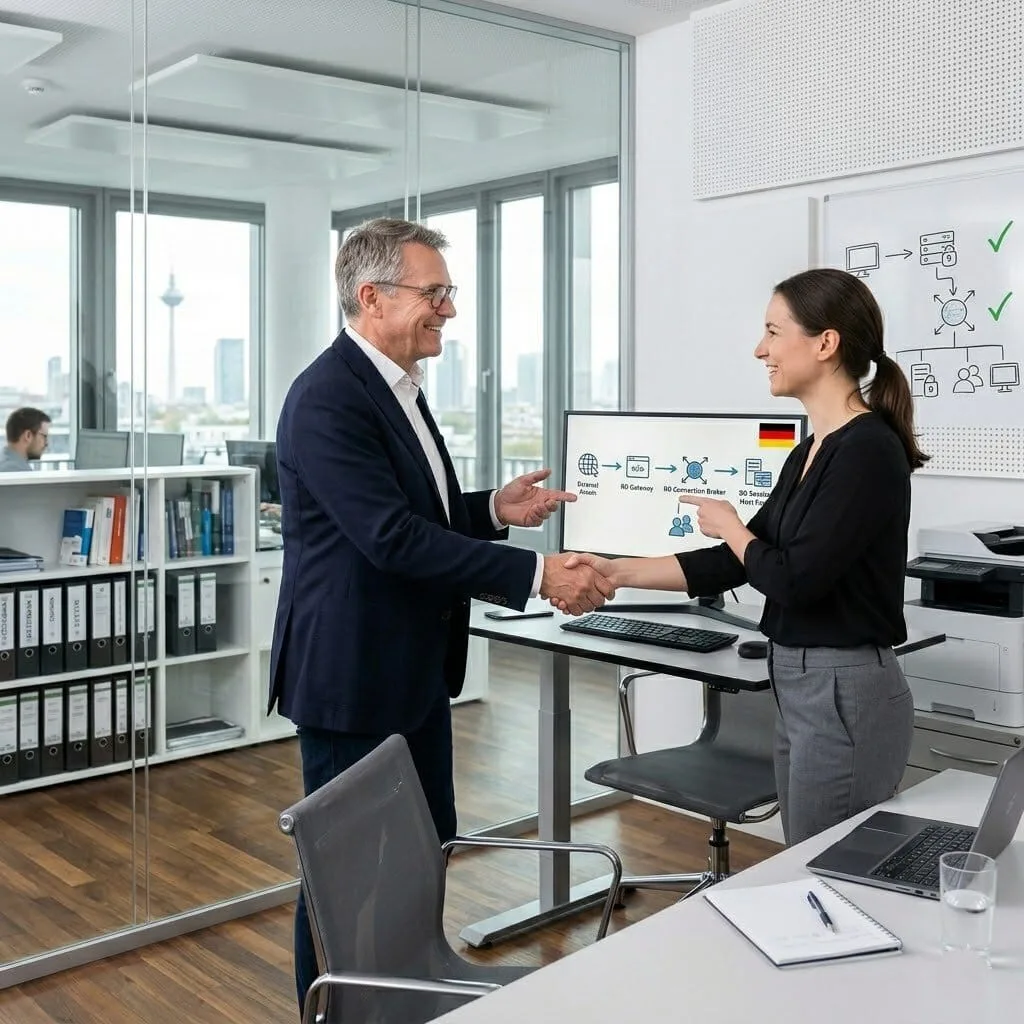
Franz Bauer (Germany)
The Challenge: Franz’s company had deployed RDS to enable remote working, but it had been set up quickly and had significant problems: no load balancing between session hosts, no session brokering for reconnecting to existing sessions, and the connection going directly to individual servers rather than through a secure gateway. Security and reliability were both concerns.
The vorza360 Solution: vorza360 rebuilt the RDS environment with the correct role architecture: RD Gateway for secure external access without VPN, RD Connection Broker for session management and load balancing, RD Session Host servers sized and configured for their application workloads, and RD Licensing correctly configured with their CALs.
The Result: Remote working reliability improved immediately as session brokering meant disconnected sessions were properly reconnected. Security improved as direct RDP exposure was replaced by the RD Gateway with certificate-based authentication. Franz’s IT team managed RDS as a proper infrastructure service rather than a collection of individually accessible servers.

Sara Al-Rashidi (Kuwait)
The Challenge: Sara’s company used RDS for their entire workforce and was experiencing slow application performance, particularly for users accessing from home on consumer broadband connections. Graphics-intensive applications were unusable over RDS, and video calls conducted through RDS sessions were unacceptable quality.
The vorza360 Solution: vorza360 tuned the RDS environment for their specific application mix: RemoteFX configuration for improved graphics performance, adaptive graphics settings for bandwidth-constrained connections, and audio redirection optimised for voice quality. They also evaluated and recommended Azure Virtual Desktop for their graphics-intensive users as a better-fit solution.
The Result: Standard application performance improved significantly for home workers. The graphics-intensive user group migrated to Azure Virtual Desktop, which addressed their requirements in a way that on-premises RDS fundamentally could not. Sara’s company had a right-fit solution for each user type rather than a single approach for all workloads.

Dragos Marin (Romania)
The Challenge: Dragos’s company had an RDS environment that worked for their Romanian office users but performed poorly for their remote users in other countries. The international users were connecting to Romanian RDS servers across high-latency connections, making application response feel sluggish for every interaction.
The vorza360 Solution: vorza360 implemented RDS deployment in cloud regions closer to the international user groups, with the same application environment published from each regional deployment. A single connection broker managed session routing, directing users to the nearest session host automatically based on their location.
The Result: International user satisfaction improved dramatically as they connected to session hosts with low latency rather than traversing international connections for every application interaction. Dragos’s company extended their reliable RDS experience to their global workforce without the latency penalty that had been making the international deployment feel inadequate.
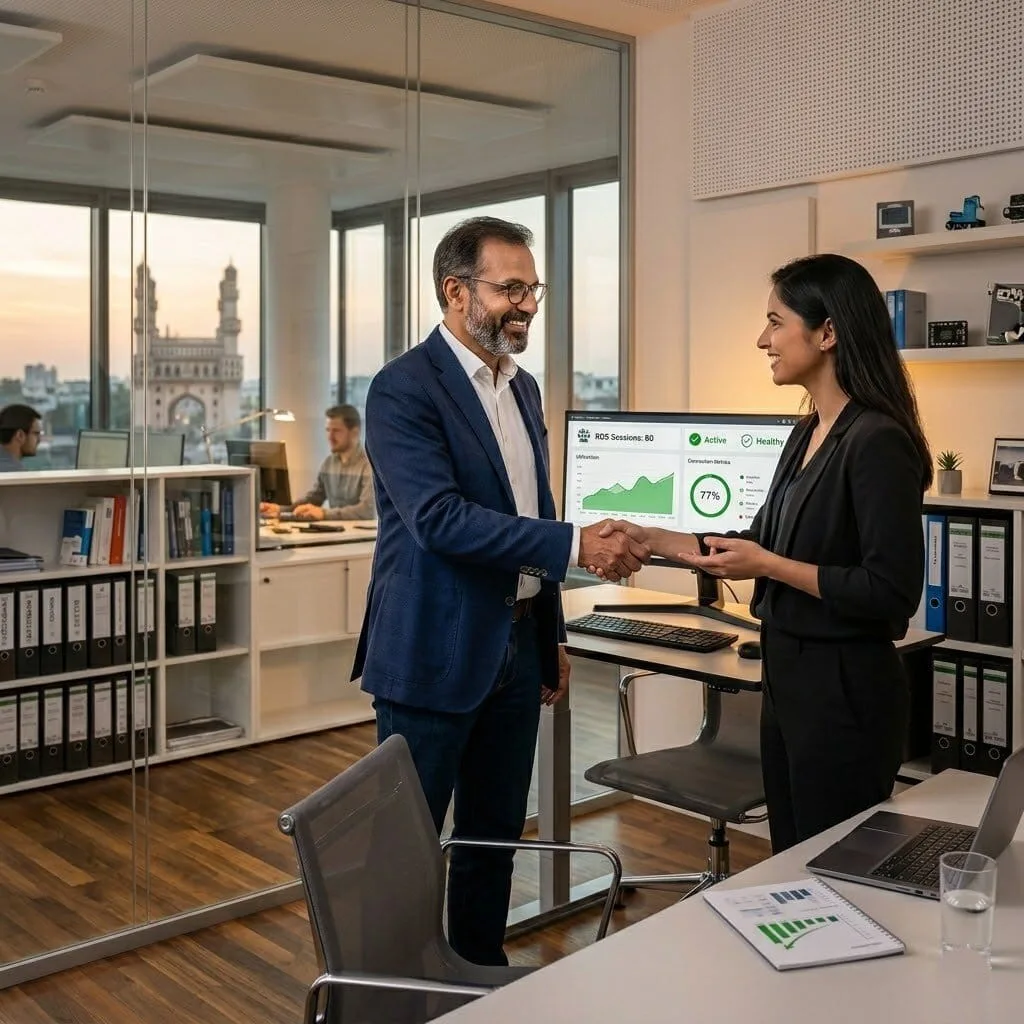
Siddharth Rao (India)
The Challenge: Siddharth’s company needed RDS deployed for their customer support team of 80 agents, all running the same CRM application. The previous RDS deployment had insufficient capacity, causing sessions to drop during peak periods, and there was no visibility into how many sessions were active or where capacity was being consumed.
The vorza360 Solution: vorza360 capacity-planned the RDS environment for 80 concurrent sessions with 20% headroom, deployed appropriately sized session host servers, configured RD Connection Broker for load distribution, and implemented monitoring showing real-time session counts, resource utilisation per session host, and alerts when capacity approached thresholds.
The Result: Session drops during peak periods were eliminated by the correctly sized environment. Siddharth’s IT team had visibility into capacity utilisation and early warning when additional session host capacity would be needed, they could plan ahead rather than responding to the session drops their agents were experiencing.
Lars Christensen (Denmark)
The Challenge: Lars’s company needed to provide contractors with access to specific internal applications through RDS without granting them broad network access or requiring VPN configuration on their contractor-managed devices. The security requirement was to isolate contractor access to only what they needed.
The vorza360 Solution: vorza360 configured RDS RemoteApp to publish only the specific applications contractors needed, with RD Gateway restricting access to those applications only. Contractor accounts were set up in a separate AD OU with Group Policy preventing access to anything beyond the published RemoteApp programs, and session time limits were configured to terminate idle sessions.
The Result: Contractors had clean, simple access to only the applications they needed, with no VPN configuration required on their devices and no access to anything beyond their published applications. Lars’s security team was satisfied that the contractor access model was appropriately restricted, and contractors found the RemoteApp access simpler than VPN had been.
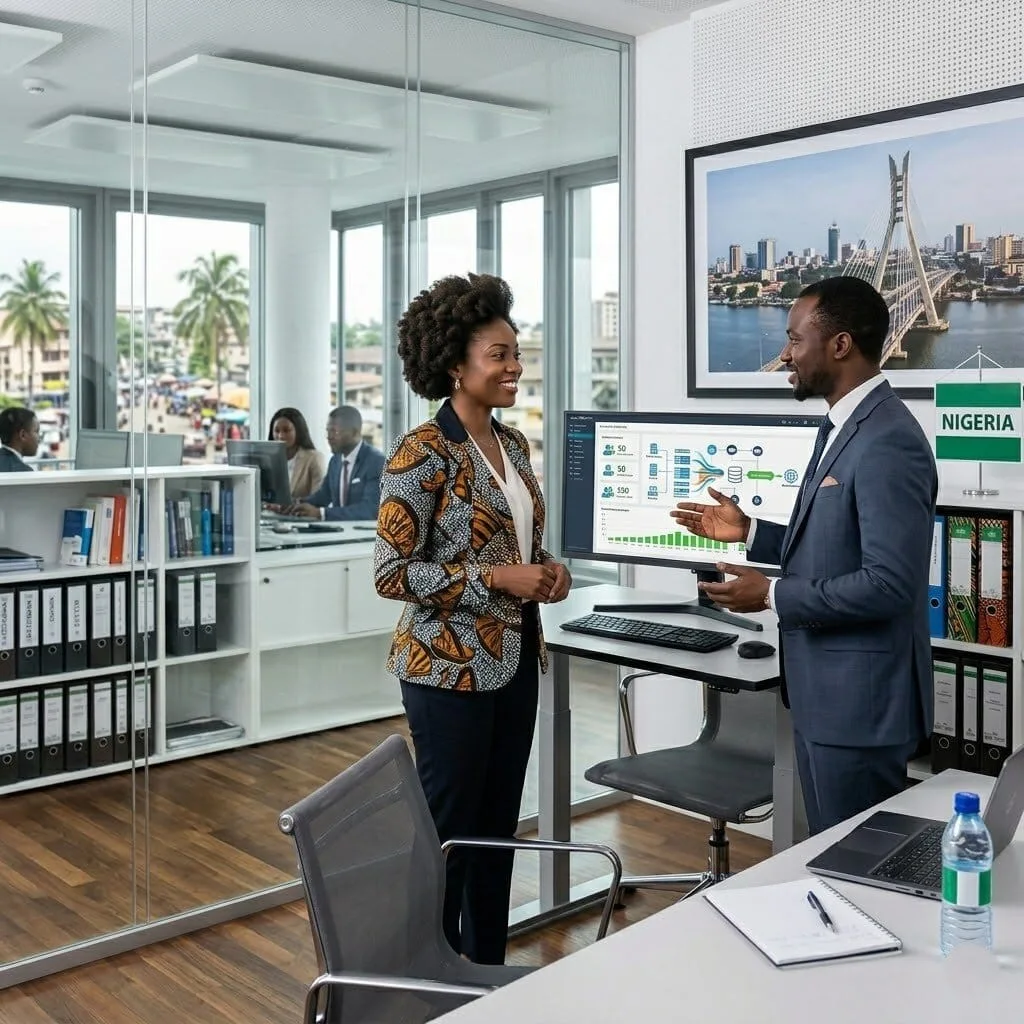
Adaobi Nwosu (Nigeria)
The Challenge: Adaobi’s organisation needed to provide work-from-home capability quickly for 50 staff who had never worked remotely before. Their IT infrastructure was on-premises, their staff had personal computers at home, and they had no VPN infrastructure and no budget for Azure Virtual Desktop.
The vorza360 Solution: vorza360 deployed RDS with RD Gateway on their existing Windows Server infrastructure, configured applications for remote delivery, provided simple connection instructions for staff, and ran a remote working readiness session for the IT team covering the management and support tasks they would need to handle.
The Result: All 50 staff were working from home within one week using their personal computers. The on-premises RDS solution used their existing infrastructure investment and met their budget constraint. Adaobi’s IT team managed the remote working environment confidently from the training vorza360 had provided, and staff productivity was maintained throughout the transition.
vorza360’s Tech Edge
RDS Session Host Deployment
Remote Desktop Licensing
Connection Broker Configuration
+ 2
More
User Session Policies
Secure Remote Access Controls
vorza360’s Tech Edge
RDS Session Host Deployment
We set up high-performance servers that host multiple user sessions at once, making the most of your hardware.
Remote Desktop Licensing
Our team handles the complex microsoft remote desktop services licensing (CALs) to ensure your business stays legal and compliant.
Connection Broker Configuration
We build the “smart traffic controller” that directs users to the right server and reconnects them instantly if their internet drops.
User Session Policies
We create rules that manage how long a user can stay logged in and what files they can copy, protecting your company data.
Secure Remote Access Controls
We move beyond basic settings to provide a fortified remote desktop services service that keeps hackers away from your internal network.
Professional Remote Desktop Services Setup
We provide a complete, end-to-end service to get your remote office running perfectly.
Advantages
- Performing the initial setup of Windows remote desktop services roles on your server.
- Configuring the "RD Web Access" portal so users can log in via a simple web browser.
- Setting up the remote desktop services for seamless app use.
- Testing connection speeds to ensure your team has a lag-free experience.
- Delivering a human-led setup process explained in very easy words.
Secure Azure Remote Desktop Services Setup
We help you leverage the power of the cloud for a flexible, “work-from-anywhere” strategy.
Advantages
- Implementing Azure remote desktop services setup for unlimited scalability.
- Setting up Multi-Factor Authentication (MFA) to double-lock every login.
- Managing your cloud costs by automatically turning off servers after work hours.
- Providing a professional bridge between your office and the Azure cloud.
- Linking your local office files to your cloud-based remote desktops.


RemoteApp & Desktop Integration
We make your office software behave like it’s installed directly on your employees’ home laptops.
Advantages
- Using remote desktop services, remote app setup to show only specific apps (like Accounting or HR tools).
- Integrating remote app icons directly into the user’s Start menu for easy access.
- Ensuring printers and scanners at home work perfectly with your office software.
- Managing "User Profile Disks" so your team's settings follow them to any device.
- Providing a clean, simple interface that anyone can use without technical training.
Advanced Gateway & Security Services
We build a secure “front door” for your network, allowing your team in while keeping threats out.
Advantages
- Configuring the "RD Gateway" to wrap all traffic in a secure, encrypted tunnel.
- Setting up Windows remote desktop services setup rules that block unauthorized IP addresses.
- Implementing session timeouts that automatically log users out for security.
- Managing digital certificates so your users know they are connecting to a safe site.
- Acting as your security partners to monitor for suspicious login attempts 24/7.

Managed RDS Maintenance & Support
vorza360 provides an ongoing service to keep your microsoft remote desktop services fast and healthy.
Advantages
- Applying security patches to your remote servers without disrupting your team.
- Managing user accounts and password resets for your remote workforce.
- Scaling your remote desktop services up or down as your team grows.
- Troubleshooting connection issues for employees working from home.
- Providing a dedicated support team that treats your business like our own.
Professional Remote Desktop Services Setup
We provide a complete, end-to-end service to get your remote office running perfectly.
ADVANTAGES
- Performing the initial setup of Windows remote desktop services roles on your server.
- Configuring the "RD Web Access" portal so users can log in via a simple web browser.
- Setting up the remote desktop services for seamless app use.
- Testing connection speeds to ensure your team has a lag-free experience.
- Delivering a human-led setup process explained in very easy words.
Secure Azure Remote Desktop Services Setup
We help you leverage the power of the cloud for a flexible, “work-from-anywhere” strategy.
ADVANTAGES
- Implementing Azure remote desktop services setup for unlimited scalability.
- Linking your local office files to your cloud-based remote desktops.
- Setting up Multi-Factor Authentication (MFA) to double-lock every login.
- Managing your cloud costs by automatically turning off servers after work hours.
- Providing a professional bridge between your office and the Azure cloud.
RemoteApp & Desktop Integration
We make your office software behave like it’s installed directly on your employees’ home laptops.
ADVANTAGES
- Using remote desktop services, remote app setup to show only specific apps (like Accounting or HR tools).
- Integrating remote app icons directly into the user’s Start menu for easy access.
- Ensuring printers and scanners at home work perfectly with your office software.
- Managing "User Profile Disks" so your team's settings follow them to any device.
- Providing a clean, simple interface that anyone can use without technical training.
Advanced Gateway & Security Services
We build a secure “front door” for your network, allowing your team in while keeping threats out.
ADVANTAGES
- Configuring the "RD Gateway" to wrap all traffic in a secure, encrypted tunnel.
- Setting up Windows remote desktop services setup rules that block unauthorized IP addresses.
- Managing digital certificates so your users know they are connecting to a safe site.
- Implementing session timeouts that automatically log users out for security.
- Acting as your security partners to monitor for suspicious login attempts 24/7.
Managed RDS Maintenance & Support
vorza360 provides an ongoing service to keep your microsoft remote desktop services fast and healthy.
ADVANTAGES
- Applying security patches to your remote servers without disrupting your team.
- Managing user accounts and password resets for your remote workforce.
- Scaling your remote desktop services up or down as your team grows.
- Troubleshooting connection issues for employees working from home.
- Providing a dedicated support team that treats your business like our own.
Here is what our Clients are saying About us

Jens Pedersen (Denmark)
Setting up Remote Desktop Services for our remote workforce was something our internal team had attempted twice without success. vorza360 deployed a proper RDS farm with Connection Broker, Session Hosts, and Gateway, all configured correctly and secured properly. Our remote workers have been reliably connected ever since.
Ghada Al-Farsi (UAE)
vorza360 configured Remote Desktop Services with proper per-user CAL licensing and RemoteApp publishing so our staff can access specific applications remotely without a full desktop session. The ‘application-level remote access’ model they set up works better for our users and is more secure than full desktop access.
Aleksandr Kovalev (Kazakhstan)
Our RDS environment was plagued by session disconnections and slow performance that made it frustrating to use. vorza360 diagnosed misconfigured session timeout policies and network QoS settings, fixed both, and the user experience improved dramatically. Our team actually wants to use remote desktop now.
Pooja Iyer (India)
vorza360 set up an RDS environment for a client of ours that needed to provide access to a business application from multiple locations. They handled licensing, session configuration, and security hardening in one engagement. The client has been running reliably on it ever since.
Casper Nielsen (Denmark)
vorza360 implemented Remote Desktop Gateway for our organisation so remote workers connect through a secure HTTPS-based gateway rather than directly exposing RDP to the internet. The ‘no-exposed-RDP’ architecture they built removed one of our most significant security risks without complicating the user experience.
Adaora Nwosu (Nigeria)
vorza360 configured RDS load balancing across multiple Session Hosts so our remote access capacity scales with demand and a single server failure doesn’t impact all remote users simultaneously. The resilience they built into the RDS farm has made remote work genuinely reliable for our distributed team.
More about Windows Server
Windows Server Installation & Setup
Get a rock-solid foundation for your business with vorza360’s professional Windows Server…
Active Directory & Group Policy
Take control of your office network with vorza360’s active directory and group policy…
Windows Firewall & Security Settings
Secure your business network with vorza360’s expert Windows firewall management.
User & Permission Management
Protect your business from data loss with vorza360’s professional backup and restore…
Backup & Restore Solutions
Protect your business from data loss with vorza360’s professional backup and restore…
DNS & DHCP Configuration
Keep your office network fast and organized with vorza360’s professional dns and dhcp…
+ 5
More
Hyper-V Virtualization
Maximize your hardware with vorza360’s expert hyper-V virtualization services. We help…
Server Monitoring & Performance Tuning
Keep your business running at peak speed with vorza360’s server monitoring service.
Software Deployment & Patch Management
Keep your business secure and up-to-date with vorza360’s professional software…
More about Windows Server
Windows Server Installation & Setup
Active Directory & Group Policy
Windows Firewall & Security Settings
+ 12
More
User & Permission Management
Backup & Restore Solutions
DNS & DHCP Configuration
Hyper-V Virtualization
Server Monitoring & Performance Tuning
Frequently Asked Questions
Got questions? We’ve got answers. Find everything you need to know about using our platform, plans, and features
What is Windows Remote Desktop Services (RDS) and when should a business implement it?
Windows Remote Desktop Services (RDS) is a server role that allows multiple users to connect remotely to a centralized Windows Server environment and run applications or full desktop sessions from that server, regardless of where the users physically are or what device they are connecting from. RDS is appropriate for businesses that need to: provide remote access to legacy applications that cannot run on modern client devices, enable workforce mobility where staff must access the same desktop environment from different devices or locations, reduce the cost of managing many individual PCs by centralizing application management on servers, provide a controlled desktop environment for contractors or part-time staff, or deliver a consistent working environment to branch offices without IT resources. vorza360 designs, deploys, and manages RDS environments that provide a reliable, secure, and performant remote working experience.
How does vorza360 set up a complete Remote Desktop Services environment?
A complete RDS deployment involves several interrelated components that vorza360 configures and integrates. We deploy and configure the RDS Session Host role, the server that hosts the actual user sessions where applications run. We configure the RD Connection Broker, which manages session routing, load balancing across multiple session hosts, and session reconnection when a user’s connection drops. We set up the RD Web Access role to provide a web portal where users can access published applications and desktops from any browser without installing the RD client software. We configure RD Gateway to allow secure RDS access from the internet without exposing the session hosts directly, the gateway accepts HTTPS connections from remote users and proxies them to the internal session hosts. We handle RDS CAL licensing compliance by configuring the RD Licensing Server with the appropriate Client Access Licenses. And we create RemoteApp programs that publish individual applications (rather than full desktops) for users who only need specific tools.
How does vorza360 secure a Windows Remote Desktop Services environment?
RDS environments are frequent targets for attack because they provide direct access to server sessions, compromising an RDS user account gives an attacker an interactive session inside your network. vorza360 secures RDS through multiple protective measures: we mandate Network Level Authentication (NLA) which requires users to authenticate before a session is created, preventing unauthenticated connection establishment. We configure RD Gateway as the only externally accessible RDS entry point and place session hosts on a private network inaccessible from the internet directly. We implement multi-factor authentication on the RD Gateway using Duo, Microsoft Authenticator, or Azure AD MFA. We configure account lockout policies specifically protective for internet-facing RDS, a low threshold of failed attempts before lockout. We restrict RDS users to only the applications they are authorized to use through RemoteApp policies and folder redirection restrictions. We implement session timeouts to disconnect and log off idle sessions. We deploy Windows Defender on all session hosts and scan all file uploads.
How does vorza360 optimize RDS performance for users working remotely on slow connections?
RDS performance over slow or high-latency internet connections requires both server-side configuration optimization and appropriate RDP client settings. vorza360 optimizes RDS performance for remote users by: configuring the RD Session Host to use the RemoteFX (or RDP hardware acceleration) settings appropriate to the available GPU resources; enabling RDP compression in Group Policy to reduce the bandwidth of screen updates; configuring the visual experience settings to reduce unnecessary graphical effects (disabling background images, animations, and window contents shown during drag) while maintaining usability; optimizing the RDP network auto-detection settings that automatically adjust quality based on available bandwidth; implementing printer redirection policies that limit to local printers rather than enumerating all printer drivers; using Group Policy to redirect certain applications from running in the session to running locally where the connection allows; and placing the RD Gateway geographically close to the users’ locations where possible to minimize latency.
How does vorza360 manage RDS licensing and ensure compliance with Microsoft's Client Access Licenses?
RDS requires Client Access Licenses (CALs) for every user or device that connects to the RD Session Host, in addition to the Windows Server license itself. There are two CAL models: Per User CALs that cover a named user accessing RDS from any number of devices, and Per Device CALs that cover a single device regardless of how many users access RDS from it. Choosing the wrong model or undercounting connections leads to compliance violations with potential financial consequences during a Microsoft audit. vorza360 manages RDS licensing by configuring the RD Licensing Server (a required component that tracks and issues licenses), selecting the appropriate CAL model based on your usage pattern, installing the purchased CAL keypack on the Licensing Server, configuring Session Hosts to point to the Licensing Server for license issuance, and monitoring the RD Licensing Manager dashboard for remaining license count. We conduct periodic license consumption reviews and advise on additional CAL purchases before the server enters a grace period.