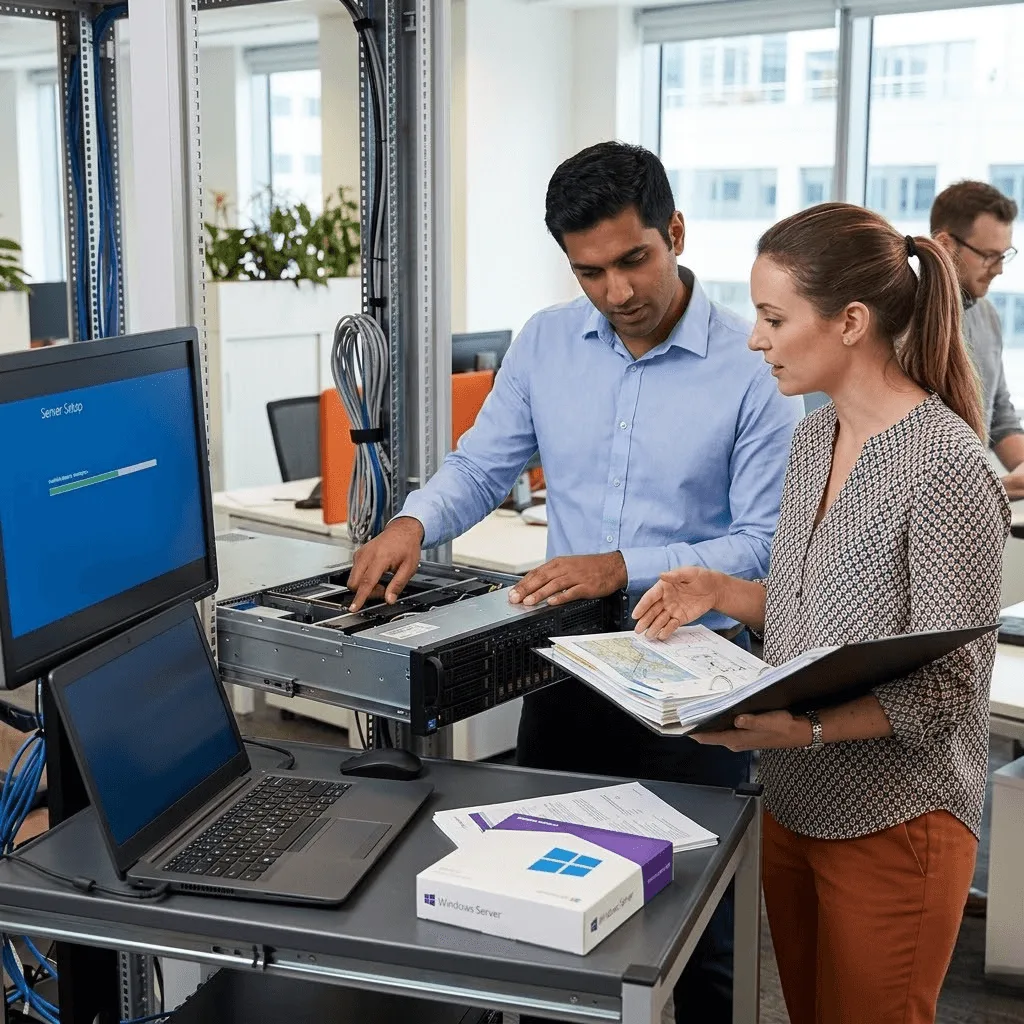
Get a rock-solid foundation for your business with vorza360’s professional Windows Server installation and setup services. We handle everything from initial deployment to role configuration for a secure, high-performance environment.
The Challenge: Markus’s company had MySQL backups running nightly, but when a developer accidentally dropped a production table, they discovered that their backup system had been producing empty files for the previous three months due to a permissions error. The backup they had was four months old.
The vorza360 Solution: vorza360 implemented a backup solution with multiple layers of verification: Percona XtraBackup for consistent full backups, binary log backup for point-in-time recovery, automated restoration testing that verified every backup was restorable, and alerting that triggered immediately on any backup failure.
The Result: The four-month-old backup was the last time Markus’s team discovered a backup problem after the fact. Every subsequent backup was verified as restorable within hours of completion, and the point-in-time recovery capability meant that a future accidental deletion could be recovered with minimal data loss rather than months of lost data.
Johan Nilsson (Sweden)
The Challenge: Johan’s manufacturing business ran critical production management software on an aging Windows Server that was approaching end of support. The software vendor required a current Windows Server version for their next release, but migrating a production system that ran 24 hours a day felt deeply risky to his team.
The vorza360 Solution: vorza360 planned and executed the Windows Server migration with a parallel-run approach: the new server was built and configured alongside the existing one, the application was tested extensively on the new environment, and the cutover was a planned maintenance window with a validated rollback procedure.
The Result: The production application migrated to the new Windows Server without any issues during the maintenance window. Johan’s team had confidence throughout because every aspect of the new environment had been tested before the cutover. The aging server was decommissioned, and the application was on a supported platform that the vendor would continue to update.
Chidera Obi (Nigeria)
The Challenge: Chidera’s company was moving from a cloud-based service to an on-premises Windows Server environment to reduce ongoing subscription costs and gain more control over their data. They had no experience managing Windows Server infrastructure and needed to build capability alongside the deployment.
The vorza360 Solution: vorza360 deployed and configured the Windows Server environment, but structured the engagement with knowledge transfer built in: regular checkpoint sessions where the approach was explained, a training session focused on the specific management tasks their team would handle, and documentation written at a level appropriate for their current expertise.
The Result: Chidera’s team was managing routine tasks independently within six weeks of the deployment. The cost saving they’d expected materialised, and the knowledge transfer meant they weren’t dependent on outside help for day-to-day operations, only for the exceptional situations that genuinely required specialist expertise.
Nour Al-Amari (UAE)
The Challenge: Nour’s company had a Windows Server environment that had been set up by a vendor who was no longer supporting them. The server had never been properly documented, was running a mix of roles that created dependencies nobody fully understood, and the team was afraid to make any changes.
The vorza360 Solution: vorza360 audited the existing Windows Server environment, produced full documentation of the roles, services, and configurations in place, identified the unnecessary role co-locations that were creating management complexity, and produced a remediation plan. The immediate risks were addressed first, with a longer-term rationalisation roadmap documented.
The Result: Nour’s team went from being afraid of their own server to having a clear, documented picture of what was there and why. The immediate risks were resolved, and the roadmap gave them a structured path to a cleaner environment over the following six months.
Bogdan Dumitrescu (Romania)
The Challenge: Bogdan’s company needed to deploy a new Windows Server for their growing team, but their previous server had been configured incorrectly from the start and had accumulated years of messy configuration. They wanted to do it right this time but didn’t have the expertise to know what ‘right’ looked like.
The vorza360 Solution: vorza360 deployed a clean Windows Server installation following Microsoft best practices: appropriate server roles for their use case, Windows Defender configured and updated, Windows Update managed through WSUS, event log forwarding configured, and performance baseline monitoring established from day one.
The Result: Bogdan’s team inherited a server built to a documented standard that they could maintain and point to as a reference for future deployments. The clean start meant none of the configuration debt from the previous server followed them into the new environment.
Aditya Sharma (India)
The Challenge: Aditya’s company needed multiple Windows Server instances deployed quickly for a new project with a hard launch deadline. They needed Domain Services, file servers, and application servers, all integrated, all documented, all within four weeks.
The vorza360 Solution: vorza360 deployed the entire Windows Server environment to the project timeline: Active Directory domain, DNS integration, file server with appropriate share permissions, and application server configuration. Each component was tested before the next was started, and the full environment was validated in a test scenario before the project team was given access.
The Result: The project launched on the committed date with a fully operational IT infrastructure. Aditya’s project team had no IT-related delays to their launch, and the documentation vorza360 produced meant ongoing support could be provided by their internal team without reliance on the deployment partner.
vorza360’s Tech Edge
Windows Server Core Deployment
Full GUI Installation Configuration
Hardware Compatibility Validation
+ 2
More
Disk Partitioning & Volume Management
Bottleneck Identification
vorza360’s Tech Edge
Windows Server Core Deployment
We offer a lightweight, ultra-secure Windows server install without the “frills,” reducing resource use and keeping hackers away.
Full GUI Installation Configuration
For teams that prefer a visual touch, we provide a complete Windows server setup with a familiar desktop interface and easy management tools.
Hardware Compatibility Validation
Our experts check your physical or virtual gear before the Windows server installation to prevent crashes and ensure long-term stability.
Disk Partitioning & Volume Management
We organize your server’s storage like a pro, separating your system files from your data to make backups and growth easier.
Initial Server Role Configuration
We don’t just install Windows server; we set up the specific “jobs” it needs to do, like acting as a file center or a security gatekeeper.
Professional Windows Server Installation & Setup Services
We provide a complete, hands-on service to get your server up and running from scratch.
Advantages
Using the official Windows server installer for a clean, error-free start.
Setting up the Administrator account with high-security passwords.
Activating your license and ensuring all hardware drivers are modern.
Configuring the basic system settings like time zones and regions.
Providing a dedicated expert to walk you through the process in easy words.
Managed Network Services Setup
We transform your server into the “brain” of your office network.
Advantages
Windows server DNS setup to ensure your office devices find each other fast.
Creating a professional DHCP system that gives every PC its own digital address.
Setting up a "Domain" so your staff can log in securely from any desk.
Organizing your shared folders so the right people can find the right files.
Testing your network speed to ensure everything is snappy and reliable.
Secure Updates & Certificate Management
We keep your server healthy and safe from the very first day.
Advantages
Setup Windows update server (WSUS) to manage patches without slowing your internet.
Installing certificate on Windows server to protect your internal websites and emails.
Enabling professional firewalls to block unwanted visitors.
Setting up automatic "health checks" to catch issues before they become problems.
Acting as your security partner to keep your server's "digital shield" strong.
Specialized Application Support
We prepare your server to host the specific tools your business relies on.
Advantages
Professional MySQL server installation Windows for your database needs.
Setting up "Web Server" (IIS) roles to host your company’s internal apps.
Configuring Remote Desktop services so your team can work safely from home.
Optimizing the server's memory to handle heavy business software.
Ensuring your Windows server installer includes all the "helper" files apps need.
Server Migration & Role Upgrades
We help you move from an old, slow server to a modern, high-speed environment.
Advantages
Moving your user accounts and files to a fresh Windows server setup.
Updating your "Server Roles" to take advantage of the latest speed features.
Verifying that your old software works perfectly on the new server.
Reducing downtime by planning the move during your off-hours.
Providing a smooth "hand-off" so your team can get back to work instantly.
Professional Windows Server Installation & Setup Services
We provide a complete, hands-on service to get your server up and running from scratch.
ADVANTAGES
Using the official Windows server installer for a clean, error-free start.
Setting up the Administrator account with high-security passwords.
Configuring the basic system settings like time zones and regions.
Activating your license and ensuring all hardware drivers are modern.
Providing a dedicated expert to walk you through the process in easy words.
Managed Network Services Setup
We transform your server into the “brain” of your office network.
ADVANTAGES
Windows server DNS setup to ensure your office devices find each other fast.
Creating a professional DHCP system that gives every PC its own digital address.
Setting up a "Domain" so your staff can log in securely from any desk.
Organizing your shared folders so the right people can find the right files.
Testing your network speed to ensure everything is snappy and reliable.
Secure Updates & Certificate Management
We keep your server healthy and safe from the very first day.
ADVANTAGES
Setup Windows update server (WSUS) to manage patches without slowing your internet.
Installing certificate on Windows server to protect your internal websites and emails.
Enabling professional firewalls to block unwanted visitors.
Setting up automatic "health checks" to catch issues before they become problems.
Acting as your security partner to keep your server's "digital shield" strong.
Specialized Application Support
We prepare your server to host the specific tools your business relies on.
ADVANTAGES
Professional MySQL server installation Windows for your database needs.
Setting up "Web Server" (IIS) roles to host your company’s internal apps.
Configuring Remote Desktop services so your team can work safely from home.
Optimizing the server's memory to handle heavy business software.
Ensuring your Windows server installer includes all the "helper" files apps need.
Server Migration & Role Upgrades
We help you move from an old, slow server to a modern, high-speed environment.
ADVANTAGES
Moving your user accounts and files to a fresh Windows server setup.
Updating your "Server Roles" to take advantage of the latest speed features.
Verifying that your old software works perfectly on the new server.
Reducing downtime by planning the move during your off-hours.
Providing a smooth "hand-off" so your team can get back to work instantly.
Here is what our Clients are saying About us
Marek Novotný (Czech Republic)
We had three new servers sitting in racks for two weeks because nobody on our team had the confidence to set them up correctly. vorza360 came in, handled the full installation and configuration, and had all three production-ready within a day. Clean, documented, and exactly what we needed to move forward.
Layla Al-Amri (Oman)
Our previous Windows Server setup had been done in a rush during a crisis and nobody had touched the configuration since. vorza360 came in, audited what was there, rebuilt it properly, and gave us a server environment we could actually trust. The difference in day-to-day stability has been significant.
Kobus van der Merwe (South Africa)
vorza360 handled a fresh Windows Server deployment for our new office branch, OS installation, roles configuration, joining the domain, setting up file shares. Everything done properly with documentation our local IT contact could follow. A smooth remote deployment with no surprises.
Dilnoza Karimova (Uzbekistan)
Setting up Windows Server for our growing team felt overwhelming. vorza360 handled everything from the OS installation to configuring the roles we needed, and made sure licensing was correct throughout. We finally have a server environment that’s properly set up rather than just about working.
Piotr Wróblewski (Poland)
vorza360 did a full Windows Server migration for us, old server to new hardware, without losing any data or configuration. They handled the role transfers, verified everything was working correctly on the new machine, and decommissioned the old one cleanly. Zero disruption to our team throughout.
Amara Camara (Guinea)
Our small business needed a Windows Server set up properly for the first time rather than relying on a workstation running server software. vorza360 handled the installation, set up file sharing and print services, and gave us a real server environment at a scale that actually fits our team.
More about Windows Server
Active Directory & Group Policy
Take control of your office network with vorza360’s active directory and group policy…
Got questions? We’ve got answers. Find everything you need to know about using our platform, plans, and features
What does vorza360's Windows Server installation and setup service include?
Our Windows Server installation and setup service covers the complete journey from bare hardware or virtual machine to a production-ready, secured, and fully configured server environment. This includes hardware compatibility validation before installation begins, the full Windows Server deployment using the official installer in either Server Core or Desktop Experience (GUI) configuration based on your requirements, Administrator account setup with strong credentials, initial system settings configuration including time zone, regional settings, and Windows activation, disk partitioning and volume management that separates system and data volumes, initial server role configuration (Domain Controller, File Server, Web Server, Print Server), network configuration with static IP and DNS settings, SSL certificate installation, WSUS configuration for patch management, Windows Firewall baseline rules, and a full post-installation checklist review.
Should my business use Windows Server Core or the full Desktop Experience (GUI) installation?
Windows Server Core is a minimal installation without the graphical desktop interface, it reduces the attack surface by removing unnecessary components, consumes less memory and disk space, and requires fewer security patches because fewer components are installed. It is managed remotely via PowerShell, Windows Admin Center, or Server Manager from another machine. vorza360 recommends Server Core for server roles that do not require local GUI management, Domain Controllers, DNS servers, DHCP servers, and File Servers, where remote management via PowerShell is entirely practical. Desktop Experience is appropriate when you need to manage the server locally using graphical tools, when specific roles (such as Remote Desktop Session Host) benefit from the GUI, or when your team’s skill set makes remote PowerShell management impractical. We assess your team’s capabilities and management preferences before recommending the appropriate installation type.
How does vorza360 handle Windows Server migration from an older version to a newer one?
Windows Server version migrations require careful planning to minimize downtime and ensure all roles, data, and configurations are preserved on the new server. vorza360’s migration process begins with a comprehensive inventory of the source server’s roles, features, installed applications, and their configurations. We set up the new Windows Server in parallel, configuring it with the same roles and migrating configurations using Windows Server Migration Tools where applicable. For Active Directory Domain Controllers, we add the new server to the domain, transfer FSMO roles, and decommission the old DC only after confirming the new one is fully operational. For file servers, we migrate shares using Robocopy with delta sync to minimize cutover window. We plan the cutover for off-peak hours, execute it step by step with verified checkpoints, and monitor the new environment closely for 48 hours after migration.
How does vorza360 configure Windows Server for hosting business applications?
Configuring Windows Server to host business applications, ERP systems, CRM software, internal web applications, line-of-business tools, requires installing and configuring the specific server roles and components the application requires, not just the operating system. vorza360 prepares the server for application hosting by installing required roles (IIS.NET Framework versions, SQL Server prerequisites), configuring service accounts with minimum necessary privileges for the application to run, setting up application-specific firewall rules, configuring application pool settings in IIS for web-based applications, allocating appropriate memory and processor resources (particularly important in virtual environments), implementing application-specific Windows event log monitoring, and testing the application installation and configuration thoroughly before handing over to the business. We also document the complete application server configuration for future reference and troubleshooting.
How long does a Windows Server installation and setup take with vorza360?
A straightforward Windows Server installation and configuration for a single role, such as a file server or a simple application server, is typically completed within one business day. A more complex setup involving multiple roles (Domain Controller, DNS, DHCP, File Server, and print services on the same server or across multiple servers), SSL certificate installation, Active Directory configuration, user account migration, and application server preparation typically takes two to five business days depending on the scope. For organization-wide server infrastructure projects involving multiple servers, Active Directory design, and migration of data and users from legacy systems, we provide a detailed project plan with phase-by-phase timelines during our initial assessment. We schedule all installation work during off-hours or maintenance Windows for environments where the server must be available during business hours.