Keep your network running smoothly with vorza360’s expert Cisco iOS maintenance services. We handle the technical details of your upgrades so your business stays secure and connected without the stress.
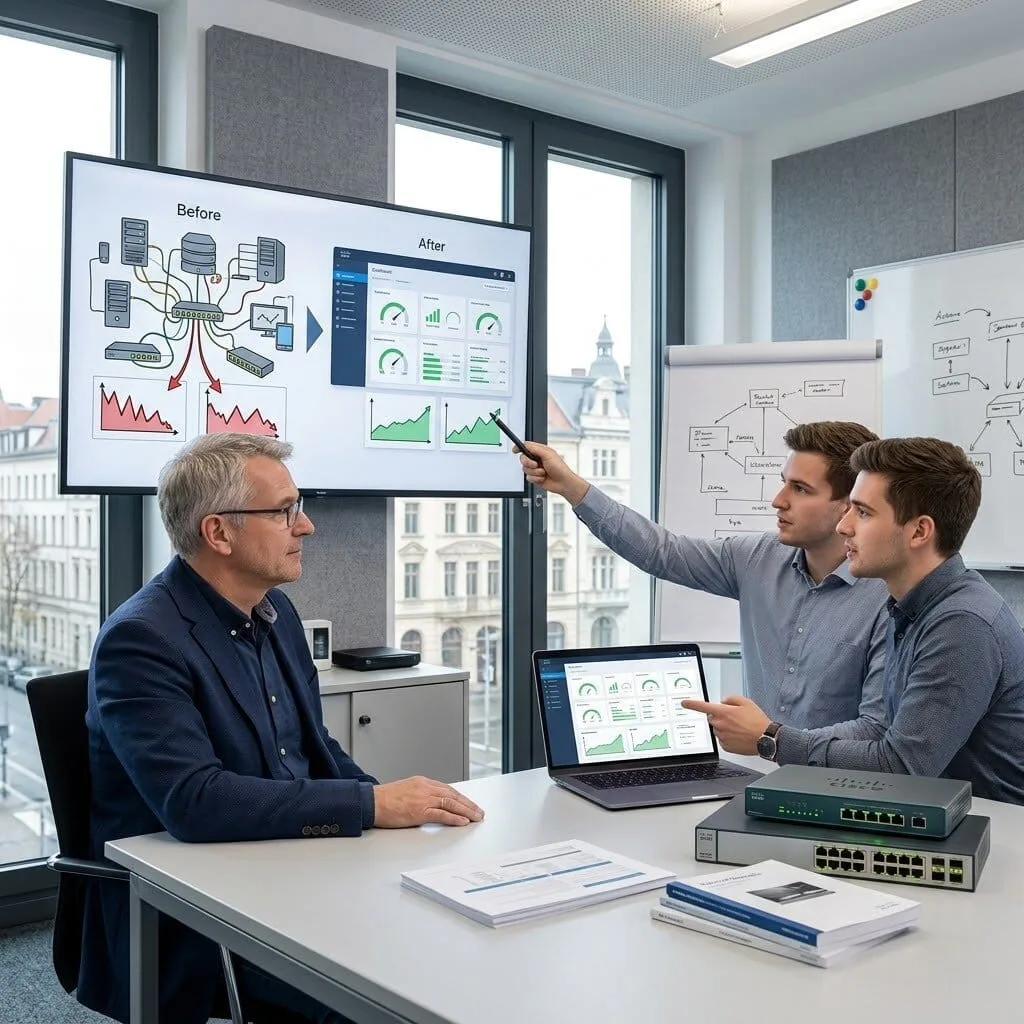
The Challenge: Hans-Peter’s company was running a massive network across 12 offices, but their software was years out of date. They were afraid to run a Cisco router iOS upgrade because the last time they tried, the manual process was so complex they had to call in expensive vendors just to get back online.
The vorza360 Solution: We took a “Transport-Agnostic” approach to their maintenance. We used our Automated Backup System to save every setting across all 12 sites first. Then, we performed the Cisco switch iOS upgrade procedure remotely using a centralized dashboard. This allowed us to push the latest security features to every office at once, without Hans-Peter needing to involve outside vendors.
The Result: The network is now faster and much cheaper to run. By standardizing the software across all locations, Hans-Peter’s team can now make network-wide changes themselves. They moved from “scary” manual updates to a smooth, automated routine that keeps their 12 offices perfectly in sync.
Aisha Al-Mansoori (UAE)
The Challenge: Aisha’s retail branches relied on basic internet connections that were often unstable. She was worried that a Cisco switch iOS upgrade install mode might fail mid-way due to a flicker in the internet, leaving her stores without a working cash register or phone line.
The vorza360 Solution: We used a “Safety-First” strategy. We performed the upgrade in a hybrid mode, ensuring the router had a backup copy of the old software ready to “snap back” if the connection dipped. We tailored the Cisco iOS maintenance services to happen after store hours, using our Performance Tracker to verify that their business-critical ERP and VoIP apps were running even faster after the update.
The Result: Every branch was updated with zero downtime. Aisha now has a “Self-Healing” network where the software is always current, and her business-critical transactions always have the priority they need to keep the stores running smoothly.
Dragos Ionescu (Romania)
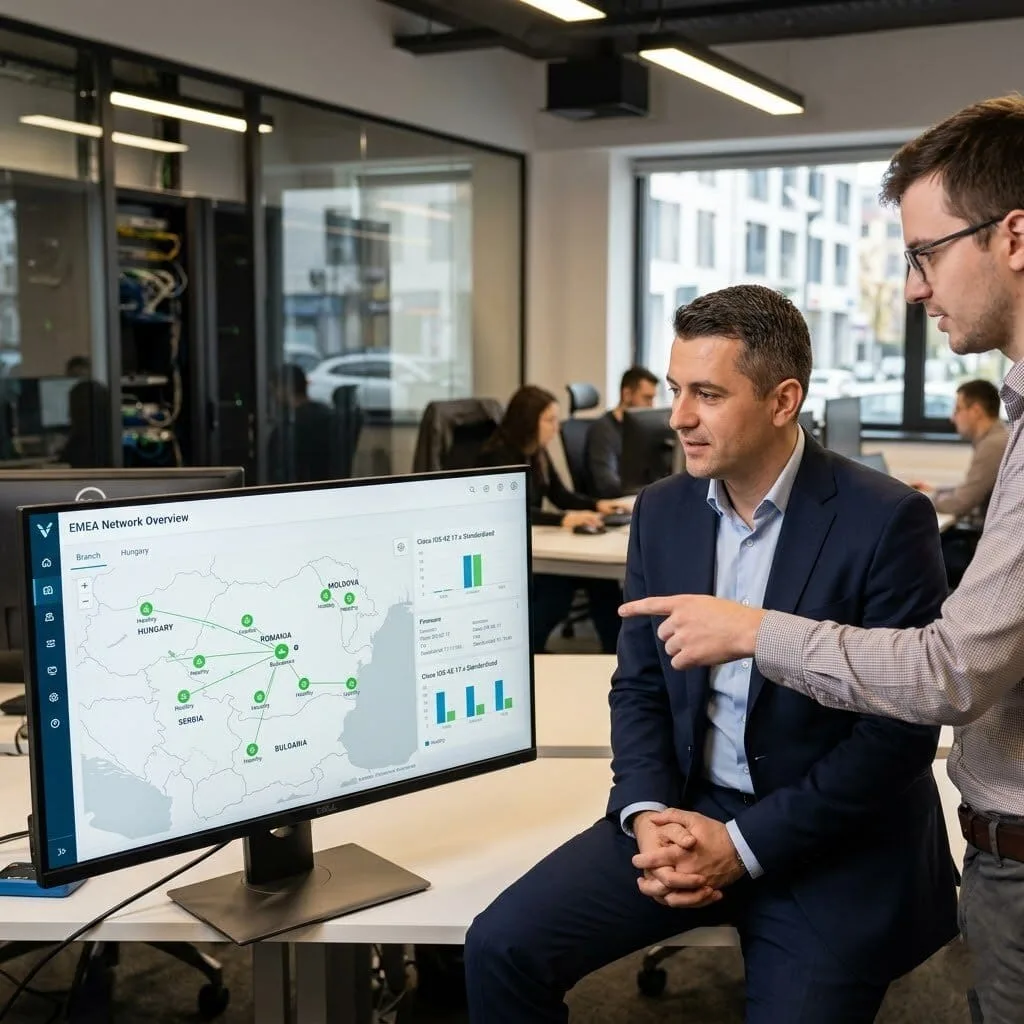
The Challenge: Dragos was managing a “digital jungle” of different Cisco versions across multiple countries. It was impossible to keep track of which branch had which security patch, and the lack of a consistent Cisco switch iOS upgrade command was making troubleshooting a nightmare.
The vorza360 Solution: We implemented a “Centralized Command” plan. We used our Network Health Scanner to audit every site from Romania to the surrounding regions. We then standardized every device to the same “Gold Standard” version of Cisco iOS. We provided a single dashboard where Dragos can see the “Health” of every router and switch in his international estate.
The Result: Complexity vanished. Dragos’s team now manages the entire multi-country network from one screen. Connectivity is no longer a source of stress, and the team can now identify and address software-related issues proactively before they ever affect a user.
Avinash Sharma (India)
The Challenge: Avinash tried to handle his own updates, but things weren’t working right. Some office apps were hitting “dead ends” because the new software settings didn’t match his old routing rules. He needed an insightful strategy to find out where the “logic” in his update had gone wrong.
The vorza360 Solution: We performed a Security Audit and a deep-dive review of his configuration. We identified that the “Data Prefix Lists” were slightly off after his manual update. We corrected the Cisco switch iOS upgrade procedure, fixed a missing firewall policy, and verified that his “Direct Internet Access” was working exactly as it should for his office apps.
The Result: Everything “clicked” back into place. Avinash’s critical apps are now consistently using the fastest paths, and his team has a much clearer “roadmap” for how to handle future maintenance without hitting the same roadblocks.
Pia Lindgren (Sweden)
The Challenge: For Pia’s manufacturing plant, even a five-minute internet outage could cost thousands in lost production. She needed to move to a newer Cisco software version but couldn’t afford a single “unplanned” second of downtime during the Cisco switch iOS upgrade.
The vorza360 Solution: We used a “Parallel Safety” approach. We set up the new software on a secondary “test” area of her hardware first. Only after we verified every connection did we run the final Cisco switch iOS upgrade command. We kept the old software on the hardware as a “48-hour fallback” safety net, just in case.
The Result: The migration across all her manufacturing sites was completed with zero unplanned outages. Pia’s machines kept humming throughout the entire process, and the “safety net” we built gave her team the peace of mind they needed to finish the project.
Chukwuemeka Obi (Nigeria)
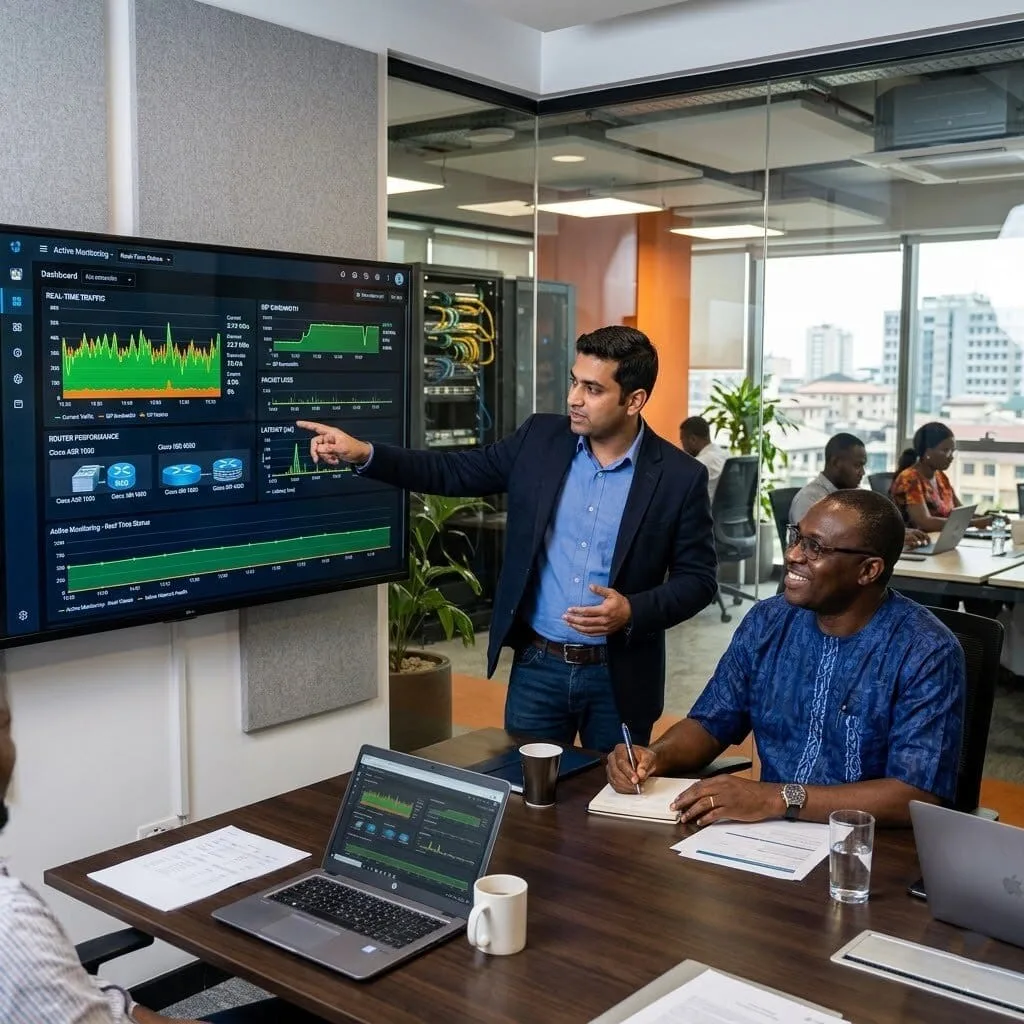
The Challenge: In cities where the internet can be unpredictable, Chukwuemeka’s team never knew if a “slow” day was caused by the ISP or a bug in their old Cisco software. They needed Cisco iOS maintenance services that could give them real-time visibility into what was actually happening.
The vorza360 Solution: We performed a full software refresh across his Cisco ISR and ASR routers. We added “Real-Time Performance Monitoring” into the upgrade, which tracks the health of the connection every few seconds. If a software bug or a bad connection starts slowing things down, the system now automatically alerts his team.
The Result: The “guessing games” are over. Chukwuemeka’s team can now distinguish between a “WAN problem” and a “Software problem” for the first time. The network is more consistent, and his staff is spending less time troubleshooting and more time on productive work.
How we do it
We don’t just run commands; we look at the big picture to ensure your network is always at its best.
Creative Approaches
We find the best way to perform a Cisco switch iOS upgrade that fits your specific business hours, minimizing any downtime for your team.
Insightful Strategies
Our team studies your current setup to determine the exact Cisco switch iOS upgrade procedure that will improve your speed and security.
Tailored Solutions
Every business is different, so we customize our maintenance plans to match your unique hardware and goals.
Creative Approaches
We find the best way to perform a Cisco switch iOS upgrade that fits your specific business hours, minimizing any downtime for your team.
Insightful Strategies
Our team studies your current setup to determine the exact Cisco switch iOS upgrade procedure that will improve your speed and security.
Tailored Solutions
Every business is different, so we customize our maintenance plans to match your unique hardware and goals.
Tools
Tools vorza360 Offers for This Service
Network Health Scanner
A tool to check if your system is ready for a Cisco router iOS upgrade.
Automated Backup System
We securely save your current settings before any changes are made.
Security Auditor
This tool identifies which updates are most critical for your data protection.
Performance Tracker
We monitor your network after the update to ensure everything is running faster than before.
Multiple Platform Support
vorza360 provides expert care across all your networking environments to keep your data moving.
Cloud Networks
Seamlessly managing updates for your virtual connections.
On-Site Hardware
Hands-on maintenance for the physical gear in your office.
Hybrid Systems
Connecting your office and cloud systems with updated software.
Remote Data Centers
Keeping off-site servers running the latest Cisco versions.
Wireless Access Points
Ensuring your Wi-Fi stays strong and secure.
Branch Offices
Standardizing updates across all your different locations.
Cloud Networks
Seamlessly managing updates for your virtual connections.
On-Site Hardware
Hands-on maintenance for the physical gear in your office.
Hybrid Systems
Connecting your office and cloud systems with updated software.
Remote Data Centers
Keeping off-site servers running the latest Cisco versions.
Wireless Access Points
Ensuring your Wi-Fi stays strong and secure.
Branch Offices
Standardizing updates across all your different locations.
Multiple Framework Support
Cisco Catalyst
Reliable support for your core office switches.
Cisco Nexus
Expert management for high-speed data center environments.
Cisco Meraki
Simple, cloud-based management for easy scalability.
Cisco ISR
Keeping your branch routers updated and secure.
Cisco ASR
High-performance routing solutions for large-scale needs.
Cisco Firepower
Ensuring your security appliances have the latest defense updates.
Cisco DNA Center
Smart, intent-based networking for modern businesses.
Cisco SD-WAN
Managing your wide-area network with the latest software features.
Custom Headless Development
We are an eCommerce website design company, that uses the best creative skills to meet your business needs and ensure customer satisfaction. We’re with you every step of the way, from the beginning of your project to its completion.
Fashion & Apparel
Food & Grocery
Retail
FMCG
Real Estate
Construction
Hotel
Healthcare
Telecom
Fintech
Manufacturing
Automotive
Our Service Cycle
We follow a clear, simple path to ensure every Cisco iOS upgrade is a success.
Step 1
Initial Discovery
Step 2
Pre-Update Testing
Step 3
System Backup
Step 4
The Upgrade
Step 5
Quality Check
Step 6
Ongoing Maintenance
Step 1
Initial Discovery
We look at your current gear to see what needs attention.
Step 2
Pre-Update Testing
We verify the Cisco switch iOS upgrade install mode in a safe environment first.
Step 3
System Backup
We save all your current data to ensure nothing is lost during the process.
Step 4
The Upgrade
Our team carefully runs the Cisco switch iOS upgrade command and monitors the progress.
Step 5
Quality Check
We test every connection to make sure the network is performing perfectly.
Step 6
Ongoing Maintenance
We stay in touch to provide regular Cisco iOS Maintenance services and keep you ahead of the curve.
Here is what our Clients are saying About us
Ville Korhonen (Finland)
Our Cisco devices had been running outdated IOS versions for years because nobody wanted to risk an upgrade going wrong. vorza360 planned the upgrade programme, tested on non-critical devices first, and rolled out to production in careful stages. Every device updated without a single unplanned disruption.
Sara Al-Balushi (Oman)
vorza360 conducted a full audit of IOS versions across our Cisco estate and found several devices running software with known security vulnerabilities. They planned the remediation, got our approval on the upgrade path, and executed it during scheduled maintenance Windows. Our devices are current and our auditors are satisfied.
Silviu Ionescu (Romania)
We had a Cisco IOS upgrade go wrong after a power interruption during the process left a router in an unbootable state. vorza360 recovered the device using ROMMON mode and a TFTP server, then completed the upgrade cleanly. Fast recovery from what felt like a serious situation.
Rohit Nair (India)
vorza360 manages our ongoing Cisco IOS maintenance programme, reviewing release notes, testing candidate versions, and applying approved upgrades on a quarterly cycle. Having a structured maintenance programme rather than emergency upgrades has made our Cisco environment significantly more stable and secure.
Tobias Eriksson (Sweden)
vorza360 standardised IOS versions across our Cisco switching and routing estate where different sites had accumulated different software versions over years of ad-hoc upgrades. A consistent software baseline across all devices has simplified troubleshooting and made our change management process far more predictable.
Adaora Eze (Nigeria)
vorza360 handled a critical IOS upgrade for us after a vulnerability advisory required urgent patching. They assessed the risk, tested the upgrade path, and had all affected devices patched within our required timeframe. Professional handling of a time-sensitive security requirement.
More about Cisco IT Service
Cisco Router Configuration
Build a rock-solid business foundation with vorza360’s professional Cisco router…
Got questions? We’ve got answers. Find everything you need to know about using our platform, plans, and features
Why is Cisco IOS maintenance important and what risks come from running outdated IOS versions?
Cisco IOS is the operating system running on Cisco routers and switches, like any operating system, it contains vulnerabilities that are discovered over time and addressed in updated releases. Running outdated Cisco IOS versions exposes the network to real risks: Cisco publishes security advisories for IOS vulnerabilities regularly, and some of these vulnerabilities allow remote code execution, denial of service, or privilege escalation that could give an attacker complete control over the affected network device. Beyond security, Cisco IOS updates include bug fixes for stability issues (memory leaks, process crashes, routing protocol problems) that may be affecting the reliability of devices even if a specific problem has not yet manifested. Cisco also reaches End of Software Maintenance (EoSM) dates after which no further bug fixes or security patches are released for a specific IOS release train. vorza360 treats IOS maintenance as a fundamental ongoing responsibility for every Cisco device we manage.
How does vorza360 select the right Cisco IOS version for an upgrade?
Selecting the appropriate Cisco IOS version for an upgrade requires consulting Cisco’s software recommendation resources rather than simply choosing the latest available version. Cisco designates specific IOS releases as Consolidated Development Releases (Standard versions with broad feature sets) or Specific Deployment Releases (Long-Lived releases with extended maintenance) and further identifies a subset as Recommended releases that have been broadly deployed and validated. vorza360 uses Cisco’s Software Advisor and Bug Toolkit to identify the recommended IOS release for each specific router or switch model, checking that the recommended version supports all the features currently configured on the device, reviewing the release notes for any known issues relevant to our client’s configuration (checking the CAVEAT field for bugs affecting features in use), verifying that the new IOS image fits within the device’s available flash storage, and checking hardware compatibility for any features that require minimum IOS versions.
How does vorza360 perform Cisco IOS upgrades safely on production devices?
Cisco IOS upgrades on production devices require careful preparation and execution to minimize the risk of downtime or configuration issues. vorza360’s IOS upgrade process: before any upgrade, we take a complete backup of the device’s running configuration (show running-config) and verify it is safely stored. We verify the new IOS image integrity by checking its MD5 hash against Cisco’s published hash for that image. We copy the new image to the device’s flash storage using TFTP, FTP, or SCP and verify the copy was successful with the correct file size. We configure the device to boot from the new image using the boot system command, with the current IOS as a fallback option in case the new image fails to boot. We schedule the actual reload that activates the new IOS during a defined maintenance window when network usage is minimal. We monitor the device closely after reload, confirming all interfaces have returned to their expected states, all routing protocol adjacencies have re-established, and all services are functioning, before closing the maintenance window.
How does vorza360 manage Cisco IOS maintenance across a large fleet of network devices?
Managing IOS versions and maintenance across dozens or hundreds of Cisco devices requires systematic tooling and process discipline. vorza360 manages large Cisco device fleets using Cisco DNA Center (Cisco’s network management platform that includes automated IOS compliance assessment and upgrade orchestration), or Cisco Prime Infrastructure for older platforms, or standardized Ansible playbooks for custom automation. We maintain an asset inventory that records every managed Cisco device, its model, serial number, current IOS version, and the recommended target IOS version. We generate regular compliance reports that show which devices are running outdated IOS versions or versions with known security vulnerabilities. We batch IOS upgrades by device type, upgrading all devices of the same model simultaneously (after testing on one representative device) to maximize efficiency. We use network-wide NTP synchronization to ensure maintenance Windows are accurately executed at the scheduled time across geographically distributed devices.
What is Cisco IOS Software-Defined Access (SDA) maintenance and does vorza360 support it?
Cisco Software-Defined Access (SD-Access) is Cisco’s modern campus network architecture built on Cisco DNA Center, where network policies are defined at an intent level and automatically provisioned to all network devices, replacing traditional device-by-device CLI configuration. SD-Access uses LISP for fabric control plane, VXLAN for data plane encapsulation, and Cisco ISE for policy and identity. Maintaining an SD-Access environment requires keeping Cisco DNA Center software updated, maintaining the underlying fabric device IOS-XE versions compatible with the DNA Center version, managing Identity Services Engine updates, and monitoring the health of the fabric control plane through DNA Center’s assurance dashboards. vorza360 supports Cisco SD-Access environments including DNA Center software upgrades (following Cisco’s upgrade matrix carefully as DNA Center is sensitive to version compatibility), fabric node IOS-XE updates via DNA Center’s automated upgrade workflow, and troubleshooting fabric connectivity and control plane issues using both DNA Center’s graphical tools and the underlying IOS-XE CLI.