Organize your office network into secure zones with vorza360’s professional trunk configuration services. We build digital bridges between your switches to keep your data moving fast and safely.
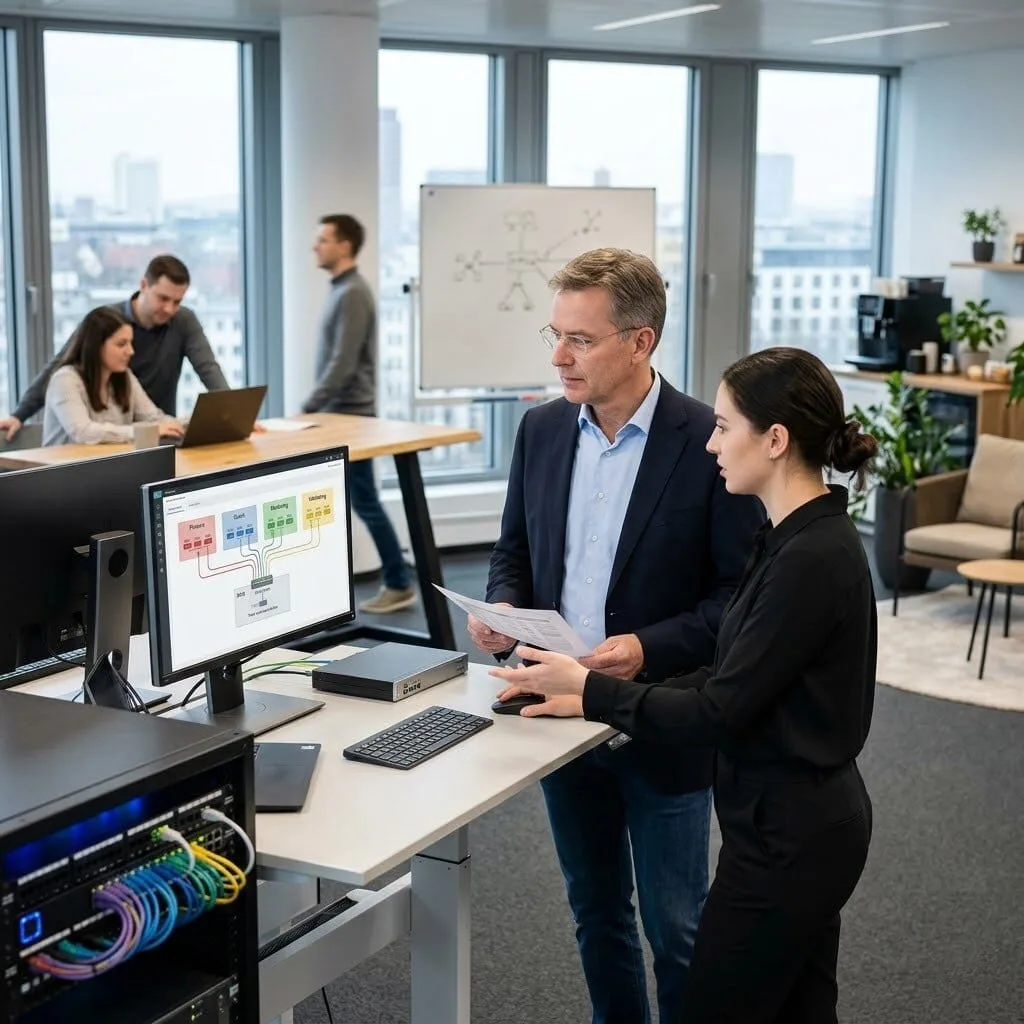
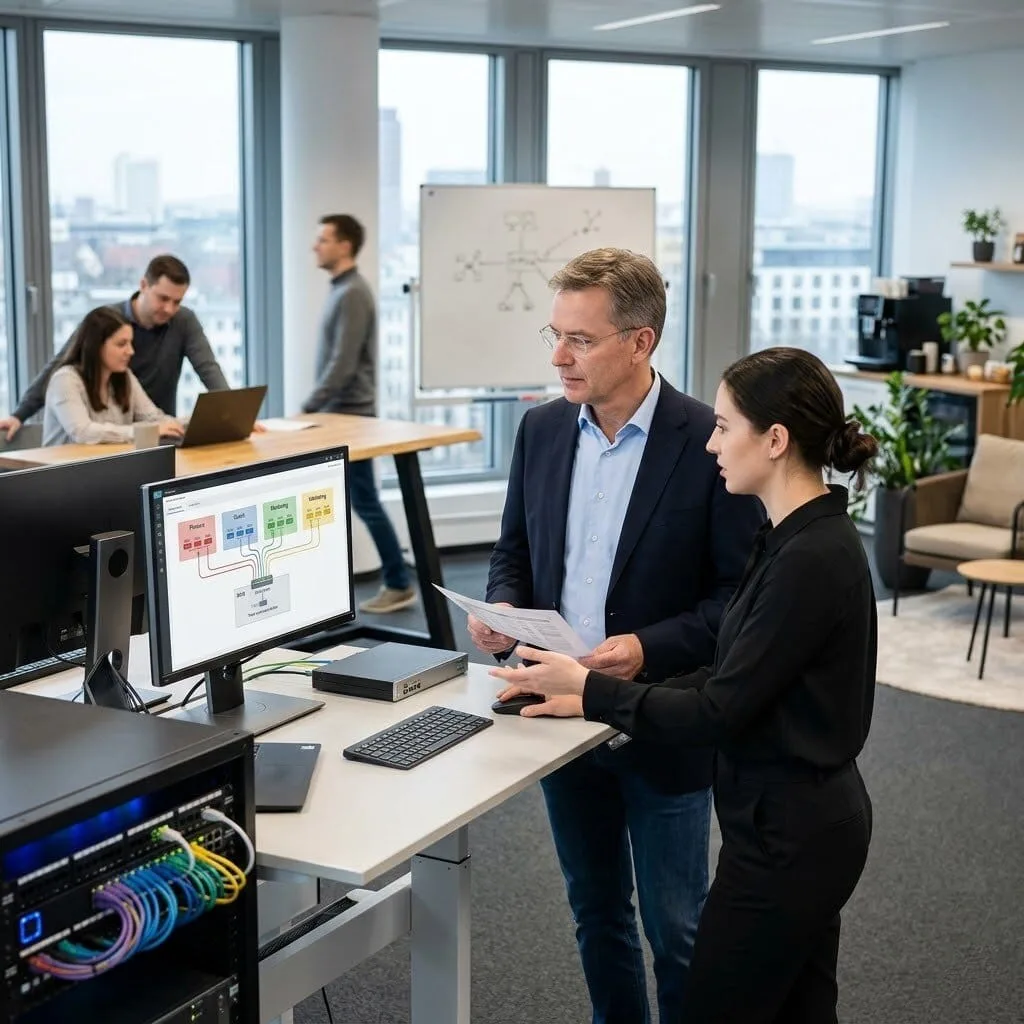
The Challenge: Klaus’s company had a sprawling network with switches in every department, but they were all “flat.” This meant a guest in the lobby could potentially see the Finance team’s private files. The original setup was a “black box” that nobody on the current team understood, making it too risky to try and separate the data.
The vorza360 Solution: We performed a full Zone Mapping audit to identify every team’s needs. We then implemented IEEE 802.1Q Trunking to create digital “department lanes.” We replaced the messy old setup with a clean VLAN Database, documenting exactly which “digital bridge” carries which data. We also set up Inter-VLAN Routing (SVI) so that only authorized staff could “cross the bridge” into sensitive folders.
The Result: Klaus’s team finally has a secure, organized network. They can now see exactly how traffic flows between offices, and the “guest” traffic is strictly locked away from private company data. The network is no longer a mystery, and the team can add new staff with total confidence.
Rania Al-Jadaan (Bahrain)
The Challenge: Rania’s company needed their heavy-duty Cisco switches to handle two different internet providers at once. They needed a “trunk” setup that was intelligent enough to send high-priority banking data over their primary link while moving general office traffic to a secondary path, with an automatic “failover” if one line went down.
The vorza360 Solution: We configured a professional trunk configuration using “Redundant Bridges.” We set up Native VLAN Security Controls to ensure that the two internet paths never mixed incorrectly. By mastering the trunk port configuration, we created a carrier-grade system where the switches automatically “talk” to the best available internet provider based on the type of data being sent.
The Result: The dual-link setup achieved exactly what Rania’s team needed. During a live test where we “pulled the plug” on one provider, the network switched to the backup in seconds without anyone losing a connection. Rania now has the rock-solid redundancy her business continuity plan required.
Cristian Ionescu (Romania)
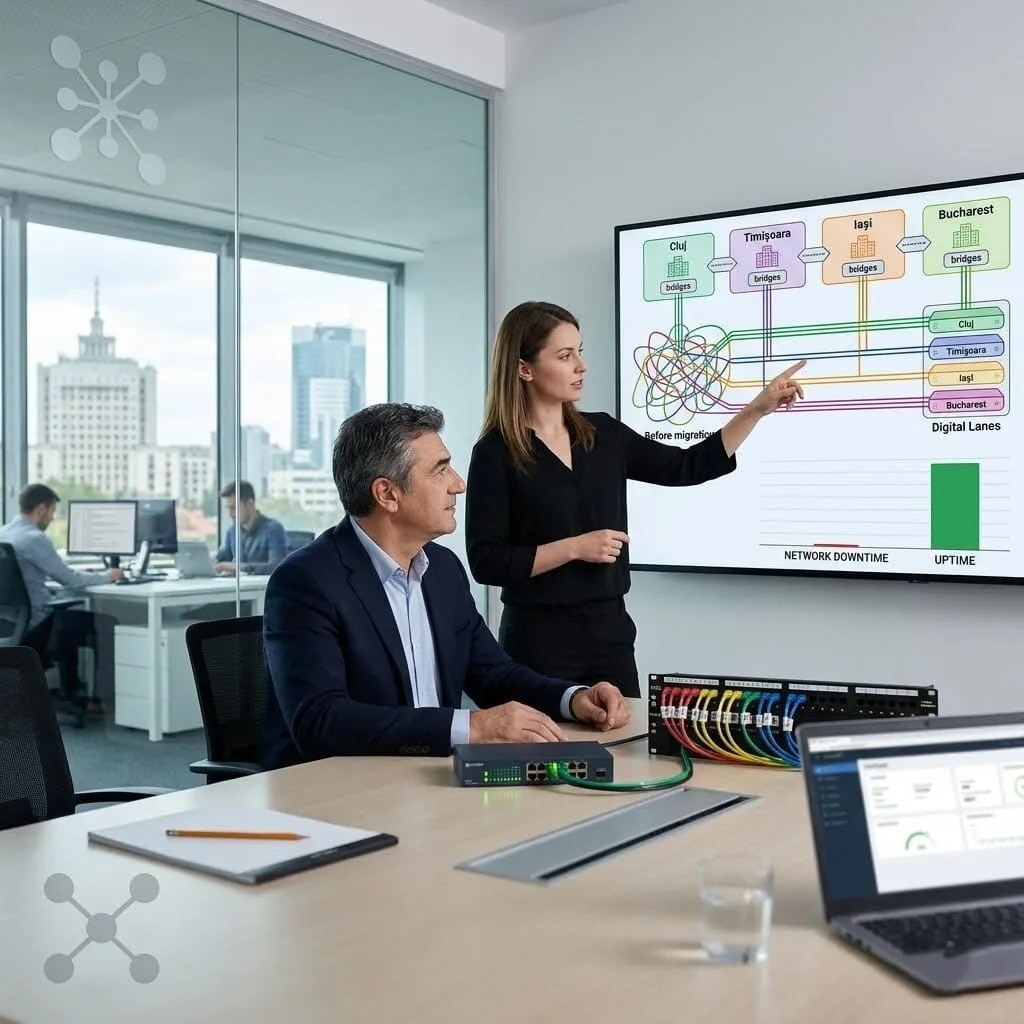
The Challenge: After buying several smaller companies, Cristian’s network was a mess of overlapping “zones.” Two different offices were trying to use the same “digital lane” numbers, causing a total traffic jam where computers couldn’t find the servers they needed.
The vorza360 Solution: We designed a consolidated VLAN & Trunking plan that gave every office its own unique ID. We used a phased “Digital Bridging” approach, moving one site at a time to the new, clean design. We managed the Access & Trunk Port Modes for every single desk to ensure that as the “lanes” changed, the employees never lost their connection to the printer or the internet.
The Result: The “traffic jam” that had persisted for months was cleared. Cristian’s team now has a consistent, predictable network across all four sites. The clean design gives them a foundation they can expand without the fear of overlapping zones ever again.
Suresh Nair (India)
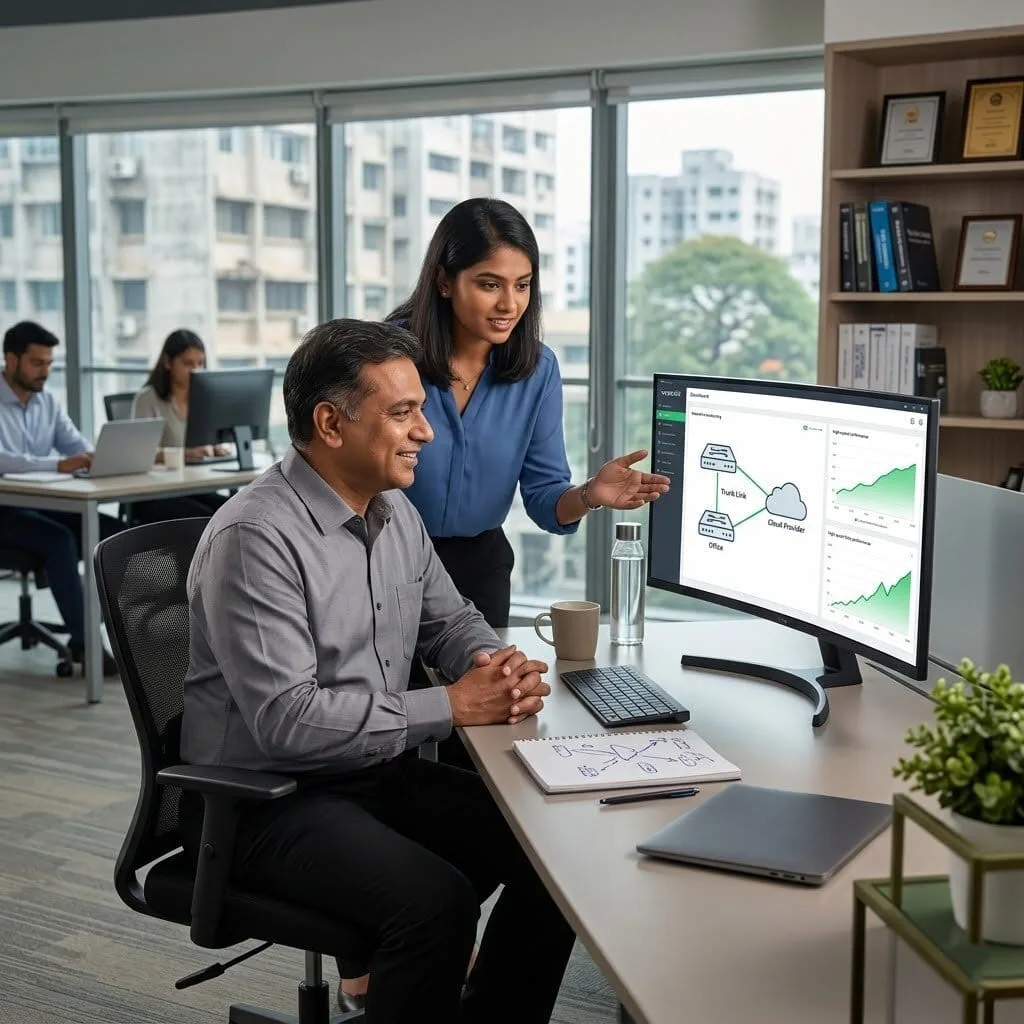
The Challenge: Suresh’s company was linking their office switches directly to a cloud provider. While his team knew the basics, they had never handled a Cisco 3560 trunk port configuration for a high-speed cloud link. One wrong click could have “polluted” their internal network with outside data.
The vorza360 Solution: We managed the Hardware Sync following global best practices. We configured the “digital doors” (Trunk Ports) to allow only specific cloud data through, using Native VLAN Security Controls as a safeguard. We also set up “Graceful Restart” rules so that if the cloud link flickered, the switches would reconnect instantly without dropping any active work.
The Result: The cloud link came up perfectly on the first try. Suresh’s team now has a documented, secure trunk setup that is much faster than their old VPN. The performance improvement was noticeable immediately, and the team feels empowered to manage the new setup themselves.
Johan Lindqvist (Sweden)
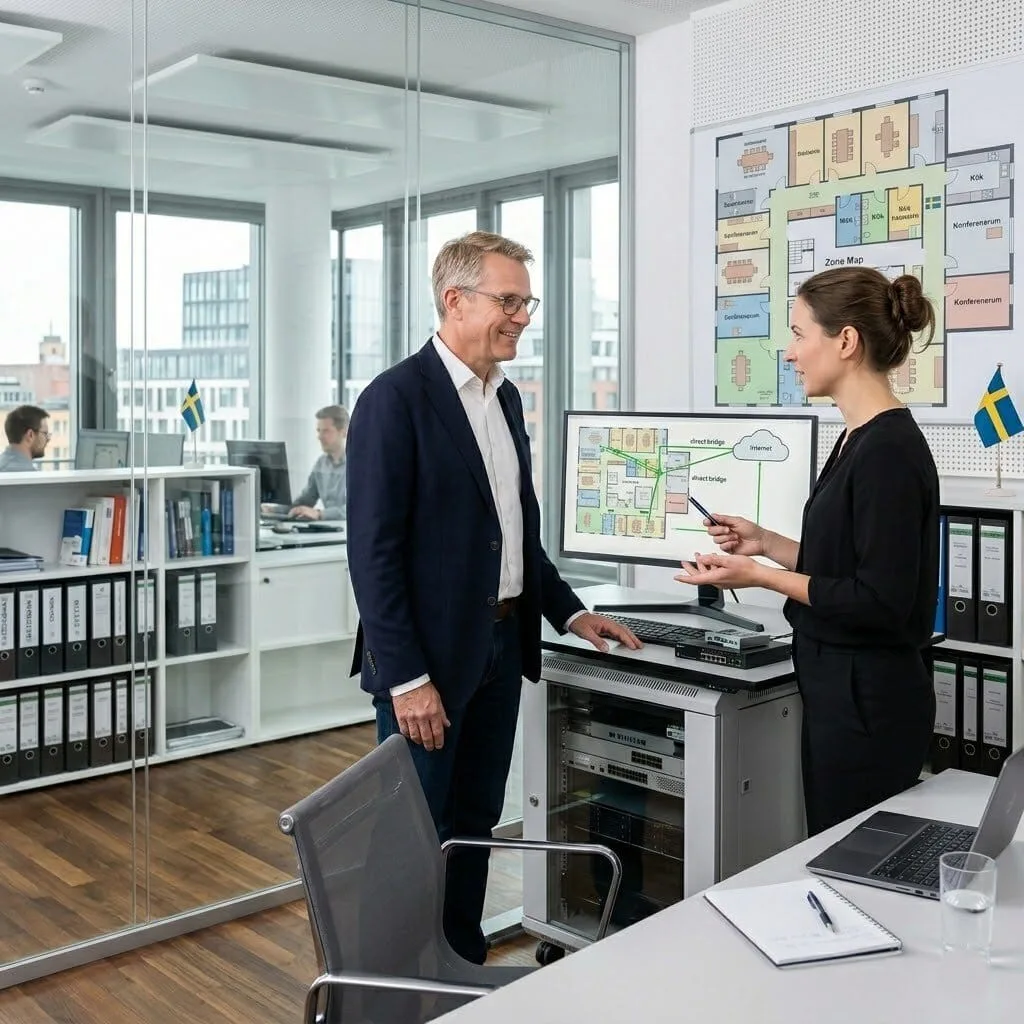
The Challenge: Johan’s office was suffering from “suboptimal paths.” Because of a bad trunk port configuration, some files being sent to the person in the next room were actually traveling out to the internet and back in again, making the network feel incredibly sluggish.
The vorza360 Solution: We analyzed the VLAN Database and found the “Redistribution” error. We corrected the Aruba switch trunk configuration to ensure that local traffic stays local. We used “Unified Data Paths” to simplify the wiring, ensuring that inter-office files take the “direct bridge” rather than the long internet “highway.”
The Result: Application speeds improved the moment the corrections were made. Johan’s team noticed that the “lag” they had lived with for months disappeared. We provided a clear “Zone Map” so that future IT staff will know exactly how the bridges are built.
Adaeze Okonkwo (Nigeria)
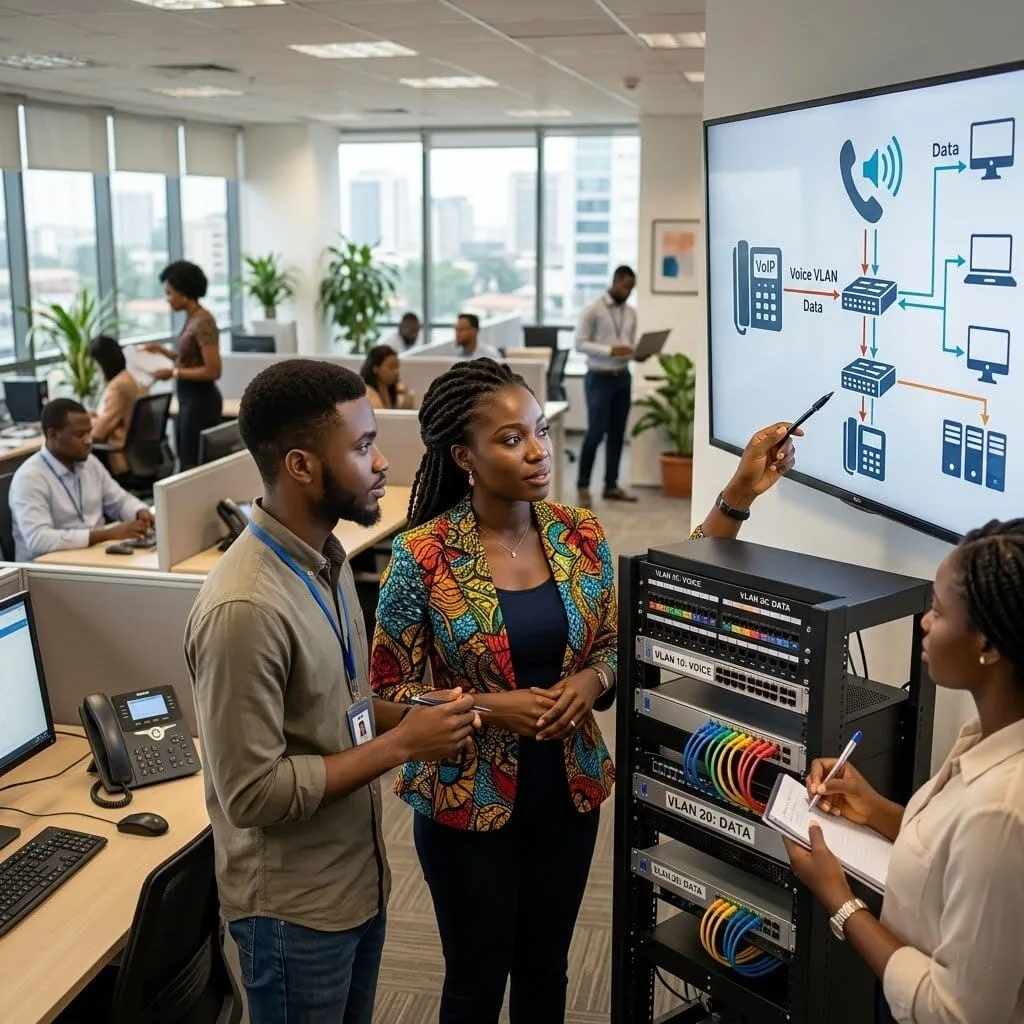
The Challenge: Adaeze needed to separate her office phones from her computers. The voice calls were getting “stuck” behind large file downloads, making the audio choppy. She needed a sip trunk configuration that guaranteed her phones always had a “fast lane.”
The vorza360 Solution: We implemented Voice & Data Harmony. We set up a dedicated “Voice VLAN” and configured the switches with Access & Trunk Port Modes that recognize phone traffic instantly. This “Insightful Strategy” ensures that even if the whole office is busy, the phones have their own reserved portion of the speed.
The Result: Both the phones and the computers now work perfectly in harmony. During a planned maintenance window, the “failover” to the backup link was automatic and took under 60 seconds. VoIP quality is now consistently clear because it no longer has to compete with general internet traffic.
vorza360’s Tech Edge
IEEE 802.1Q Trunking
Access & Trunk Port Modes
VLAN Database Management
+ 2
More
Inter-VLAN Routing (SVI)
Native VLAN Security Controls
vorza360’s Tech Edge
IEEE 802.1Q Trunking
The global “standard” we use to label your data so it always stays in its proper department lane.
Access & Trunk Port Modes
We manage the physical ports on your switches, setting them to either “talk” to one device or “bridge” entire networks.
VLAN Database Management
Our team maintains a clean, organized list of all your network zones, making it easy to add new staff or offices.
Inter-VLAN Routing (SVI)
We build the “digital doors” that allow specific departments to talk to each other while keeping others private.
Native VLAN Security Controls
We lock down the “default” paths in your switches to prevent hackers from jumping between your secure zones.
How we do it
We provide a managed service that streamlines your network by grouping devices into logical, secure zones.
Creative Approaches
We use “Unified Data Paths” to simplify your wiring. Instead of running a different cable for every department, we creatively use a single cable to carry multiple “digital lanes.” By mastering access port and trunk port configuration, we allow your HR, Finance, and Guest data to travel together safely without ever mixing.
Insightful Strategies
Our strategy focuses on “Redundant Bridges.” We provide an insightful setup where multiple switches are linked through professional trunk configuration. This ensures that if one path is busy, your data automatically finds another way.
Tailored Solutions
Every hardware brand has its own language. We offer a tailored Aruba trunk configuration for modern offices and specialized Cisco 3560 trunk port configuration for established corporate environments.
Creative Approaches
We use “Unified Data Paths” to simplify your wiring. Instead of running a different cable for every department, we creatively use a single cable to carry multiple “digital lanes.” By mastering access port and trunk port configuration, we allow your HR, Finance, and Guest data to travel together safely without ever mixing.
Insightful Strategies
Our strategy focuses on “Redundant Bridges.” We provide an insightful setup where multiple switches are linked through professional trunk configuration. This ensures that if one path is busy, your data automatically finds another way.
Tailored Solutions
Every hardware brand has its own language. We offer a tailored Aruba trunk configuration for modern offices and specialized Cisco 3560 trunk port configuration for established corporate environments.
Our Service Cycle
vorza360 follows a professional, simple path to link and secure your office switches.
Step 1
Zone Mapping
Step 2
Port Assignment
Step 3
Digital Bridging
Step 4
Hardware Sync
Step 5
Traffic Verification
Step 6
Partner Support
Step 1
Zone Mapping
We identify your different teams (like Sales or Guest) to plan your private network zones.
Step 2
Port Assignment
Our team handles the access port and trunk port configuration for every desk and server.
Step 3
Digital Bridging
We perform the professionaltrunk configuration between your switches to link your entire building.
Step 4
Hardware Sync
We apply specific rules like Aruba switch trunk configuration or Cisco commands based on your gear.
Step 5
Traffic Verification
We test to ensure that “Staff” can see the printer, but “Guests” are strictly blocked.
Step 6
Partner Support
vorza360 provides ongoing care, adjusting your trunk port configuration as your business grows.
Why Choose vorza360 for This Service?
Connecting switches is complex, but we make the results feel simple and seamless.
Multi-Brand Expertise
Whether you need an Aruba configure trunk port setup or a Cisco cube configuration sip trunk, we have the skills to handle any brand. We act as your single partner for all your networking hardware.
Voice & Data Harmony
We specialize in sip trunk configuration to ensure your office phones work perfectly alongside your computers. We make sure your voice calls are clear and never get “stuck” behind large file downloads.
Human-Led Service
We don’t just “set and forget.” We explain your VLAN and trunking configuration in very easy words and provide a dedicated team to manage any changes your business needs in the future.
Here is what our Clients are saying About us
Tuomas Mäkinen (Finland)
Our network segmentation had never been properly implemented, everything on a flat layer two network with no isolation between teams or systems. vorza360 designed and deployed a VLAN architecture across our Cisco infrastructure that properly separates traffic while keeping everything that needs to communicate able to do so.
Nour Al-Din Khalil (Lebanon)
vorza360 reconfigured our Cisco trunk links after we’d been experiencing intermittent VLAN traffic drops that nobody could explain. The issue turned out to be a native VLAN mismatch across several trunk links, subtle, hard to spot, and causing real problems. Fixed cleanly and documented clearly.
Bogdan Ionescu (Romania)
vorza360 implemented a proper VLAN structure across our entire Cisco switching estate covering data, voice, management, and IoT traffic. Each VLAN is now documented with its purpose, its allowed trunk ports, and its inter-VLAN routing rules. Our network finally has structure that makes sense.
Aditya Sharma (India)
vorza360 configured VTP domain management across our Cisco switch estate and set up VLAN pruning to ensure only necessary VLANs are carried across each trunk. Unnecessary broadcast traffic dropped noticeably and our switch CPU utilisation improved as a result.
Maja Lindqvist (Sweden)
We were adding a new office segment and needed VLANs extended across our Cisco infrastructure with proper inter-VLAN routing configured. vorza360 handled the configuration across switches and routers cleanly, tested every path thoroughly, and the new segment worked correctly from the first device we connected.
Emeka Obi (Nigeria)
vorza360 set up private VLANs on our Cisco switches for our hosting environment where tenant isolation at layer two was a requirement. The configuration is more complex than standard VLANs and vorza360 got it right without the trial-and-error approach we’d have gone through trying to do it ourselves.
More about Cisco IT Service
Cisco Router Configuration
Build a rock-solid business foundation with vorza360’s professional Cisco router…
Got questions? We’ve got answers. Find everything you need to know about using our platform, plans, and features
What is VLAN and trunking configuration on Cisco switches and why does a business need it?
A VLAN (Virtual Local Area Network) logically divides a single physical network into multiple isolated network segments, devices in different VLANs cannot communicate directly regardless of being connected to the same physical switch infrastructure. Trunking is the mechanism for carrying traffic from multiple VLANs simultaneously over a single link between switches, routers, and access points using 802.1Q VLAN tagging. Businesses need VLAN and trunking configuration because it provides network segmentation for security (staff, guest, and IoT devices on separate VLANs cannot directly access each other), performance improvement (broadcast domains are limited to each VLAN rather than spanning the entire network), and simplified management (network policies can be applied per-VLAN rather than per-device). vorza360 designs and implements VLAN structures that reflect your organization’s security and operational requirements.
How does vorza360 design a VLAN structure for a Cisco enterprise network?
VLAN design requires balancing security segmentation with operational practicality, too many VLANs create management complexity, while too few provide insufficient isolation. vorza360 designs Cisco VLAN structures based on your organization’s traffic types and security requirements. A typical enterprise VLAN design includes: a Management VLAN (typically VLAN 99 or similar) for network device management traffic (switch and router management interfaces), isolated from user data to prevent users from accidentally or deliberately reaching network infrastructure; a Staff Data VLAN for employee workstations and business applications; a Voice VLAN for Cisco IP phones (a dedicated VLAN for VoIP traffic that enables QoS prioritization and separates voice traffic from data); a Guest VLAN providing internet access for visitors without any access to internal resources; and a DMZ VLAN for servers that need to be accessible from the internet (web servers, email gateways). Each VLAN is assigned a unique ID, documented, and its inter-VLAN routing policy defined.
How does vorza360 configure 802.1Q trunks between Cisco switches and routers?
802.1Q trunking allows a single physical cable between two network devices to carry traffic from multiple VLANs simultaneously, with each frame tagged with the VLAN ID it belongs to. vorza360 configures 802.1Q trunks on Cisco switches using the switchport mode trunk command on the relevant interfaces, setting the native VLAN to a dedicated VLAN (not VLAN 1) to prevent VLAN hopping attacks, explicitly defining the allowed VLANs on each trunk (using switchport trunk allowed vlan) to permit only the VLANs that legitimately need to traverse each trunk link, not all VLANs by default. For router-on-a-stick configurations (where inter-VLAN routing is performed on a Cisco router rather than a Layer 3 switch), we configure sub-interfaces on the router’s uplink interface, one sub-interface per VLAN, each tagged with the corresponding VLAN ID and assigned the gateway IP address for that VLAN. We test trunking with show interfaces trunk to verify which VLANs are active and in forwarding state.
How does vorza360 configure inter-VLAN routing on Cisco Layer 3 switches?
In networks using Cisco Catalyst Layer 3 switches (such as the 3850, 9300, or 9400 series), inter-VLAN routing can be performed directly on the switch rather than requiring traffic to leave the switch, travel to an external router, and return, this is significantly more efficient for high-volume inter-VLAN traffic. vorza360 configures inter-VLAN routing on Cisco Layer 3 switches using Switched Virtual Interfaces (SVIs): for each VLAN that needs to be routable, we create a VLAN interface (interface Vlan X) on the switch and assign it the gateway IP address that devices in that VLAN use as their default gateway. We enable IP routing on the switch with the ip routing command. We configure ACLs on the SVIs to enforce inter-VLAN traffic policies, for example, denying traffic from the Guest VLAN to the Staff VLAN while permitting Guest VLAN traffic to the internet-facing interface. We validate inter-VLAN routing with connectivity tests between devices in different VLANs.
How does vorza360 troubleshoot Cisco VLAN and trunking issues?
VLAN and trunking problems are a common category of Cisco network issues that can cause partial connectivity loss, some devices can communicate while others cannot, in ways that seem inconsistent until the VLAN configuration is examined. vorza360 troubleshoots Cisco VLAN and trunking issues systematically: we use show vlan brief to verify that the expected VLANs are created and active on the switch. We use show interfaces trunk to verify that trunk ports are negotiated in trunk mode, that the expected VLANs are in the allowed and forwarding lists, and that the native VLAN matches on both ends of each trunk. We check show mac address-table to verify that the expected devices are being learned on the correct ports and VLANs. We use ping and traceroute to test connectivity at each layer, verifying physical connectivity, VLAN membership, and routing in sequence. For STP-related issues causing intermittent connectivity, we use show spanning-tree to identify any ports in blocking state that should be forwarding.