Get fast and reliable Wi-Fi with vorza360’s Cisco wireless access point deployment services. We design and set up strong wireless networks that keep your team connected everywhere.
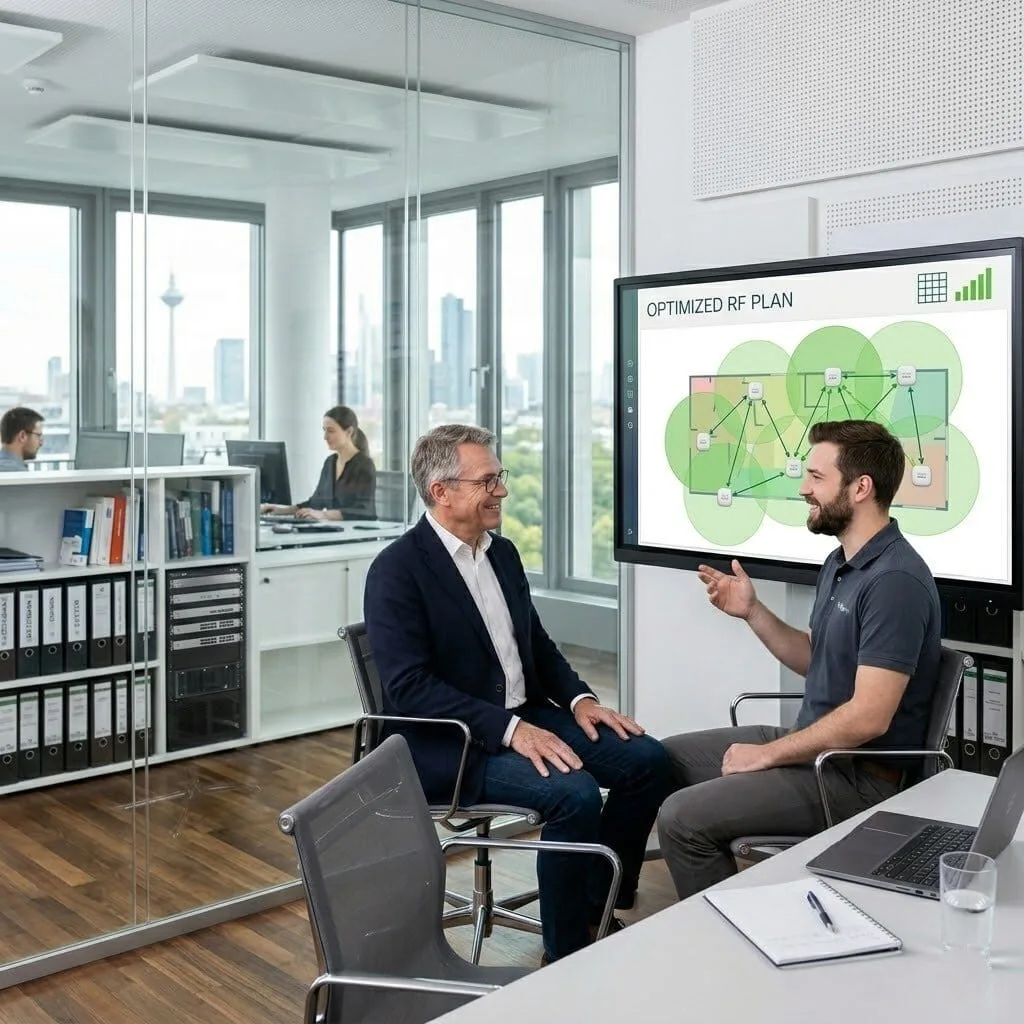
The Challenge: Thomas’s company had deployed Cisco Meraki APs across their campus but the deployment had never been properly tuned, auto RF was making poor channel and power decisions, roaming was inconsistent, and a significant proportion of devices were associating to distant APs rather than nearby ones.
The vorza360 Solution: vorza360 performed a Meraki wireless survey, disabled auto RF in favour of a manually optimised channel and power plan, configured per-AP minimum bitrate settings to prevent legacy-speed client associations from degrading performance for other users, and tuned the roaming aggressiveness settings for their device mix.
The Result: Client association improved dramatically as the correctly configured environment directed devices to appropriate nearby APs. Thomas’s users experienced consistent wireless performance across the campus, and the IT team had a documented RF configuration they could maintain and use as a reference when changes were needed.
Hessa Al-Ali (UAE)
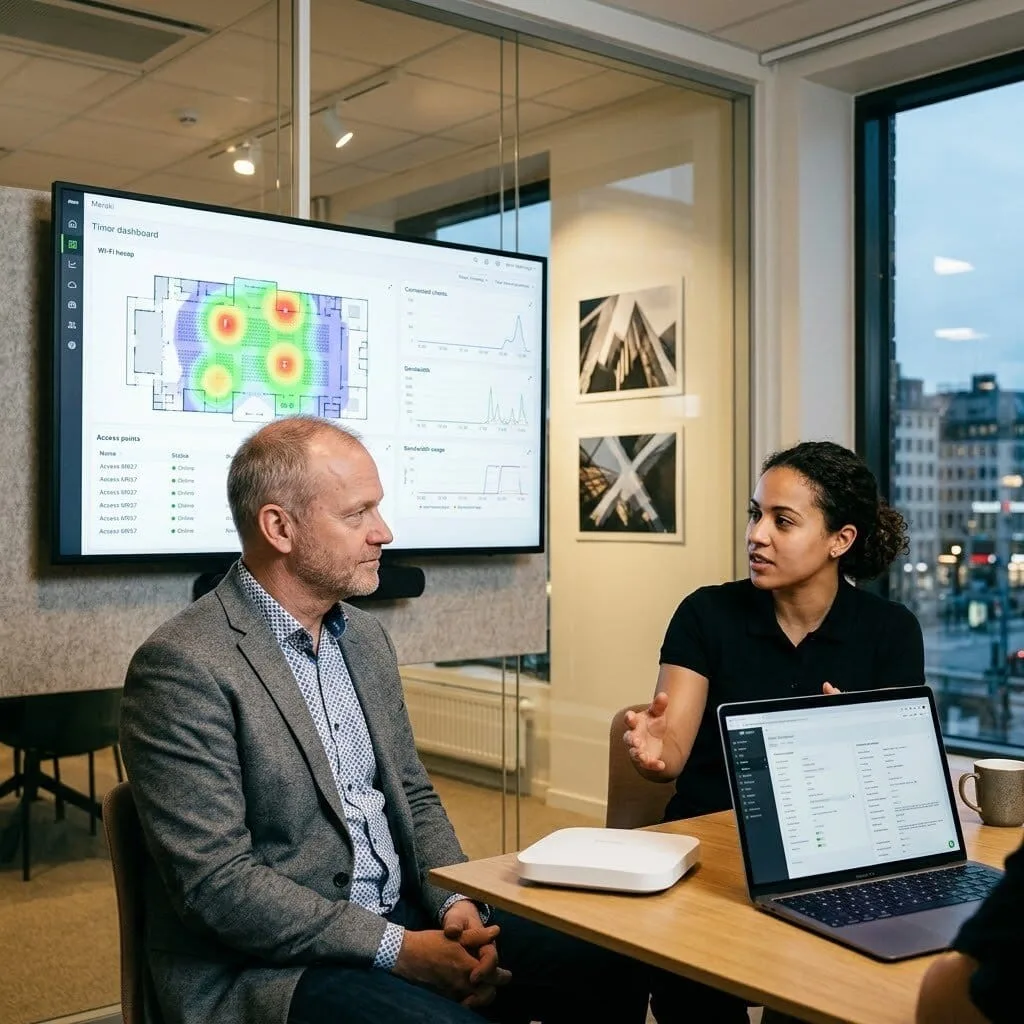
The Challenge: Hessa’s company needed to provide wireless access across multiple separate organisations sharing a single campus, with each organisation’s traffic completely isolated, different SSIDs and authentication methods, and centralised management for their IT team overseeing the shared infrastructure.
The vorza360 Solution: vorza360 configured Cisco Meraki in a multi-tenant model: per-organisation SSIDs mapped to dedicated VLANs with complete traffic isolation, Group Policy in Meraki controlling each organisation’s traffic policy, and network admin accounts scoped to individual organisations so each IT contact could manage their own wireless without seeing others’ networks.
The Result: Each organisation on the shared campus had their own isolated wireless environment managed from a single Meraki dashboard by the infrastructure team. The per-organisation admin scoping meant each company’s IT contact had self-service capability for their own environment, reducing the support overhead for the shared infrastructure team.
Ionut Marin (Romania)
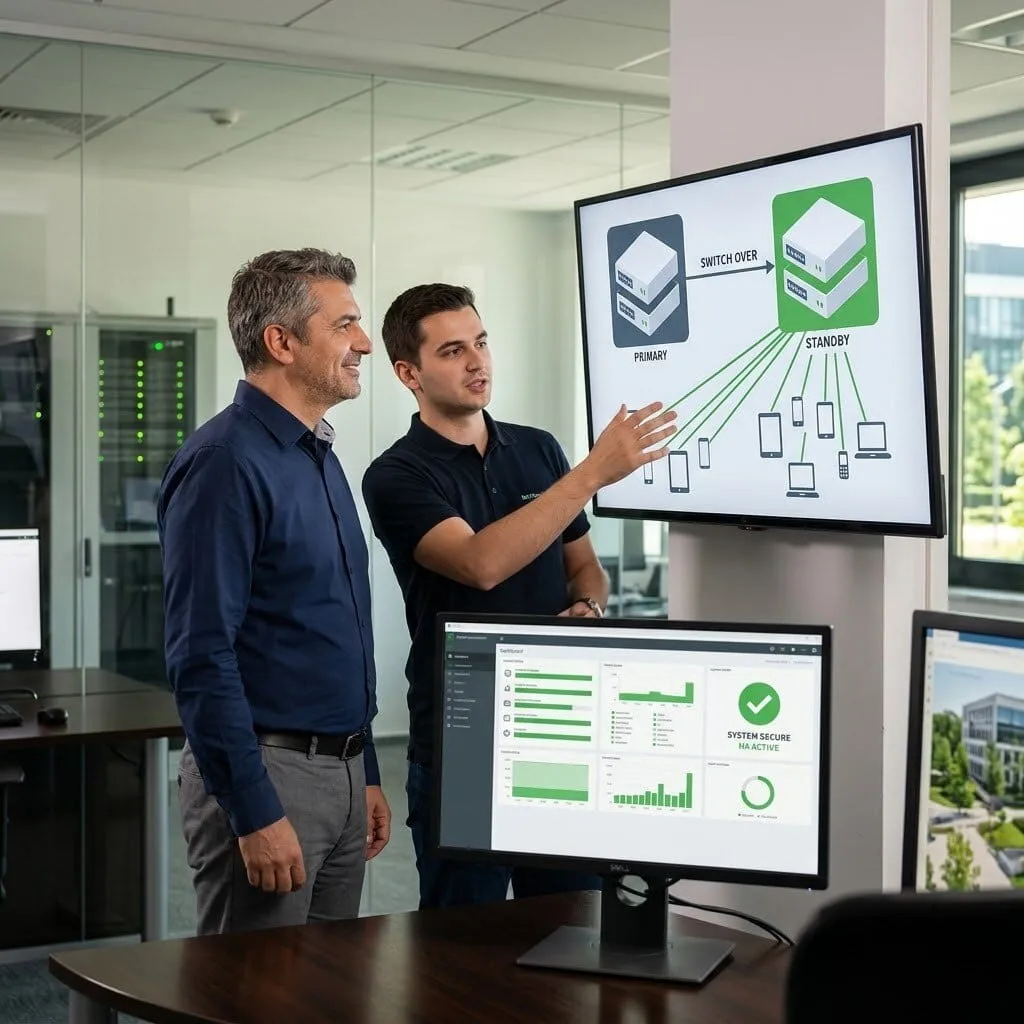
The Challenge: Ionut’s company was running Cisco Catalyst 9800 wireless controllers managing their campus APs but had never properly configured high availability. Their single controller was a single point of failure, if it went offline, wireless connectivity for the entire campus would be lost.
The vorza360 Solution: vorza360 configured Catalyst 9800 HA with a standby controller and SSO (Stateful Switchover), ensuring that the active controller’s state was continuously mirrored to the standby. Client associations, CAPWAP tunnels, and configuration state would all transfer transparently in a failover event.
The Result: Wireless high availability was operational and tested. When the active controller was taken offline for a planned maintenance window, SSO completed the failover in under two seconds and no client devices were disconnected. Ionut’s campus wireless was no longer a single point of failure.
Priya Krishnamurthy (India)
The Challenge: Priya’s company had a mixed Cisco wireless environment, legacy autonomous APs in older buildings and newer Meraki APs in the recently refurbished wings. Managing two separate wireless platforms doubled the management overhead and users experienced inconsistent connectivity when moving between the building areas.
The vorza360 Solution: vorza360 migrated the legacy autonomous APs to Meraki by replacing hardware where necessary and bringing all wireless management under the Meraki dashboard. SSID configuration, authentication, and RF settings were standardised across the entire campus, and roaming between building areas was configured to work seamlessly.
The Result: Meraki managed all campus wireless from a single dashboard for the first time. Priya’s users experienced consistent connectivity across the entire campus regardless of building area, and the IT team eliminated the management overhead of operating two wireless platforms simultaneously.
Magnus Lindgren (Finland)
The Challenge: Magnus’s company was deploying Cisco Meraki for a high-density event space that hosted conferences and large gatherings. Previous WiFi at events had been unreliable, and clients hosting events had started asking specifically about wireless capacity. The venue’s reputation depended on getting this right.
The vorza360 Solution: vorza360 performed a pre-deployment survey of the event space, specified high-density Meraki MR57 APs for the main hall, configured 5GHz-only operation with legacy rate exclusion for the event SSIDs, implemented client isolation for security, and set per-client bandwidth limits to ensure equitable access during fully attended events.
The Result: The first major conference in the newly WiFi-equipped space ran without a single wireless complaint. Magnus’s venue could now guarantee reliable WiFi for events up to their venue capacity, and Meraki’s real-time dashboard let the AV team monitor wireless connectivity during events and address any issues proactively.
Chioma Eze (Nigeria)
The Challenge: Chioma’s university campus had Cisco wireless deployed in the teaching buildings but students and staff experienced persistent connectivity problems, poor handoff between APs when walking between classrooms, authentication delays when connecting after moving, and overcrowded channels in the high-density lecture theatres.
The vorza360 Solution: vorza360 performed a site survey of the campus, optimised the channel and power plan, configured fast BSS transition (802.11r) for seamless roaming between APs, implemented OKC (Opportunistic Key Caching) to reduce re-authentication delays, and tuned the lecture theatre APs for high-density operation with OFDMA enabled.
The Result: The roaming experience between classrooms improved dramatically with fast BSS transition reducing handoff time from several seconds to under 100 milliseconds. Lecture theatre connectivity handled full classes simultaneously. Chioma’s students and staff experienced the reliable, consistent campus WiFi that their academic work required.
vorza360’s Tech Edge
Cisco Aironet & Catalyst APs
Wireless LAN Controller (WLC)
RF Profiles & Coverage Planning
+ 2
More
Fast Secure Roaming (802.11r)
Access Point Load Balancing
vorza360’s Tech Edge
Cisco Aironet & Catalyst APs
We provide high-performance hardware that handles hundreds of devices at once, ensuring your Cisco wireless access point stays fast and never drops a connection.
Wireless LAN Controller (WLC)
Our team builds central “brain” systems, using a Cisco wireless access controller, to manage all your Wi-Fi points from one single screen for better security and speed.
RF Profiles & Coverage Planning
We provide “signal-map” designs to eliminate dead zones, ensuring your Cisco wireless access point range covers every corner of your office or warehouse.
Fast Secure Roaming (802.11r)
Our team creates “smooth-handover” settings so your laptop or phone stays connected as you walk from one room to another without the internet cutting out.
Access Point Load Balancing
We provide “crowd-control” for your Wi-Fi, automatically moving devices from a busy access point to a nearby quiet one to keep speeds high for everyone.
Smart Wi-Fi Network Design
We provide expert Cisco wireless access point design to make sure your signal is strong and reaches exactly where you need it.
Advantages
Detailed floor plan signal testing.
Interference check for clear signals.
Cisco wireless access point range testing.
Capacity planning for many users.
Strategic placement for best coverage.
Professional Hardware Installation
Our team handles the physical setup and the Cisco switch port configuration for wireless access point hardware to get you online fast.
Advantages
Physical mounting of Aironet and Catalyst units.
Secure cable running and labeling.
Power over Ethernet (PoE) setup.
Cisco wireless access point configuration for all units.
Neat and professional hardware mounting.
Centralized Wi-Fi Management
We provide a Cisco access point wireless controller setup that lets you control your entire network from one easy place.
Advantages
Central management for all access points.
Easy "one-click" guest Wi-Fi setup.
Automatic security updates for all units.
Real-time monitoring of Wi-Fi health
Better security through a Cisco wireless access controller.
Advanced Network Setup
Our team provides a Cisco wireless access point configuration step by step process to ensure your network is optimized for performance.
Advantages
High-speed data transfer settings.
Secure login for staff and guests.
Seamless roaming between office floors.
Priority speed for video calls and meetings.
Advanced deploying Cisco basic and advanced wireless lans services.
Custom Equipment Selection
We use the Cisco wireless access point selector to help you choose the perfect gear that fits your office size and budget.
Advantages
Expert advice on the best hardware.
Cost-effective equipment planning.
Future-proof gear for growing teams.
Comparison of indoor and outdoor units.
Personalized gear lists for your business.
Smart Wi-Fi Network Design
We provide expert Cisco wireless access point design to make sure your signal is strong and reaches exactly where you need it.
ADVANTAGES
Detailed floor plan signal testing.
Interference check for clear signals.
Cisco wireless access point range testing.
Capacity planning for many users.
Strategic placement for best coverage.
Professional Hardware Installation
Our team handles the physical setup and the Cisco switch port configuration for wireless access point hardware to get you online fast.
ADVANTAGES
Physical mounting of Aironet and Catalyst units.
Secure cable running and labeling.
Power over Ethernet (PoE) setup.
Cisco wireless access point configuration for all units.
Neat and professional hardware mounting.
Centralized Wi-Fi Management
We provide a Cisco access point wireless controller setup that lets you control your entire network from one easy place.
ADVANTAGES
Central management for all access points.
Easy "one-click" guest Wi-Fi setup.
Automatic security updates for all units.
Real-time monitoring of Wi-Fi health
Better security through a Cisco wireless access controller.
Advanced Network Setup
Our team provides a Cisco wireless access point configuration step by step process to ensure your network is optimized for performance.
ADVANTAGES
High-speed data transfer settings.
Secure login for staff and guests.
Seamless roaming between office floors.
Priority speed for video calls and meetings.
Advanced deploying Cisco basic and advanced wireless lans services.
Custom Equipment Selection
We use the Cisco wireless access point selector to help you choose the perfect gear that fits your office size and budget.
ADVANTAGES
Expert advice on the best hardware.
Cost-effective equipment planning.
Future-proof gear for growing teams.
Comparison of indoor and outdoor units.
Personalized gear lists for your business.
Why Choose vorza360 for Wireless Solutions?
We provide expert setup and constant support to keep your office Wi-Fi fast, stable, and secure. Our team manages the complex tech so your business stays connected without any interruptions.
Expert Design Skills
We don’t just “plug and play.” We study your building to find the best spots for every Cisco wireless access point, ensuring no dead zones or slow spots.
Simple & Secure Setup
We make “high-tech” feel easy. We handle the complex Cisco wireless access point configuration so you can just turn on your device and start working.
Ongoing Support
As a service provider, we stay by your side. We monitor your Cisco access point wireless controller to make sure your Wi-Fi stays fast and safe every day.
Tools
Tools and Plugins for Frameworks
Cisco DNA Center
A smart dashboard for managing and troubleshooting your entire wireless network.
Ekahau AI Pro
A professional tool we use for mapping out your Wi-Fi signals to find the best placement for access points.
Cisco Prime Infrastructure
A framework used to monitor the health and performance of your wireless gear.
Cisco Wireless Config Analyzer
A specialized tool that checks your settings to make sure your Wi-Fi is running at peak performance.
Here is what our Clients are saying About us
Harri Saarinen (Finland)
Our Cisco wireless deployment had dead zones throughout our office that made certain meeting rooms practically unusable for video calls. vorza360 conducted a proper RF site survey, repositioned several APs, added two new ones in key locations, and reconfigured the power and channel settings. Coverage is now consistent everywhere.
Reem Al-Mutairi (Kuwait)
vorza360 deployed a Cisco Catalyst wireless network across our new office with Catalyst Centre managing all APs centrally. The deployment was planned carefully before any hardware went on the wall and the result was a wireless network that worked correctly from the first client that connected.
Andrei Moldovan (Romania)
We’d been running Cisco APs in autonomous mode with no central management. vorza360 migrated the entire wireless infrastructure to controller-managed mode, which gave us consistent policy enforcement, centralised monitoring, and proper roaming behaviour that the autonomous setup had never delivered.
Kavitha Nair (India)
vorza360 deployed Cisco wireless across our hospital campus with careful attention to co-channel interference and roaming performance for our clinical devices. Healthcare wireless is unforgiving of poor RF design, vorza360’s approach was methodical and the result has been reliable clinical wireless since day one.
Nikolaj Christensen (Denmark)
Our Cisco wireless network was performing well in some areas and poorly in others with no obvious reason. vorza360 ran a post-deployment survey, identified several APs with misconfigured transmit power causing interference with their neighbours, and corrected the settings. Performance became consistent across the building.
Adaeze Nwosu (Nigeria)
vorza360 configured Cisco wireless for our retail environment with separate SSIDs for staff POS systems, back-office devices, and customer Wi-Fi, each with appropriate security and quality of service settings. The ‘purpose-built wireless’ design they delivered has been reliable through every busy trading period since
More about Cisco IT Service
Cisco Router Configuration
Build a rock-solid business foundation with vorza360’s professional Cisco router…
Got questions? We’ve got answers. Find everything you need to know about using our platform, plans, and features
What Cisco wireless infrastructure does vorza360 deploy and configure?
vorza360 deploys and configures Cisco’s enterprise wireless infrastructure across the full Cisco portfolio. We work with Cisco Aironet access points (the established enterprise Wi-Fi series known for reliability and performance in dense environments), Cisco Catalyst access points (the newer Wi-Fi 6 and Wi-Fi 6E series representing Cisco’s current generation), and Cisco Meraki access points (cloud-managed wireless with an intuitive dashboard ideal for distributed multi-site organizations). For centralized WLAN management, we deploy and configure Cisco Wireless LAN Controllers (WLC, now called Cisco Catalyst Center wireless), the centralized controller that manages all access points in a unified system, enabling consistent configuration, seamless roaming, and centralized monitoring. We select the appropriate Cisco wireless platform based on your organization’s size, management preference, and performance requirements.
How does vorza360 plan and deploy Cisco access points for enterprise Wi-Fi coverage?
Enterprise Cisco wireless deployment begins with professional RF (Radio Frequency) planning, not product installation. vorza360 conducts a site survey that maps the physical environment, identifies construction materials and their RF attenuation characteristics, notes sources of potential interference (neighboring networks, industrial equipment, microwave ovens), and maps the areas requiring coverage. We use tools such as Ekahau AI Pro or Cisco’s wireless planning tools to model the RF propagation and determine optimal access point placement, the appropriate number of access points for the required coverage density, the best mounting locations (ceiling-mounted for open areas, wall-mounted where ceiling access is not available), and the cabling requirements for each location. We create a documented access point placement plan with coverage maps before any hardware is procured or installed, ensuring the design is validated before deployment costs are committed.
How does vorza360 configure a Cisco Wireless LAN Controller (WLC) for centralized management?
The Cisco Wireless LAN Controller provides centralized management, configuration, and monitoring for all access points in a Cisco wireless deployment. vorza360 configures the Cisco WLC comprehensively: we perform initial setup including management IP address, NTP server configuration (essential for accurate logging and certificate validation), SNMP community strings, admin account creation with strong credentials, and controller software version validation. We configure WLAN (wireless network) profiles for each SSID, defining the SSID name, security protocol, RADIUS authentication configuration (for enterprise authentication), VLAN mapping, QoS policy, and client exclusion policies. We configure RF profiles and AP groups to apply appropriate transmit power, channel width, and band steering settings for different areas of the building. We configure roaming settings (802.11r, 802.11k, 802.11v) for seamless client mobility. And we set up controller HA (High Availability) pairing if a redundant WLC is available.
How does vorza360 configure Cisco wireless networks for secure enterprise authentication?
Enterprise wireless authentication on Cisco networks uses 802.1X (EAP) rather than a shared passphrase, providing individual user accountability and the ability to revoke access for specific users without changing the credentials for everyone. vorza360 configures Cisco enterprise wireless authentication by creating a RADIUS server configuration on the WLC pointing to the authentication infrastructure (typically Windows NPS for Active Directory-integrated deployments or Cisco ISE for more advanced policy enforcement), creating the WLAN with WPA2-Enterprise or WPA3-Enterprise security mode, and configuring the EAP method (PEAP-MSCHAPv2 for username/password authentication against Active Directory, or EAP-TLS for certificate-based authentication). For organizations using Cisco ISE (Identity Services Engine), we configure the deeper integration that provides dynamic VLAN assignment based on user role, device posture assessment, and guest lifecycle management, enabling sophisticated identity-based network access control.
How does vorza360 optimize Cisco wireless networks for high-density environments?
High-density wireless environments, conference centers, auditoriums, open-plan offices with many video conferencing users, educational classrooms, require specific configuration optimizations beyond standard coverage-focused deployments. vorza360 optimizes Cisco wireless for high density through: reducing access point transmit power to limit each AP’s coverage cell (encouraging clients to connect to their nearest AP rather than distant ones with strong signals), enabling minimum data rate requirements that force devices off the 2.4GHz band if possible (reducing 2.4GHz congestion), enabling band steering to guide dual-band clients to the less congested 5GHz band, configuring more aggressive load balancing thresholds on the WLC, enabling BSS Transition (802.11v) for AP-directed roaming that allows the WLC to instruct clients to roam to a less loaded AP, and configuring aggressive client exclusion to quickly disconnect clients exhibiting problematic roaming behavior. We also use Cisco CleanAir (available on Cisco Aironet hardware) for real-time RF spectrum analysis that identifies and reports non-Wi-Fi interference sources.