Maximize your network efficiency with vorza360’s expert QoS and traffic shaping. We prioritize your most important data to ensure smooth business operations without technical lag.
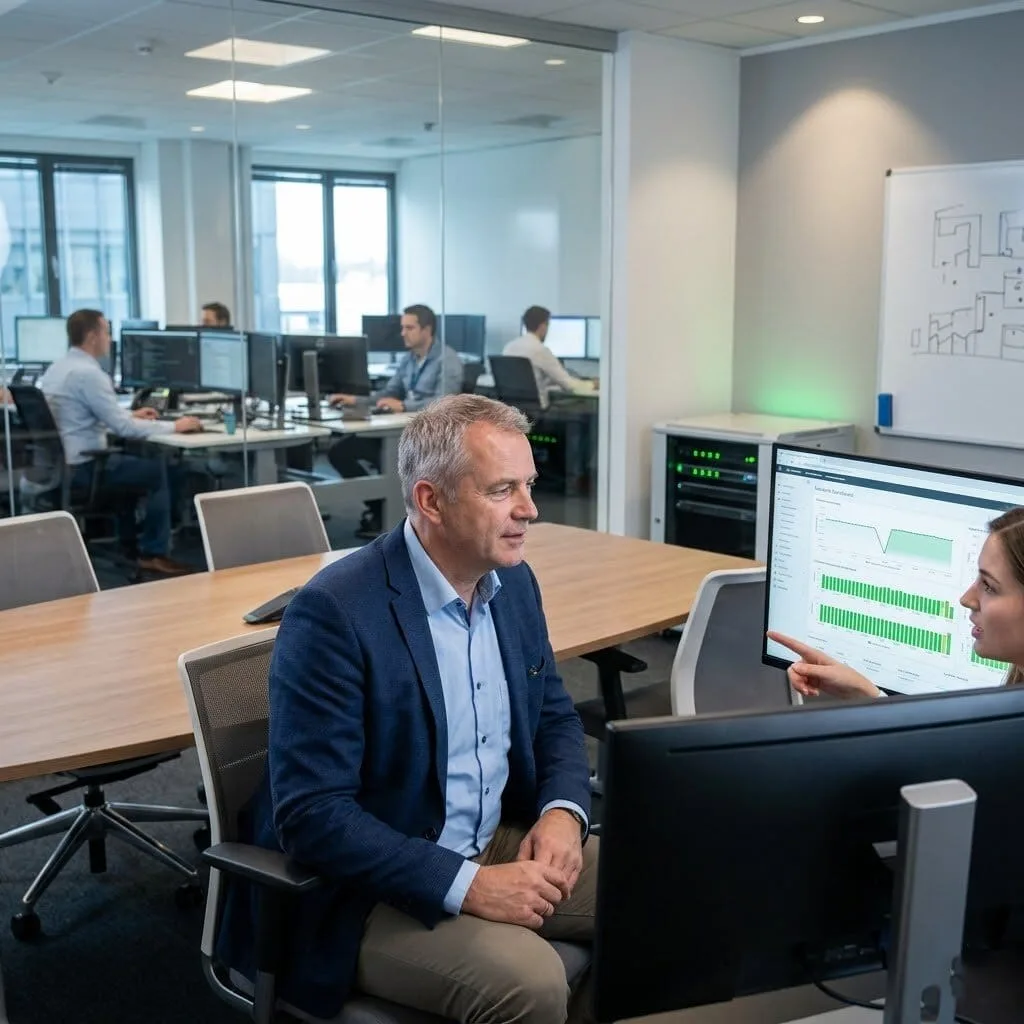
The Challenge: Gerhard’s company had a massive network but zero visibility. They only knew something was wrong when an application crashed. One specific group of users had been complaining about “slow software” for months, but without a centralized network monitoring system, the IT team was just guessing at the cause.
The vorza360 Solution: We deployed a centralized assurance dashboard to monitor their network telemetry. Within two weeks, our Performance Tracker identified a switch with intermittent interface errors that was dropping data packets. We applied QoS and traffic shaping to the affected area, ensuring that even while we fixed the physical hardware, the users’ most important business apps were prioritized.
The Result: The “mystery slowness” that had haunted the office for months was resolved in days. Gerhard’s team moved from a “guess-and-check” method to a proactive culture where they find and fix connection problems before they ever interrupt a workday.
Hind Al-Rashid (Bahrain)
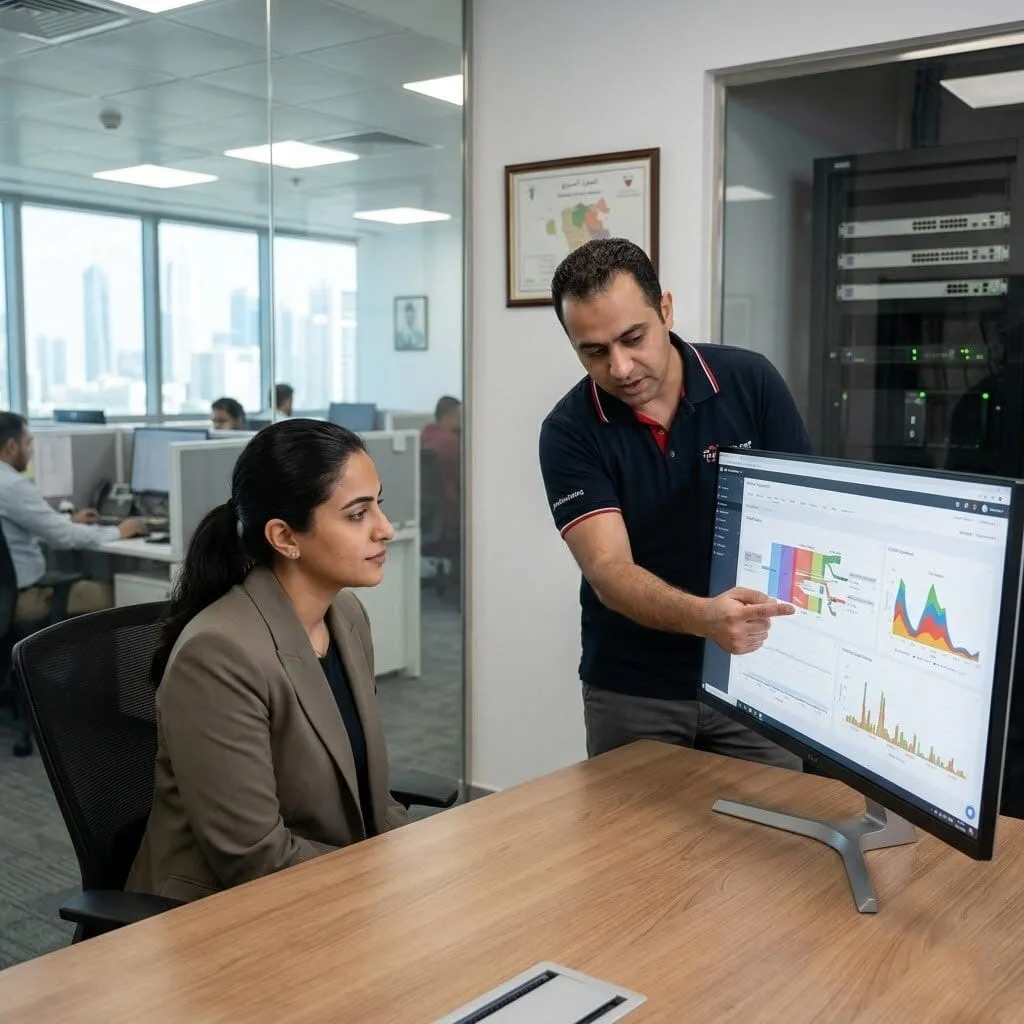
The Challenge: Hind’s core switches were “sweating”, the CPU usage was hitting 100% at random times, slowing the entire office to a crawl. Their basic monitoring was too slow to catch the culprit, leaving the team blind to what was actually hogging the speed.
The vorza360 Solution: We configured advanced Traffic Classification & Marking to see exactly what was moving through the switches. Our analysis caught a specific internal app generating a massive “storm” of short data flows. We implemented Policing & Shaping Policies to act as a smart speed limit for that app, preventing it from overwhelming the switch’s “brain.”
The Result: The switch CPU returned to normal immediately. Hind’s team now has the actionable data they need to keep their hardware healthy, and the “digital traffic jams” that used to crash the network have been permanently cleared.
Silviu Constantin (Romania)
The Challenge: A massive three-hour outage left Silviu’s office in total silence. A vendor rebooted the gear to get them back online, but no one knew why it happened. Without a clear answer, the team was terrified it would happen again during a major client meeting.
The vorza360 Solution: We performed a deep-dive Network Monitoring & Troubleshooting audit of their logs. We identified a “routing loop” that was acting like a circular dead-end for data. We used Latency-Sensitive Traffic Handling to reconfigure their “pathfinding” rules, ensuring that if a connection drops again, the network “self-heals” in seconds rather than hours.
The Result: Confidence was restored. Silviu’s team now has both a prevention plan and a mitigation strategy. The “black hole” that caused three hours of downtime is gone, replaced by a stable, predictable internet experience.
Priya Krishnan (India)
The Challenge: Priya’s network was a patchwork of covered and uncovered gear. When a critical switch failed, the replacement process was a nightmare of paperwork and delays because the support status was inconsistent across her three sites.
The vorza360 Solution: We conducted a full Multiple Platform QoS Control audit and support registration. We aligned all her hardware under a single, consistent support plan. While doing this, we identified two “forgotten” switches running dangerously old software. We applied the latest Cisco iOS Maintenance updates to ensure they were secure and compatible with her modern QoS bandwidth management.
The Result: The very next time a device had a glitch, a replacement was dispatched the same day. Priya’s entire estate is now documented and protected, and her team no longer worries about the “unclear and slow” replacement process of the past.
Sven Gustafsson (Sweden)
The Challenge: Sven’s team relied on their network for production, but they were “scared” to update their software. Devices were running old, vulnerable versions because the team lacked a structured Cisco switch iOS upgrade procedure and feared a botched update would stop the factory line.
The vorza360 Solution: We developed an Intelligent Traffic Shaping plan for their updates. We prioritized the most critical security patches and used Priority Queuing Mechanisms to test the updates on a “sandbox” device first. We ensured that if any update flickered, a verified “rollback” was ready to snap the system back to safety instantly.
The Result: All critical security holes were patched without a single minute of production downtime. Sven’s team now has a documented, stress-free process for staying updated, moving from “avoiding” updates to leading with a “security-first” mindset.
Emeka Adeyemi (Nigeria)
The Challenge: After moving some desks around, Emeka’s office started having “glitchy” internet. The team suspected a bad cable but had no way to prove it without crawling under every desk in the new wing to check thousands of connections manually.
The vorza360 Solution: We used Intelligent Traffic Shaping diagnostic tools to “see” through the walls. Within one hour, our Network Health Scanner identified a “Duplex Mismatch”, basically, two cables were trying to talk at different speeds, causing a digital “stutter.” We fixed the setting and verified the Ethernet Speed Management across every new desk.
The Result: The connectivity problem was solved in sixty minutes. Emeka’s team used the time they saved to focus on their actual work, and the reconfigured office now enjoys a clean, error-free network that is faster than it was before the move.
vorza360’s Tech Edge
Traffic Classification & Marking
Policing & Shaping Policies
Priority Queuing Mechanisms
+ 2
More
Bandwidth Reservation Techniques
Latency-Sensitive Traffic Handling
vorza360’s Tech Edge
Traffic Classification & Marking
We identify your network traffic type used in QoS (like Zoom calls or file transfers) and mark them so the network knows which one to handle first.
Policing & Shaping Policies
Our team sets up traffic policies QoS that act like a smart speed limit, preventing non-essential downloads from slowing down your main office work.
Priority Queuing Mechanisms
We create a “fast lane” for your most urgent data, ensuring your voice and video calls stay crystal clear even during busy hours.
Bandwidth Reservation Techniques
We set aside a dedicated portion of your internet speed specifically for your core business apps so they always have the power they need.
Latency-Sensitive Traffic Handling
We use QoS traffic shaping to reduce delays, making sure your real-time software reacts instantly without “freezing.”
Voice & Video Optimization
We ensure your digital meetings are professional and interruption-free by giving them top priority.
Advantages
Zero-lag video conferencing setup.
Clearer VoIP voice quality.
QoS traffic shaping explained to your team.
Priority for real-time communication tools.
Prevention of "choppy" audio.
Ethernet Speed Management
We manage your physical office connections to ensure every plugged-in device gets a fair share of speed.
Advantages
Balanced QoS ethernet traffic across all desks.
Prevention of one device hogging the internet.
Smooth data flow for large office printers.
Custom speed limits for guest Wi-Fi.
Stable connections for local servers.
Performance Comparison & Tuning
We help you understand traffic shaping vs QoS and apply the right mix for your specific office needs.
Advantages
Regular network health reports.
Adjustment of speed limits based on usage.
Identification of bandwidth-heavy apps.
Fine-tuning of "burst" speeds for quick tasks.
Expert advice on network growth.
Multi-Platform QoS Control
Whether you use specialized hardware or standard setups, we provide routers traffic QoS management for all systems.
Advantages
Centralized control for all office routers.
Remote management of traffic rules.
Consistent speed across different office branches.
Secure software updates for your network gear.
Support for various router brands and models.
Intelligent Traffic Shaping
Our team uses QoS traffic shaping to smooth out your data usage, preventing sudden spikes that cause crashes.
Advantages
Buffering systems to prevent data loss.
Scheduled "low-priority" updates for late night.
Protection against network congestion.
A more stable and predictable internet experience.
Better performance for cloud-based software.
Voice & Video Optimization
We ensure your digital meetings are professional and interruption-free by giving them top priority.
ADVANTAGES
Zero-lag video conferencing setup.
Clearer VoIP voice quality.
Prevention of "choppy" audio.
QoS traffic shaping explained to your team.
Priority for real-time communication tools.
Ethernet Speed Management
We manage your physical office connections to ensure every plugged-in device gets a fair share of speed.
ADVANTAGES
Balanced QoS ethernet traffic across all desks.
Prevention of one device hogging the internet.
Smooth data flow for large office printers.
Stable connections for local servers.
Custom speed limits for guest Wi-Fi.
Performance Comparison & Tuning
We help you understand traffic shaping vs QoS and apply the right mix for your specific office needs.
ADVANTAGES
Regular network health reports.
Adjustment of speed limits based on usage.
Identification of bandwidth-heavy apps.
Fine-tuning of "burst" speeds for quick tasks.
Expert advice on network growth.
Multi-Platform QoS Control
Whether you use specialized hardware or standard setups, we provide routers traffic QoS management for all systems.
ADVANTAGES
Centralized control for all office routers.
Remote management of traffic rules.
Secure software updates for your network gear.
Consistent speed across different office branches.
Support for various router brands and models.
Intelligent Traffic Shaping
Our team uses QoS traffic shaping to smooth out your data usage, preventing sudden spikes that cause crashes.
ADVANTAGES
Buffering systems to prevent data loss.
Scheduled "low-priority" updates for late night.
Protection against network congestion.
Better performance for cloud-based software.
A more stable and predictable internet experience.
Here is what our Clients are saying About us
Mikko Leinonen (Finland)
Our voice traffic was suffering from jitter and packet loss because it competed equally with bulk data transfers on our Cisco network. vorza360 implemented a proper QoS policy across our routers and switches that prioritises voice traffic end-to-end. Call quality improved immediately and the complaints stopped.
Khalid Al-Zahrani (Saudi Arabia)
vorza360 implemented MQC-based QoS across our Cisco WAN infrastructure with separate queues for voice, video, business-critical applications, and general traffic. The ‘traffic-by-priority’ model they built means our most important applications always get the bandwidth they need regardless of overall network load.
Valentin Popa (Romania)
We were paying for a premium WAN circuit but not getting premium performance because our QoS configuration was inconsistent across our Cisco devices. vorza360 audited and standardised our QoS policies end-to-end and we started getting the performance from our circuit that we’d been paying for.
Prashant Kulkarni (India)
vorza360 configured NBAR-based application classification on our Cisco routers so our QoS policies identify traffic by application rather than just by port number. Applications that use non-standard ports or encrypted traffic now get the right treatment rather than falling into the default best-effort queue.
Lise Møller (Denmark)
Our video conferencing quality had become unacceptable during busy periods and was affecting client-facing calls. vorza360 analysed our traffic profile, identified the congestion points, and reconfigured our Cisco QoS policies to properly protect video conferencing traffic at every hop. The improvement was noticeable from the first day.
Chukwuemeka Nwosu (Nigeria)
vorza360 implemented traffic shaping on our Cisco edge routers to prevent any single application or user from consuming disproportionate bandwidth during business hours. The ‘fair-share-enforced’ policy they configured has made our network feel significantly more consistent for all users throughout the working day.
More about Cisco IT Service
Cisco Router Configuration
Build a rock-solid business foundation with vorza360’s professional Cisco router…
Got questions? We’ve got answers. Find everything you need to know about using our platform, plans, and features
What is QoS on Cisco networks and why is it critical for business applications?
Quality of Service (QoS) on Cisco networks is the set of mechanisms that prioritize different types of network traffic, ensuring that time-sensitive, business-critical applications receive the bandwidth and low latency they need even when the network is congested. Without QoS, all traffic competes equally for available bandwidth, a large file download can consume enough capacity to cause a VoIP call to drop or a video conference to degrade significantly. With properly configured Cisco QoS, voice traffic is given absolute priority and minimal latency regardless of other traffic on the network, critical business application traffic receives guaranteed bandwidth allocation, and non-critical traffic like social media browsing and software updates is limited to whatever bandwidth remains after higher-priority traffic is served. The business impact of good QoS configuration is directly measurable in call quality, video conference reliability, and application response times.
How does vorza360 implement the Cisco QoS model using MQC (Modular QoS CLI)?
Cisco’s Modular QoS CLI (MQC) provides a structured, readable framework for defining QoS policies using three components: Class Maps (which classify traffic using match criteria, DSCP values, protocol types, ACLs, or application IDs), Policy Maps (which define what action to take for each class, queue assignment, bandwidth guarantee, rate limiting, or DSCP remarking), and Service Policies (which apply a Policy Map to a specific interface in the inbound or outbound direction). vorza360 implements Cisco QoS using MQC by defining Class Maps for each traffic category (voice, video, critical business applications, standard business traffic, bulk/scavenger traffic), creating a Policy Map that assigns each class to the appropriate Cisco CBWFQ or LLQ queue with appropriate bandwidth percentages and priority treatment, and applying the Service Policy to WAN-facing interfaces where congestion is most likely to occur. We validate the QoS policy using show policy-map interface statistics to confirm traffic is being classified and queued as intended.
How does vorza360 configure Cisco QoS specifically for VoIP traffic quality?
VoIP traffic has the most demanding QoS requirements of any business application, it is uniquely sensitive to latency (one-way delay above 150ms becomes perceptible to callers), jitter (variation in packet arrival timing above 30ms causes audio artifacts), and packet loss (above 1 percent causes audible degradation). vorza360 configures Cisco QoS for VoIP by placing voice RTP traffic in a Low-Latency Queue (LLQ with the priority keyword in MQC Policy Maps), this is a strict-priority queue that is always served before any other queue, guaranteeing the minimum possible latency and jitter for voice packets. We configure voice signaling traffic (SIP, H.323) in a high-priority CBWFQ class. We ensure voice traffic is marked with DSCP EF (Expedited Forwarding, DSCP 46) at the Cisco IP phone or the voice gateway, and that this marking is trusted and honored throughout the network path. We set interface bandwidth commands on WAN interfaces so QoS percentage-based guarantees calculate correctly against the actual line rate.
How does vorza360 configure Cisco traffic shaping and policing for WAN bandwidth management?
Traffic shaping and policing are two distinct QoS mechanisms for managing bandwidth on WAN interfaces. Traffic policing drops or re-marks packets that exceed a defined rate, it is commonly used at the WAN edge to enforce bandwidth contracts with the ISP and prevent burst traffic from triggering ISP-side rate limiting. Traffic shaping buffers excess packets rather than dropping them, smoothing the traffic rate over time, it is used to control the rate at which traffic is sent toward a specific destination (often a VPN peer or a specific remote office on a WAN circuit). vorza360 configures Cisco traffic policing using MQC with the police command in Policy Maps applied to WAN interfaces, setting the CIR (Committed Information Rate) to match the purchased bandwidth and defining the action for exceeding traffic (typically drop for strict enforcement or re-mark for tiered QoS treatment). We configure traffic shaping where buffering is more appropriate than dropping, using the shape command with the correct CIR and burst parameters.
How does vorza360 verify that Cisco QoS policies are working as intended?
QoS configurations that look correct in the configuration file do not always produce the intended behavior, traffic may be misclassified, queues may not be triggering, or the policy may be applied to the wrong interface. vorza360 verifies Cisco QoS policy operation using the show policy-map interface command on the interfaces where Service Policies are applied, reviewing the packet and byte counters for each class to confirm traffic is being classified into the correct classes. We check that the LLQ priority class is receiving voice RTP traffic by correlating the counter with known active call counts. We verify DSCP markings are preserved end-to-end using IP SLA with DSCP-marked test packets and checking that the marking is reflected correctly in show policy-map interface statistics at each hop. For VoIP quality specifically, we use Cisco IP SLA Voice operations (jitter operations) that simulate RTP streams and measure actual one-way delay, jitter, and simulated MOS scores on the path between specific network points.