Keep your business running smoothly with vorza360’s network monitoring and troubleshooting services. We find and fix connection problems before they interrupt your workday.
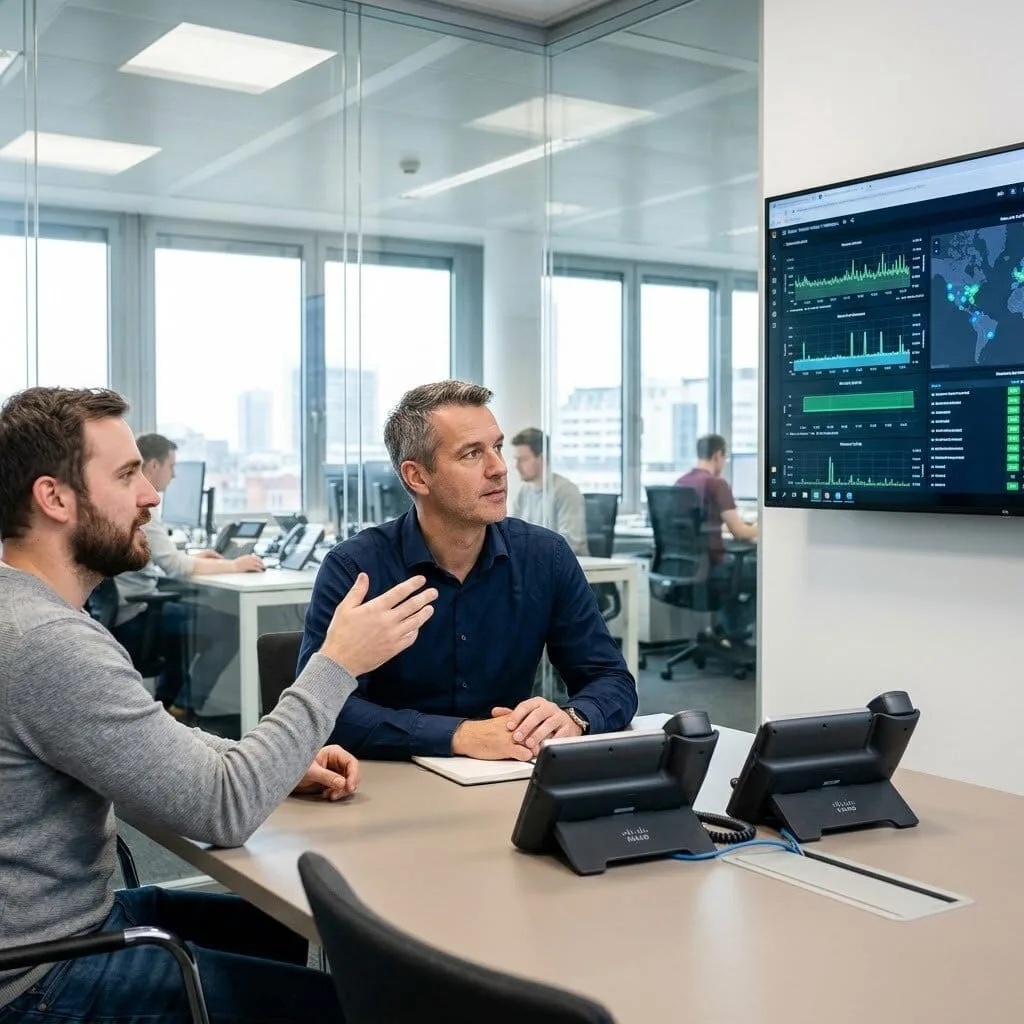
The Challenge: Markus’s company was moving to a modern Cisco phone system, but they were terrified that “hidden” network glitches would drop their calls. They had 200 new phones to set up and couldn’t afford a single day of static or silence during the transition.
The vorza360 Solution: We implemented a professional network monitoring system specifically tuned for voice traffic. Before the first phone was even plugged in, we used basic network troubleshooting commands to map out their data paths. We set up “Voice Guard” alerts that watch their connection 24/7, ensuring that their call quality stays perfect even when the rest of the office is busy downloading large files.
The Result: The migration was seamless. Markus moved to the new system over three weekends without losing a single call. By having a “guard” watching the network, his team moved from an old, clunky PBX to a high-tech Cisco setup with total confidence.
Lina Al-Rashidi (Qatar)
The Challenge: Lina’s staff were frustrated by choppy audio and dropped calls that made their phones almost unusable. The network team couldn’t find the “ghost in the machine,” and the “bad connection” was starting to hurt their professional image with clients.
The vorza360 Solution: We performed a deep VoIP quality investigation using our advanced network monitoring tools. We didn’t just look at the surface; we tracked the data “tags” (DSCP) at every single stop. We discovered a single “misconfigured gate” on their main switch that was stripping away the priority from their voice calls, treating a CEO’s call like a background email.
The Result: We fixed the “tagging” issue in a single day. The “choppy” audio vanished instantly. Lina’s team now has applied network security monitoring that ensures their voice traffic always has the “fast lane,” turning a major tech headache into a smooth, professional experience.
Bogdan Marin (Romania)
The Challenge: Bogdan’s company invested in expensive Webex video gear, but nobody was using it. The meetings were laggy, and the screens would freeze, making everyone go back to using their laptops. The hardware was great, but the network wasn’t “watching” the traffic correctly.
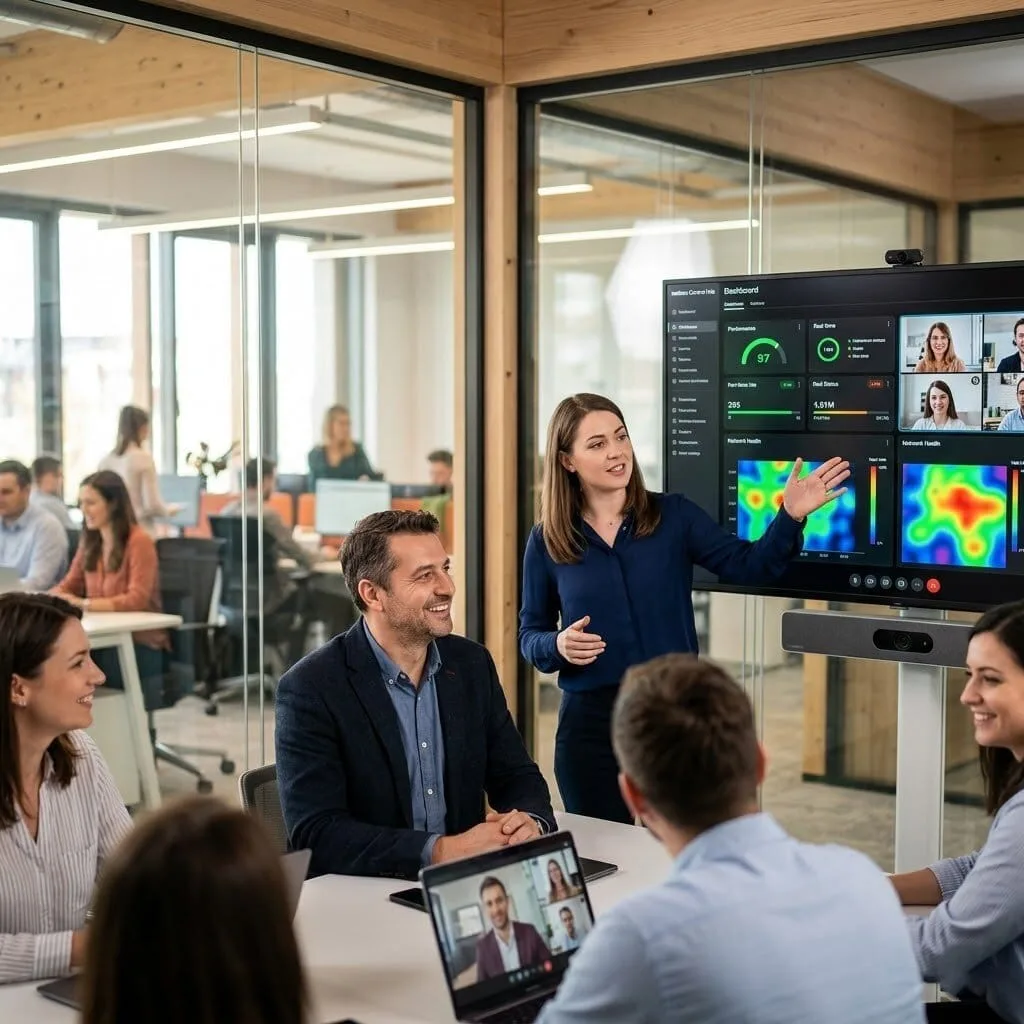
The vorza360 Solution: We audited the entire cloud-based network monitoring setup for their video rooms. We reconfigured their “speed lanes” and used smart-logic to predict when a video call needed more power. We also set up a dashboard in the Webex Control Hub so the IT team could see the health of every meeting room in real-time.
The Result: Adoption skyrocketed. Meetings now start with a single click and run in high definition without a single glitch. The investment that was sitting idle is finally delivering the collaboration value the company paid for.
Ravi Kumar (India)
The Challenge: Ravi was moving his entire phone system to the cloud. He was worried that during the move, his customers’ calls would “disappear” into a digital black hole while the phone numbers were being transferred from the old office servers to the new cloud home.
The vorza360 Solution: We managed the move with proactive network monitor services. We set up a “double-check” system that monitored both the old office server and the new cloud tenant simultaneously. We used network security monitoring to ensure the transition was encrypted and safe, keeping the old “gateways” alive as a backup until every single number was safely moved.
The Result: The migration was “invisible” to callers. Ravi’s company now enjoys the simplicity of a managed cloud service with zero server maintenance. His team can now take office calls on their mobiles with the same reliability as their desk phones.
Bjorn Andersen (Denmark)
The Challenge: Bjorn’s home workers needed full office phone features without the “clunkiness” of a VPN that kept dropping. They needed a way for a call to stay connected even if a worker’s home Wi-Fi flickered for a second.
The vorza360 Solution: We implemented Cisco Expressway and linked it to our network monitoring and troubleshooting services. We used “auto-reconnect” technology that acts like a “self-healing” loop. If a home connection dips, our professional network monitoring software detects it and snaps the secure connection back into place instantly without the user ever knowing.
The Result: Home workers now have the exact same “office feel” as the staff in the building. They can transfer calls and check voicemails without a VPN, and the connection remains rock-solid regardless of where they are working from.
Tunde Adeyemi (Nigeria)
The Challenge: Tunde’s phone system was “broken” for six months, voicemail didn’t work, and nobody knew why. The previous vendor had left, and the internal team was afraid to touch the settings for fear of breaking the whole network.
The vorza360 Solution: We performed a full network monitoring and troubleshooting audit. Within one day, we used our diagnostic tools to find the culprit: a “digital ID” (certificate) that had expired. We fixed the fault, restored the voicemail, and created a “How-To” map for Tunde’s team so they could handle basic changes themselves.
The Result: The six-month-old problem was solved in 24 hours. Tunde’s team is no longer “afraid” of their own tech. They now have the documentation and network monitoring tools to manage their own extensions and replacements without needing an outside vendor.
Expert Network Monitoring and Troubleshooting Services
We provide proactive network monitor services to keep your business moving without interruptions. Our team sets up a professional network monitoring system that acts like a 24/7 guard, watching for any signs of trouble. By using the best network monitoring software, we spot slow connections or failing parts early, using basic network troubleshooting commands to fix issues before they stop your work.
We provide both local and cloud based network monitoring to ensure your files are always safe and accessible. Our goal is to handle all networking issues and troubleshooting so your staff can focus on their jobs. With applied network security monitoring and professional network monitoring tools, we turn tech headaches into a smooth experience through our dedicated network monitoring and troubleshooting services.
How we do it
We provide a clear and organized path to network health by combining smart technology with expert hands-on support.
Creative Approaches
We don’t just wait for things to break; we use “smart-logic” to predict problems. By running basic network troubleshooting commands automatically in the background, our systems can “self-heal” minor errors without you ever knowing there was a glitch.
Insightful Strategies
Our team looks at the “big picture” of your data traffic. We provide network monitoring and troubleshooting services that identify which apps are hogging your speed, allowing us to clear the path for your most important business tasks.
Tailored Solutions
Every business is different, so we build a custom plan just for you. Whether you need a simple setup or applied network security monitoring for private data, we provide the exact level of care your specific office needs to stay online.
Creative Approaches
We don’t just wait for things to break; we use “smart-logic” to predict problems. By running basic network troubleshooting commands automatically in the background, our systems can “self-heal” minor errors without you ever knowing there was a glitch.
Insightful Strategies
Our team looks at the “big picture” of your data traffic. We provide network monitoring and troubleshooting services that identify which apps are hogging your speed, allowing us to clear the path for your most important business tasks.
Tailored Solutions
Every business is different, so we build a custom plan just for you. Whether you need a simple setup or applied network security monitoring for private data, we provide the exact level of care your specific office needs to stay online.
Here is what our Clients are saying About us
Juhani Korhonen (Finland)
Network problems in our Cisco environment used to surface through user complaints because we had no proactive monitoring in place. vorza360 deployed a full monitoring solution with SNMP polling, syslog analysis, and alerting. We now catch issues before users are affected, a complete change in how we operate.
Dina Al-Rashidi (Qatar)
vorza360 configured Cisco’s NetFlow on our core routers and set up a flow analysis platform that gives us visibility into traffic patterns across our network. The insight into what’s consuming bandwidth has helped us make much better-informed decisions about capacity and QoS policy.
Radu Gheorghe (Romania)
We’d had a recurring network issue that our team had never been able to reproduce reliably enough to diagnose. vorza360 set up systematic packet captures and syslog correlation across our Cisco infrastructure, caught the event in action, and identified the root cause within days. Fixed permanently after months of frustration.
Sanjay Iyer (India)
vorza360 implemented Cisco ThousandEyes monitoring for our critical application paths so we have end-to-end visibility from our users’ perspective rather than just device-level metrics. When issues occur, we now know immediately whether the problem is in our network, our ISP, or the application itself.
Katrine Andersen (Denmark)
vorza360 set up a comprehensive Cisco network monitoring solution that covers availability, performance, configuration changes, and security events in a single pane of glass. The time our team used to spend manually checking device health has been completely eliminated.
Funmi Adewale (Nigeria)
vorza360 conducted a thorough network troubleshooting engagement for us after we’d had three unexplained outages in two months. They deployed monitoring, captured the next event, and traced it to a faulty SFP module causing intermittent link flaps that were destabilising our spanning tree. Problem solved with evidence.
More about Cisco IT Service
Cisco Router Configuration
Build a rock-solid business foundation with vorza360’s professional Cisco router…
Got questions? We’ve got answers. Find everything you need to know about using our platform, plans, and features
How does vorza360 monitor Cisco network infrastructure for proactive issue detection?
Proactive network monitoring is the practice of continuously watching network device health metrics so that issues are detected before they cause user-impacting outages. vorza360 monitors Cisco network infrastructure using a combination of SNMP (Simple Network Management Protocol) polling that queries Cisco devices every 60 seconds for interface status, CPU utilization, memory usage, and error counters; Syslog collection that receives all Cisco device log messages to a centralized log management server where they are analyzed for error patterns and security events; ICMP ping monitoring that verifies reachability of all network devices on a frequent interval; and interface traffic monitoring that tracks bandwidth utilization on key WAN and inter-site links. We use monitoring platforms including PRTG, Zabbix, SolarWinds, or Cisco Prime Infrastructure depending on the client’s environment and requirements, all configured to generate automated alerts when any monitored metric exceeds defined thresholds.
What Cisco IOS commands does vorza360 use to troubleshoot network connectivity problems?
Cisco IOS provides a rich set of diagnostic commands that vorza360 uses to systematically diagnose network problems. For basic connectivity: ping and extended ping to test reachability at the IP layer, traceroute to identify where packets are being dropped in the path. For interface health: show interfaces to check for input/output errors, CRC errors, resets, and up/down state; show ip interface brief for a quick status overview of all interfaces. For routing: show ip route to examine the routing table and verify that correct routes are installed; show ip ospf neighbor or show ip bgp summary for routing protocol peer states. For switching: show vlan brief, show interfaces trunk, and show spanning-tree for Layer 2 troubleshooting. For ARP and MAC: show arp and show mac address-table to trace where devices are connected. For traffic analysis: debug ip packet (used carefully in non-production or with ACL filtering to avoid overwhelming the CPU) and IP SLA statistics for path quality measurement. Every troubleshooting session follows a logical OSI model approach, physical layer first, then data link, network, and transport.
How does vorza360 identify and resolve Cisco network performance issues?
Cisco network performance issues, slow application response times, dropped calls on VoIP, video conference degradation, require identifying the bottleneck location and type before any resolution can be effective. vorza360 diagnoses performance issues by examining interface statistics on all devices in the suspected path using show interfaces to identify any interfaces showing high utilization (approaching or exceeding capacity), high error rates (indicating cabling, hardware, or duplex mismatch issues), or queue drops (indicating QoS configuration gaps). We use Cisco IOS IP SLA to run synthetic traffic tests, generating test packets that mimic specific application types and measuring one-way delay, jitter, and packet loss between specific points in the network to characterize the performance degradation precisely. We examine router CPU utilization with show processes cpu sorted to identify any processes consuming excessive CPU that might be impacting packet forwarding. We review QoS policy statistics with show policy-map interface to confirm that traffic is being classified and queued as intended.
How does vorza360 use Cisco NetFlow for network visibility and traffic analysis?
Cisco NetFlow is a network telemetry feature built into Cisco IOS routers and switches that records metadata about every traffic flow passing through the device, source and destination IP addresses, ports, protocols, bytes, and packets, without capturing the actual packet content. This provides detailed visibility into what applications are running on the network, who is communicating with whom, and how bandwidth is being consumed, without the privacy and storage overhead of full packet capture. vorza360 enables and configures NetFlow on key Cisco network devices (particularly WAN edge routers and core distribution switches where the most meaningful traffic visibility exists), directing the flow export to a NetFlow collector (we use tools such as ntopng, ElastiFlow, or SolarWinds NTA). We use NetFlow analysis to identify bandwidth-intensive applications or users, detect unusual traffic patterns that might indicate a security incident, plan capacity upgrades based on actual traffic trends, and validate QoS policy effectiveness by confirming that prioritized traffic actually dominates at times of congestion.
How does vorza360 set up Cisco Syslog monitoring for network event visibility?
Cisco devices generate log messages for every significant event, interface state changes, routing protocol adjacency changes, authentication failures, ACL matches, hardware errors, and these logs are an invaluable source of network intelligence if they are captured and analyzed. By default, Cisco logs are only displayed on the console port and are lost on device reboot. vorza360 configures centralized Syslog collection on Cisco networks by configuring every network device with logging host commands directing Syslog messages to a centralized log server, setting the logging severity level appropriately (level 6 or 7 for detailed operational visibility, level 4 or 5 for warning-and-above in high-volume environments), configuring logging timestamps with millisecond precision and the logging source-interface command to ensure messages arrive with identifying information, and enabling buffered logging on the device as a local fallback. On the Syslog server, we configure alerts for high-severity events (interface flapping, authentication failures, hardware errors) that notify the monitoring team in real time.