Eliminate Wi-Fi dead zones with vorza360’s professional wireless access point deployment. We provide expert placement and setup to ensure fast, stable internet for every corner of your office.
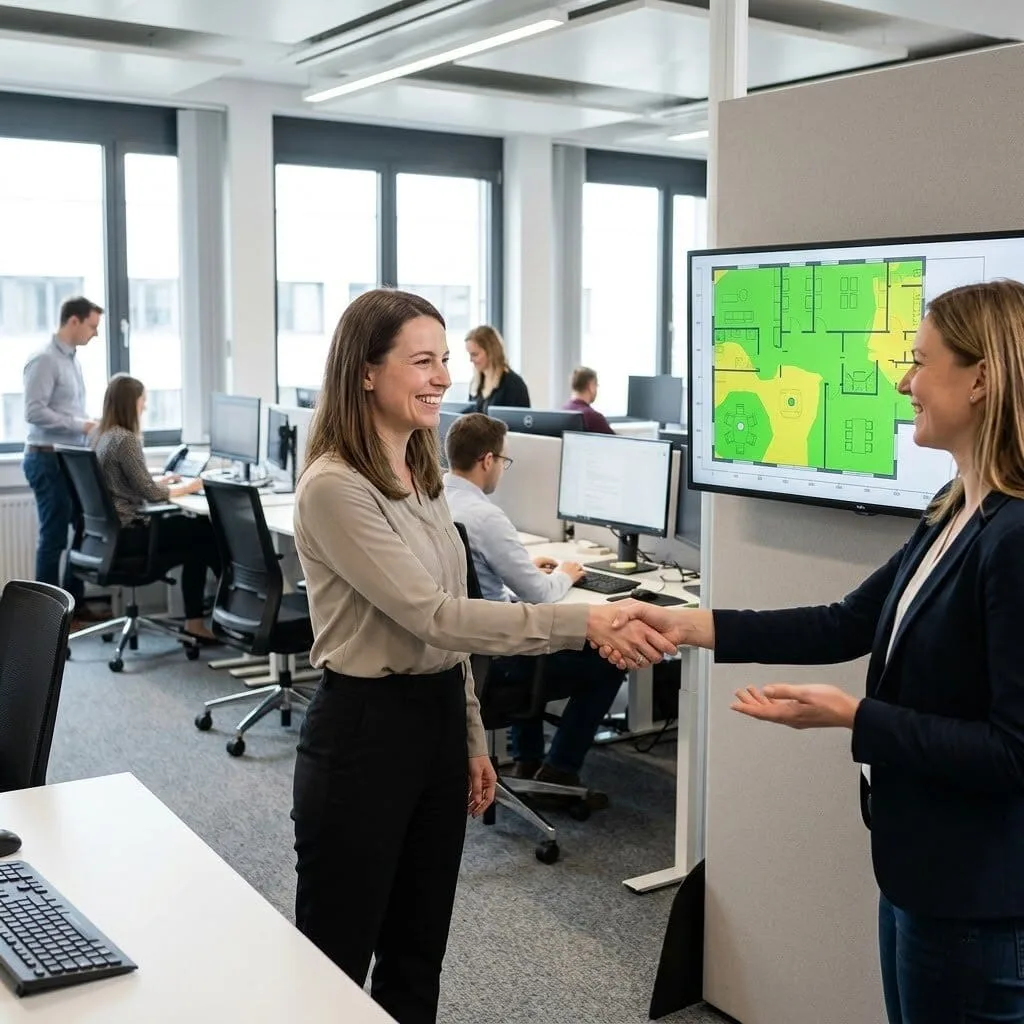
The Challenge: Lukas’s company had a new office with patchy wireless coverage, strong in some areas, absent in others. Staff were using mobile data in meeting rooms because the WiFi was unusable there. Previous attempts to fix it by adding APs in obvious locations hadn’t helped because the placement wasn’t based on RF planning.
The vorza360 Solution: vorza360 conducted an RF site survey, identified the coverage gaps and their causes, and designed an AP placement plan addressing the gaps without creating the co-channel interference that had been degrading performance in areas that seemed to have coverage.
The Result: Meeting room WiFi was resolved, and areas that felt covered but performed poorly improved significantly after the interference was addressed. Lukas’s staff stopped complaining about WiFi, which is the correct outcome, and mobile data usage for office work dropped to near zero.
Hala Al-Zubi (UAE)
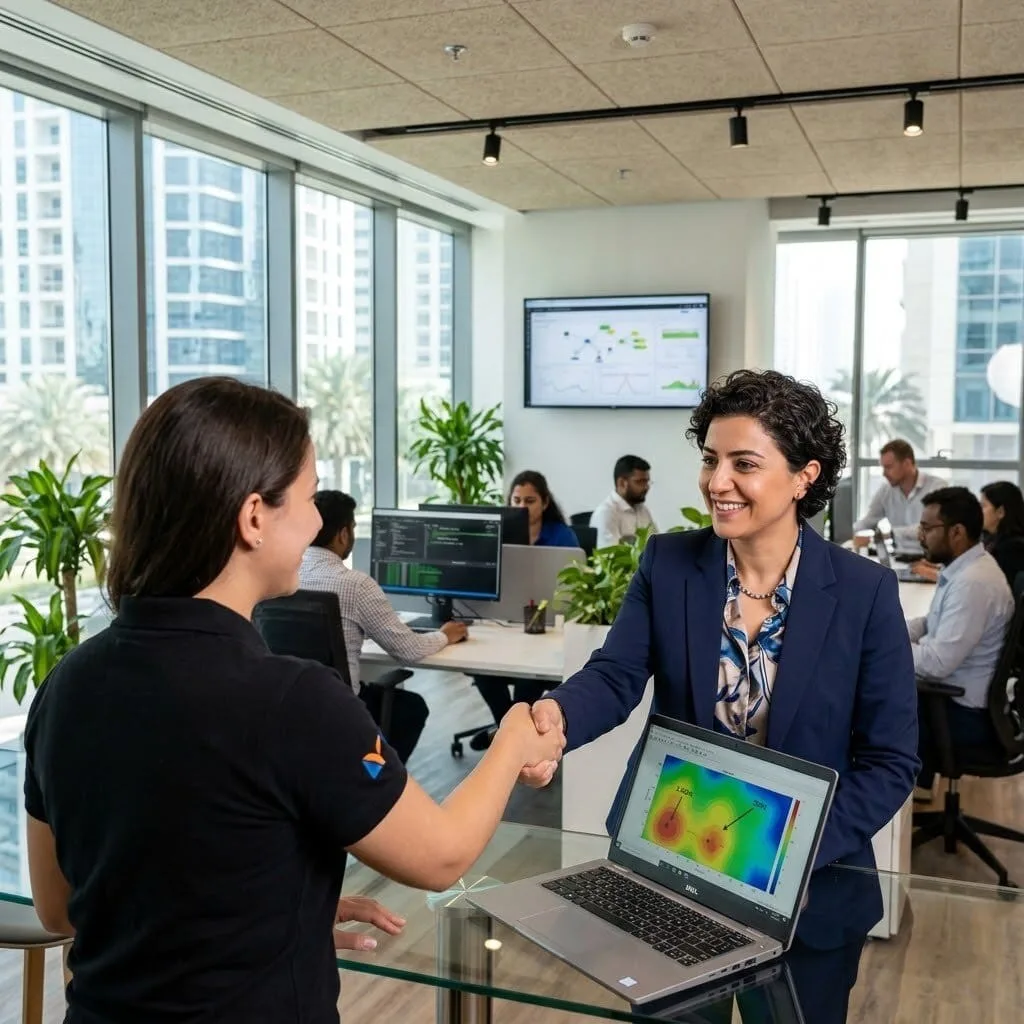
The Challenge: Hala’s company fitted out a new office in a high-density building where neighbouring WiFi networks were creating significant interference. Their initial AP deployment performed well in isolation but poorly in the real building environment.
The vorza360 Solution: vorza360 performed a spectrum analysis of the actual building environment, identified interference sources and their channels, reconfigured AP channel and power settings to avoid congested spectrum, and enabled band steering to move capable devices to the less congested 5GHz band.
The Result: WiFi performance improved substantially after the spectrum-aware configuration was applied. Hala’s staff experienced the performance the APs were capable of rather than the interference-degraded performance they had accepted as normal since moving in.
Sebastian Munteanu (Romania)
The Challenge: Sebastian’s hotel needed wireless coverage across 80 guest rooms, three conference rooms, a lobby, and a restaurant, with per-zone performance and guest-facing internet isolated from the hotel’s operational network.
The vorza360 Solution: vorza360 designed and deployed an Omada AP installation with per-zone configuration: in-room APs for guest room coverage, higher-capacity ceiling APs for conference rooms and public areas, proper channel planning across the building, and SSID segmentation with the guest network on a separate VLAN from hotel operations.
The Result: Guest WiFi coverage was comprehensive across all zones with consistent performance. Conference room capacity handled simultaneous device-heavy sessions that had previously generated complaints, and the segmentation meant guest traffic was fully isolated from hotel operational systems.
Ankit Sharma (India)
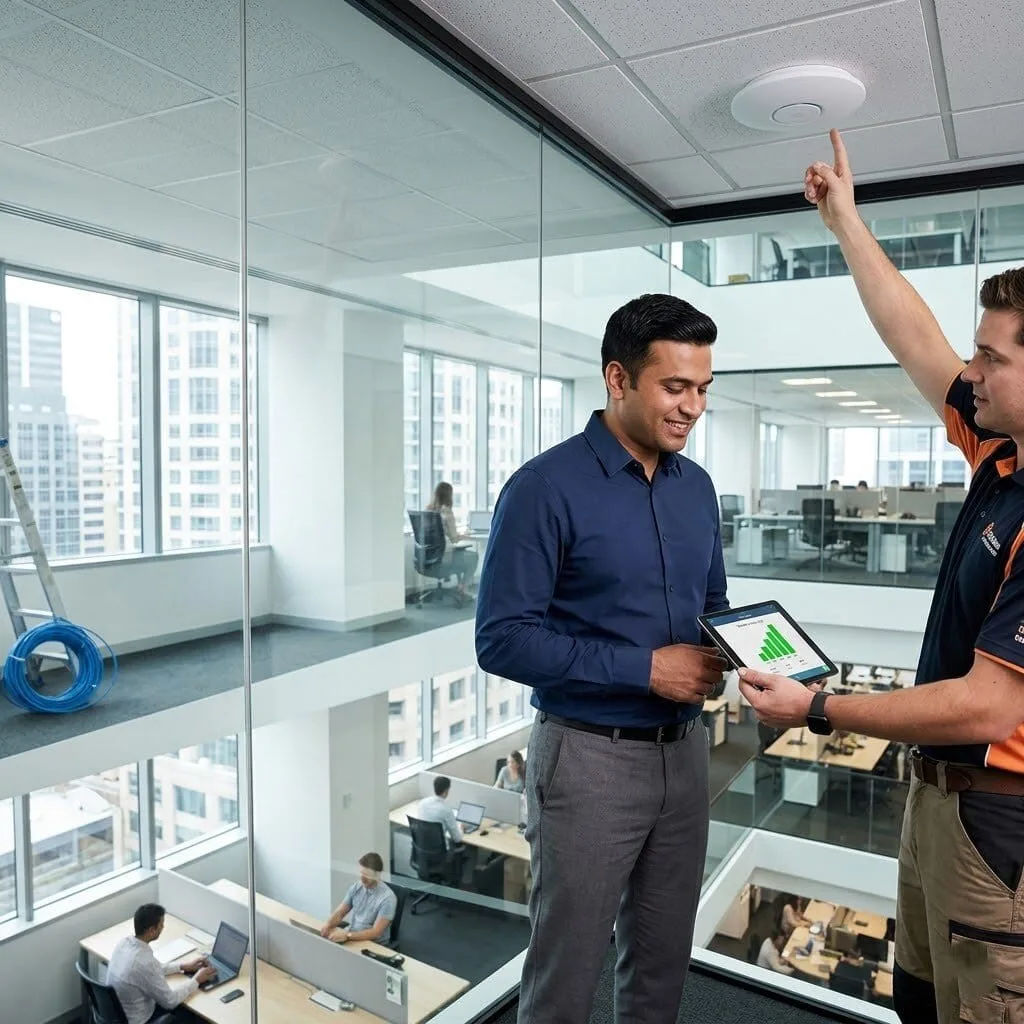
The Challenge: Ankit’s company had a four-storey office building with wireless coverage that worked on the ground floor but degraded progressively on higher floors as signal from the single router-attached AP weakened with distance and building materials.
The vorza360 Solution: vorza360 deployed Omada APs on each floor with proper cabling back to PoE switches, designed the channel plan to minimise inter-floor interference, and configured roaming settings so devices transitioned cleanly between floor APs rather than holding onto a weak signal from below.
The Result: All four floors had equivalent WiFi coverage for the first time. Upper-floor staff had the same wireless experience as the ground floor, and the improved roaming meant mobile devices didn’t cling to distant APs when a local one was available.
Karin Holm (Sweden)
The Challenge: Karin’s company wanted to extend WiFi coverage to their outdoor courtyard and car park for staff working outside and for vehicle-mounted devices. Indoor APs provided insufficient signal outdoors, and they needed a weatherproof solution.
The vorza360 Solution: vorza360 specified and deployed outdoor-rated Omada APs for the courtyard and car park with appropriate weatherproofing, cabling through protected conduit, and configuration consistent with their indoor network including the same SSIDs and VLAN segmentation.
The Result: The outdoor spaces had reliable WiFi that performed well throughout the first summer of use. Staff in the courtyard had the same network access as the indoor office, and car park device connectivity worked reliably regardless of weather conditions.
Yemi Olatunji (Nigeria)
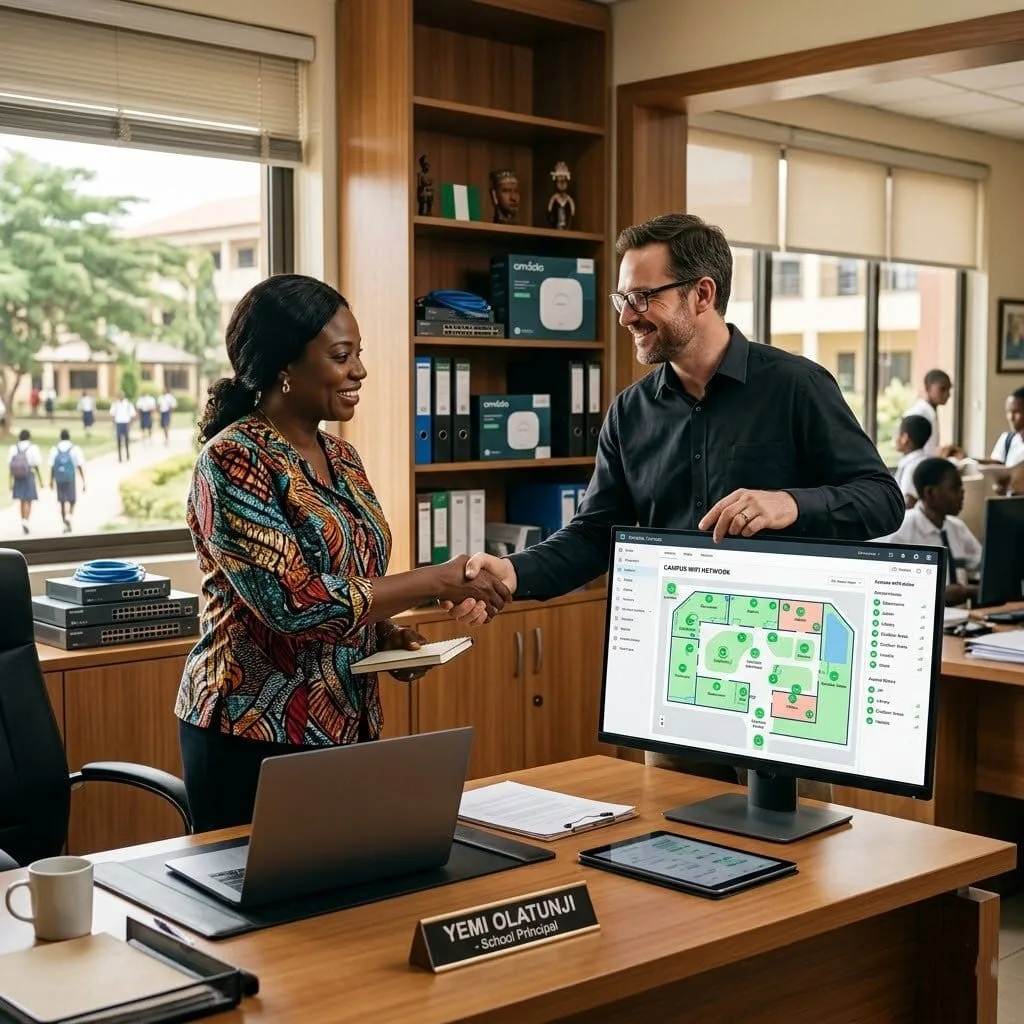
The Challenge: Yemi’s school campus had multiple separate buildings and a large outdoor area. The current WiFi, a single consumer router, was unusable in most of the campus, and teaching increasingly required internet access for e-learning content.
The vorza360 Solution: vorza360 designed and deployed a campus-wide Omada AP deployment: building-specific APs for each classroom environment, outdoor APs for covered walkway areas, all connected to central PoE switch infrastructure and managed from the Omada Controller.
The Result: Campus-wide WiFi coverage transformed the ability to deliver technology-supported teaching. Teachers could use e-learning platforms reliably in every classroom, and Yemi had a manageable, consistent network across the whole campus rather than a single inadequate access point serving the entire institution.
vorza360’s Tech Edge
Omada EAP Series Access Points
Ceiling & Wall Mount Deployment
Radio Frequency Planning
+ 2
More
Channel Width Configuration
Transmit Power Optimization
vorza360’s Tech Edge
Omada EAP Series Access Points
We deploy the latest high-speed Wi-Fi 6/7 hardware designed specifically for busy office environments.
Ceiling & Wall Mount Deployment
Our team handles the professional mounting to get your APs high up, clearing obstacles like cubicle walls and cabinets.
Radio Frequency Planning
We analyze your space to choose the best “path” for your data, reducing interference from nearby electronics.
Channel Width Configuration
We fine-tune how wide your “digital lanes” are, balancing top speed with total network stability.
Transmit Power Optimization
We adjust the “volume” of each access point so they provide a strong signal without overpowering each other.
How we do it
We provide a managed service that turns messy Wi-Fi into a high-speed business tool through careful planning and expert care.
Creative Approaches
We use “Visual Heatmaps” to master access point deployment density. Instead of guessing where the signal goes, we creatively map your office layout to find the “sweet spots” for your gear.
Insightful Strategies
Our strategy focuses on “RF Harmony.” We provide an insightful access point configuration that manages your radio channels and power levels. By avoiding “channel overlap,” we ensure your team can walk from the lobby to a meeting room without their video calls dropping or slowing down.
Tailored Solutions
We offer custom access point TP link configuration tailored to your specific walls and furniture. Whether you need a simple access point configuration TP link setup for a small shop or need us to deploy horizon access point PowerShell scripts for a complex virtual network, we build the solution that fits your budget.
Creative Approaches
We use “Visual Heatmaps” to master access point deployment density. Instead of guessing where the signal goes, we creatively map your office layout to find the “sweet spots” for your gear.
Insightful Strategies
Our strategy focuses on “RF Harmony.” We provide an insightful access point configuration that manages your radio channels and power levels. By avoiding “channel overlap,” we ensure your team can walk from the lobby to a meeting room without their video calls dropping or slowing down.
Tailored Solutions
We offer custom access point TP link configuration tailored to your specific walls and furniture. Whether you need a simple access point configuration TP link setup for a small shop or need us to deploy horizon access point PowerShell scripts for a complex virtual network, we build the solution that fits your budget.
Our Service Cycle
vorza360 follows a clear, simple path to give your office the best Wi-Fi possible.
Step 1
Site Survey
Step 2
Cable Prep
Step 3
Physical Install
Step 4
Expert Setup
Step 5
Signal Testing
Step 6
Human Handover
Step 1
Site Survey
We walk your office to find the best spots for deploying wireless access points.
Step 2
Cable Prep
Our team ensures your PoE (Power over Ethernet) cables are ready to power your new gear.
Step 3
Physical Install
We perform the professional wireless access point deployment on your ceilings or walls.
Step 4
Expert Setup
Our technicians handle the access point configuration TP link settings for security and speed.
Step 5
Signal Testing
We walk the entire office to prove there are zero dead zones and the speed is 100%.
Step 6
Human Handover
We show you how access point configuration dashboards work so you feel in control.
Why Choose vorza360 for This Service?
Your Wi-Fi should be “invisible”, always working perfectly in the background.
Expert Placement
We understand access point deployment density. We don’t just “plug it in”; we place your gear scientifically to ensure the strongest signal reaches the most people.
Hassle-Free Setup
Forget the manual. We handle the complex access point TP link configuration so you don’t have to. We speak in very easy words and take care of all the technical heavy lifting.
Scalable Growth
Need to deploy multiple access points as you hire more people? Our service is built to grow. We can even use scripts to deploy horizon access point PowerShell settings for advanced remote office needs.
Here is what our Clients are saying About us
Søren Kjærgaard (Denmark)
Our office wireless coverage had dead zones in almost every meeting room. vorza360 conducted a proper site survey, recommended the right AP placement, and deployed and configured everything. Full coverage throughout the building with no dead spots and consistent speeds everywhere.
Ruba Al-Khalidi (Iraq)
vorza360 deployed Omada access points across our two-floor office and configured them to roam seamlessly. Staff moving between floors had previously experienced connection drops and re-authentication prompts. After vorza360’s deployment, roaming is completely transparent to users.
Vladimír Blaho (Slovakia)
We had Omada APs deployed by a previous provider but the configuration was poor, all on the same channel, maximum power everywhere, constant interference. vorza360 reconfigured the entire AP deployment with proper channel planning and power settings. Wireless performance improved dramatically.
Ananya Bose (India)
vorza360 deployed Omada outdoor APs to extend our campus wireless coverage to our outdoor areas and car park. The mounting, configuration, and integration with our existing indoor network was handled cleanly. Our staff can now stay connected throughout the site without switching networks.
Astrid Lundqvist (Sweden)
Our warehouse needed wireless coverage for handheld scanners that were dropping connection regularly. vorza360 assessed the environment, high ceilings, metal shelving, RF challenges, and deployed Omada APs in a configuration that’s given us reliable coverage across the entire warehouse floor.
Emeka Nwosu (Nigeria)
vorza360 managed a full AP deployment across our new office fit-out. They worked alongside the construction team, advised on cable routing for optimal AP placement, and configured everything before we moved in. We had working wireless from day one with no retrofitting needed.
More about Omada (TP-Link)
Omada Cloud Access Configuration
Manage your business network from anywhere in the world with vorza360’s omada cloud…
Got questions? We’ve got answers. Find everything you need to know about using our platform, plans, and features
How does vorza360 plan and deploy Omada access points for optimal Wi-Fi coverage?
Professional access point deployment begins with a site survey, not a product installation. vorza360 conducts a physical site survey of your premises, measuring the floor plan, identifying construction materials (concrete walls significantly attenuate Wi-Fi signals, glass and drywall much less so), locating existing cable runs, identifying sources of RF interference (microwave ovens, neighboring networks, industrial equipment), and mapping the areas where reliable coverage is required. We use this survey data to design an access point placement plan that provides complete coverage of all required areas with sufficient signal strength for the devices used there, without over-deploying access points that create interference with each other. We create a visual coverage map, specify the required cabling, and document the proposed channel and transmit power plan before any hardware is ordered or installed.
How does vorza360 configure Omada access points for optimal roaming as users move around a building?
Seamless roaming, users moving between access points without their device dropping connection or needing to manually reconnect, is one of the most important quality factors for a professional Wi-Fi deployment. vorza360 configures Omada access points for optimal roaming using the controller’s built-in roaming optimization features: we enable 802.11r Fast BSS Transition which allows devices to pre-authenticate with the next access point before they leave the current one, reducing roaming handoff time from hundreds of milliseconds to under 50ms. We enable 802.11k Neighbor Reports which allows access points to inform connected devices about neighboring APs they can roam to. We configure band steering to guide dual-band devices toward the 5GHz band where capacity is higher. We carefully calibrate transmit power levels so access points hand off clients at appropriate signal thresholds rather than clients clinging to a distant access point when a closer one is available.
How many Omada access points does vorza360 recommend for different business environments?
Access point density requirements depend on the physical environment, the density of connected devices, the bandwidth requirements per user, and the Wi-Fi generation of the access points being deployed. As a general planning guide: a standard office environment with drywall construction typically requires one access point per 50 to 80 square meters (approximately 500 to 800 square feet) for general productivity use. High-density environments such as conference rooms, open-plan offices with many simultaneous video conferencing users, or retail environments may require one access point per 30 to 50 square meters. Warehouses and industrial environments with metal shelving and high ceilings require specific planning due to RF reflection and absorption patterns. vorza360 determines the precise access point count for your environment through a site survey and link budget calculation rather than rule-of-thumb estimates, ensuring you invest in the right number of access points, not too few (leaving dead zones) and not too many (creating interference).
How does vorza360 configure Omada access point channels to minimize interference?
Channel interference is one of the most common causes of poor Wi-Fi performance in business environments, access points on the same or overlapping channels compete for airtime and reduce each other’s effective throughput. vorza360 configures Omada access point channels using a combination of the controller’s automatic channel assignment (which selects channels based on detected RF environment) and manual review to ensure the automatic selection is optimal. On 2.4GHz, we use only the three non-overlapping channels (1, 6, and 11) and assign them to adjacent access points to ensure no two adjacent APs use the same channel. On 5GHz, the much larger number of non-overlapping channels provides greater planning flexibility, and we use the controller’s channel utilization data to identify and avoid channels with high neighboring network interference. For environments with many access points, we create a channel plan documented on the floor map that specifies each AP’s channel assignment and power level.
What Omada access point models does vorza360 recommend for different use cases?
TP-Link’s Omada access point range spans from budget indoor models to Wi-Fi 7 high-density and outdoor-rated hardware, and vorza360 matches the hardware to each use case. For standard office environments, the EAP670 or EAP680 (Wi-Fi 6/6E) provides excellent performance and density handling for modern workloads at a cost-effective price point. For high-density environments such as conference centers, auditoriums, or dense open-plan offices with many simultaneous video calls, the EAP780 (Wi-Fi 7) or EAP760HD (high-density 802.11ax) provide the additional spatial streams and channel capacity needed. For outdoor coverage of car parks, courtyards, or inter-building links, the EAP225-Outdoor or EAP670-Outdoor provides weatherproof coverage rated for outdoor deployment. For challenging long-distance outdoor point-to-point links between buildings, Omada’s dedicated wireless bridge hardware provides reliable gigabit connectivity without cable trenching. We provide hardware recommendations based on the site survey findings rather than a generic product list. IT SUPPORT › TP-LINK OMADA › SUBPAGE 04