Secure your remote work and connect multiple offices with vorza360’s Omada VPN setup. We build private, encrypted tunnels that keep your company data safe, no matter where your team is located.
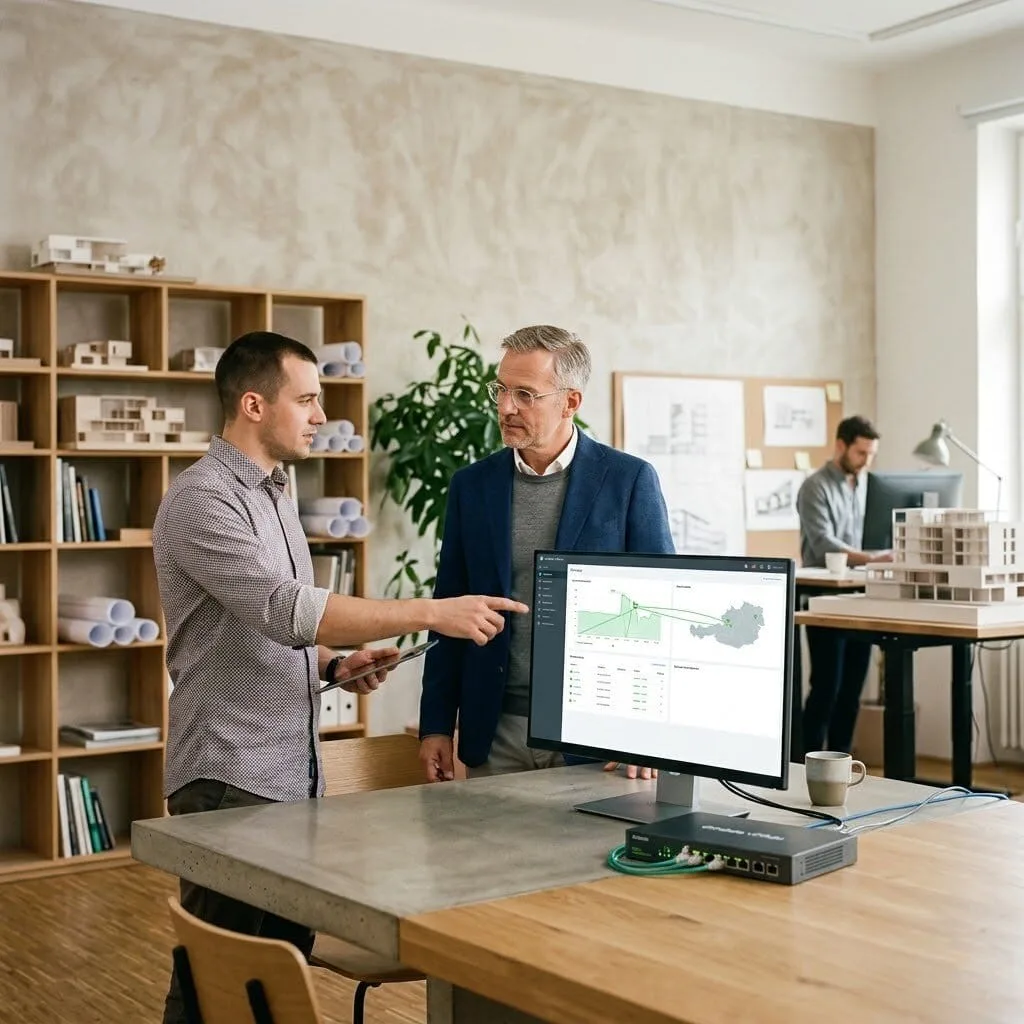
The Challenge Andreas runs a busy architectural firm in Vienna with teams often working from construction sites or their home offices. He was worried that sensitive blueprints and client contracts were being sent over public Wi-Fi, leaving his business vulnerable to hackers. His team found his old security software too confusing to use, so they often skipped it entirely. He needed an Omada VPN setup that was “invisible” to his staff but “iron-clad” for his data.
The vorza360 Solution We acted as his digital security guardians by building a custom OpenVPN Omada environment. We simplified the entire process by creating “One-Click Connectivity,” allowing his architects to join the office network with a single tap on their laptops or phones. We also used an Omada gigabit multi-WAN VPN router to create a redundant access strategy. This means if one internet provider in his Vienna office fails, the secure tunnel automatically jumps to a backup line. It is like having a private, high-speed underground tunnel for his data that never closes, even if the main road is blocked.
The Result Andreas’s team now works securely from anywhere in Austria without needing to be tech experts. He has total peace of mind knowing that every file is protected by bank-grade encryption. He values the insightful strategy we used to keep his office connected 24/7 and appreciates the easy words we used to turn his complex security fears into a simple, working solution.
Elin Johansson (Sweden)
The Challenge Elin manages a growing retail brand in Stockholm with several boutique shops across the country. She needed a way to link all her cash registers and inventory systems together so she could see her total sales in real-time. She was looking for a permanent “office-to-office” link but was worried about the high cost of private fiber lines. She needed a professional Omada IPsec VPN that was fast, secure, and budget-friendly.
The vorza360 Solution We implemented a tailored Omada IPsec VPN to create a permanent digital bridge between all her locations. Using a high-performance Omada VPN router at each shop, we created a secure web that treats all her stores as if they were in the same building. We handled the professional Omada VPN router setup and configured her firewalls to prioritize sales data. It is like having a private walkie-talkie channel for her business that is always open and completely shielded from outside ears.
The Result Elin now manages her entire Swedish retail empire from one screen in Stockholm. Her inventory updates instantly, and her staff can share files between stores in the blink of an eye. She loves the “ready-to-use” environment we provide and values the ongoing care we show by managing her security keys and certificates every month.
Mateo Ricci (Italy)
The Challenge: Mateo runs a specialized legal consultancy in Rome and handles extremely private client records. He was terrified of “data leaks” but also needed his team to have fast access to office files while they were traveling for court cases. He wanted a modern TP-link Omada VPN that offered the highest level of security without slowing down his team’s internet speed when they were just browsing the web for research.
The vorza360 Solution We designed an advanced Omada VPN setup using WireGuard, a lightning-fast framework for modern security. We also implemented “Split Tunneling,” a smart rule that keeps his work data inside the secure Omada IPsec VPN while letting personal traffic stay private on the user’s local internet. This ensures that his lawyers in Italy get top-tier protection for their cases without any lag in their other tasks. It is like having a high-speed security escort for your most important armored car, while the rest of your fleet can still take the normal scenic route.
The Result Mateo’s firm is now a leader in digital privacy. His lawyers can access sensitive files securely from their iPads at the courthouse, and he has a clear log of every unique login we created for his staff. He appreciates the professional Omada VPN router setup and the human-centered service vorza360 provides to keep his legal data safe every single day.
Clara van den Berg (Netherlands)
The Challenge Clara manages a network of medical clinics in Amsterdam and needed her remote billing team to access patient records without installing heavy software on their home computers. She was looking for a simple, browser-based way to connect that met the strict privacy rules for healthcare. She needed an expert to look at her Omada VPN router and find the safest path forward.
The vorza360 Solution We performed a deep security audit of her network and implemented an SSL VPN as part of her Omada setup VPN rules. This allows her team to log into a secure portal through their web browser, giving them access to only the files they need without exposing the rest of the network. We used AES-256 encryption, the same level used by governments, to hide her data from prying eyes. It is like giving her team a special set of digital glasses that only lets them see the paperwork they are allowed to touch, keeping everything else behind a locked door.
The Result Clara’s billing process is now faster and more secure than ever. She passed her latest privacy audit with flying colors and loves that her remote staff can work easily from their homes in the Netherlands. She values the simple language we used to explain her “bank-grade” security and the proactive care we provide to keep her clinics safe.
Aris Papadopoulos (Greece)
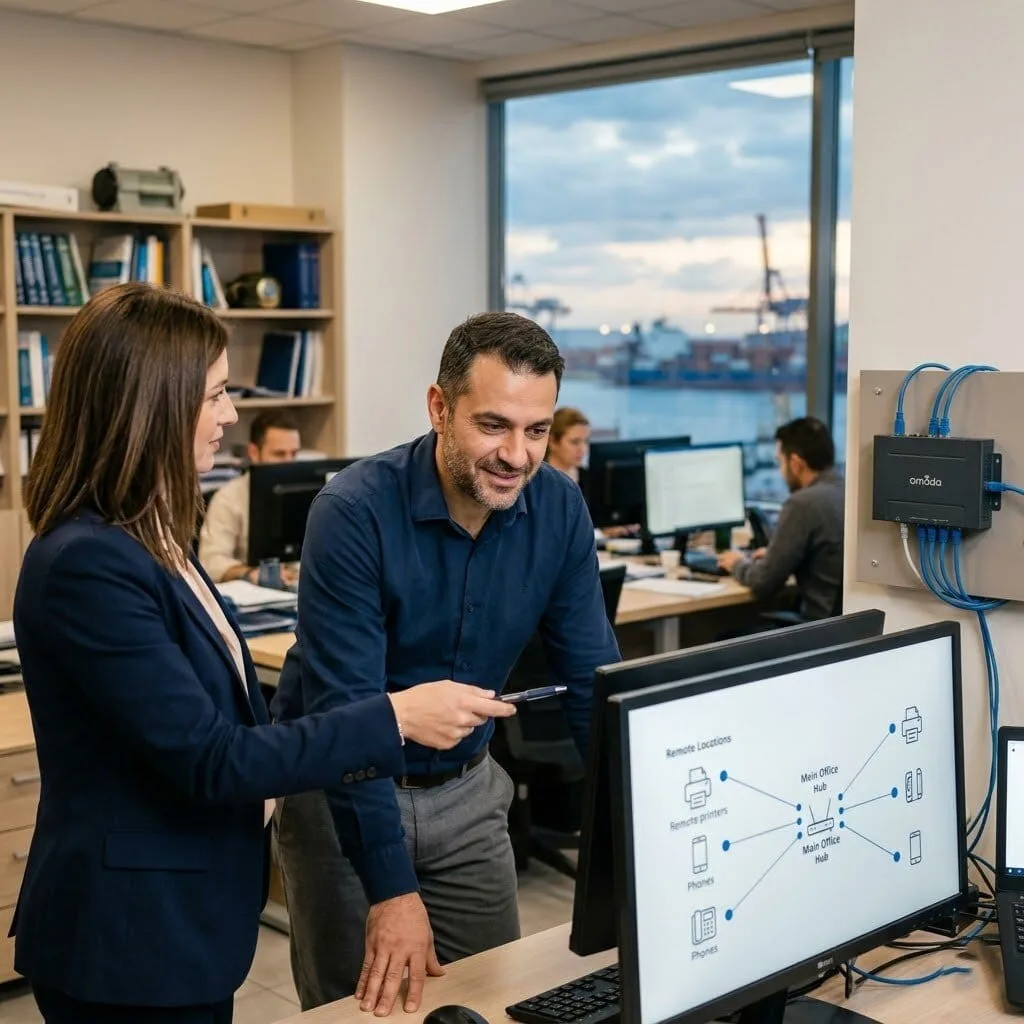
The Challenge Aris runs a high-tech shipping agency in Piraeus and has a team of developers who use Linux systems and remote hardware like specialized printers. He needed a robust Omada VPN router setup that could handle multiple office locations and various types of equipment. He was worried that a standard VPN wouldn’t be able to “see” his remote hardware, causing delays in his shipping logs.
The vorza360 Solution We provided a managed service that focused on “Remote Hardware Connectivity.” We configured his Omada gigabit multi-WAN VPN router to bridge his remote printers and VOIP phones directly to his main office. We used an IPsec Tunnel Manager to maintain a rock-solid link between his headquarters and his satellite offices near the docks. It is like building a digital nervous system for his business where every finger and toe, no matter how far away, can feel and react to the brain’s instructions instantly.
The Result Aris’s shipping agency is now a model of technical efficiency. His remote printers work perfectly, and his VOIP phones stay crystal clear through the encrypted tunnel. He values the expert Omada VPN router support we provide and the fact that we handle all the technical “handshakes” so his developers can stay focused on their code in Greece.
Sophie Lefebvre (France)
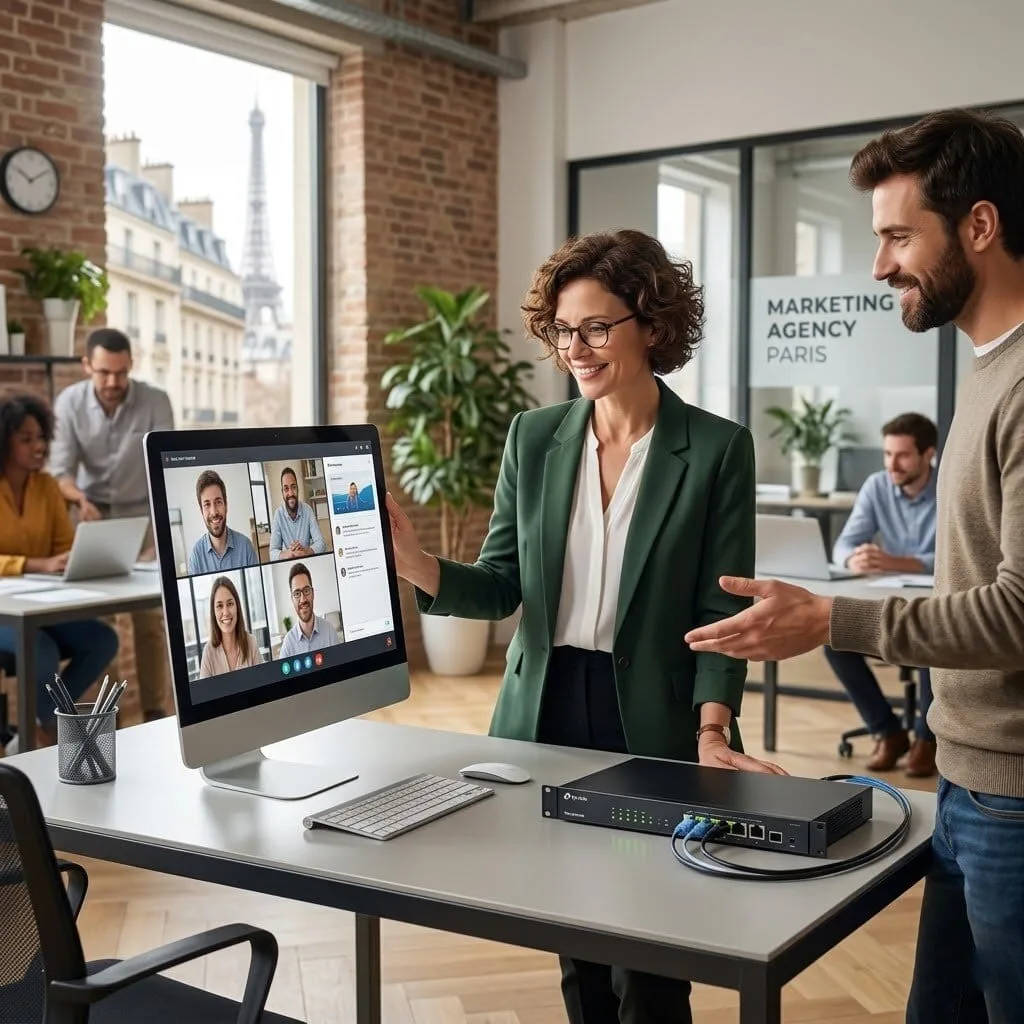
The Challenge Sophie runs a busy marketing agency in Paris and was struggling with “connection drops” during her weekly team video calls. Her remote workers often complained that their VPN would disconnect right when they were presenting to a client. She needed a reliable TP-link Omada VPN that was “unbreakable” and could handle the high-speed demands of video and large design files.
The vorza360 Solution We used our tech edge to install an Omada gigabit multi-WAN VPN router with a failover strategy. We set up two different internet lines so that if her main office connection flickers, the VPN stays alive on the second line without anyone even noticing. We also optimized her OpenVPN Omada settings to prioritize video traffic, ensuring her client meetings in France stay smooth and professional. It is like having a dual-power backup system for a stage, if the main lights go out, the spotlights stay on so the show can go on.
The Result The “connection drop” complaints have vanished for Sophie’s team. Her remote workers feel more connected to the Paris office, and her client presentations are now flawless. She loves the creative approach we took to secure her remote work and values the human care we show by checking her VPN speed and security every single day.
How we do it
We provide a managed service that secures your remote connections and links your business sites together.
Creative Approaches
We use “One-Click Connectivity” to make security simple for your staff. Instead of confusing software, we creatively omada setup VPN rules that allow your team to join the office network with a single tap, ensuring they always use the safest path without needing to be tech experts.
Insightful Strategies
Our strategy focuses on “Redundant Access.” We use an omada gigabit multi-wan VPN router to ensure your VPN never goes down. If one internet provider fails, our insightful setup automatically switches your secure tunnel to a backup line, keeping your remote team connected 24/7.
Tailored Solutions
Every business has different privacy needs. We offer a tailored Omada IPSEC VPN for permanent office-to-office links or open VPN omada for individual remote workers. We build the specific rules that match your team’s size and the sensitivity of your data.
Creative Approaches
We use “One-Click Connectivity” to make security simple for your staff. Instead of confusing software, we creatively omada setup VPN rules that allow your team to join the office network with a single tap, ensuring they always use the safest path without needing to be tech experts.
Insightful Strategies
Our strategy focuses on “Redundant Access.” We use an omada gigabit multi-wan VPN router to ensure your VPN never goes down. If one internet provider fails, our insightful setup automatically switches your secure tunnel to a backup line, keeping your remote team connected 24/7.
Tailored Solutions
Every business has different privacy needs. We offer a tailored Omada IPSEC VPN for permanent office-to-office links or open VPN omada for individual remote workers. We build the specific rules that match your team’s size and the sensitivity of your data.
Tools
Tools vorza360 Offers for This Service
Omada Hardware Controller
The brain we use for every tp link omada VPN to manage users and security keys from one place.
Omada VPN Router
High-performance hardware, like the omada VPN router, designed to handle encrypted traffic at top speeds.
OpenVPN Configurator
A tool we use for open VPN omada setups, making it easy for your staff to connect securely from any laptop or phone.
IPsec Tunnel Manager
Specialized software used to maintain a rock-solid Omada IPsec VPN between your different office branches.
Multiple Platform Support
vorza360 ensures your secure VPN connection works on every device your team uses.
Windows Laptops
Full support for secure remote desktop and file sharing.
Apple MacBooks
Seamless Omada VPN setup for creative and professional teams.
iOS (iPhone/iPad)
Easy-to-use mobile apps for staying secure on the go.
Android Devices
Professional security for tablets and smartphones.
Linux Systems
Expert Omada VPN router setup for technical and developer environments.
Remote Hardware
Connecting remote printers or VOIP phones directly to your office.
Windows Laptops
Full support for secure remote desktop and file sharing.
Apple MacBooks
Seamless Omada VPN setup for creative and professional teams.
iOS (iPhone/iPad)
Easy-to-use mobile apps for staying secure on the go.
Android Devices
Professional security for tablets and smartphones.
Linux Systems
Expert Omada VPN router setup for technical and developer environments.
Remote Hardware
Connecting remote printers or VOIP phones directly to your office.
Multiple Framework Support
OpenVPN
A flexible and highly secure framework for remote employee access.
IPsec
The “gold standard” for connecting two office buildings permanently.
L2TP/PPTP
Faster protocols used for older devices or specific connection needs.
WireGuard
A modern, lightning-fast framework for the highest speed VPNs.
SSL VPN
A browser-based way to access office files without installing software.
AES-256 Encryption
The same “bank-grade” security used by governments to hide data.
Split Tunneling
A smart rule that keeps work data secure while letting personal traffic stay private.
Multi-WAN Failover
Using an Omada gigabit multi-wan VPN router to keep your tunnel alive on multiple lines.
Custom Headless Development
We are an eCommerce website design company, that uses the best creative skills to meet your business needs and ensure customer satisfaction. We’re with you every step of the way, from the beginning of your project to its completion.
Fashion & Apparel
Food & Grocery
Retail
FMCG
Real Estate
Construction
Hotel
Healthcare
Telecom
Fintech
Manufacturing
Automotive
Our Service Cycle
vorza360 follows a professional, simple path to lock down your remote access.
Step 1
Security Audit
Step 2
Tunnel Design
Step 3
Router Setup
Step 4
User Creation
Step 5
Connection Test
Step 6
Ongoing Care
Step 1
Security Audit
We look at your current omada VPN router to find the best way to secure your data.
Step 2
Tunnel Design
Our experts choose between omada IPsec VPN or OpenVPN based on your team’s needs.
Step 3
Router Setup
We perform the professional omada VPN router setup and configure your digital firewalls.
Step 4
User Creation
We build unique, secure logins for every staff member so you never share passwords.
Step 5
Connection Test
We verify the TP-link omada VPNspeed and security from multiple remote locations.
Step 6
Ongoing Care
vorza360 provides a continuous service, updating your security certificates and helping new staff get connected.
Here is what our Clients are saying About us
Ari Mäkinen (Finland)
Our remote workers needed secure access to our internal network resources and our previous VPN solution was unreliable and slow. vorza360 configured site-to-client VPN on our Omada gateway and the improvement in reliability and performance was immediately noticeable. Our remote team stopped complaining the same week.
Nadia Al-Masri (Jordan)
vorza360 set up site-to-site VPN between our two offices using our Omada gateways. The offices now share a seamless network with access to shared resources as if they were on the same LAN. A connection that used to require complex third-party solutions was delivered cleanly using the infrastructure we already had.
Marian Popa (Romania)
vorza360 configured OpenVPN on our Omada setup for remote worker access with proper certificate-based authentication. They also set up split tunnelling so only our internal traffic goes through the VPN while general internet traffic routes directly. Performance for remote workers improved significantly.
Rohan Iyer (India)
vorza360 configured VPN on our Omada network for our field engineers who need access to internal systems from customer sites. The setup required careful consideration of which resources to expose through VPN and which to keep isolated. vorza360 designed the access model thoughtfully and our security team approved it without any concerns.
Truls Olsen (Norway)
We needed a VPN connection between our Omada-managed office network and our cloud environment. vorza360 configured IPSec site-to-site VPN between our Omada gateway and our cloud router. The tunnel has been stable since deployment and our servers communicate between locations as if they were on the same network.
Adaora Chukwu (Nigeria)
vorza360 set up L2TP VPN on our Omada gateway for our management team who needed remote access to internal resources while travelling. They configured it to work with the built-in VPN clients on both Windows and macOS without requiring any third-party software. Simple to connect, secure in operation.
More about Omada (TP-Link)
Omada Cloud Access Configuration
Manage your business network from anywhere in the world with vorza360’s omada cloud…
Got questions? We’ve got answers. Find everything you need to know about using our platform, plans, and features
What is Omada VPN and what business problems does it solve?
A VPN (Virtual Private Network) creates an encrypted tunnel over the internet through which data travels securely, as if the remote user or remote office were directly connected to the corporate network via a private cable rather than the public internet. Omada VPN solves two distinct business problems. For remote workers who need to access internal resources (file servers, internal applications, databases) from home or while traveling, a remote access VPN provides a secure, encrypted connection that protects sensitive business data from interception on untrusted networks. For businesses with multiple offices that need reliable, secure connectivity between their locations (sharing a central server, synchronized data systems, unified phone systems), a site-to-site VPN creates a permanent encrypted link between offices that functions like a private wide-area network. vorza360 configures Omada VPN solutions for both use cases, selecting the appropriate VPN protocol for each scenario.
What VPN protocols does vorza360 configure on TP-Link Omada and when is each appropriate?
TP-Link Omada gateways support several VPN protocols, and vorza360 selects the most appropriate one based on the specific use case, device types, and performance requirements. IPsec is our recommendation for permanent site-to-site VPN connections between offices, it provides excellent security, is standardized across vendors (allowing connection between Omada and non-Omada gateways), and handles reliably on business-grade internet connections. OpenVPN is our recommendation for remote access VPN for individual employees, it is cross-platform (available on Windows, macOS, iOS, and Android), highly configurable, and provides strong security with certificate-based authentication. L2TP/IPsec is suitable for legacy devices that do not support OpenVPN clients. WireGuard, supported on newer Omada firmware, is our recommendation for high-performance use cases where VPN throughput is a priority, as it has significantly lower overhead than IPsec or OpenVPN. SSL VPN provides browser-based access to specific internal web applications without requiring a full VPN client installation.
How does vorza360 configure a site-to-site Omada VPN between multiple office locations?
Site-to-site VPN connects two or more office networks over the internet so that devices at each location can communicate directly as if they were on the same local network. vorza360 configures Omada IPsec site-to-site VPN by configuring VPN gateways at each office location (Omada routers at each site), establishing a pre-shared key or certificate-based authentication that both gateways use to verify each other’s identity, defining the Phase 1 (IKE) and Phase 2 (IPsec) parameters, encryption algorithm, hash algorithm, DH group, and lifetime, using strong current standards (AES-256, SHA-256, DH group 14 or higher), specifying the local and remote subnet ranges that traffic should be routed through the tunnel, and configuring the routing rules that direct inter-site traffic into the VPN tunnel. We test connectivity by verifying that devices at each site can reach devices at the other and that the VPN tunnel re-establishes automatically after a reboot or disconnection.
How does vorza360 set up remote access VPN for employees working from home?
Remote access VPN allows employees to securely connect their home or travel devices to the corporate network as if they were physically in the office. vorza360 configures Omada remote access VPN by enabling the VPN server role on the Omada gateway (which supports OpenVPN and L2TP/IPsec server modes), configuring user accounts with individual credentials for each employee (never shared credentials), generating and distributing VPN client configuration files tailored to each employee’s device type, and installing and configuring the appropriate VPN client application on each employee device. We configure the VPN address pool (the range of IP addresses assigned to VPN clients), DNS settings so domain resources resolve correctly over the VPN, and split tunneling rules that determine whether all internet traffic or only corporate-bound traffic travels through the VPN tunnel (we generally recommend directing only corporate traffic through the tunnel to avoid unnecessarily routing employee personal internet traffic through the business connection). We document the connection procedure in user-friendly instructions for non-technical staff.
How does vorza360 implement VPN redundancy and failover on an Omada Multi-WAN gateway?
VPN connections depend on internet connectivity, if the internet connection at either end of a site-to-site VPN fails, the VPN goes down, disconnecting the offices. For businesses where inter-office VPN connectivity is critical to operations, vorza360 implements VPN redundancy using Omada’s Multi-WAN gateway capability. We configure the gateway with two internet connections from different ISPs (or different access technologies such as fibre and 4G/5G), enabling Multi-WAN failover so that if the primary internet connection fails, the gateway automatically switches to the backup connection and re-establishes the VPN tunnels over the backup link. This provides near-continuous VPN availability even through ISP outages. For the highest availability requirements, we configure Multi-WAN load balancing which uses both internet connections simultaneously, providing both redundancy and doubled internet throughput, with VPN traffic load-balanced across both connections.