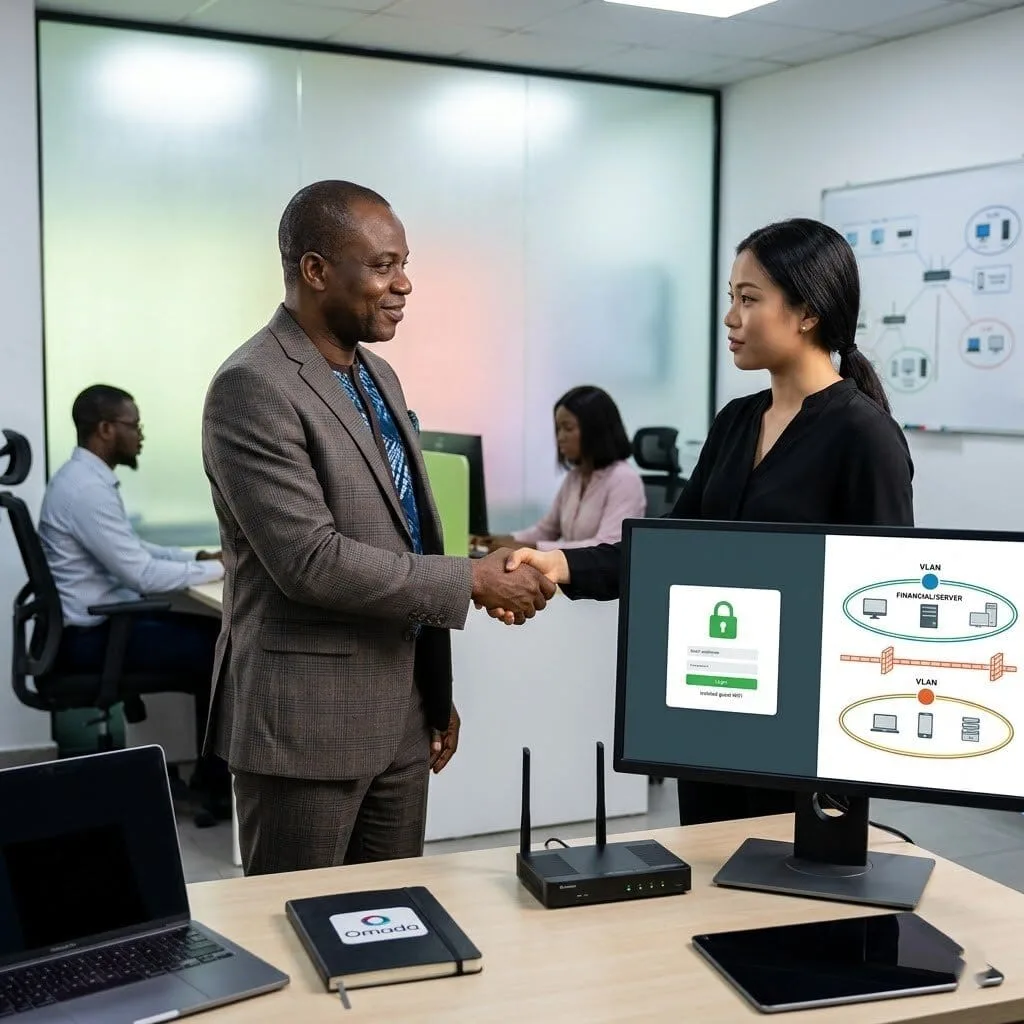
Organize and secure your office network with vorza360’s SSID & VLAN management services. We separate your guest Wi-Fi from your private data to keep your business fast and safe.
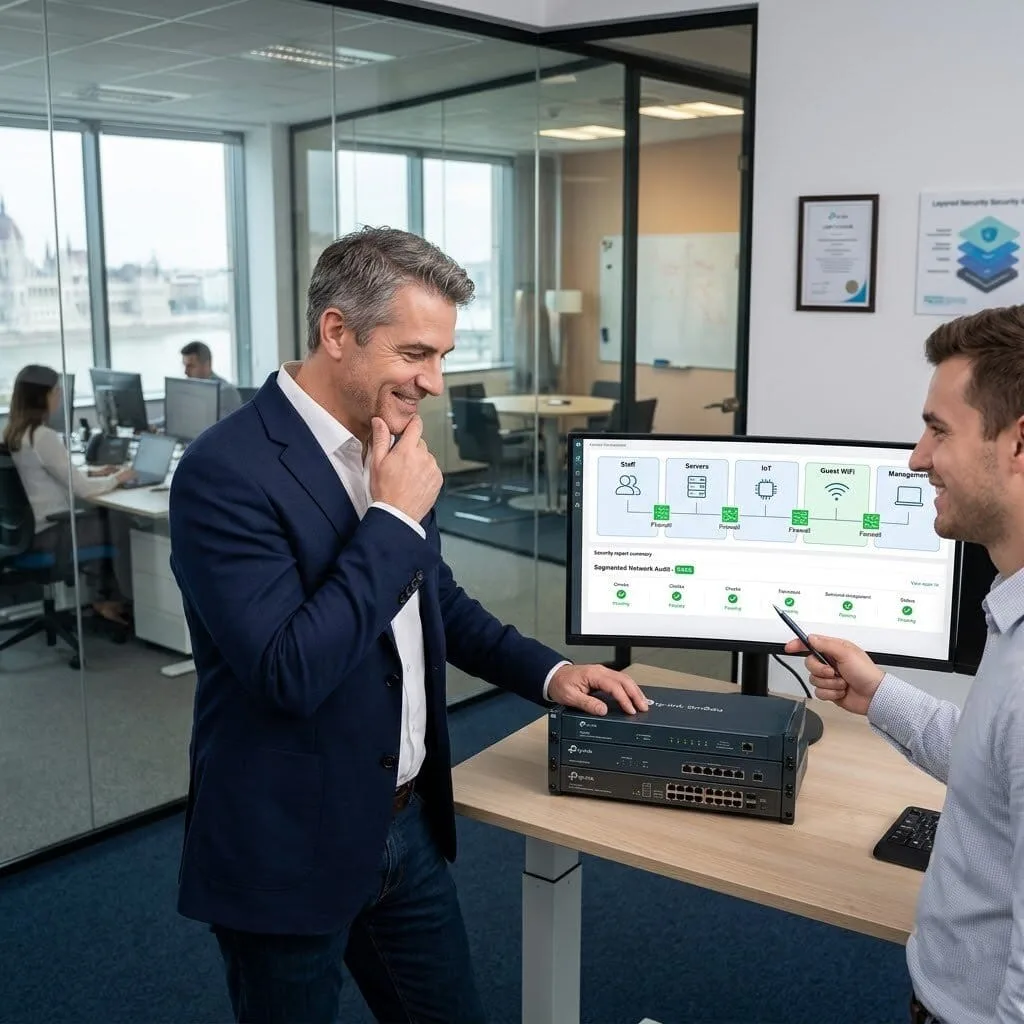
The Challenge: Peter’s company had a flat network with no segmentation, staff PCs, servers, IoT devices, and guest WiFi were all on the same network. A security consultant had flagged this as a significant risk, noting that a compromised guest or IoT device could access everything without restriction.
The vorza360 Solution: vorza360 designed and implemented VLAN segmentation using Omada: separate VLANs for staff, servers, IoT devices, guest WiFi, and management traffic. Inter-VLAN routing was configured with firewall rules restricting flows between segments to only what was genuinely required.
The Result: The flat network risk was resolved. Peter’s security consultant confirmed the segmented architecture addressed their report’s findings. An IoT or guest network compromise could no longer traverse to servers or staff devices, the lateral movement path that had been the main concern was closed.
Fatima Al-Sayed (Bahrain)
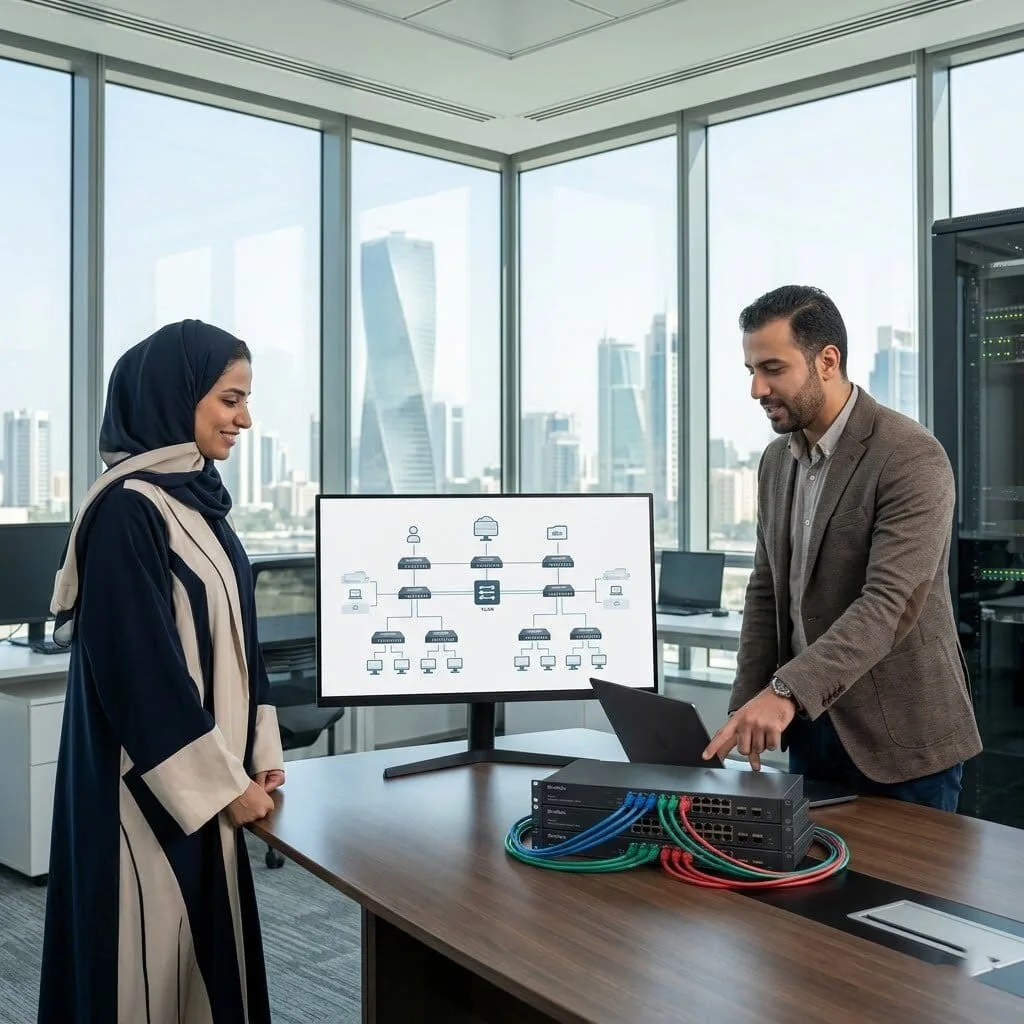
The Challenge: Fatima’s company had VLANs configured inconsistently across their Omada switches, some switches had them correctly trunked, others didn’t, resulting in unpredictable connectivity depending on which switch a device was connected to. The team had lost confidence in their VLAN configuration entirely.
The vorza360 Solution: vorza360 audited the VLAN configuration across every switch, identified every inconsistency, and rebuilt the VLAN configuration from the Omada Controller using a consistent approach: standardised trunk port configuration, documented access port VLAN assignments, and validation by testing connectivity from each VLAN.
The Result: VLAN connectivity became predictable and consistent. Fatima’s team could connect a device to any switch port and know which VLAN it would be on based on the documented assignments. The configuration was maintained in the Controller rather than stored individually on each switch.
Silviu Barbu (Romania)
The Challenge: Silviu’s office building housed three separate tenant companies who all needed network connectivity but needed complete isolation from each other, sharing a building but having no ability to reach each other’s resources, even accidentally.
The vorza360 Solution: vorza360 designed a multi-tenant Omada network with dedicated VLANs per tenant, wireless SSIDs mapped to respective VLANs, inter-tenant firewall rules preventing any cross-tenant traffic, and separate management access for each tenant’s IT contact without exposing the other tenants’ networks.
The Result: Each tenant had their own isolated network within the shared building infrastructure. Silviu managed the shared physical infrastructure from one controller while each tenant’s traffic remained completely isolated, and per-tenant management access let each company manage their own wireless settings independently.
Rohit Mishra (India)
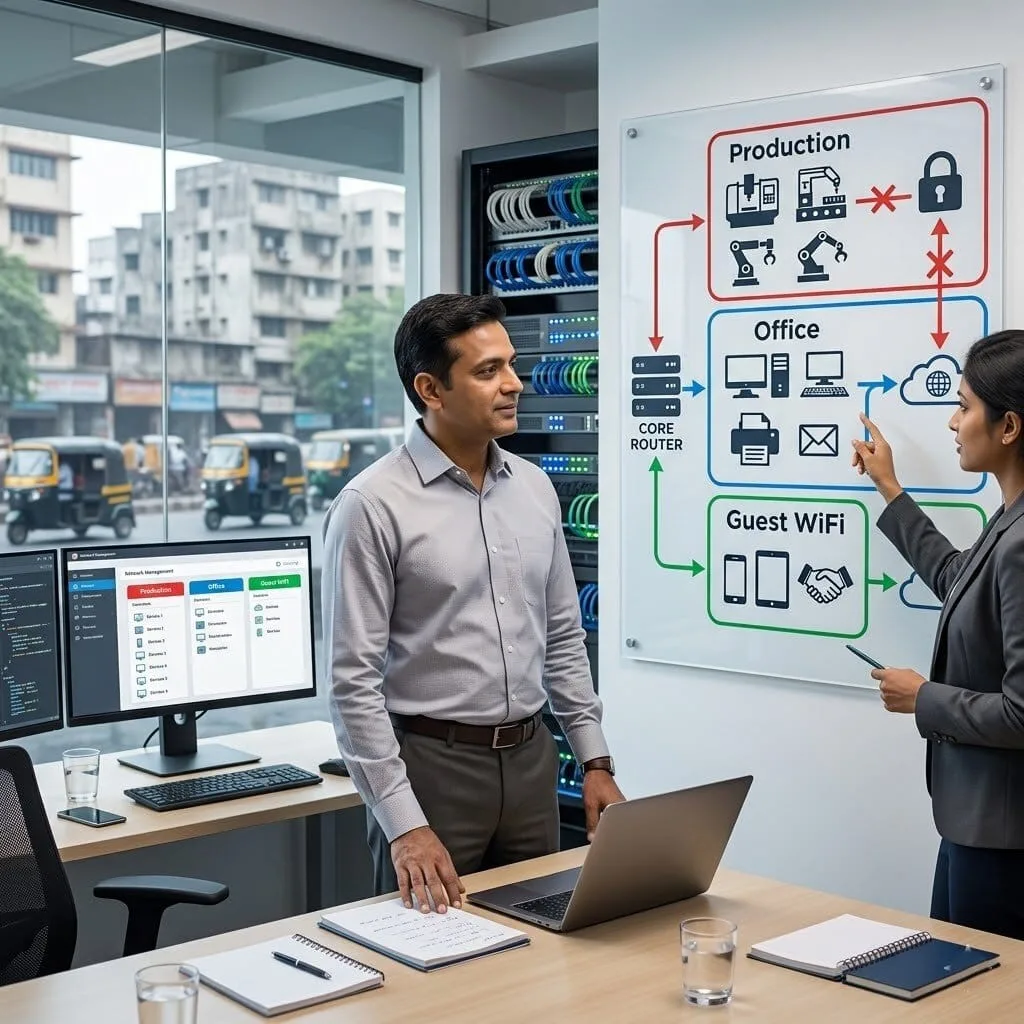
The Challenge: Rohit’s manufacturing facility needed to separate their production network, running industrial control systems, from office traffic and guest WiFi. Any cross-contamination between the production network and external traffic was a serious operational risk.
The vorza360 Solution: vorza360 implemented strict segmentation using Omada: the production control system network on an isolated VLAN with no internet routing and no access from other VLANs, the office network on a separate VLAN with internet access, and the guest WiFi on a completely isolated VLAN with internet-only access.
The Result: The production network was completely isolated from all external traffic and from the office network. Rohit’s operations team had the assurance their industrial control systems could not be reached from guest WiFi or the office network, meeting the security requirement their insurance and operational standards required.
Sigrid Lindgren (Norway)
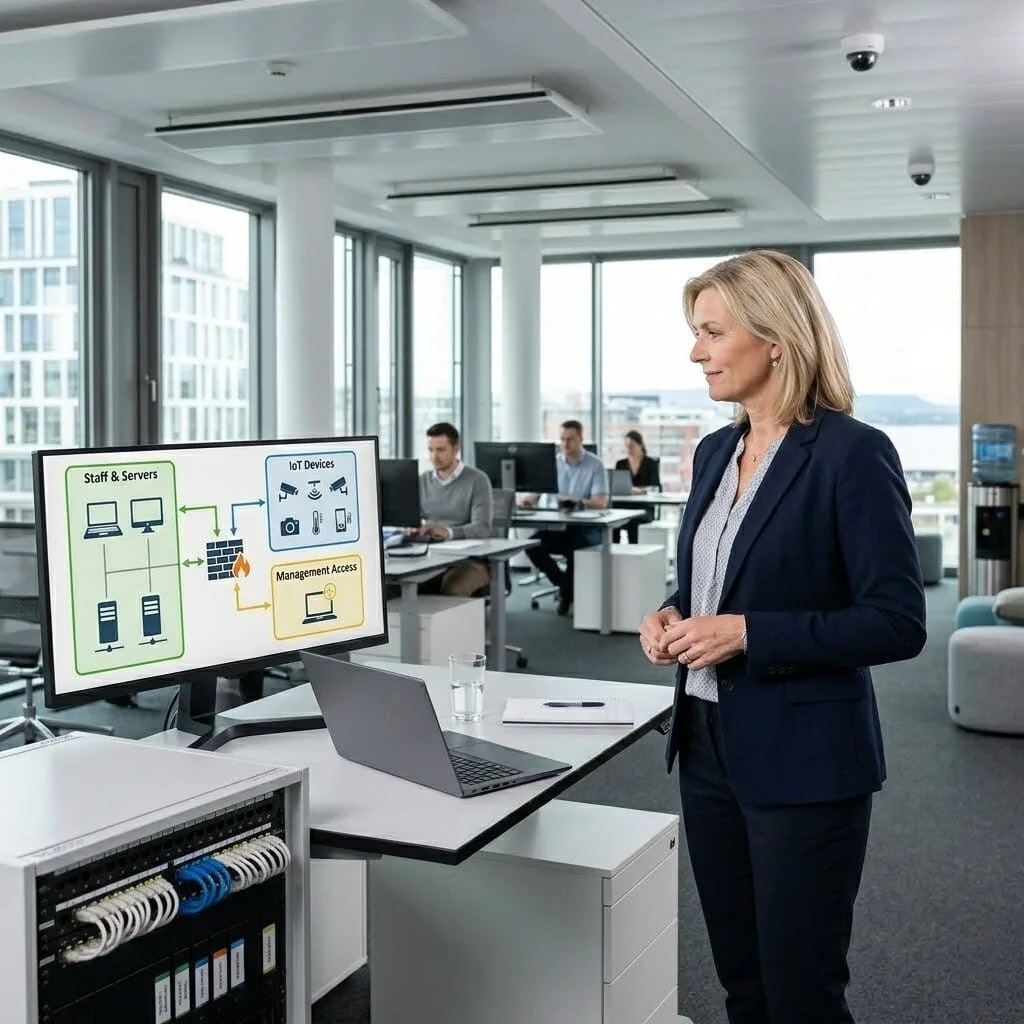
The Challenge: Sigrid’s company had recently added security cameras and building management devices to their office network. Her IT team was uncomfortable with these IoT devices sitting on the same network as staff computers and file servers, they had no security updates and were known to be vulnerable.
The vorza360 Solution: vorza360 created dedicated IoT and building systems VLANs in their Omada network, moved all cameras and building management devices to these isolated segments, and configured firewall rules allowing management applications to reach the devices while preventing devices from initiating connections to staff or server networks.
The Result: The IoT devices were isolated without disrupting their function, cameras kept recording, building management systems kept operating. Sigrid’s IT team had the network isolation their security requirement demanded, implemented without a single operational disruption.
Emeka Uchenna (Nigeria)
The Challenge: Emeka’s company had a single network for everything, staff computers, accounting server, production database, and the public-facing WiFi for customers in their reception. A customer connecting to the reception WiFi was on the same network as their financial systems.
The vorza360 Solution: vorza360 implemented VLAN segmentation using Omada: staff and internal servers on a protected VLAN, the accounting and database server on a restricted VLAN accessible only from specific staff devices, and the reception guest WiFi on an isolated VLAN with internet-only access and no internal routing.
The Result: Customer devices in the reception were completely isolated from Emeka’s internal systems. The financial server segmentation addressed the risk that had concerned their accountant, and the guest WiFi continued working for customers without any change to their experience.
vorza360’s Tech Edge
Multi-SSID Architecture
VLAN Tagging & Mapping
Network Segmentation Strategy
+ 2
More
Inter-VLAN Routing Policies
Tagged/Untagged Traffic Control
vorza360’s Tech Edge
Multi-SSID Architecture
We create multiple Wi-Fi names (like “Staff,” “Guest,” and “IoT”) so users only see the network meant for them.
VLAN Tagging & Mapping
Our team uses professional VLAN management to label every piece of data, ensuring it reaches the right destination without leaking.
Network Segmentation Strategy
We build a “defense-in-depth” plan that isolates sensitive equipment like security cameras from your main office computers.
Inter-VLAN Routing Policies
We control exactly who can talk to whom, for example, letting the “Staff” network print to the “Printer” zone while blocking the “Guest” network.
Tagged/Untagged Traffic Control
We manage the complex background settings on your switches to ensure your network management VLANstays stable and secure.
How we do it
We provide a managed service that builds “digital walls” to keep your business traffic organized and secure.
Creative Approaches
We use “Virtual Zoning” to slice your hardware into private areas. This lets departments like Finance and Guest Wi-Fi share the same equipment while remaining completely invisible to each other.
Insightful Strategies
Our “Clean Traffic Control” strategy prioritizes your most important work. We ensure critical tasks like executive video calls, always have the fastest lane on your network highway.
Tailored Solutions
We customize your VLAN network management to fit your specific gear. Whether you need a simple managed VLAN or a complex Cisco switch management VLAN, we build rules that match your daily needs.
Creative Approaches
We use “Virtual Zoning” to slice your hardware into private areas. This lets departments like Finance and Guest Wi-Fi share the same equipment while remaining completely invisible to each other.
Insightful Strategies
Our “Clean Traffic Control” strategy prioritizes your most important work. We ensure critical tasks like executive video calls, always have the fastest lane on your network highway.
Tailored Solutions
We customize your VLAN network management to fit your specific gear. Whether you need a simple managed VLAN or a complex Cisco switch management VLAN, we build rules that match your daily needs.
Our Service Cycle
vorza360 follows a professional, simple path to organize your network traffic.
Step 1
Network Mapping
Step 2
VLAN Creation
Step 3
SSID Linking
Step 4
Policy Testing
Step 5
Traffic Review
Step 6
Ongoing Support
Step 1
Network Mapping
We identify all your device groups to plan your VLAN network management zones.
Step 2
VLAN Creation
Our experts build the virtual segments and assign a clear management VLAN purpose for each.
Step 3
SSID Linking
We connect your new Wi-Fi names to their specific zones so guests never touch your private files.
Step 4
Policy Testing
We use VLAN management software to verify that the “digital walls” are working and secure.
Step 5
Traffic Review
Our team performs a change management VLAN check to ensure everything is running at top speed.
Step 6
Ongoing Support
vorza360 provides a continuous service, adjusting your VLAN management as you add more staff or new technology.
Why Choose vorza360 for This Service?
A segmented network is a secure network. We make the complex task of organizing it feel easy.
Enhanced Security
By using a professional management network VLAN, we stop hackers from moving through your office. If a guest device has a virus, our “digital walls” prevent it from ever reaching your main server.
Professional Organization
We take the “chaos” out of your Wi-Fi. With our SSID & VLAN Management services, your network becomes a well-oiled machine where every device has its own proper place.
Human-Led Service
We don’t just set up VLAN management software and leave. We explain your network’s new structure in very easy words and provide a dedicated partner to manage any future changes for you.
Here is what our Clients are saying About us
Hanna Virtanen (Finland)
Our wireless network had grown to six SSIDs with no coherent structure and no VLAN separation between traffic types. vorza360 redesigned our SSID and VLAN architecture from scratch, staff, IoT, guest, and management all properly separated. Security and performance both improved noticeably.
Khaled Al-Harthi (Saudi Arabia)
vorza360 implemented proper VLAN segmentation across our Omada network, binding each SSID to the correct VLAN and ensuring traffic from different user groups couldn’t reach each other. The ‘network-isolation-by-default’ model they built is now the backbone of our wireless security architecture.
Petra Nováková (Czech Republic)
We needed separate wireless networks for our corporate devices, BYOD staff devices, and IoT equipment, each with different access rules. vorza360 designed and implemented the SSID and VLAN structure that achieves exactly that, cleanly and without complexity our team can’t manage.
Arjun Mehta (India)
vorza360 redesigned our Omada SSID structure after our network had grown to a point where the original flat setup was causing performance and security issues. The new multi-VLAN architecture they implemented cleaned up both problems and our team now understands exactly what each SSID is for and why.
Rasmus Møller (Denmark)
vorza360 configured dynamic VLAN assignment on our Omada network so that users are automatically placed into the correct VLAN based on their Active Directory group when they connect. The ‘identity-based network placement’ they implemented replaced our previous manual process entirely.
Adaeze Okafor (Nigeria)
vorza360 set up our Omada SSIDs with scheduled availability so our student wireless network switches off outside school hours automatically. It sounds simple but it required careful VLAN and SSID scheduling configuration to work reliably. vorza360 got it right first time and it’s been working without intervention since.
More about Omada (TP-Link)
Omada Cloud Access Configuration
Manage your business network from anywhere in the world with vorza360’s omada cloud…
Got questions? We’ve got answers. Find everything you need to know about using our platform, plans, and features
What is SSID and VLAN management in an Omada network and why is it important for business security?
An SSID (Service Set Identifier) is the name of a Wi-Fi network that devices connect to, the name that appears in the list of available networks on a phone or laptop. A VLAN (Virtual LAN) is a logical network segment that separates traffic at the switch and router level, even when multiple devices share the same physical infrastructure. In a business context, SSID and VLAN management means creating separate Wi-Fi networks for different user groups, staff, guests, IoT devices, management systems, and mapping each SSID to a dedicated VLAN that is isolated from the others. This is critical for business security because without network segmentation, a guest connecting to your Wi-Fi could potentially access internal file servers, printers, or sensitive systems. vorza360 designs and implements SSID and VLAN structures that provide every user group the access they need while preventing access to resources they should not reach.
How does vorza360 design a VLAN structure for a typical business Omada network?
vorza360 designs VLAN structures based on the principle of network segmentation, grouping devices with similar trust levels and access requirements together and isolating them from groups with different requirements. A typical business Omada VLAN design includes: a Corporate Staff VLAN for employee devices (laptops, phones, workstations) with full access to business resources such as file servers, printers, and internal applications; a Guest VLAN with internet access only and complete isolation from all internal resources; an IoT VLAN for smart devices (security cameras, smart displays, access control systems, printers) that need network connectivity but should not be able to communicate with staff devices; a Voice/VoIP VLAN for IP phones with QoS prioritization for voice traffic quality; and a Management VLAN for network infrastructure access (switches, access points, controllers) with highly restricted access. Each VLAN is assigned an ID, configured on the Omada switches and gateway, and mapped to the appropriate SSID.
How does vorza360 manage multiple SSIDs across all Omada access points centrally?
One of the Omada controller’s most powerful centralized management features is the ability to configure SSIDs in profiles that are applied consistently across all access points in a site, eliminating the need to configure each access point individually. vorza360 manages SSIDs centrally by creating Wireless Network (SSID) profiles in the Omada controller, defining each profile’s SSID name, security protocol (WPA3 or WPA2), passphrase, VLAN assignment, band (2.4GHz, 5GHz, or both), and additional settings like client isolation and rate limiting. These profiles are then assigned to access point groups, and when a profile setting is changed, such as updating the staff Wi-Fi password, the change propagates automatically to every access point in the group within seconds. This means managing a 50-access point deployment is as simple as managing a single one, with complete consistency across the entire network.
How does vorza360 configure VLAN trunking between Omada access points and switches?
VLAN segmentation between access points and switches requires the physical network cables between them to carry traffic for multiple VLANs simultaneously, a configuration called VLAN trunking. vorza360 configures VLAN trunking by setting the switch port connected to each Omada access point as a trunk port in the Omada switch configuration, specifying which VLANs are permitted on that trunk (typically the native management VLAN untagged, plus all the VLANs used by the access point’s SSIDs tagged). On the access point side, the Omada controller configuration assigns each SSID to a VLAN ID which tags the wireless traffic appropriately before sending it over the trunk port. We also configure the uplink ports of Omada switches (the ports connecting to the core gateway or upstream switches) as trunk ports carrying all relevant VLANs. This end-to-end VLAN configuration ensures traffic from each wireless network segment is correctly isolated from the moment it leaves the connected device.
Can vorza360 configure different SSIDs to be available only in specific areas of a building?
Yes, SSID visibility can be restricted to specific access points or groups of access points within the Omada controller, allowing different wireless networks to be available in different physical areas. This is useful for several scenarios: a separate SSID for a meeting room with a different password shared with visitors to that room; an SSID for a warehouse area that does not need to be visible or accessible from the office floors; an SSID for a specific department’s devices that should only connect in that department’s physical area for security or licensing reasons; or an SSID for a guest area such as a reception or café that should not extend into back-office areas. vorza360 implements area-specific SSIDs by creating access point groups in the Omada controller that contain only the APs in the relevant area, then assigning the specific SSID profile to that group rather than to all access points site-wide. IT SUPPORT › TP-LINK OMADA › SUBPAGE 05