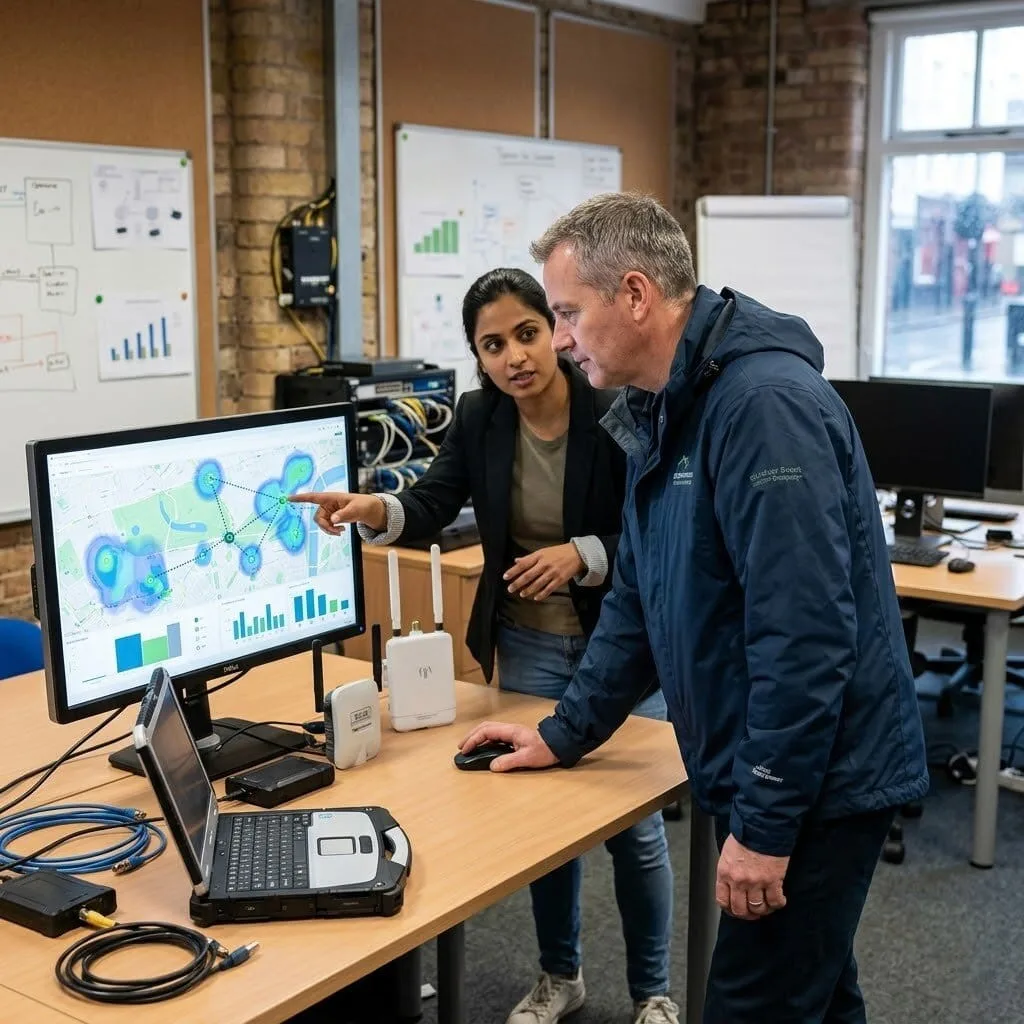
Expand your Wi-Fi coverage without messy cables using vorza360’s omada mesh setup. We create a seamless “blanket” of the internet that follows you everywhere, even in areas where wires can’t reach.
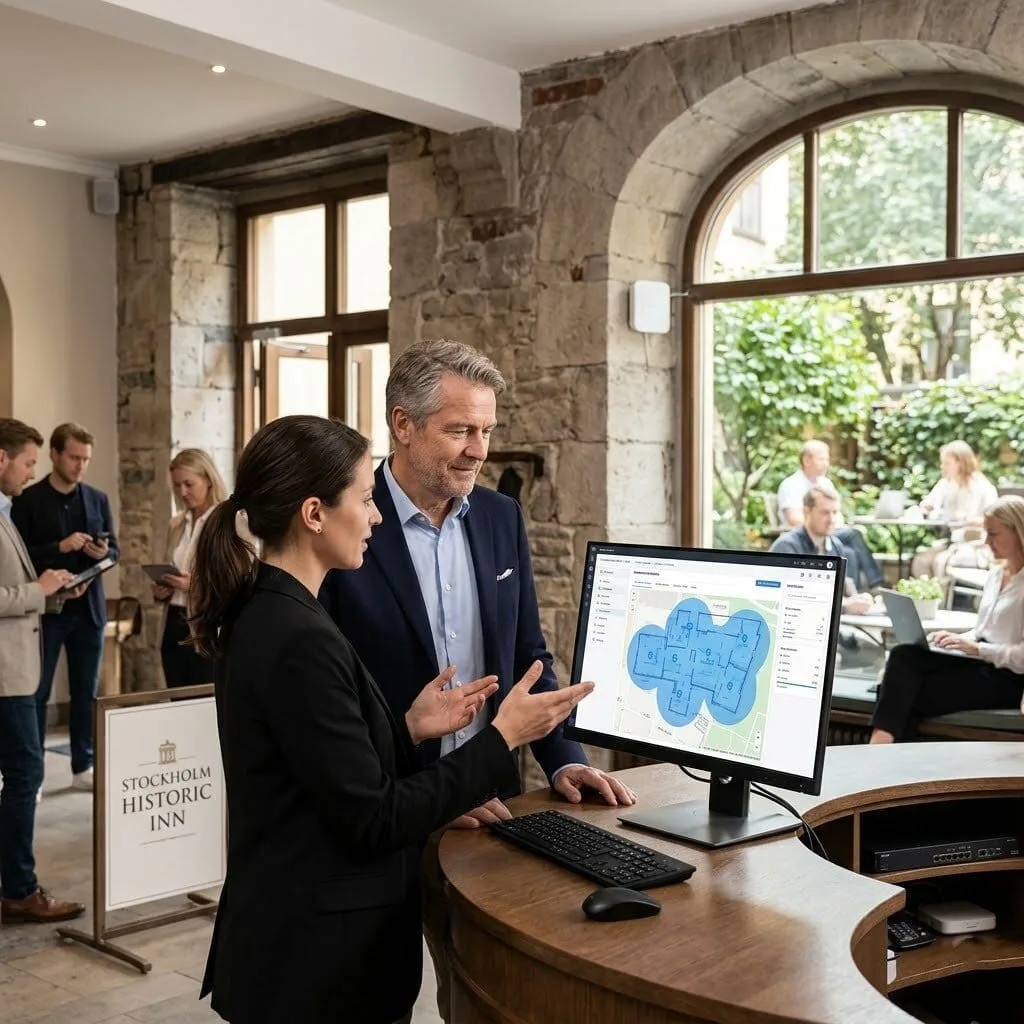
The Challenge Anders runs a successful boutique hotel in a historic building in Stockholm. The thick stone walls made it impossible to run internet cables without damaging the beautiful, old architecture. His guests were constantly complaining that the Wi-Fi would cut out the moment they stepped into the hallway or the garden terrace. He needed a way to provide a professional, high-speed connection that respected his building’s history.
The vorza360 Solution We stepped in to design a seamless “blanket” of internet using a professional omada mesh setup. Instead of drilling through stone, we used “Signal Bridging” to let the Wi-Fi points talk to each other through the air. This created a unified web of internet that covers every guest room and even the outdoor seating area. It is like having an invisible net of connectivity that catches your signal no matter where you walk in the hotel.
The Result The guest complaints have vanished, and Anders now has five-star reviews for his high-speed internet. He loves that he didn’t have to do any messy renovations to get a professional-grade connection. He values the creative approach we took to protect his building while bringing his hotel into the digital age.
Marta Silva (Portugal)
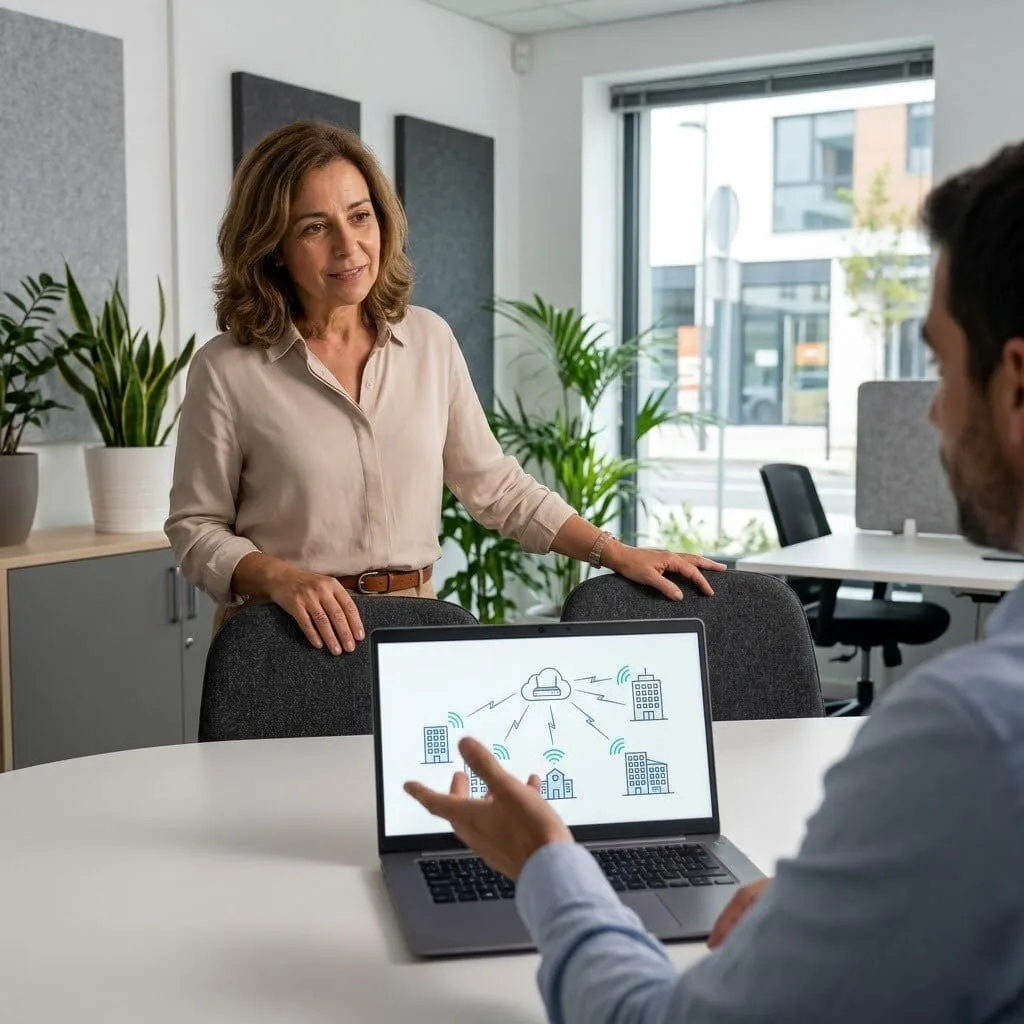
The Challenge Marta manages a large vineyard and farmhouse in the Douro Valley. She needed a reliable internet connection for her staff in the warehouse and her guests in the tasting room, but the buildings were hundreds of feet apart. Running cables across the open fields was too expensive and difficult. She was looking for a smart TP-link omada mesh network setup that could handle the long distance without losing speed.
The vorza360 Solution We implemented an omada mesh network at the farm, specifically designed for large outdoor spaces. We used a “Smart Path Selection” strategy to make sure the data always travels the fastest route between buildings. By placing the Wi-Fi points in clear lines of sight, we created a powerful wireless bridge that keeps everyone connected, from the office to the grape vines. It is like building a series of invisible relay stations that pass the internet signal perfectly across the entire property.
The Result Marta’s entire vineyard is now a high-tech workspace. Her staff can track inventory in real-time from the warehouse, and her guests can share photos of their wine tasting instantly. She appreciates the tailored solutions we provided for her unique footprint and the easy words we used to explain how her new wireless web works.
Liam O’Connor (Ireland)
The Challenge Liam’s tech startup in Dublin recently expanded into a two-story office with a large open-plan layout. He found that the standard Wi-Fi router couldn’t reach the back of the second floor, creating “dead zones” where his creative team couldn’t work. He didn’t want messy cables running along the ceiling and was looking for a sleek, professional omada mesh setup that would look great and work even better.
The vorza360 Solution We designed a custom TP-link omada mesh setup that follows the team everywhere they go. We configured the system to be “self-healing,” so if one person accidentally unplugs a Wi-Fi point, the rest of the network automatically finds a new path to keep everyone online. This creates a professional-grade connection that stays fast and stable, even when the office is full of people using multiple devices. It’s like having a smart lighting system for your internet, it’s always there when you need it, and it adjusts itself to keep things bright and clear.
The Result The “dead zones” are a thing of the past for Liam’s team. They can now move from their desks to the lounge or the meeting rooms without ever losing their connection. Liam values the hands-on service we provided and the fact that his new Omada network setup is both strong and invisible.
Chloe Lefebvre (France)
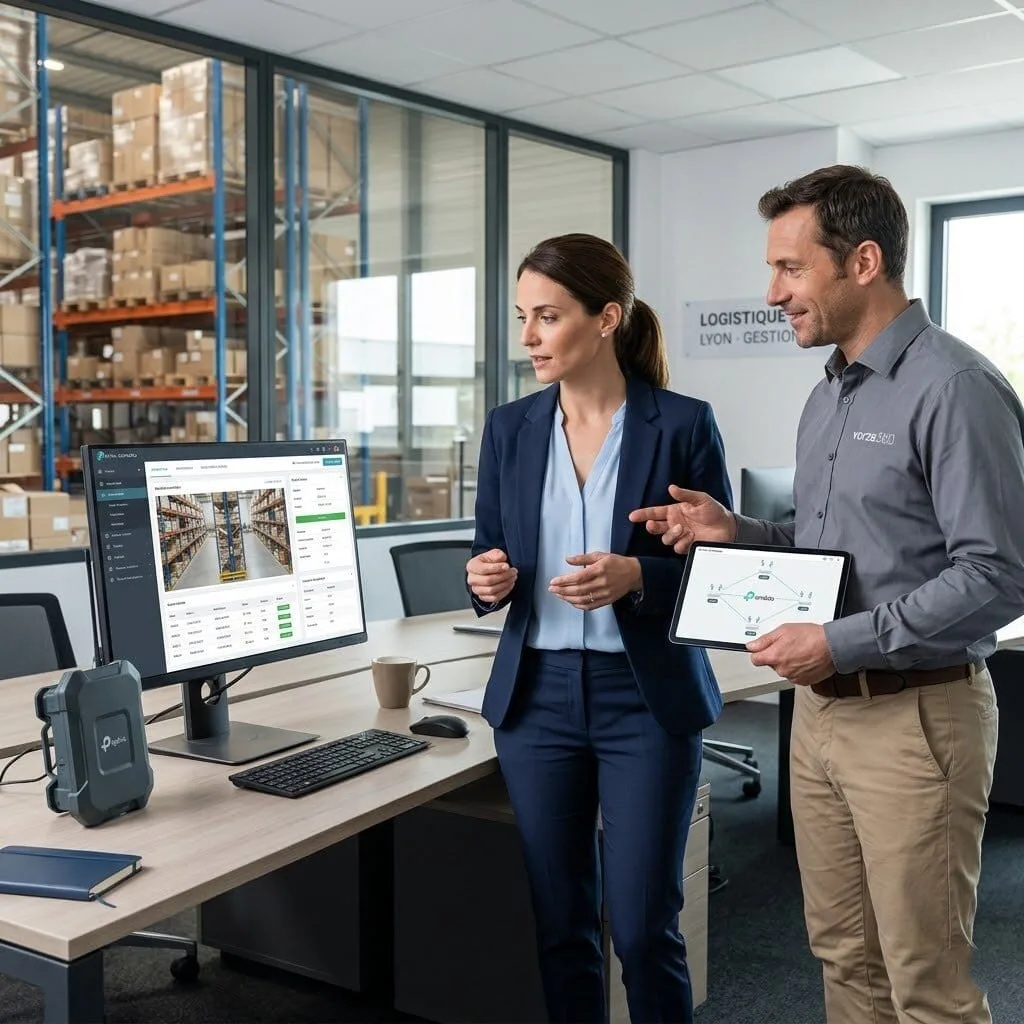
The Challenge Chloe runs a busy logistics center in Lyon with a massive warehouse full of metal shelving. These shelves were acting like a shield, blocking the Wi-Fi signal and making it impossible for her scanners to update the inventory system. She needed a rugged, professional omada mesh setup that could “leapfrog” over the metal obstacles and provide 100% coverage for her team.
The vorza360 Solution We used our tech edge to build a powerful wireless web inside her warehouse. We strategically placed the Omada mesh points high above the shelves, ensuring they had clear lines of sight to talk to each other. This creative method bypasses the metal interference and creates a solid blanket of internet that follows the warehouse staff down every aisle. It is like having a team of digital scouts who stand on top of the hills to signal to each other, making sure the message always gets through to the other side.
The Result Chloe’s inventory is now updated in the blink of an eye, and her shipping process is faster than ever. She no longer has to deal with “offline” errors or lost data. She loves the insightful strategy we used to solve her technical headache and values the human-centered support we provide to keep her logistics center running smoothly in France.
Erik Jensen (Denmark)
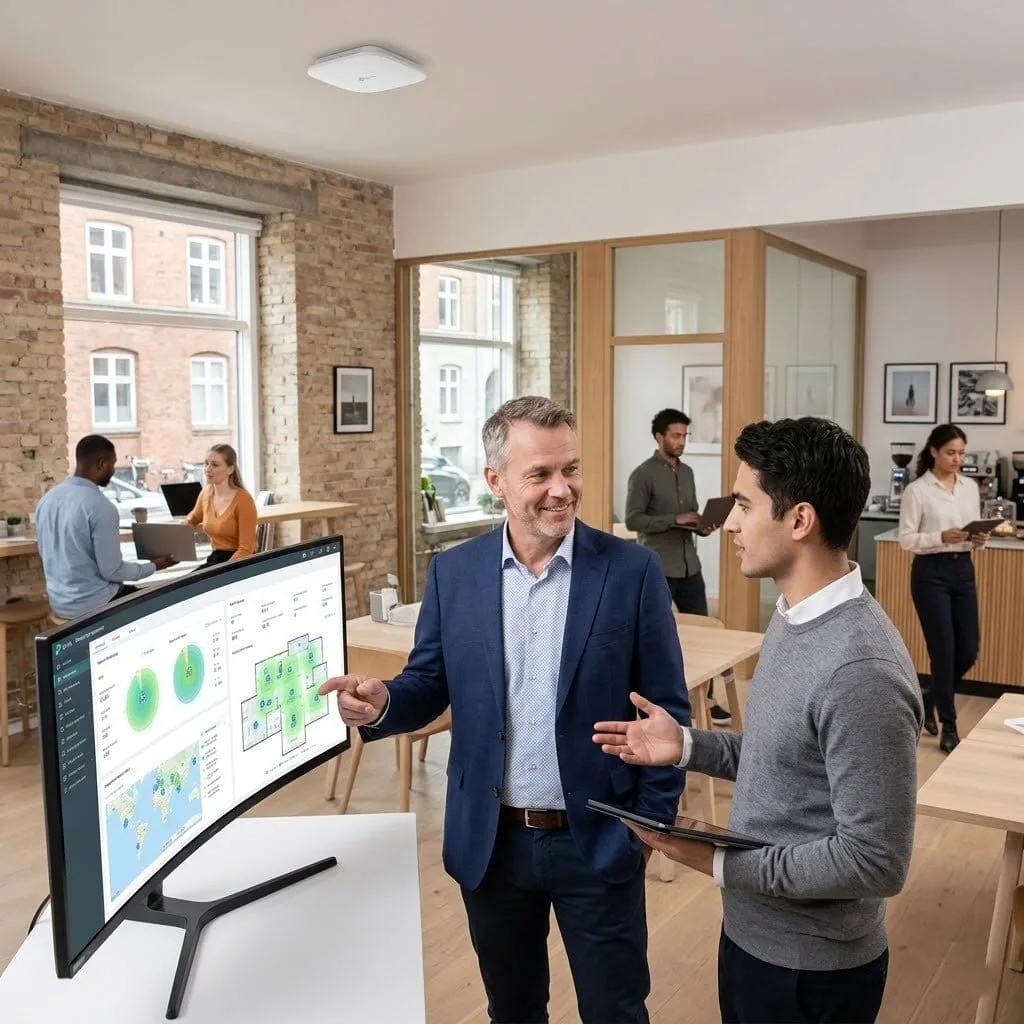
The Challenge Erik manages a modern co-working space in Copenhagen and wanted to offer his members the fastest Wi-Fi in the city. However, with so many different people and devices coming and going, his old network was constantly crashing. He needed a professional-grade TP-link omada mesh network setup that could handle a heavy load and provide a seamless experience for his members as they moved between private offices and the café.
The vorza360 Solution We acted as Erik’s expert guides, building a high-capacity Omada network setup designed for high-density use. We tailored the signal rules so that a member’s phone or laptop “hands off” to the nearest Wi-Fi point instantly as they walk through the building. This ensures there is never a “hiccup” or a disconnect in their video calls. It is like walking through a series of rooms with perfectly synchronized music, you never miss a single note as you move from one space to the next.
The Result Erik’s co-working space is now the top choice for digital nomads in Denmark. His members love the rock-solid reliability of the internet, and Erik loves that he has a managed service partner to handle the technical settings. He appreciates the simplicity and clarity we brought to his complex network needs.
David Miller (UK)
The Challenge David runs an outdoor events company in London and needed to provide Wi-Fi for a large pop-up market in a local park. He couldn’t run any wires across the grass and needed a temporary, professional omada mesh setup that could withstand the weather and provide a fast connection for hundreds of visitors. He needed a partner who could set everything up quickly and ensure it worked perfectly for the entire weekend.
The vorza360 Solution We provided a flexible, high-speed wireless web using outdoor-rated Omada mesh points. We used our “Signal Bridging” technique to extend the internet from a nearby building all the way across the park. Our team monitored the network in real-time, ensuring the “Smart Path Selection” kept the signal strong even when the park was crowded with people. It is like setting up an invisible safety net for the internet, no matter how many people are using it, the net stays strong and holds everyone up.
The Result The market was a huge success, and every vendor was able to process payments without a single glitch. David’s visitors enjoyed free, fast Wi-Fi, and he received great feedback on the professional setup. He values the “ready-to-use” environment we provided and the easy words we used to explain how we kept his event connected in the middle of a park.
Wi-Fi Without the Wires
In many buildings, it is difficult or impossible to run long internet cables through thick walls or across open spaces. This is where an omada mesh network becomes a lifesaver. Instead of every Wi-Fi point needing a physical plug into the wall for data, mesh technology allows them to “talk” to each other through the air. This creates a powerful, unified web of internet that covers your entire property, from the front office to the back warehouse.
Choosing a professional TP-link Omada mesh network setup means you get a network that is both smart and strong. If one Wi-Fi point ever has a problem, the mesh system is “self-healing,” meaning it will automatically find a new path to keep your devices online. vorza360 handles the technical configuration to ensure your signal stays fast and stable, giving you a professional-grade connection without the high cost of renovation or cabling.
How we do it
We provide a managed service that builds a flexible, high-speed wireless web for your business.
Creative Approaches
We use “Signal Bridging” to leapfrog over obstacles. This is perfect for setting up an Omada mesh network at the farm or in historic buildings, extending your internet hundreds of feet without drilling a single hole.
Insightful Strategies
Our “Smart Path Selection” strategy calculates the fastest route for your data. We ensure a professional omada mesh setup with clear lines of sight, preventing the speed loss found in DIY setups.
Tailored Solutions
We provide a custom TP-link omada mesh setup built for your specific footprint. From a small Omada network setup to a large outdoor campus, we tailor signal rules so you never lose your connection while walking.
Creative Approaches
We use “Signal Bridging” to leapfrog over obstacles. This is perfect for setting up an Omada mesh network at the farm or in historic buildings, extending your internet hundreds of feet without drilling a single hole.
Insightful Strategies
Our “Smart Path Selection” strategy calculates the fastest route for your data. We ensure a professional omada mesh setup with clear lines of sight, preventing the speed loss found in DIY setups.
Tailored Solutions
We provide a custom TP-link omada mesh setup built for your specific footprint. From a small Omada network setup to a large outdoor campus, we tailor signal rules so you never lose your connection while walking.
Here is what our Clients are saying About us
Gunnar Björnsson (Iceland)
Running cabling to every corner of our large property wasn’t feasible, so we needed a reliable mesh solution. vorza360 designed and deployed an Omada mesh network that gives us strong wireless coverage throughout the building using only a small number of wired uplink points. Performance across the mesh has been excellent.
Salma Benali (Morocco)
vorza360 set up an Omada mesh network for our multi-building campus where laying additional ethernet runs between buildings would have been prohibitively expensive. The mesh backhaul they configured gives us reliable connectivity between buildings with performance that’s more than adequate for our needs.
Florin Ionescu (Romania)
Our first attempt at setting up Omada mesh resulted in poor performance because the backhaul and client radios were competing on the same band. vorza360 redesigned the mesh topology, configured dedicated backhaul links correctly, and the performance improved dramatically. The difference between a configured mesh and a properly configured mesh is significant.
Sundar Rajan (India)
vorza360 deployed an Omada mesh network across our large retail floor where cable runs weren’t practical due to the shop fit-out. The mesh coverage they designed and deployed gives us reliable wireless throughout the store including areas we’d previously written off as unreachable. Staff and customer wireless both work perfectly.
Sofie Larsen (Denmark)
We needed wireless extended to our outdoor seating area without trenching cables across our car park. vorza360 configured Omada outdoor APs in a mesh arrangement that bridges the gap cleanly. Coverage in the outdoor area is strong and the connection back to our main network is stable in all weather conditions.
Taiwo Olatunji (Nigeria)
vorza360 designed a mesh network for our warehouse expansion area where running structured cabling would have delayed the project by weeks. The Omada mesh deployment they delivered was completed in a day, provided the coverage we needed, and integrated seamlessly with our existing wired Omada network.
More about Omada (TP-Link)
Omada Cloud Access Configuration
Manage your business network from anywhere in the world with vorza360’s omada cloud…
Got questions? We’ve got answers. Find everything you need to know about using our platform, plans, and features
What is an Omada mesh network and when does vorza360 recommend it over a wired access point deployment?
An Omada mesh network uses wireless backhaul connections between access points, one or more access points connect to the network via Ethernet cable (wired root nodes), and additional access points connect to the network by wirelessly linking to a nearby access point rather than requiring their own Ethernet cable. This is valuable when running new Ethernet cables to certain locations is impractical or cost-prohibitive: in heritage buildings where drilling would damage protected fabric, across outdoor areas where cable trenching is expensive, in temporary or pop-up deployments, in areas where cable routing would be excessively long or complex, and in rental spaces where permanent cable installation is not permitted. vorza360 recommends wired access point deployment (cable to every AP) as the first choice because a wired backhaul provides higher throughput, lower latency, and more reliable connectivity than a wireless backhaul. Mesh is recommended when wired deployment is genuinely impractical for specific locations.
How does vorza360 design and deploy an Omada mesh network for a business premises?
Designing an effective Omada mesh network requires careful planning of both the wired root nodes and the wireless backhaul links between them. vorza360’s mesh design process: we conduct a site survey to identify which access points can practically be cabled (these become wired root nodes providing the strongest possible backhaul into the network) and which require wireless backhaul (these become mesh nodes). We plan mesh node placement with clear line-of-sight to their parent node where possible, walls, floors, and obstacles in the backhaul path reduce the wireless backhaul throughput available for client traffic. We use Omada’s mesh access points with dedicated backhaul radios (tri-band models) where budget allows, as these reserve one radio frequency band exclusively for backhaul communication rather than splitting a single band between backhaul and client connections. We validate the wireless backhaul signal strength between proposed mesh node locations before finalizing the design.
How does vorza360 optimize Omada mesh network throughput to maintain good client performance?
Wireless backhaul in a mesh network consumes radio spectrum that would otherwise be available for client connections, each wireless hop in a mesh chain reduces the total throughput available to clients at the end of the chain. vorza360 optimizes mesh throughput through several strategies: we minimize the number of wireless hops between any mesh node and the nearest wired root node (ideally no more than one or two hops) by placing wired root nodes strategically throughout the network. We use tri-band access points for mesh nodes wherever budget allows, these dedicated a separate 6GHz (Wi-Fi 6E) or second 5GHz radio exclusively to backhaul communication, leaving both the 2.4GHz and primary 5GHz radios fully available for client connections. We configure the backhaul radio to use 160MHz channel width where the RF environment supports it, maximizing backhaul throughput. We monitor backhaul link quality metrics in the Omada controller and alert if any backhaul link falls below minimum performance thresholds.
Can vorza360 deploy an Omada mesh network outdoors for car parks, campuses, or building-to-building coverage?
Yes, outdoor Omada mesh deployments are a service vorza360 provides regularly for environments such as car parks, outdoor seating areas, campus grounds, industrial yards, and between buildings where cable infrastructure is not practical. We use TP-Link’s outdoor-rated Omada access points (IP67 weatherproof-rated models) for outdoor nodes, mounting them on poles, building fascias, or other outdoor structures with appropriate weatherproof cable sealing for any power or Ethernet connections. For building-to-building wireless bridging covering longer distances (50 to 200+ metres), we use Omada’s dedicated wireless bridge hardware (rather than access points) which is purpose-built for point-to-point links with directional antennas that concentrate signal along the link path rather than broadcasting in all directions. We conduct a line-of-sight assessment for all outdoor links, as even partial obstruction (trees, vehicles, signage) can significantly impact wireless bridge performance.
What is the maximum coverage area an Omada mesh network can provide, and when does a wired infrastructure investment become more cost-effective?
The theoretical maximum coverage of an Omada mesh network is limited only by the number of access points deployed and the quality of the backhaul links between them. In practice, throughput degrades with each additional wireless hop, and beyond two or three hops the client experience becomes noticeably inferior to a wired AP deployment. vorza360’s general guidance is that mesh is cost-effective when the cable installation cost for an area exceeds approximately twice the hardware cost of the wireless backhaul access points needed to cover it without wired infrastructure. For a large warehouse, factory floor, or multi-building campus where cable installation would require significant civil works, mesh can be substantially more economical. For a modern office building with accessible ceiling voids, the cable installation cost is typically modest and a wired AP deployment is both cheaper and higher-performing than mesh. We calculate the comparative cost and performance for your specific environment and present both options so you can make an informed decision. IT SUPPORT › TP-LINK OMADA › SUBPAGE 12