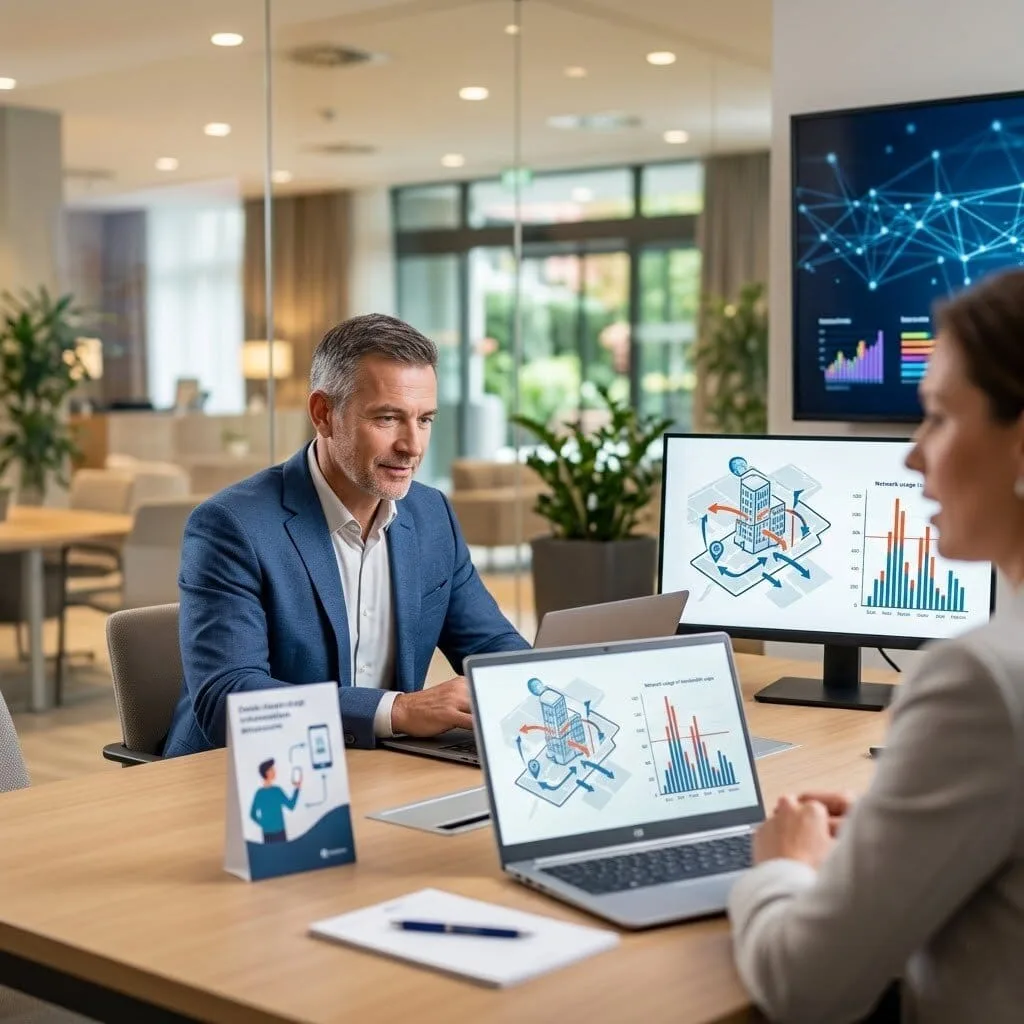
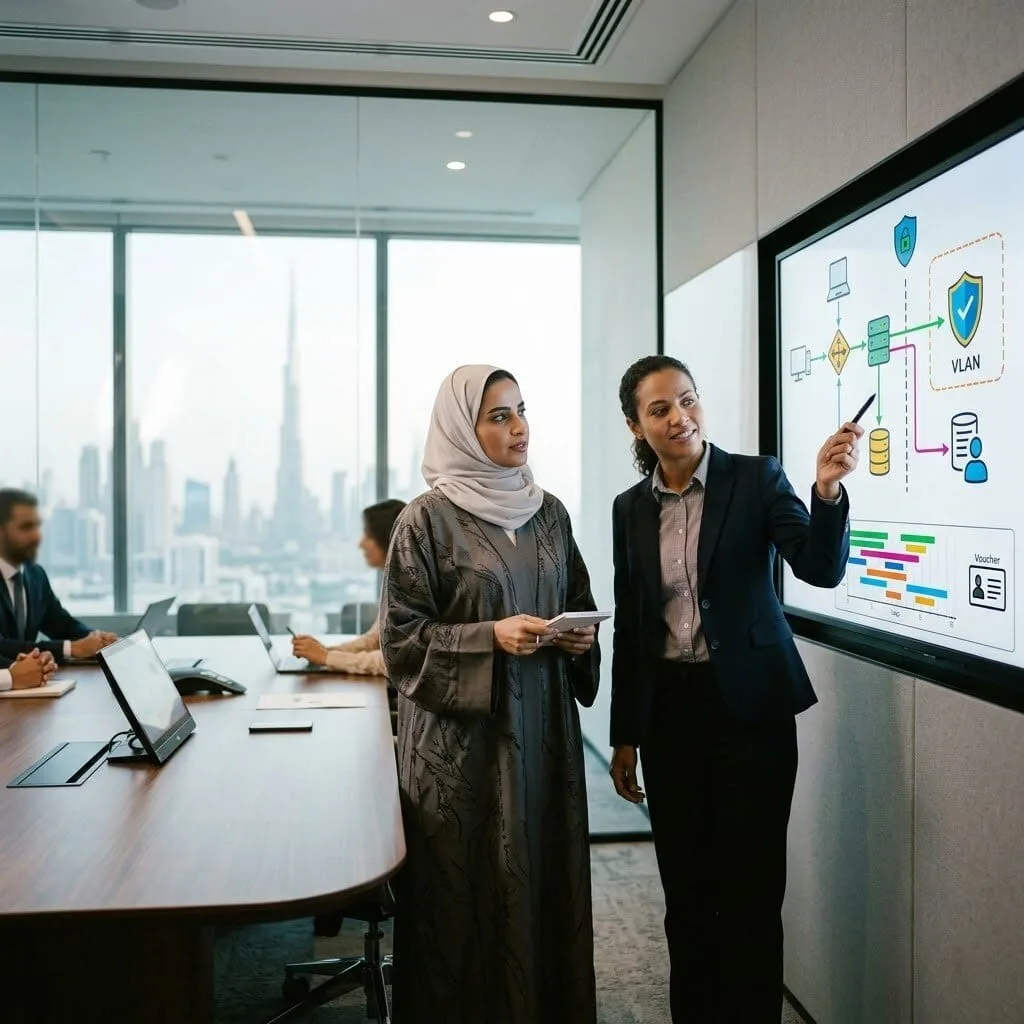
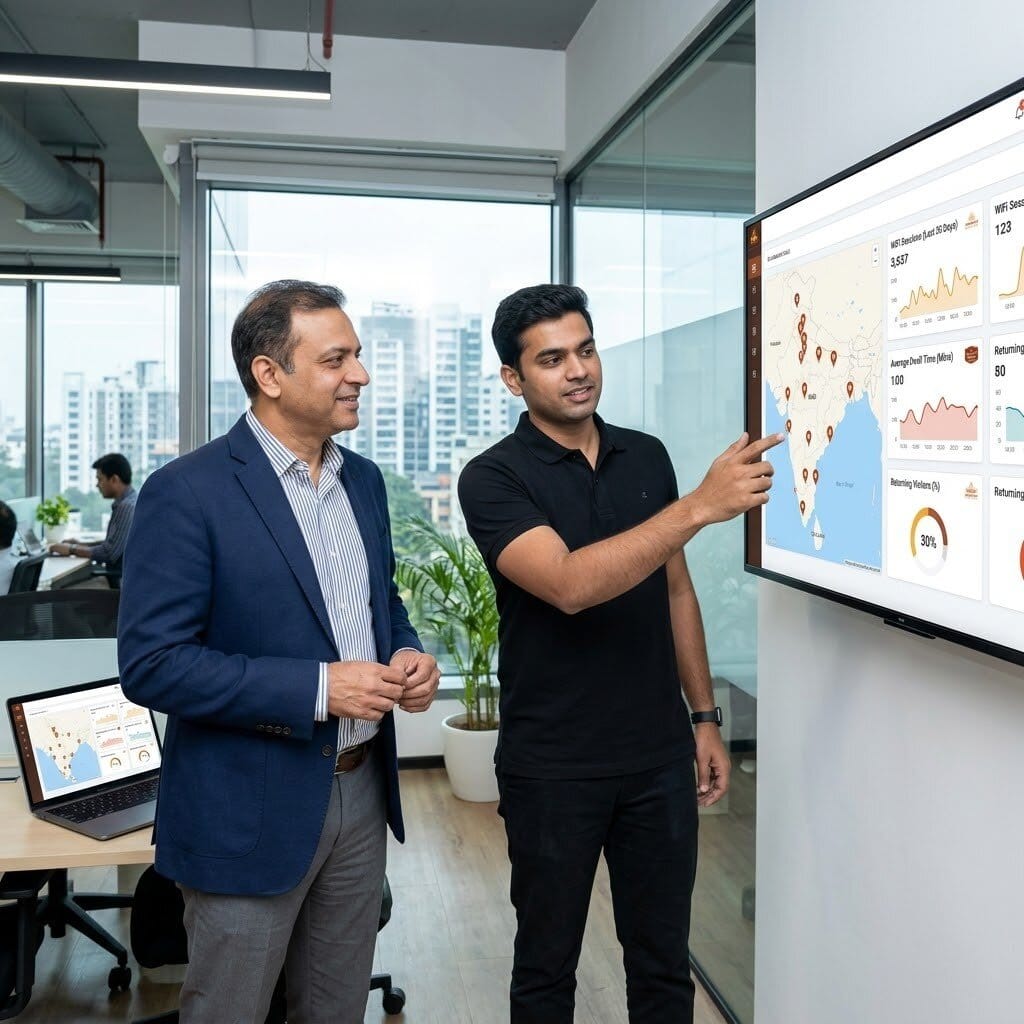
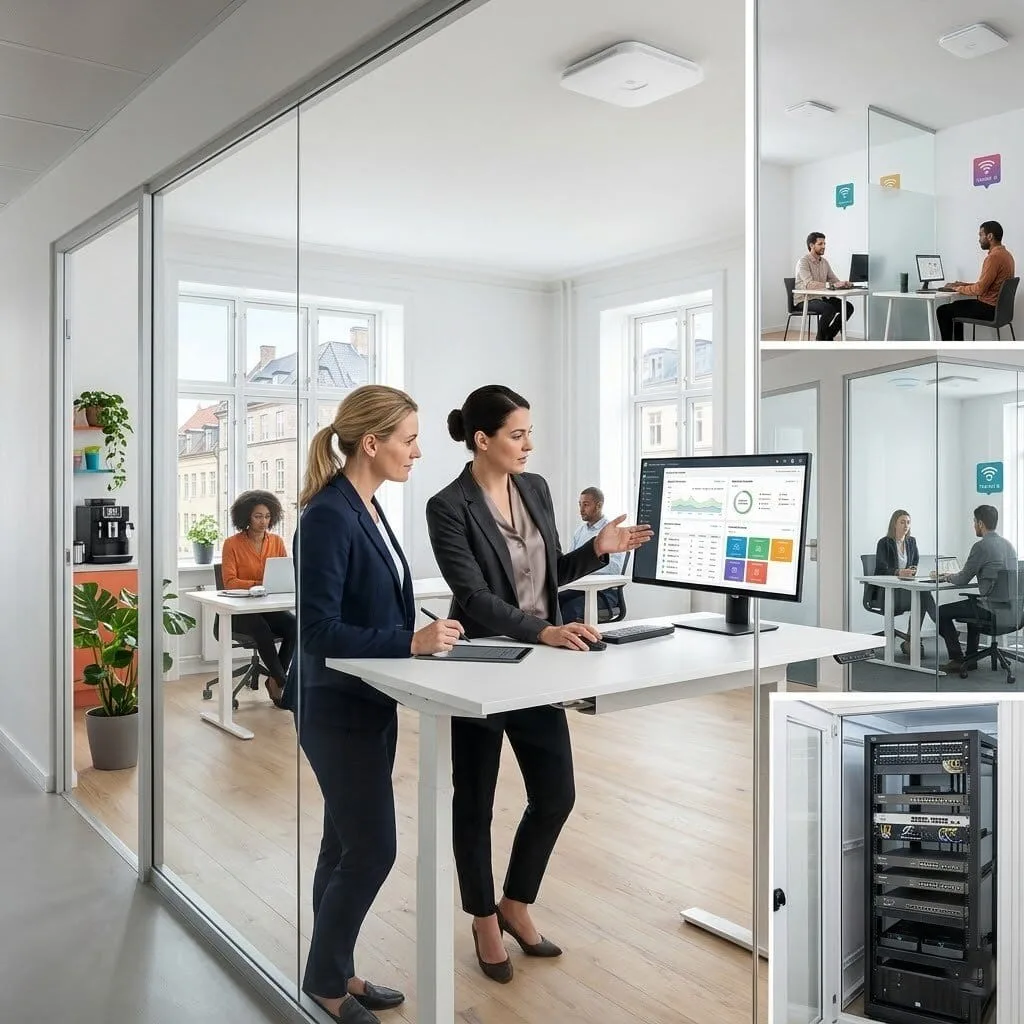
Provide safe, high-speed Wi-Fi to your visitors without risking your company data. vorza360’s guest network configuration creates a secure “digital lobby” that keeps your private files invisible to outsiders.
The Challenge: Péter’s hotel needed a guest WiFi solution that was simple for guests to connect to, isolated from the hotel’s operational network, and allowed the hotel to collect guest emails for marketing. Their current solution, a shared password posted at reception, met none of these requirements.
The vorza360 Solution: vorza360 configured an Omada captive portal: a branded splash page with the hotel’s logo, a simple email registration form collecting guest data with consent, per-device bandwidth limits for fair sharing, and complete isolation from the hotel’s operational VLAN.
The Result: Guests had a professional branded WiFi experience instead of a generic password prompt. The hotel collected guest emails with appropriate consent, building their marketing list automatically. Bandwidth limits meant no single device could monopolise the connection during busy periods.
Zainab Al-Rashidi (UAE)
The Challenge: Zainab’s company provided internet access to visitors in their reception area but had received complaints from the security team that visitor devices were on the same network as staff computers, with no access restriction, no time limits, and no way to identify who had connected.
The vorza360 Solution: vorza360 configured a dedicated guest VLAN and voucher-based captive portal: reception staff issued time-limited vouchers to visitors, the portal required voucher entry before internet access, the guest network was completely isolated from internal resources, and connection logs were retained for security audit purposes.
The Result: Visitor internet access became properly controlled and auditable. Zainab’s security team had the isolation and logging they required, reception staff found the voucher system simple to use, and visitors had a clear professional access experience. The audit trail meant they could answer ‘who accessed the internet from reception on this date’, a question they previously couldn’t.
Andrei Constantin (Romania)
The Challenge: Andrei’s co-working space needed a guest network serving hundreds of members and day visitors with different access tiers, basic free access for short visits and higher-speed paid access for full-day members, all manageable without technical staff intervention.
The vorza360 Solution: vorza360 configured a tiered captive portal with two voucher types: short-duration basic-speed vouchers for day visitors and longer-duration higher-bandwidth vouchers for members. The portal was branded for their co-working space, and the Omada Controller provided a simple voucher management interface for front desk staff.
The Result: Front desk staff managed WiFi access for the entire space from a simple interface without any technical knowledge. Members received the performance tier they paid for, day visitors received appropriate basic access, and the space had professional branded WiFi that contributed to the premium co-working atmosphere.
Arjun Malhotra (India)
The Challenge: Arjun’s restaurant chain needed guest WiFi across multiple locations with consistent branding and a way to measure guest WiFi engagement for their marketing team. Each location was managed independently and the marketing team had no engagement data whatsoever.
The vorza360 Solution: vorza360 configured branded captive portals across all locations using the Omada multi-site controller, collecting opt-in contact information from connecting guests and providing the marketing team with aggregate analytics on connection counts, dwell times, and returning visitors per location.
The Result: Arjun’s marketing team had data they’d never had before, unique WiFi users per location, dwell times, and return visitor rates. The opt-in contact collection built their marketing database organically from WiFi registrations, and the consistent branded portal reinforced brand identity across all locations.
Lotte Andersen (Denmark)
The Challenge: Lotte’s company provided office space to multiple small business tenants. She needed to provide WiFi to each tenant separately, with each tenant’s traffic isolated from the others, while managing the whole infrastructure herself without a dedicated IT resource.
The vorza360 Solution: vorza360 configured per-tenant SSIDs with individual captive portals and per-tenant VLAN isolation, with bandwidth limits preventing any tenant from consuming disproportionate capacity. The Omada Controller gave Lotte a single management view across all tenant networks with the ability to manage each independently.
The Result: Each tenant had their own isolated WiFi with their own SSID and credentials, managed from a single interface by Lotte. Bandwidth limits ensured fair sharing, isolation meant a security issue on one tenant’s network couldn’t affect another, and Lotte managed the multi-tenant infrastructure confidently without dedicated IT support.
Ifeanyi Okafor (Nigeria)
The Challenge: Ifeanyi’s event venue hosted conferences requiring guest WiFi for hundreds of simultaneous attendees. Their existing WiFi, a consumer router, collapsed under event load, causing embarrassment with corporate clients who expected reliable event connectivity.
The vorza360 Solution: vorza360 deployed high-capacity Omada APs configured for the event venue environment: high-density AP models, 5GHz priority, per-device bandwidth management, and a captive portal with event-specific access codes changeable for each event. Capacity was sized for maximum expected attendance.
The Result: The next corporate conference ran with reliable WiFi throughout the day for 200 simultaneous attendees, the first event in the venue’s history without WiFi complaints. Ifeanyi’s venue had a meaningful differentiator to offer event organisers, and the event-specific access code capability gave each client’s event its own credentials.
How we do it
We provide a managed service that balances hospitality with high-level security.
Creative Approaches
We use “Digital Containment” to build a guest network that feels open but is strictly walled off. Instead of just a password, we creatively set up “Client Isolation,” which prevents guests from seeing each other’s devices, stopping digital germs from spreading between visitors.
Insightful Strategies
Our strategy involves “Bandwidth Fairness.” We provide an insightful setup where we configure a guest wireless network to have its own speed limit. This ensures a guest watching videos in your waiting room never slows down the mission-critical apps your staff needs to stay productive.
Tailored Solutions
Every business has unique visitor needs. We offer a Cisco access point configure guest network plan for corporate offices and UniFi configure guest network setups for retail or cafes. We tailor your portal and security rules to match your brand and your specific building layout.
Creative Approaches
We use “Digital Containment” to build a guest network that feels open but is strictly walled off. Instead of just a password, we creatively set up “Client Isolation,” which prevents guests from seeing each other’s devices, stopping digital germs from spreading between visitors.
Insightful Strategies
Our strategy involves “Bandwidth Fairness.” We provide an insightful setup where we configure a guest wireless network to have its own speed limit. This ensures a guest watching videos in your waiting room never slows down the mission-critical apps your staff needs to stay productive.
Tailored Solutions
Every business has unique visitor needs. We offer a Cisco access point configure guest network plan for corporate offices and UniFi configure guest network setups for retail or cafes. We tailor your portal and security rules to match your brand and your specific building layout.
Tools
Tools vorza360 Offers for This Service
UniFi Controller
Our go-to tool to configure guest network UniFi settings with a beautiful, branded welcome page.
Cisco DNA Center
A powerful platform we use to Cisco access point configure guest network rules across large office buildings.
OPNsense
A high-security gateway we use to build “digital fences” between your guests and your private servers.
Airties Cloud
A specialized tool used to configure airties to guest network environments for seamless coverage in every room.
Multiple Platform Support
vorza360 ensures your guest Wi-Fi works perfectly on every device your visitors bring through the door.
Ubiquiti UniFi
We expertly UniFi configure guest network settings for modern, fast-growing offices.
Cisco Systems
Professional guest network configuration for enterprise-grade security and reliability.
TP-Link Omada
A cost-effective, high-performance solution for small business guest access.
Aruba Instant On
Quick and secure guest network configuration for shops and medical clinics.
Airties Mesh
We configure airties to guest network modes for large spaces with many walls.
MikroTik
Advanced, highly customized portal setups for tech-heavy environments.
Ubiquiti UniFi
We expertly UniFi configure guest network settings for modern, fast-growing offices.
Cisco Systems
Professional guest network configuration for enterprise-grade security and reliability.
TP-Link Omada
A cost-effective, high-performance solution for small business guest access.
Aruba Instant On
Quick and secure guest network configuration for shops and medical clinics.
Airties Mesh
We configure airties to guest network modes for large spaces with many walls.
MikroTik
Advanced, highly customized portal setups for tech-heavy environments.
Multiple Framework Support
WPA3-SAE
The latest encryption standard to keep guest data private from “snooping.”
VLAN Tagging
Building the “invisible walls” that separate guests from your internal office network.
Captive Portal API
Connecting your guest Wi-Fi to your marketing tools or email lists.
RADIUS
A professional way to manage unique guest logins for long-term visitors.
SNMP Monitoring
Helping us watch your guest network’s health and speed 24/7.
REST APIs
Allowing your network to “talk” to other business apps automatically.
DHCP Scoping
Ensuring your guest network has its own dedicated pool of IP addresses.
QoS (Quality of Service)
Prioritizing your office work so guests don’t “hog” all the internet speed.
Custom Headless Development
We are an eCommerce website design company, that uses the best creative skills to meet your business needs and ensure customer satisfaction. We’re with you every step of the way, from the beginning of your project to its completion.
Fashion & Apparel
Food & Grocery
Retail
FMCG
Real Estate
Construction
Hotel
Healthcare
Telecom
Fintech
Manufacturing
Automotive
Our Service Cycle
vorza360 follows a professional, simple path to get your visitors online safely.
Step 1
Safety Assessment
Step 2
VLAN Setup
Step 3
SSID Creation
Step 4
Security Lockdown
Step 5
Speed Tuning
Step 6
Human Support
Step 1
Safety Assessment
We review your current router to ensure it can support a separate, secure guest zone.
Step 2
VLAN Setup
Our team builds a private “digital lane” just for guests so they can’t see your office printers.
Step 3
SSID Creation
We configure a guest wireless network name (like “YourCompany_Guest”) that is easy to find.
Step 4
Security Lockdown
We apply “Isolation” rules so guests cannot scan or talk to other devices on the network.
Step 5
Speed Tuning
We set a “Fair Use” limit so your office work always stays in the high-speed lane.
Step 6
Human Support
We show you how to share your network and provide ongoing care to keep it running smoothly.
Here is what our Clients are saying About us
Pia Eriksson (Sweden)
Our guest Wi-Fi had been running on the same network as our corporate systems for years without us fully realising the risk. vorza360 configured a properly isolated guest network on our Omada setup, separate VLAN, no access to internal resources, captive portal with terms acceptance. Secure and professional.
Omar Al-Farsi (UAE)
vorza360 set up a guest network for our office that gives visitors internet access without any path to our internal network. The configuration included client isolation so guest devices can’t communicate with each other either. Our security team signed off on the implementation without any concerns.
Gabriela Ionescu (Romania)
We needed a guest network that was easy for visitors to connect to but completely isolated from our business systems. vorza360 configured our Omada guest SSID with a simple password displayed at reception, bandwidth limits so guests don’t impact staff, and full network isolation. Exactly what we asked for.
Arun Krishnan (India)
vorza360 configured separate guest networks for our three offices through the Omada Controller with consistent settings across all sites. Visitors get the same reliable, isolated experience in every office and our IT team manages all three from a single interface. Consistent and simple to maintain.
Morten Sørensen (Denmark)
Our previous guest network setup allowed guest devices to reach our printers and NAS devices, which nobody had intended. vorza360 audited the configuration, fixed the isolation gaps, and put inter-VLAN firewall rules in place to prevent guest traffic from reaching any internal resource. Properly isolated now.
Funmilayo Okonkwo (Nigeria)
vorza360 configured our guest network with a daily rotating password that our front desk updates each morning from the Omada app. Combined with bandwidth limits and full isolation, our guest Wi-Fi is now something we’re confident offering without worrying about what guests might access.
More about Omada (TP-Link)
Omada Cloud Access Configuration
Manage your business network from anywhere in the world with vorza360’s omada cloud…
Got questions? We’ve got answers. Find everything you need to know about using our platform, plans, and features
What is a guest network in an Omada deployment and why should it be completely separate from the business network?
A guest network is a dedicated Wi-Fi SSID specifically for visitors, customers, contractors, and any device that should have internet access but must not be able to access internal business resources. Complete separation from the business network is essential because: a visitor’s device may be infected with malware that would attempt to spread to reachable devices on the same network; a compromised guest device can be used to attack other devices it can reach; and in some sectors (healthcare, finance, legal), regulatory requirements mandate separation of guest and internal network traffic. vorza360 implements guest networks that provide internet access only, completely isolated from the corporate LAN, internal file servers, printers, databases, and any other internal resource, using VLAN segmentation and Omada gateway firewall rules that enforce this isolation at the network layer, not just through SSID separation.
How does vorza360 configure guest network isolation on TP-Link Omada?
Guest network isolation on Omada works through multiple complementary mechanisms that vorza360 configures together for complete separation. The guest SSID is mapped to a dedicated guest VLAN (for example VLAN 10) that is entirely separate from the corporate VLAN (for example VLAN 20). The Omada gateway’s inter-VLAN routing rules are configured to deny all traffic from the guest VLAN to the corporate VLAN while allowing traffic from the guest VLAN to the internet. Client isolation is enabled on the guest SSID, which prevents devices on the guest network from communicating with each other, not just with corporate resources, providing additional protection (a guest device cannot perform a man-in-the-middle attack against other guests). The DHCP server for the guest VLAN is configured to assign IP addresses in a range that does not conflict with corporate address ranges, and no static routes are configured that would allow guest traffic to reach internal subnets.
How does vorza360 provide guests with easy Wi-Fi access while maintaining security?
The guest network experience must balance ease of use for visitors with security discipline, a guest network that is difficult to connect to creates a poor impression, while one that is too open creates risk. vorza360 achieves this balance through several approaches: for general visitor access, we configure a simple WPA2 passphrase that is displayed at reception or printed on a table card, changed regularly (typically monthly), and separate from the corporate Wi-Fi credentials. For high-footfall environments such as retail, hospitality, or event spaces, we implement a captive portal with appropriate authentication (terms acceptance, voucher code, or social login) that requires no passphrase distribution at all. For environments where individual accountability is important, we implement voucher-based access with configurable validity periods so each visitor receives a time-limited code. We ensure the guest Wi-Fi SSID is clearly named (distinguishable from corporate SSIDs) and broadcasts at appropriate signal strength to cover the guest-accessible areas without extending significantly beyond them.
Can vorza360 configure different guest network access policies for different types of visitors?
Yes, granular guest access policies for different visitor types are a feature vorza360 implements regularly using the Omada controller’s SSID and VLAN capabilities. A typical multi-tier guest access implementation might include: a General Visitor SSID for customers and casual visitors with a captive portal, internet access only, and per-client bandwidth limits to prevent any single user from consuming excessive bandwidth; a Contractor SSID for trusted third-party technicians and contractors with a separate VLAN that allows access to specific internal resources they need (a single file server or management system) while blocking all other internal access; and an Event or Conference SSID with higher bandwidth limits and a time-limited SSID that can be enabled for specific events and automatically disabled afterward. Each SSID has its own VLAN, its own QoS and bandwidth profile, and its own access control rules, providing precisely calibrated access for each visitor category.
How does vorza360 manage and rotate guest Wi-Fi credentials to maintain security?
A static guest Wi-Fi password that never changes accumulates an ever-growing population of people who know it, former employees, past contractors, old visitors, creating an increasingly uncontrolled access situation over time. vorza360 implements credential management strategies that maintain guest access convenience while ensuring the credential population stays current. For passphrase-based guest networks, we configure a scheduled passphrase rotation (monthly for most businesses) and document the update process so it can be performed by your team without technical assistance. We use Omada’s SSID scheduling feature to automate the passphrase change during a low-activity period. For captive portal deployments using voucher codes, each voucher has its own expiry time so there are no permanent credentials to manage, expired vouchers simply stop working. For environments using RADIUS authentication, user accounts can be created and disabled centrally for instant, granular access control. IT SUPPORT › TP-LINK OMADA › SUBPAGE 09