Turn your Wi-Fi into a professional business asset with vorza360’s captive portal setup. We provide branded login pages that secure your network while gathering valuable guest insights.
The Challenge: David’s company hosted frequent client meetings in their office. Whenever a guest joined the Wi-Fi, they had to ask for a long, complex password. Not only was this a “technical headache” for the staff, but it also meant guests were on the same network as the company’s private cloud files, a major security risk.
The vorza360 Solution: We implemented a TP-Link Captive Portal setup using their existing Omada gateway. We designed a branded “Splash Page” with the company logo. We moved guests to an isolated “Guest Zone” and set up Voucher-Based Access Control. Now, the receptionist simply hands a guest a unique, one-time code that expires at the end of the day.
The Result: The office Wi-Fi now feels like a premium service. David’s private business data is completely hidden from visitors, and the staff no longer spends time troubleshooting guest connections. The “digital front door” is now secure, professional, and easy to use.
Yasmin Al-Omari (UAE)
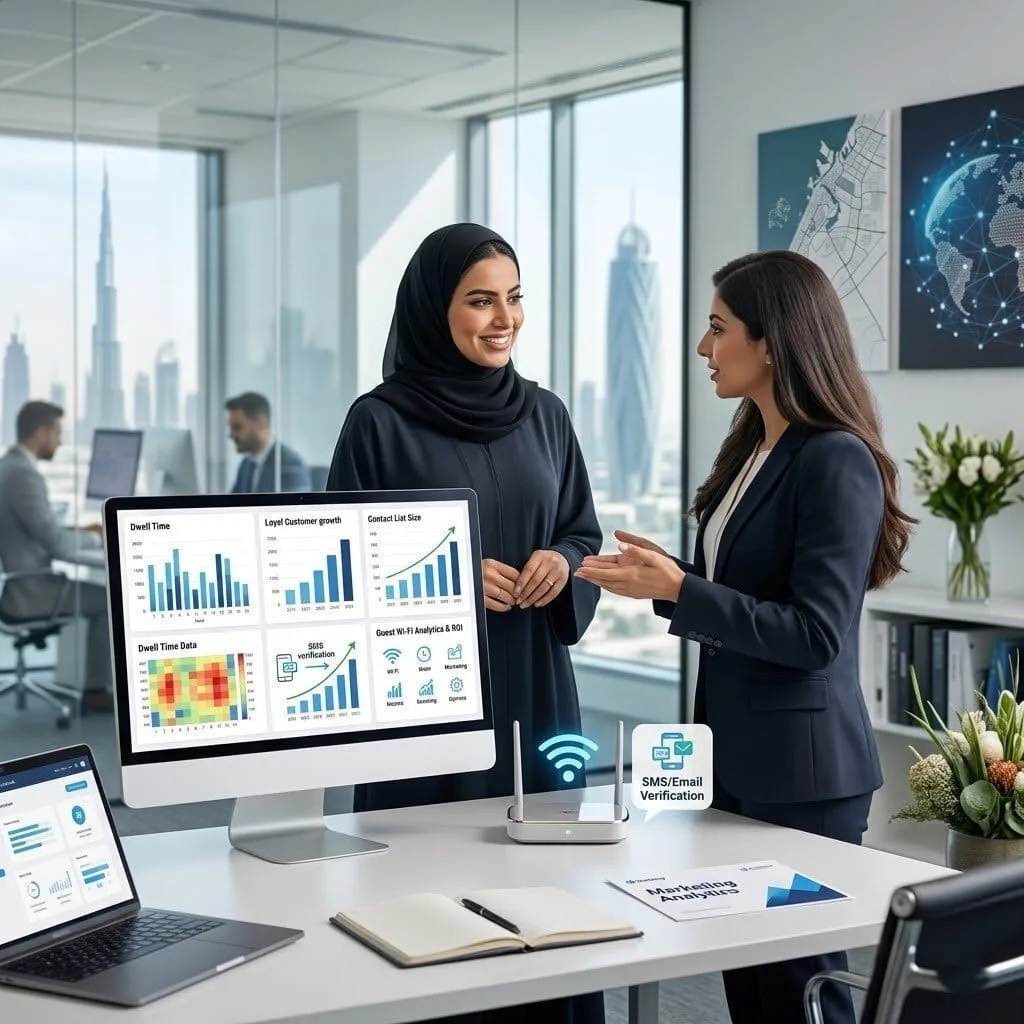
The Challenge: Yasmin’s company wanted to use their guest Wi-Fi as a marketing tool. They were providing free internet to hundreds of visitors but gaining no insights into who their customers were or how to reach them again.
The vorza360 Solution: We configured SMS & Email Authentication for their captive portal services. Before accessing the internet, guests now verify their identity via a quick text or email. We also set up Analytics & Marketing Integration, allowing Yasmin to collect opted-in email addresses for her monthly newsletters.
The Result: Yasmin’s guest Wi-Fi turned into a smart growth tool. She now has a real contact list of loyal customers and can see “Dwell Time” reports to understand when her building is busiest. The portal pays for itself by driving real ROI through targeted promotions.
Bogdan Stoian (Romania)
The Challenge: In Bogdan’s busy 60-person office, the guest Wi-Fi was being abused. Passers-by from the street were staying connected all day, slowing down the internet for the actual staff. His basic router couldn’t handle the “session load” or kick off old users automatically.
The vorza360 Solution: We provided a professional captive portal router setup with strict Session Timeout Policies. We configured the gateway to automatically disconnect any user after two hours of use. We also added “Bandwidth Limits” so that even if a guest is downloading a large file, it never slows down the core office connection.
The Result: The internet speed for the staff improved immediately. The network stays “fresh” because the portal cleans out old connections automatically. Bogdan now has an internet gateway that handles high traffic without the frustration of a “clogged” connection.
Rahul Desai (India)
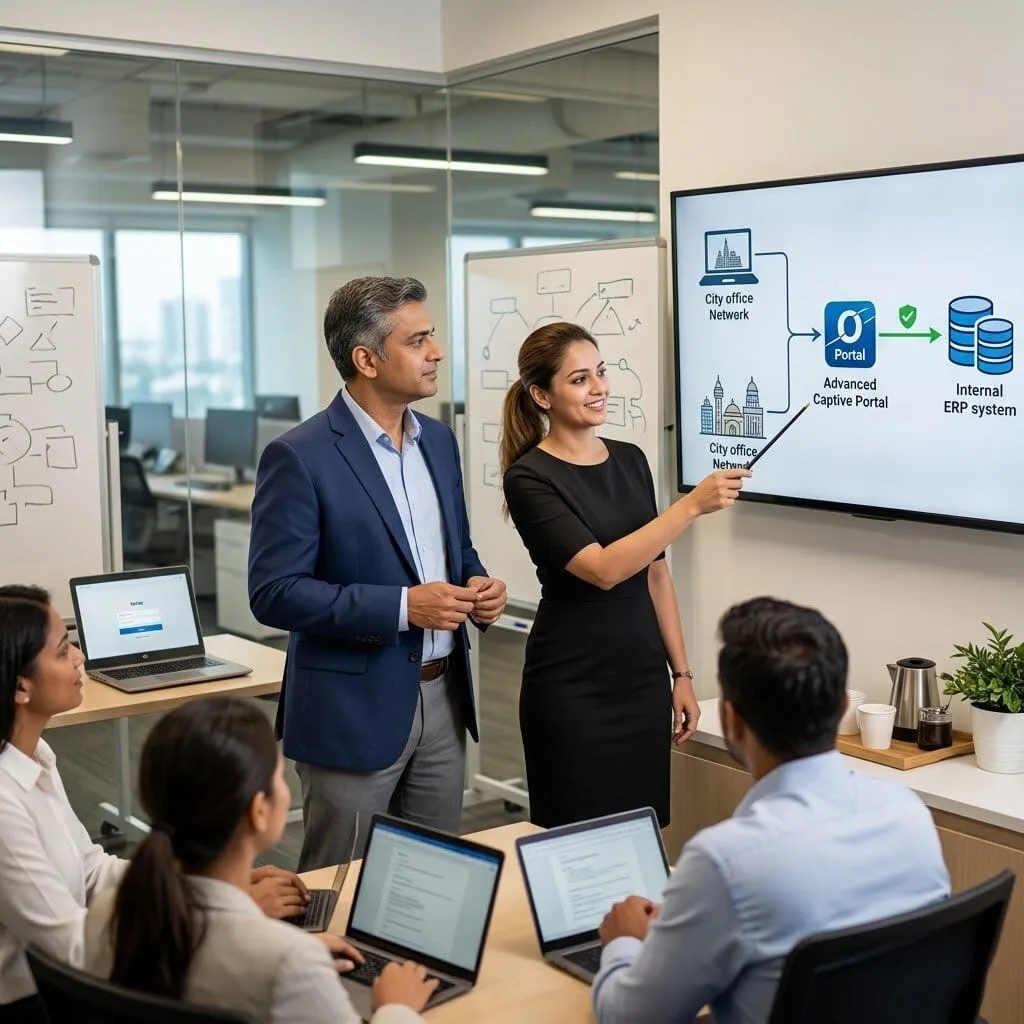
The Challenge: Rahul’s company operated across two cities and needed a way for traveling managers to log in to the office network securely from their laptops without a complex VPN client. They needed a “middle ground” that was easier than a VPN but more secure than an open port.
The vorza360 Solution: We built an Advanced OPNsense Captive Portal setup. We created a secure “Web Gate” where managers log in using their local office credentials. We used External Portal API Integration to link the portal to their employee database, ensuring only authorized staff could bypass the “Walled Garden” to reach the internal ERP system.
The Result: Traveling staff now have a seamless way to work from either office. The connection is stable, encrypted, and recovers automatically. Rahul’s team stopped thinking about connectivity issues and started focusing back on their business operations.
Frida Lund (Norway)
The Challenge: Frida was worried about “malicious” devices joining the guest Wi-Fi and accidentally attacking the office server. She wanted a way to provide internet while ensuring the guest traffic was “filtered” and couldn’t see any other devices on the network.
The vorza360 Solution: We used a captive portal setup Linux approach combined with OPNsense to build a high-security gateway. We configured “MAC Bypass” for the office’s own printers and devices so they stay connected, while every other device is forced through an encrypted HTTPS login page. This ensures guest devices are trapped in a safe “bubble.”
The Result: The network is now “self-protecting.” Frida’s team has meaningful security improvements without needing a separate, expensive appliance. The portal logs every request, catching potential malware before it ever touches the company’s internal servers.
Taiwo Bello (Nigeria)
The Challenge: Taiwo’s hotel had two different internet providers, but guests were constantly complaining because the “login page” would disappear if the primary internet flickered. He needed a portal that stayed live regardless of which internet line was working.
The vorza360 Solution: We reconfigured the Omada Controller to handle a dual-WAN captive portal setup. We designed a “Redirect URL” strategy where the login page is hosted locally on the gateway. If one ISP fails, the gateway automatically switches to the second line while keeping the guest’s session active.
The Result: Guest complaints about Wi-Fi dropped to zero. The failover is now invisible to the customers. Taiwo’s team finally achieved the “always-on” guest experience they intended to have when they first installed two internet connections.
vorza360’s Tech Edge
Portal Authentication Templates
Voucher-Based Access Control
SMS & Email Authentication
+ 2
More
External Portal API Integration
Session Timeout Policies
vorza360’s Tech Edge
Portal Authentication Templates
We design custom splash pages with your logo and colors, ensuring a consistent look for every guest.
Voucher-Based Access Control
Our team sets up unique “one-time codes” that you can give to visitors, putting a firm limit on their connection time.
SMS & Email Authentication
We configure your captive portal services to verify users via text or email, helping you build a safe and real contact list.
External Portal API Integration
For advanced needs, we can link your portal to professional marketing tools or customer databases.
Session Timeout Policies
We create smart rules that automatically disconnect users after a set time, keeping your network fresh and fast for new arrivals.
Professional TP-Link Captive Portal Setup
We provide a complete, managed installation for your Omada-powered business network.
Advantages
Setting up "Simple Password" or "No Authentication" options for fast access.
Designing the visual landing page that your customers see first.
Configuring the "brain" of your network to handle guest redirects.
Testing the TP-link captive portal setup on different phones and laptops.
Delivering a human-led service that we explain in very easy words.
Advanced OPNsense Captive Portal Setup
We build high-security gateways using professional-grade OPNsense captive portal setup techniques.
Advantages
Creating isolated "Guest Zones" that keep your office computers invisible.
Setting up encrypted HTTPS logins to protect user information.
Configuring "Walled Gardens" so guests can see your website before they log in.
Integrating local user lists for staff who need remote access.
Providing a professional captive portal router setup for maximum security.
Managed Voucher & Billing Services
We help you control exactly how long and how often guests use your internet.
Advantages
Generating batches of unique codes for hotels, cafés, or waiting rooms.
Customizing voucher prints with your business name and Wi-Fi instructions.
Setting "Bandwidth Limits" so one guest doesn't slow down the whole office.
Tracking how many people are using your captive portal services in real-time.
Offering expert support to help you manage and renew your access rules.
Multi-Platform & Linux Portal Solutions
Whether you use specialized gear or a server, we have the captive portal setup Linux skills to match.
Advantages
Deploying open-source portal engines for custom, high-traffic environments.
Linking your portal to social media logins like Google or Facebook.
Configuring "MAC Bypass" for your office printers so they never get blocked.
Ensuring your captive portal setup works perfectly across all operating systems.
Acting as your cross-platform experts for any hardware you own.
Analytics & Marketing Integration
We turn your guest Wi-Fi into a smart tool that helps your business grow.
Advantages
Setting up "Redirect URLs" that send users to your newest promotion after they log in.
Collecting opted-in email addresses for your monthly newsletters.
Reviewing "Dwell Time" reports to see how long customers stay in your building.
Automating "Welcome Back" messages for your most loyal visitors.
Providing a professional setup captive portal strategy that drives real ROI.
Professional TP-Link Captive Portal Setup
We provide a complete, managed installation for your Omada-powered business network.
ADVANTAGES
Configuring the "brain" of your network to handle guest redirects.
Setting up "Simple Password" or "No Authentication" options for fast access.
Designing the visual landing page that your customers see first.
Testing the TP-link captive portal setup on different phones and laptops.
Delivering a human-led service that we explain in very easy words.
Advanced OPNsense Captive Portal Setup
We build high-security gateways using professional-grade OPNsense captive portal setup techniques.
ADVANTAGES
Creating isolated "Guest Zones" that keep your office computers invisible.
Setting up encrypted HTTPS logins to protect user information.
Configuring "Walled Gardens" so guests can see your website before they log in.
Integrating local user lists for staff who need remote access.
Providing a professional captive portal router setup for maximum security.
Managed Voucher & Billing Services
We help you control exactly how long and how often guests use your internet.
ADVANTAGES
Generating batches of unique codes for hotels, cafés, or waiting rooms.
Customizing voucher prints with your business name and Wi-Fi instructions.
Setting "Bandwidth Limits" so one guest doesn't slow down the whole office.
Tracking how many people are using your captive portal services in real-time.
Offering expert support to help you manage and renew your access rules.
Multi-Platform & Linux Portal Solutions
Whether you use specialized gear or a server, we have the captive portal setup Linux skills to match.
ADVANTAGES
Deploying open-source portal engines for custom, high-traffic environments.
Linking your portal to social media logins like Google or Facebook.
Configuring "MAC Bypass" for your office printers so they never get blocked.
Ensuring your captive portal setup works perfectly across all operating systems.
Acting as your cross-platform experts for any hardware you own.
Analytics & Marketing Integration
We turn your guest Wi-Fi into a smart tool that helps your business grow.
ADVANTAGES
Setting up "Redirect URLs" that send users to your newest promotion after they log in.
Collecting opted-in email addresses for your monthly newsletters.
Reviewing "Dwell Time" reports to see how long customers stay in your building.
Automating "Welcome Back" messages for your most loyal visitors.
Providing a professional setup captive portal strategy that drives real ROI.
Why Choose vorza360 for This Service?
We make guest Wi-Fi feel like a premium service rather than a technical headache.
Simplified Management
You don’t need to be a pro. We handle the TP-link captive portal setup and all the technical clicks so you can focus on your customers.
Security First
We use a professional captive portal router setup to ensure your private business data is always separated from guest traffic.
Tailored For You
From a simple OPNsense captive portal setup to custom Linux designs, we build a “front door” that matches your business size and style.
Tools
Tools & Plugins We Use
Omada Controller
The central tool for any TP-link captive portal setup, allowing for easy branding and management.
OPNsense
A professional security platform we use for advanced OPNsense captive portal setup and firewalling.
Coova-Chilli
A powerful plugin for captive portal setup Linux environments that handles high-speed user traffic.
Spotipo
A specialized marketing tool we integrate for advanced guest analytics and social logins.
Here is what our Clients are saying About us
Einar Jónsson (Iceland)
Setting up a captive portal for our hotel guests using Omada had been on our to-do list for months. vorza360 configured a branded portal with our logo and terms of service, set up voucher-based access for front desk to issue, and tied it into our guest VLAN. Exactly what we needed for a professional guest experience.
Maryam Al-Balushi (Oman)
vorza360 configured a captive portal for our restaurant that requires guests to provide an email address before accessing Wi-Fi. The integration with our marketing platform to capture those addresses was set up cleanly and our customer database has been growing with every service since launch.
Bogdan Stoica (Romania)
Our previous captive portal had been unreliable, some devices would loop, others wouldn’t redirect, and the experience was consistently frustrating. vorza360 rebuilt the entire captive portal setup from scratch using Omada’s built-in portal properly. It’s worked reliably for every device type since they finished.
Vikram Nambiar (India)
vorza360 set up a captive portal for our co-working space that handles both day-pass and membership access differently. Members authenticate with credentials while day visitors use a voucher. The portal logic they configured handles both flows cleanly without any visible complexity to the end user.
Silje Andersen (Norway)
vorza360 configured a captive portal for our clinic’s patient waiting area with a simple click-through terms acceptance before connecting. They set session time limits, bandwidth restrictions per user, and proper isolation from our clinical network. Patient internet access now works properly without any risk to our clinical systems.
Babatunde Adewale (Nigeria)
vorza360 set up a captive portal for our school’s visitor Wi-Fi that generates time-limited access codes our reception staff can issue easily. The portal is branded with our school logo, clear in its instructions, and has worked reliably since deployment. A professional solution our staff find genuinely easy to manage.
More about Omada (TP-Link)
Omada Cloud Access Configuration
Manage your business network from anywhere in the world with vorza360’s omada cloud…
Got questions? We’ve got answers. Find everything you need to know about using our platform, plans, and features
What is a captive portal and how does vorza360 implement it on TP-Link Omada?
A captive portal is the login page that users see when they connect to a Wi-Fi network and open a browser, it requires them to take an action (accept terms, enter a voucher code, log in with email, or authenticate via social media) before gaining internet access. Captive portals serve multiple business purposes: they provide legal protection by requiring users to accept terms of service before using your network; they gather guest contact information (with appropriate consent) for marketing; they enforce access time limits and bandwidth policies per session; they reinforce your brand identity through a custom-designed splash page; and they provide an audit trail of who connected to your guest network. vorza360 deploys and configures Omada’s built-in captive portal as a professional, branded guest network management tool tailored to your specific business requirements and legal jurisdiction.
What authentication methods does vorza360 configure for Omada captive portals?
Omada’s captive portal supports several authentication methods and vorza360 configures the most appropriate one for each business use case. No Authentication with Terms Acceptance is the simplest option, users see the splash page, click to accept terms, and gain access, appropriate for low-risk environments such as waiting rooms or lobbies. Voucher-Based Authentication provides one-time use codes with configurable validity periods and bandwidth limits, ideal for hospitality, events, and guest meeting rooms where controlled, time-limited access is needed. Password-Based Authentication requires a shared password known to your guests, appropriate for small businesses wanting simple gated access. Social Login Authentication allows guests to log in using their Facebook or Google accounts, popular in retail and hospitality for its frictionless user experience. SMS Authentication sends a verification code to the guest’s mobile number, providing a contact record while verifying the user has a real phone number.
How does vorza360 brand and customize the Omada captive portal for a business?
A professionally branded captive portal reinforces your business identity at the first touchpoint with your guests and visitors, creating a positive impression. vorza360 customizes the Omada captive portal by uploading your business logo and applying your brand’s color palette to the portal background, buttons, and text. We write the portal’s welcome message and terms of service content according to your business’s legal requirements and communication tone. We design the page layout to be clean and intuitive on both mobile phones (the most common device for guest Wi-Fi connection) and desktop browsers. We configure the post-authentication redirect URL, typically your business’s website, so the first page guests see after connecting is your chosen web presence. For businesses with specific brand guidelines, we can design the portal in a web design tool and implement it as a custom HTML portal using Omada’s portal URL redirection feature to an externally hosted page with full custom design.
How does vorza360 manage captive portal bandwidth to ensure guest Wi-Fi does not impact business operations?
Guest Wi-Fi that consumes excessive bandwidth can degrade the quality of business-critical internet connections, slowing video conferences, cloud applications, and VoIP calls for staff. vorza360 prevents this by configuring rate limiting specifically on the guest network SSID and captive portal: we set per-client download and upload speed limits that provide a reasonable guest experience (typically 5 to 10 Mbps per client for general browsing and social media) while ensuring that even a large number of guest connections cannot consume the full business internet bandwidth. We additionally configure session duration limits on captive portal vouchers or authenticated sessions so that inactive connections are automatically released. For businesses with bandwidth-intensive legitimate guest use cases (hotel guests streaming video, for example), we calculate appropriate limits based on the total available bandwidth and typical concurrent guest count.
Does vorza360 configure captive portals to comply with data protection regulations?
Yes, captive portals that collect user data such as email addresses, phone numbers, or social login information must comply with applicable data protection regulations including GDPR in Europe, CCPA in California, and similar laws in other jurisdictions. vorza360 configures captive portals with compliance in mind: we include clear, explicit consent checkboxes for data collection and email marketing purposes (these must be opt-in, not pre-checked). We write terms of service language that clearly describes what data is collected, how it is used, and how long it is retained. We configure data retention periods within the Omada portal that automatically purge guest records after the defined retention period. We ensure that social login integrations (Facebook, Google) request only the minimum data permissions necessary. And we advise you on your obligation to maintain a data processing register entry for the guest Wi-Fi data collection activity. For businesses where this level of compliance detail is business-critical, we recommend consulting a data protection specialist alongside our technical implementation. IT SUPPORT › TP-LINK OMADA › SUBPAGE 07