Stay ahead of tech issues with vorza360’s network monitoring services. We watch your systems 24/7, providing clear data and fast fixes to keep your business running smoothly.
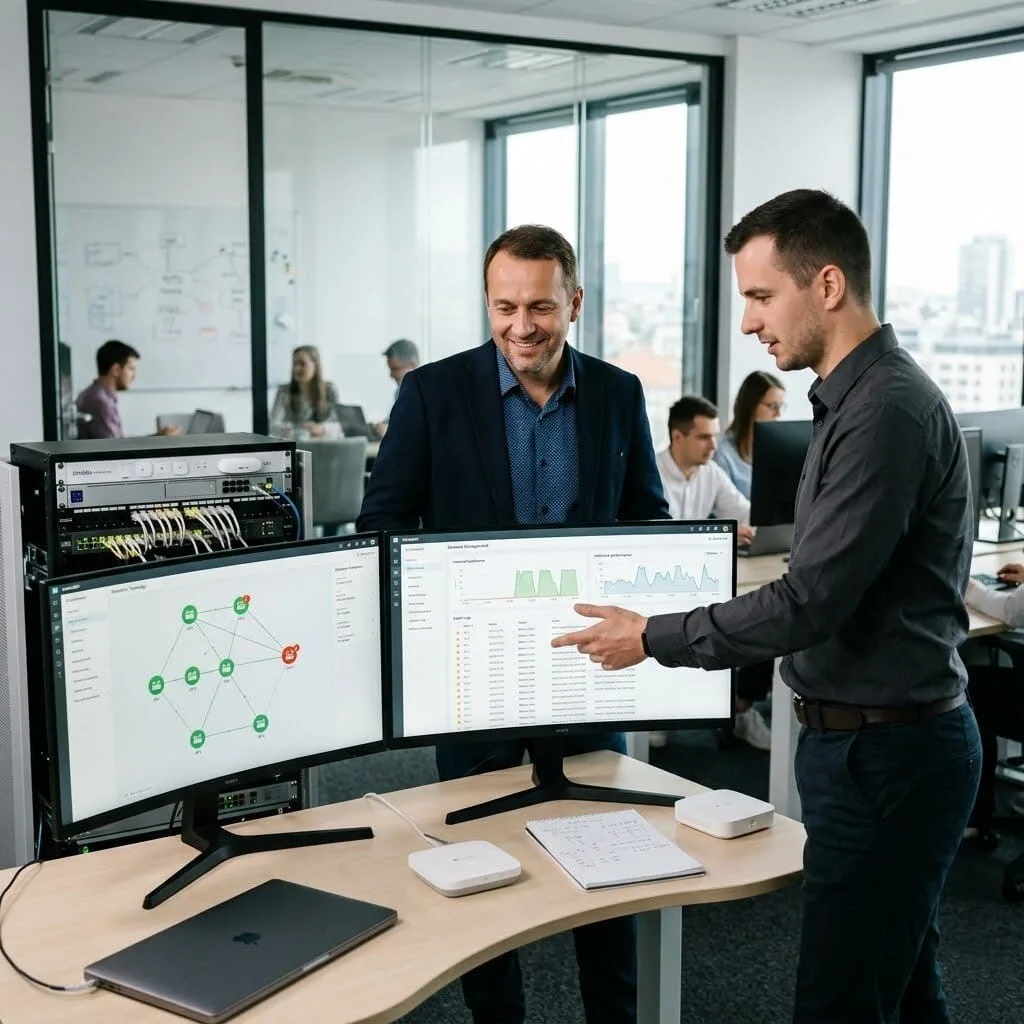
The Challenge: Tomáš’s company had an Omada network with intermittent problems that were difficult to diagnose because there was no monitoring history. By the time IT investigated, the problem had resolved and there was no data to work from.
The vorza360 Solution: vorza360 configured Omada’s monitoring features comprehensively: network topology view, client connection history, AP performance metrics with historical data, alerting for AP offline events and client disconnection patterns, and syslog forwarding for detailed event correlation.
The Result: The next intermittent problem was captured in the event logs. The data showed a specific AP rebooting every few days, traced to PoE power instability from the switch port powering it. A documented event led to a resolved root cause, exactly what Tomáš’s team had been unable to achieve without monitoring history.
Dalal Al-Khamisi (Kuwait)
The Challenge: Dalal’s company was experiencing WiFi dropping in a specific office area, but the IT team could never reproduce it when they visited. The Omada dashboard just showed the APs as online, offering no clue about the actual client experience.
The vorza360 Solution: vorza360 configured client-level monitoring capturing signal strength, data rates, and retry rates for connected clients. The metrics showed elevated retry rates on the specific AP during business hours, indicating RF interference masked by the AP-level view. A spectrum analysis identified a neighbouring device as the interference source.
The Result: The interference source was relocated and the AP’s client metrics returned to normal. Dalal’s staff stopped experiencing drops in that area, and the IT team had a diagnostic approach that goes beyond ‘the AP is online’ to the client experience level where the actual problem had been visible.
Gabriel Ionescu (Romania)
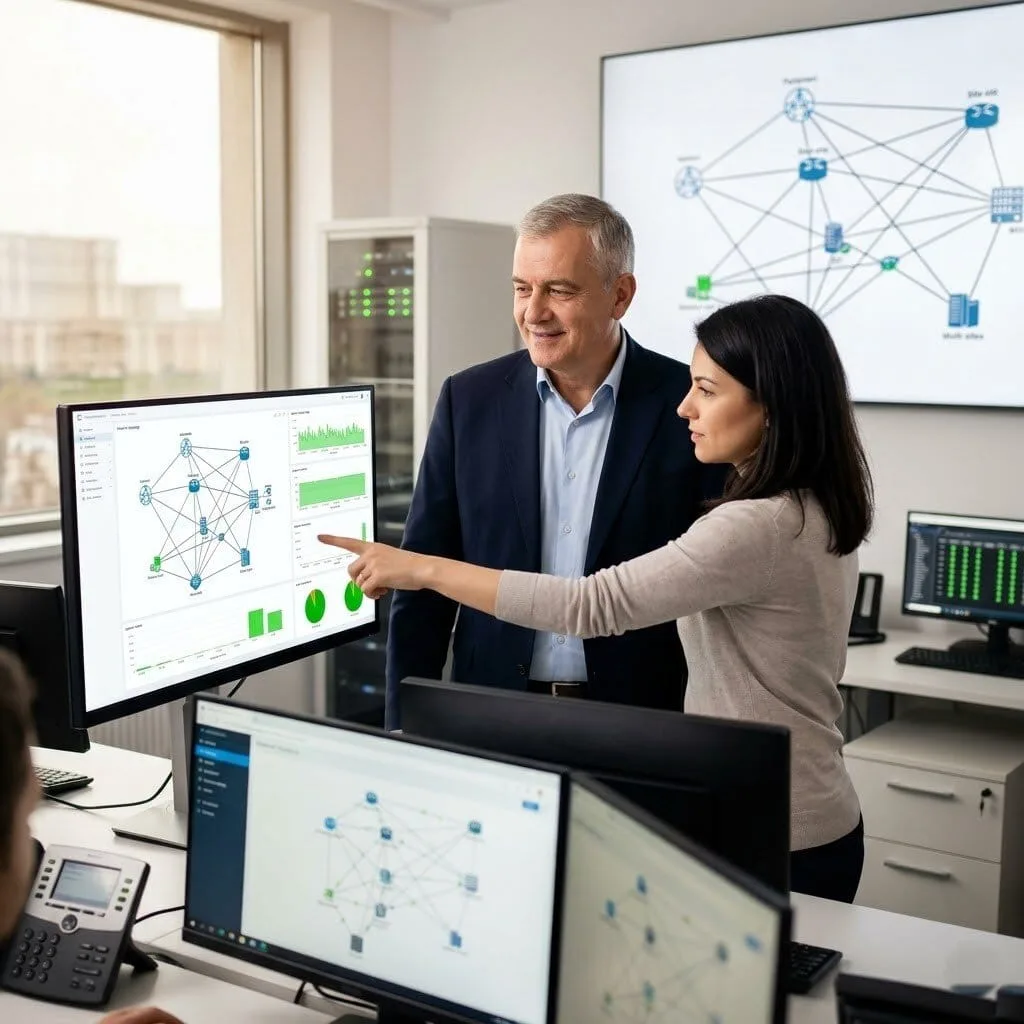
The Challenge: Gabriel’s company had multiple offices connected over the internet with Omada managing local wireless at each site. They had no monitoring of inter-site connectivity and learned about site connection failures from staff calling to say they couldn’t reach resources at other offices.
The vorza360 Solution: vorza360 configured Omada monitoring with cross-site visibility, set up connectivity monitoring between sites via the Omada Controller topology view, and integrated external uptime monitoring that alerted the IT team within two minutes of any site losing connectivity.
The Result: The IT team knew about site connectivity failures before staff reported them. The monitoring gave them time to investigate and often resolve issues, or at least communicate proactively to affected users, before the first complaint call came in. Proactive notification replaced reactive complaint management.
Priya Venkat (India)
The Challenge: Priya’s company was growing rapidly and their Omada network was becoming more complex. The IT team was spending increasing time troubleshooting because they lacked tools to quickly identify where in the network path a problem was occurring.
The vorza360 Solution: vorza360 configured Omada’s network diagnostics toolset: cable testing from switch ports, ping and traceroute from the controller for any connected device, client path tracing to identify the switch and AP a device was connected through, and VLAN verification to confirm a device was on the correct network segment.
The Result: Network troubleshooting time reduced significantly as the IT team could quickly isolate the layer at which a problem was occurring. Issues requiring physical investigation could be diagnosed from the controller in minutes, and path tracing eliminated the guesswork about which network path a problematic device was using.
Ingrid Eriksson (Sweden)
The Challenge: Ingrid’s company had an ISP who frequently disputed network problem reports, claiming issues were on the internal network rather than their connection. Without monitoring data, these disputes were unresolvable and the ISP consistently won the argument.
The vorza360 Solution: vorza360 configured continuous WAN monitoring from the Omada gateway: latency and packet loss measurement to multiple external targets, logged with timestamps and graphed historically. When problems occurred, the data clearly showed whether issues were on the WAN interface or only affecting internal segments.
The Result: The next dispute with the ISP was resolved with evidence. Omada’s WAN monitoring data showing elevated packet loss on the uplink interface, correlated with the times staff had reported problems, was irrefutable. The ISP acknowledged the issue and credited Ingrid’s company, a first in their relationship.
Kunle Adeyemi (Nigeria)
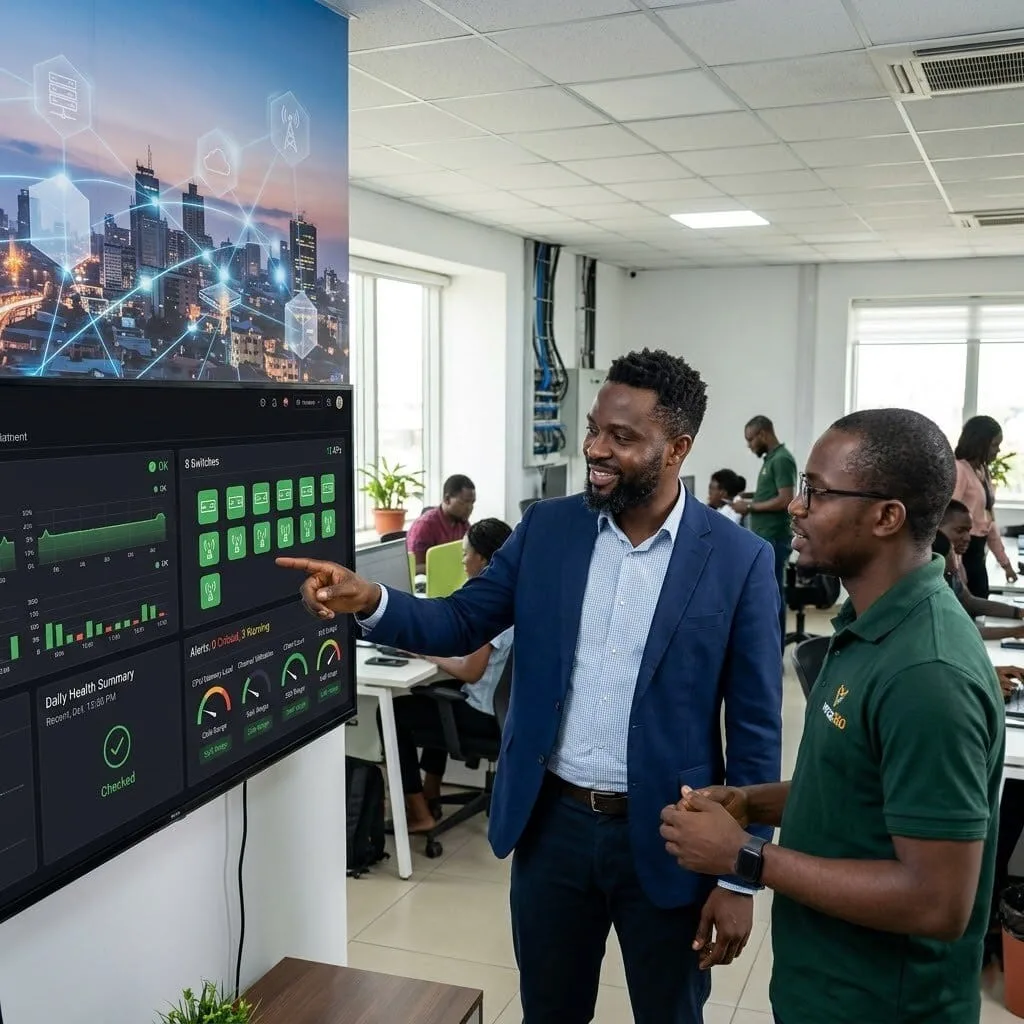
The Challenge: Kunle’s company had grown their Omada network to 8 switches and 15 APs across their facility with no systematic monitoring process. Device failures were discovered when something stopped working, not before, and the team spent more time firefighting than managing proactively.
The vorza360 Solution: vorza360 configured comprehensive Omada monitoring: alerts for device offline events, high CPU or memory on switches, AP channel utilisation thresholds, client count anomalies, and PoE budget warnings. A daily health summary report was configured to be emailed to the IT team each morning.
The Result: The IT team shifted from reactive firefighting to proactive infrastructure management. The daily health summary gave a five-minute morning review of the entire network’s status, and alerting meant unusual events were flagged immediately rather than waiting for a user complaint. Kunle’s IT team managed their growing infrastructure with confidence.
vorza360’s Tech Edge
Real-Time Traffic Visualization
Client Usage Analytics
Device Health Monitoring
+ 2
More
Historical Performance Reports
Alert & Notification System
vorza360’s Tech Edge
Real-Time Traffic Visualization
We use a high-tech network monitoring system to show you exactly how data is moving through your office right now.
Client Usage Analytics
Our team tracks which devices are using the most internet, helping us find and fix “bandwidth hogs” instantly.
Device Health Monitoring
We watch the temperature and power of your switches and routers to prevent hardware failures before they happen.
Historical Performance Reports
We provide easy-to-read charts that show your network’s growth and health over the past month.
Alert & Notification System
Our network monitoring software sends us a text the second a device goes offline, so we can fix it immediately.
24/7 Network Monitoring Services
We act as your dedicated guard, watching your digital office every second of the day.
Advantages
Constant heartbeat checks on all your office computers and servers.
Instant alerts sent to our human support team if a connection drops.
Using the best network monitoring software to track your uptime.
A proactive service that fixes glitches before your staff even notices.
Monthly health summaries written in very easy, simple words.
Advanced Network Performance Monitoring
We ensure your internet is not just “on,” but running at the high speed you pay for.
Advantages
Tracking "latency" to ensure your video calls and cloud apps stay snappy.
Using network software monitoring to test your office download speeds.
Finding hidden bottlenecks in your wiring or old hardware.
Balancing your data traffic to prevent mid-day slowdowns.
Delivering a professional, lag-free experience for your entire team.
Network Security Monitoring and Analytics
We combine speed checks with safety, acting as a digital shield for your business data.
Advantages
Identifying "strange" traffic patterns that could signal a security threat.
Monitoring your firewall logs to see who is trying to access your network.
Using a network monitoring solution log analytics approach to find hidden risks.
Providing a secure foundation for your company's private information.
Blocking unauthorized devices the moment they try to join your Wi-Fi.
Predictive Analytics in Network Monitoring
We use smart data to guess what your network will need in the future.
Advantages
Using predictive analytics in network monitoring to tell you when you'll run out of space.
Forecasting "peak hours" so we can schedule updates when no one is working.
Identifying aging gear that is likely to fail in the next few months.
Planning your tech budget based on real usage data, not guesses.
Helping your business grow without "emergency" tech costs.
Custom Network Monitor Solutions
vorza360 builds a monitoring plan that fits your specific business size and goals.
Advantages
Configuring a custom network monitoring systems dashboard for your office.
Setting up networking monitoring software on your specific servers.
Linking your remote branch offices into one central, easy-to-see map.
Providing a "Single Pane of Glass" view where all your tech is visible.
Offering a managed partnership that evolves as your company does.
24/7 Network Monitoring Services
We act as your dedicated guard, watching your digital office every second of the day.
ADVANTAGES
Constant heartbeat checks on all your office computers and servers.
Instant alerts sent to our human support team if a connection drops.
Using the best network monitoring software to track your uptime.
Monthly health summaries written in very easy, simple words.
A proactive service that fixes glitches before your staff even notices.
Advanced Network Performance Monitoring
We ensure your internet is not just “on,” but running at the high speed you pay for.
ADVANTAGES
Tracking "latency" to ensure your video calls and cloud apps stay snappy.
Finding hidden bottlenecks in your wiring or old hardware.
Using network software monitoring to test your office download speeds.
Balancing your data traffic to prevent mid-day slowdowns.
Delivering a professional, lag-free experience for your entire team.
Network Security Monitoring and Analytics
We combine speed checks with safety, acting as a digital shield for your business data.
ADVANTAGES
Identifying "strange" traffic patterns that could signal a security threat.
Monitoring your firewall logs to see who is trying to access your network.
Using a network monitoring solution log analytics approach to find hidden risks.
Blocking unauthorized devices the moment they try to join your Wi-Fi.
Providing a secure foundation for your company's private information.
Predictive Analytics in Network Monitoring
We use smart data to guess what your network will need in the future.
ADVANTAGES
Using predictive analytics in network monitoring to tell you when you'll run out of space.
Forecasting "peak hours" so we can schedule updates when no one is working.
Identifying aging gear that is likely to fail in the next few months.
Planning your tech budget based on real usage data, not guesses.
Helping your business grow without "emergency" tech costs.
Custom Network Monitor Solutions
vorza360 builds a monitoring plan that fits your specific business size and goals.
ADVANTAGES
Configuring a custom network monitoring systems dashboard for your office.
Linking your remote branch offices into one central, easy-to-see map.
Setting up networking monitoring software on your specific servers.
Providing a "Single Pane of Glass" view where all your tech is visible.
Offering a managed partnership that evolves as your company does.
Here is what our Clients are saying About us
Paavo Korhonen (Finland)
We had no idea what was happening on our wireless network until vorza360 set up proper monitoring through the Omada Controller. Client counts, traffic trends, interference sources, rogue AP alerts, we now have visibility we didn’t know we were missing. Several issues have been caught and resolved proactively as a result.
Hind Al-Rashidi (Kuwait)
vorza360 configured the Omada analytics and monitoring features to give our IT team real-time visibility into network health across all our sites. The custom alert thresholds they set up mean we get notified about genuine problems rather than constant noise. Meaningful monitoring rather than just data.
Silviu Popa (Romania)
Our Omada network had been running without any monitoring in place. vorza360 set up the full monitoring stack, device health, client connectivity, traffic analytics, and email alerts for any AP going offline. We discovered two APs had been intermittently rebooting for weeks that we hadn’t been aware of.
Deepak Nair (India)
vorza360 configured Omada’s traffic analysis features to give us visibility into bandwidth consumption by SSID and by client. We identified several devices consuming disproportionate bandwidth that we hadn’t known about. That visibility alone has helped us tune our QoS policies much more effectively.
Ingrid Halvorsen (Norway)
vorza360 set up Omada network analytics with custom dashboards for our management team that show high-level network health without requiring them to understand the technical details. The ‘right-information-for-the-right-audience’ approach they took means our IT team and management team both have the views they actually need.
Emeka Obi (Nigeria)
vorza360 configured automated network health reports from our Omada Controller that land in our IT manager’s inbox every Monday morning. Trends, alerts, and anomalies summarised cleanly without anyone having to log in and look manually. Simple monitoring that actually gets reviewed because it’s easy to consume.
More about Omada (TP-Link)
Omada Cloud Access Configuration
Manage your business network from anywhere in the world with vorza360’s omada cloud…
Got questions? We’ve got answers. Find everything you need to know about using our platform, plans, and features
What network monitoring capabilities does TP-Link Omada provide and how does vorza360 use them?
The Omada controller provides a comprehensive built-in monitoring and analytics platform that vorza360 uses to maintain visibility into your network’s health and performance. The controller’s dashboard shows the real-time status of all devices (online, offline, isolated), connected client counts per access point, RF environment data (channel utilization, interference levels), active alerts for device offline events and security incidents, and historical connectivity and performance trends. The client analytics section shows per-device connection history, associated SSID and access point, signal strength, data usage, and roaming events. The portal analytics (for captive portal deployments) show guest connection trends over time. vorza360 uses all of these capabilities as part of our ongoing monitoring service, reviewing analytics regularly to identify performance trends, investigate connectivity complaints with concrete data, and proactively address issues before they affect users.
How does vorza360 set up alerts for TP-Link Omada network issues?
Proactive alerting ensures that network issues are detected and addressed promptly, ideally before users experience significant impact. vorza360 configures Omada’s event notification system to send alerts via email for the most critical network events: access point going offline (which creates a coverage gap); gateway going offline (which causes complete internet connectivity loss); abnormal client activity (a device connecting repeatedly in a pattern suggesting a brute-force attack); rogue AP detected; and controller connectivity issues. For clients on our monitoring service, these alerts are directed to our support team as well as designated client contacts, enabling our team to begin investigating immediately when an event occurs. We configure alert suppression rules to prevent false-alarm flooding from expected maintenance events, and we tune alert thresholds based on the normal baseline behavior of your specific network to minimize false positives.
How does vorza360 use Omada network analytics to optimize Wi-Fi performance over time?
Network analytics provide the evidence base for informed optimization decisions, rather than making changes based on user complaints alone, vorza360 uses data to diagnose the root cause and validate the impact of improvements. We use Omada’s per-access-point traffic and client data to identify access points that are consistently serving more clients than their neighbors (indicating a coverage gap that should be filled) or access points with consistently low utilization (potentially repositionable to better serve high-demand areas). We review channel utilization data to identify RF interference patterns that have developed since initial deployment, adjusting channel assignments to restore performance. We use the roaming event data to identify locations where clients are clinging to distant access points despite being physically close to another AP, indicating transmit power adjustment is needed. We present analytics-based optimization recommendations at regular review meetings so improvements are prioritized and implemented systematically.
How does vorza360 monitor TP-Link Omada networks from a remote support center?
Remote monitoring is one of the key advantages of the Omada cloud management platform and a cornerstone of vorza360’s managed service offering. Through the Omada cloud portal or the Software Controller’s web interface, our support team has continuous visibility into your network’s device status, alert log, client activity, and performance metrics without being physically present at your site. We configure the Omada controller to forward alert emails to our monitoring team’s ticketing system, creating support tickets automatically when critical events are detected. For clients on proactive monitoring plans, our team reviews network health dashboards on a defined schedule and investigates any anomalies. We use the remote access capability to make configuration changes (adding a new SSID, adjusting QoS settings, updating firmware) without requiring a site visit. For issues that require physical investigation, a suspected access point hardware failure, a cable issue, or RF environment change, we escalate to an on-site visit promptly.
Can vorza360 use Omada analytics to track visitor footfall and presence for retail or hospitality businesses?
Yes, Omada’s Wi-Fi analytics can provide valuable footfall and presence intelligence for retail, hospitality, and venue businesses as a by-product of the guest Wi-Fi infrastructure. The Omada controller tracks probe requests from devices in the vicinity (even those not connected to the network) and connection events from devices that do connect, providing data on visitor counts by time of day and day of week, dwell time within the venue, repeat visitor ratios (devices seen on previous visits), and the movement of connected devices between access points (indicating customer path and dwell location within the venue). vorza360 configures and implements these analytics features and presents the data in the context of your business decisions, optimizing staffing levels, evaluating marketing campaign effectiveness, understanding which areas of your venue attract the most time, and comparing footfall trends against business performance metrics. We ensure these analytics are implemented in compliance with applicable privacy regulations. IT SUPPORT › TP-LINK OMADA › SUBPAGE 10