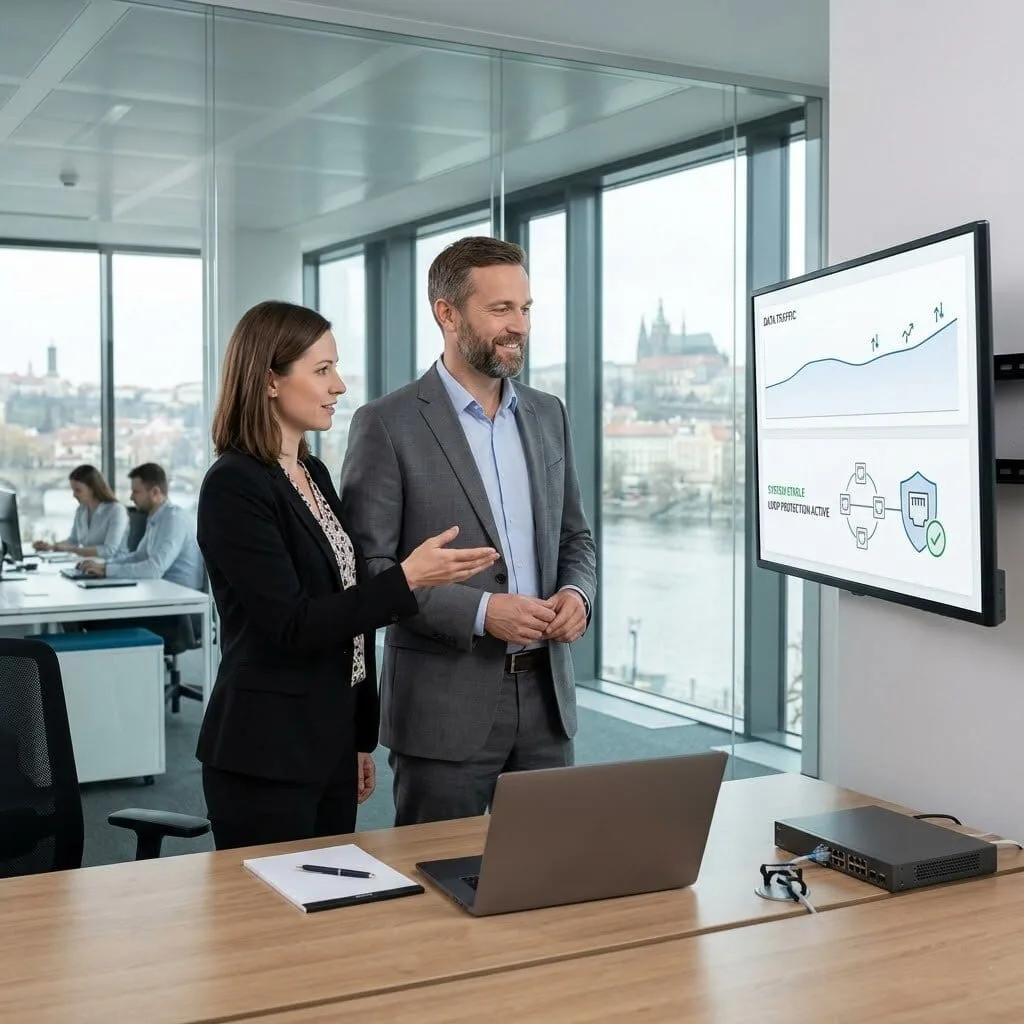
Stop lag and slow speeds with vorza360’s professional bandwidth management QoS services. We prioritize your most important business tasks to ensure smooth video calls and fast file sharing.
The Challenge: Martin’s company had a powerful network, but it was “unmanaged.” One afternoon, a staff member accidentally created a “digital traffic jam” by plugging a cable into two ports at once, which flooded the entire network with useless data and crashed their internet for two hours.
The vorza360 Solution: We implemented Bandwidth & QoS Management alongside loop protection. We configured the “Spanning Tree” protocol to act as a safety valve. We also set up “Storm Control” on every switch port, which automatically detects and blocks any sudden flood of data, ensuring that a single mistake can never take down the whole office again.
The Result: The network is now “loop-proof.” Martin’s team hasn’t had a single second of downtime from cabling errors since. By managing the traffic at the port level, we ensured their business-critical apps always have a clear, safe path to the internet.
Hessa Al-Mazrouei (UAE)
The Challenge: Hessa’s office used several PoE (Power over Ethernet) devices like IP phones and cameras. Whenever the network got busy, the “power budget” would peak, and her most important devices, the phones, would occasionally drop offline because the switch didn’t know which device was the most important.
The vorza360 Solution: We applied Smart Queuing to their power and data management. We assigned “High Priority” to the IP phones and “Normal Priority” to the cameras. We also set up IP QoS bandwidth management to ensure that even if the cameras were recording heavy video, the voice calls remained crystal clear and never lost power.
The Result: Hessa’s team now has total visibility into their power and data use. The most important office tools stay online 100% of the time, and the “investigation” work for the IT team has dropped to zero because the dashboard shows exactly how the budget is being used.
Vlad Constantin (Romania)
The Challenge: Vlad’s company tried to combine two internet cables into a “double-wide highway” for extra speed, but their manual setup caused a massive digital loop that crashed the network. They retreated to a single, slow connection because they were afraid of another crash.
The vorza360 Solution: We used a professional LACP configuration to safely aggregate their links. We acted as the “digital traffic controllers,” ensuring the two cables worked as one seamless team. We combined this with QoS for bandwidth management to make sure that the extra speed was reserved for their live client presentations and cloud databases.
The Result: Vlad finally got the high-speed, resilient connection he wanted. We tested the failover by pulling one cable out mid-call, the video didn’t even flicker. His team now enjoys double the bandwidth with none of the risk.
Saurabh Joshi (India)
The Challenge: Troubleshooting at Saurabh’s office was a nightmare. Whenever a user complained of “lag,” the IT team had to physically crawl under desks to trace cables. They had no idea which “lane” on the switch belonged to which person, making it impossible to fix speed issues.
The vorza360 Solution: We performed a full physical audit and matched it with Interface Descriptions in the switch settings. We then applied Application Sensing to their traffic. Now, when the CEO is on a Zoom call, the switch “senses” the app and automatically gives that specific port 100% priority.
The Result: Troubleshooting now takes minutes instead of hours. The IT team can see every device from their dashboard and adjust bandwidth for any user with a single click. Saurabh’s office has moved from “guessing” to “knowing” exactly how their speed is being used.
Annika Lindberg (Sweden)
The Challenge: A malfunctioning printer in Annika’s office started “shouting” data at the network, creating a broadcast storm that slowed everyone’s internet to a crawl. They didn’t have any QoS bandwidth management in place to muffle the “noise,” so the whole office suffered.
The vorza360 Solution: We isolated the faulty printer and then built a permanent “Digital Shield.” We configured Broadcast Storm Control and set “Rate-Limiting” thresholds. This ensures that even if a device malfunctions, the switch “caps” its speed, preventing it from ever hogging the “highway” used by the rest of the team.
The Result: Protection was in place within hours. Annika’s team now understands how the traffic “lanes” work, and they have the peace of mind that one bad device can never slow down the entire company’s workflow again.
Adewale Ogundimu (Nigeria)
The Challenge: Adewale was expanding his office to a new wing but didn’t want to pay for expensive new cabling. He needed to “stretch” his existing internet to the new desks without causing a massive slowdown for the original staff who were already using the line.
The vorza360 Solution: We designed a Switch Expansion using “VLAN Trunking.” We used Cisco QoS bandwidth management techniques to divide the existing cable into “virtual lanes.” We ensured the new wing got the speed it needed for basic work, while the “priority lane” stayed reserved for the main office’s critical accounting software.
The Result: The new wing was live on opening day with zero new cables laid. Adewale used his existing infrastructure more efficiently, and by managing the bandwidth “virtually,” everyone in both wings stayed productive and lag-free.
Ending the Fight for Internet Speed
In many offices, the internet feels like a crowded highway. If one person starts a large download, everyone else’s video calls might freeze or lag. QoS bandwidth management is the solution to this problem. It acts as a digital traffic controller, creating a “fast lane” for your most critical work. Instead of letting every app fight for speed, we set rules that tell your network which tasks are the most important.
By choosing to use QoS for bandwidth management, you ensure that your voice calls, Zoom meetings, and accounting software always get the speed they need, even if the guest Wi-Fi is busy. Our managed service takes the complexity out of networking, providing a stable and predictable environment. We handle the technical settings on your QoS bandwidth management router so your team can work without frustrating interruptions.
How we do it
We provide a managed service that organizes your internet traffic to keep your business running at peak performance.
Creative Approaches
We use “Application Sensing” to creatively shape your traffic. This ensures background updates stay slow while giving 100% speed to live client presentations for a professional, lag-free experience.
Insightful Strategies
Our “Smart Queuing” strategy uses IP QoS bandwidth management to group devices by importance. We ensure executive computers and office phones always come first, preventing digital traffic jams.
Tailored Solutions
We offer custom Cisco QoS bandwidth management tailored to your specific workflow. Whether you run a busy call center or a small office, we build the “traffic lanes” that match your daily priorities.
Creative Approaches
We use “Application Sensing” to creatively shape your traffic. This ensures background updates stay slow while giving 100% speed to live client presentations for a professional, lag-free experience.
Insightful Strategies
Our “Smart Queuing” strategy uses IP QoS bandwidth management to group devices by importance. We ensure executive computers and office phones always come first, preventing digital traffic jams.
Tailored Solutions
We offer custom Cisco QoS bandwidth management tailored to your specific workflow. Whether you run a busy call center or a small office, we build the “traffic lanes” that match your daily priorities.
Here is what our Clients are saying About us
Timo Mäkinen (Finland)
Video calls were suffering badly because other traffic on our network was competing for bandwidth without any priority rules. vorza360 configured QoS on our Omada network to prioritise video conferencing traffic. The improvement in call quality was immediate and our team stopped complaining within a day.
Layla Nassar (Lebanon)
vorza360 implemented per-SSID bandwidth limits on our Omada network so our guest network can’t consume bandwidth that our staff need for business-critical applications. The ‘fair-share-by-design’ approach they took means our business traffic is never impacted by guest usage, regardless of how busy the guest network gets.
Lukáš Horák (Czech Republic)
We run a hospitality business where fair bandwidth distribution between guests is important for reputation. vorza360 configured per-client bandwidth limits and QoS rules that keep the experience consistent for everyone regardless of how many guests are connected simultaneously.
Pallavi Sharma (India)
vorza360 configured traffic shaping on our Omada network to de-prioritise large file transfers and software updates during business hours while allowing them to run at full speed outside working hours. A practical QoS policy that solved our bandwidth contention without restricting anything unnecessarily.
Anders Christensen (Denmark)
Our IoT devices were occasionally flooding our network with traffic that impacted everything else. vorza360 configured bandwidth caps on our IoT VLAN and set QoS rules that prevent IoT traffic from ever impacting our critical business applications. The network feels much more stable and predictable now.
Amara Diallo (Mali)
vorza360 implemented bandwidth scheduling on our Omada network so our backup and update traffic runs at full speed overnight and is throttled during business hours. A simple but effective change that eliminated the afternoon bandwidth complaints our team had been raising for months.
More about Omada (TP-Link)
Omada Cloud Access Configuration
Manage your business network from anywhere in the world with vorza360’s omada cloud…
Got questions? We’ve got answers. Find everything you need to know about using our platform, plans, and features
What is QoS (Quality of Service) in an Omada network and why does a business need it?
Quality of Service (QoS) is the set of policies that determine how network bandwidth is allocated between different types of traffic, ensuring that high-priority, time-sensitive applications receive preferential treatment over lower-priority traffic. Without QoS, all network traffic competes equally for bandwidth. If someone is downloading a large file and simultaneously a colleague is on a video call, the download can consume enough bandwidth to degrade the video call quality. With QoS configured by vorza360, voice and video traffic is marked with high priority and given bandwidth ahead of bulk downloads and background updates, ensuring the communications that directly impact human productivity are never degraded by lower-priority background traffic. For businesses relying on VoIP phones, video conferencing tools (Zoom, Teams, Google Meet), cloud applications, or real-time data systems, QoS is not optional, it is essential to reliable daily operations.
How does vorza360 configure QoS on TP-Link Omada for VoIP and video conferencing traffic?
VoIP and video conferencing are the most common QoS use cases in business networks and require the lowest possible latency and jitter, variations in packet delivery timing that cause audio artifacts or video stuttering. vorza360 configures Omada QoS for voice and video by enabling the controller’s Smart QoS feature (which automatically detects and prioritizes common voice and video protocols) as a baseline, then adding manual rules that specifically identify and prioritize traffic to the endpoints your business uses (Microsoft Teams, Zoom, Cisco WebEx, your VoIP provider’s IP address range). We configure DSCP (Differentiated Services Code Point) marking on outgoing traffic so that the priority labels set in the Omada network are honored by upstream ISP infrastructure where possible. We also configure the WMM (Wi-Fi Multimedia) QoS settings on access points to prioritize voice and video traffic in the wireless medium, reducing wireless congestion for these time-sensitive applications.
How does vorza360 set per-user or per-SSID bandwidth limits on an Omada network?
Per-user and per-SSID bandwidth limiting prevents any individual user or user group from monopolizing the available internet connection, protecting other users from the impact of one person’s large download or streaming session. vorza360 configures bandwidth limits in the Omada controller using rate limiting profiles that define maximum download and upload speeds. These profiles can be applied at multiple levels: per-SSID (all users on the guest network are limited to a defined maximum regardless of how many connect); per-client (each individual device is limited to a defined speed regardless of what SSID it uses); or through the captive portal (each authenticated session receives its own limit, which can vary by voucher type). We calculate appropriate limits based on your total internet bandwidth, the expected number of concurrent users, and the legitimate bandwidth needs of each user group, balancing user experience with protection of business-critical applications.
How does vorza360 prioritize traffic from specific business applications using Omada's firewall and QoS rules?
Application-aware traffic prioritization goes beyond basic QoS and uses IP addresses, port numbers, and DSCP marks to identify specific business applications and ensure they receive the bandwidth and latency they need. vorza360 configures Omada’s ACL (Access Control List) rules and QoS policies to prioritize traffic based on: IP addresses of critical cloud services (Salesforce, Microsoft 365, SAP, your ERP vendor), port numbers associated with VoIP protocols (SIP on UDP 5060, RTP on dynamic UDP ports), DSCP markings set by trusted internal devices, and specific application-layer patterns where the gateway supports deep packet inspection. We also configure traffic shaping rules that place explicit bandwidth ceilings on low-priority traffic categories (streaming services, peer-to-peer traffic, software update downloads) during business hours, releasing those restrictions after hours when business traffic is minimal.
How does vorza360 monitor bandwidth consumption and identify users or applications causing network congestion?
Identifying the source of bandwidth congestion is the first step to resolving it, and the Omada controller’s network analytics provide the visibility needed for this investigation. vorza360 uses the Omada controller’s built-in analytics dashboard to review per-client traffic statistics (showing which connected devices are consuming the most bandwidth), per-SSID traffic statistics (showing which network segment is responsible for the most traffic), and historical usage graphs that show when bandwidth consumption peaks occur throughout the day. For networks connected to an Omada gateway with DPI (Deep Packet Inspection) capability, we can view application-level traffic breakdown showing which specific application types (video streaming, social media, file transfers, VoIP) are consuming the most bandwidth. This analysis informs the QoS and rate limiting configuration, if a specific category of traffic is identified as the primary congestion source, we implement targeted policies to address it without unnecessarily restricting other traffic types. IT SUPPORT › TP-LINK OMADA › SUBPAGE 08